
Browserbase (Browser Automation)
БесплатноНе проверенProvides browser automation through dual servers: Browserbase for direct browser control and Stagehand for natural language-driven workflows, enabling navigatio

Описание
Provides browser automation through dual servers: Browserbase for direct browser control and Stagehand for natural language-driven workflows, enabling navigation, data extraction, and complex multi-step actions
README
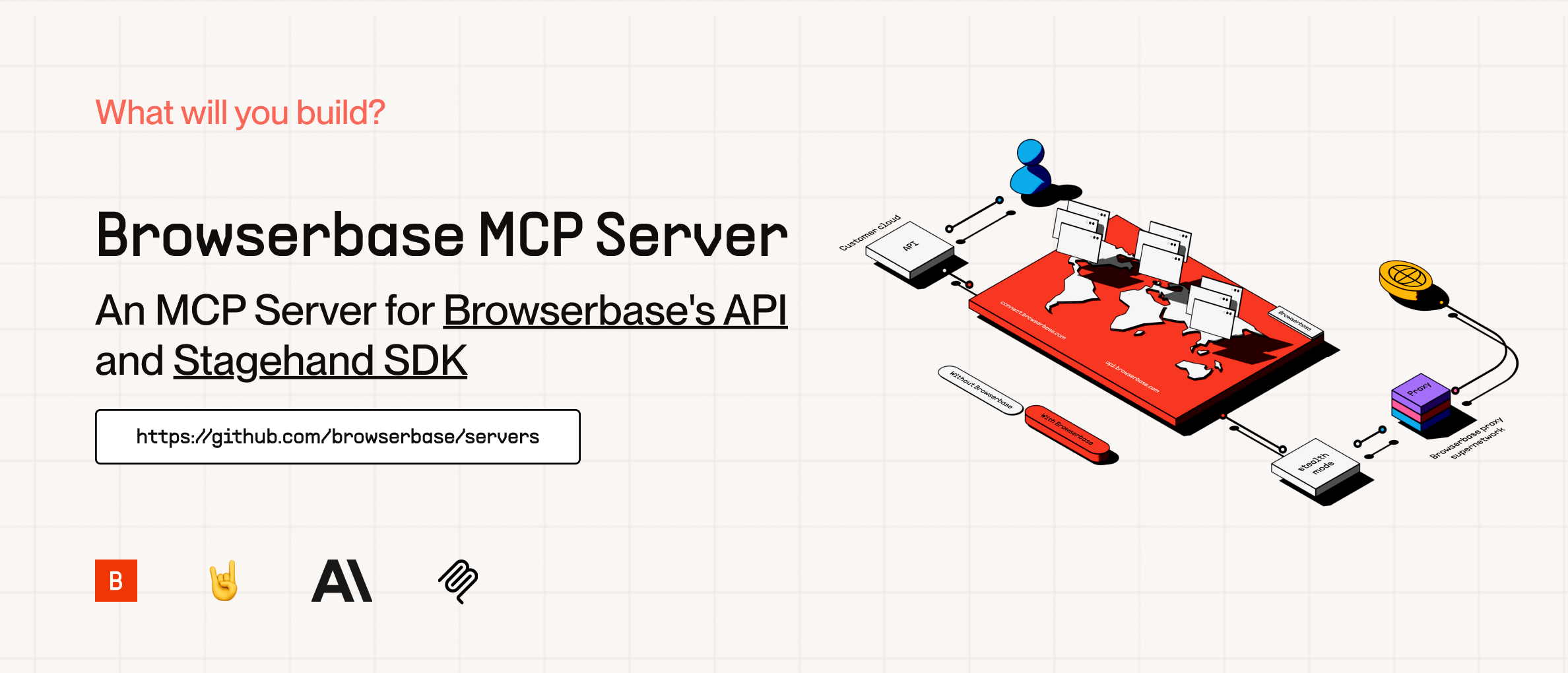
The Model Context Protocol (MCP) is an open protocol that enables seamless integration between LLM applications and external data sources and tools. Whether you’re building an AI-powered IDE, enhancing a chat interface, or creating custom AI workflows, MCP provides a standardized way to connect LLMs with the context they need.
This server provides cloud browser automation capabilities using Browserbase, Puppeteer, and Stagehand (Coming Soon). This server enables LLMs to interact with web pages, take screenshots, and execute JavaScript in a cloud browser environment.
To learn to get started with Browserbase, check out 'browserbase/README.md' or Stagehand MCP.
Getting Started with available MCPs
🌐 Browserbase MCP - Located in browserbase/
| Feature | Description |
|---|---|
| Browser Automation | Control and orchestrate cloud browsers |
| Data Extraction | Extract structured data from any webpage |
| Console Monitoring | Track and analyze browser console logs |
| Screenshots | Capture full-page and element screenshots |
| JavaScript | Execute custom JS in the browser context |
| Web Interaction | Navigate, click, and fill forms with ease |
🤘 Stagehand MCP - Located in stagehand/
| Feature | Description |
|---|---|
| Atomic Instructions | Execute precise actions like act("click the login button") or extract("find the red shoes") |
| Model Flexibility | Supports multiple models, including OpenAI's GPT-4 and Anthropic's Claude-3.5 Sonnet |
| Modular Design | Easily integrate new models with minimal changes |
| Vision Support | Use annotated screenshots for complex DOMs |
| Open Source | Contribute to the project and join the Slack community for support |
Alternative Installation Methods
Установка Browserbase (Browser Automation)
У этого сервера нет опубликованного пакета — он собирается из исходников. Открой репозиторий и следуй инструкции в README.
▸ github.com/xinzhongyouhai/mcp-server-browserbaseFAQ
Browserbase (Browser Automation) MCP бесплатный?
Да, Browserbase (Browser Automation) MCP бесплатный — установка в пару кликов через Unyly без оплаты.
Нужен ли API-ключ для Browserbase (Browser Automation)?
Нет, Browserbase (Browser Automation) работает без API-ключей и переменных окружения.
Browserbase (Browser Automation) — hosted или self-hosted?
Self-hosted: сервер запускается локально на твоей машине командой из раздела установки.
Как установить Browserbase (Browser Automation) в Claude Desktop, Claude Code или Cursor?
Открой Browserbase (Browser Automation) на unyly.org, выбери вкладку своего клиента (Claude Desktop, Claude Code, Cursor) и нажми Install — конфиг сгенерируется автоматически, без правки JSON.
Похожие MCP
Playwright
Browser automation, scraping, screenshots
 автор: Microsoft
Puppeteer
Browser automation and web scraping.
 автор: modelcontextprotocol
opentabs-dev/opentabs
Plugin-based MCP server + Chrome extension that gives AI agents access to web applications through the user's authenticated browser session. 100+ plugins with a
 автор: opentabs-dev
robhunter/agentdeals
1,500+ developer infrastructure deals, free tiers, and startup programs across 54 categories. Search deals, compare vendors, plan stacks, and track pricing chan
 автор: robhunter
Compare Browserbase (Browser Automation) with
Не уверен что выбрать?
Найди свой стек за 60 секунд
Автор?
Embed-бейдж для README
Похожее
Все в категории browse