
DocScout
БесплатноНе проверенBuilds a knowledge graph from GitHub org documentation for AI architecture queries.

Описание
Builds a knowledge graph from GitHub org documentation for AI architecture queries.
README
DocScout-MCP
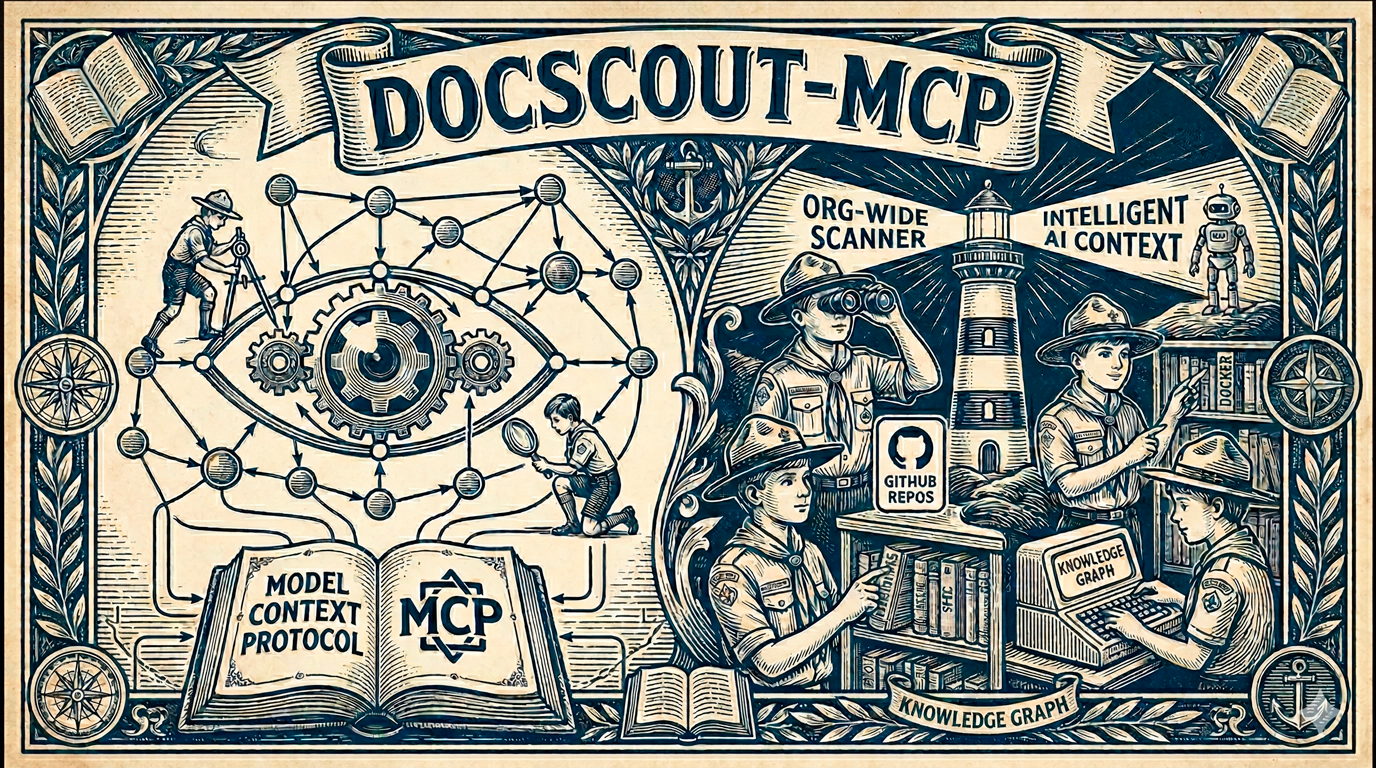
Give your AI assistant a reliable map of your entire GitHub organization.
An MCP server written in Go that continuously scans your GitHub org, builds a persistent knowledge graph from manifests and docs, and exposes it to Claude, Cursor, Copilot, Gemini CLI, and any other MCP-compatible AI — with zero hallucinations.
Go 1.26+ License: AGPL v3 MCP Token Savings Graph Accuracy F1
The Problem
Your AI assistant knows nothing about your internal services. Every time you ask "which teams own the payment service?" or "what breaks if I take down the DB?", it either hallucinates or burns tokens scanning dozens of repos.
DocScout-MCP solves this by pre-computing the answer graph and serving it deterministically over MCP.
How It Works
graph LR
    GH["GitHub Org\n(repos, manifests, docs)"]
    S["Scanner\n(concurrent, retry-safe)"]
    P["Parsers\ngo.mod · pom.xml · package.json\nCODEOWNERS · catalog-info.yaml\nDockerfile · Helm · Terraform · OpenAPI"]
    G["Knowledge Graph\nSQLite · PostgreSQL"]
    AI["AI Clients\nClaude · Cursor · Copilot · Gemini"]

    GH -->|"GitHub API + Webhooks"| S
    S --> P
    P -->|"entities + relations"| G
    G -->|"26 MCP tools"| AI
- Scan — Crawls every repo in your org: docs, manifests, infra files, and root tooling files. Repeats on a configurable interval and reacts to GitHub webhooks for instant updates.
- Parse — Extracts services, owners, dependencies, and relations from
go.mod,pom.xml,package.json,CODEOWNERS,catalog-info.yaml, MCP config files, and more. - Graph — Persists everything as entities and relations in SQLite or PostgreSQL, surviving restarts.
- Answer — AI clients query the graph via 26 MCP tools. No file-reading loops, no token waste, no guessing.
Why DocScout?
| Approach | Accuracy | Token Cost | Setup |
|---|---|---|---|
| AI reads files raw | Hallucination-prone | ~27,000/question | None |
| Backstage catalog | High (manual) | Medium | Heavy (infra team) |
| DocScout-MCP | Verified (F1 1.00) | ~290/question | 5 minutes |
DocScout pre-computes the answer graph from your repos so your AI never reads files to answer architecture questions. See benchmark/RESULTS.md for methodology.
See It In Action
"What happens if I shut down
component:db? Which systems go offline, and who do I notify?"
→ search_nodes("component:db")
  Found: component:db — incoming edge: payment-service depends_on

→ open_nodes(["payment-service"])
  Entity: payment-service (service)
  Observations: _source:go.mod, go_version:1.26, _scan_repo:myorg/payment-service

→ search_nodes("payments-team")
  Entity: payments-team (team)
  Observations: github_handle:@myorg/payments-team
  Relations: payments-team → owns → payment-service

Claude: "Shutting down component:db will impact payment-service.
         Notify @myorg/payments-team. No other services have a direct dependency."
The AI answers from verified graph facts — not file naming conventions or guesses.
Quick Start
1. Get a Fine-Grained GitHub PAT
Go to GitHub → Settings → Developer Settings → Fine-grained tokens.
Grant Read-only access to Contents and Metadata for your org's repositories.
2. Add to Your AI Client
Claude CLI (recommended):
claude mcp add --transport stdio \
  --env GITHUB_TOKEN=github_pat_... \
  --env GITHUB_ORG=my-org \
  docscout-mcp -- go run github.com/doc-scout/mcp-server/cmd/docscout@latest
Or build and run locally:
git clone https://github.com/doc-scout/mcp-server
cd mcp-server

GITHUB_TOKEN="github_pat_..." GITHUB_ORG="my-org" go run ./cmd/docscout/
Docker:
docker run -i \
  -e GITHUB_TOKEN="github_pat_..." \
  -e GITHUB_ORG="my-org" \
  ghcr.io/doc-scout/mcp-server:latest
3. Ask Away
"Which services depend on the billing library?" "Who owns the checkout service?" "List all repos with a Helm chart." "What Go services have direct dependencies on pgx?"
MCP Tools (23)
| Category | Tool | What it does |
|---|---|---|
| Scanner | list_repos |
All repos with indexed files, filterable by type |
search_docs |
Search file paths and repo names | |
get_file_content |
Raw content of any indexed file (path-traversal protected) | |
get_scan_status |
Scanner state, last scan time, cache size | |
trigger_scan |
Queue an immediate full scan without waiting for next interval | |
search_content |
Full-text search across cached docs (SCAN_CONTENT=true) |
|
| Knowledge Graph | create_entities |
Add nodes to the graph |
create_relations |
Add directed edges between nodes | |
add_observations |
Append facts to existing entities | |
update_entity |
Rename an entity or change its type atomically | |
read_graph |
Return the full graph | |
list_entities |
List all entities, optionally filtered by type | |
list_relations |
List relations, filtered by type and/or source entity | |
search_nodes |
Search by name, type, or observation | |
open_nodes |
Retrieve entities with their relations | |
traverse_graph |
BFS traversal: impact analysis, dependency chains | |
find_path |
Shortest connection path between two entities | |
get_integration_map |
Full integration topology of a service in one call | |
delete_entities |
Remove entities (> 10 requires confirm: true) |
|
delete_observations |
Remove specific facts | |
delete_relations |
Remove specific edges | |
| Observability | get_usage_stats |
Per-tool call counts + top 20 most-fetched docs |
| Semantic Search | semantic_search |
Natural-language vector search (requires embedding provider) |
What Gets Scanned
Root-level manifests (extracted into the knowledge graph):
| File | Extracts |
|---|---|
catalog-info.yaml |
Backstage entity, lifecycle, owner, relations |
go.mod |
Module path, Go version, direct dependencies |
package.json |
Package name, version, runtime dependencies |
pom.xml |
Maven artifact, version, compile/runtime deps |
CODEOWNERS |
Team and person ownership per repo |
Dockerfile, Makefile, docker-compose.yml, .mise.toml |
Tooling presence |
README.md, openapi.yaml, swagger.json |
Documentation surface |
Recursive directories: docs/ and .agents/ (.md files) · deploy/, infra/, .github/workflows/ (Helm, Terraform, K8s, workflows)
Key Configuration
| Variable | Required | Default | Description |
|---|---|---|---|
GITHUB_TOKEN |
✅ | — | Fine-grained PAT (read-only Contents + Metadata) |
GITHUB_ORG |
✅ | — | GitHub org or username |
SCAN_INTERVAL |
❌ | 30m |
Re-scan interval (10s, 5m, 1h) |
DATABASE_URL |
❌ | in-memory SQLite | sqlite://path.db or postgres://... |
HTTP_ADDR |
❌ | — | Enable HTTP transport at this address (e.g. :8080) |
SCAN_CONTENT |
❌ | false |
Cache file contents for full-text search |
GITHUB_WEBHOOK_SECRET |
❌ | — | Enable incremental scans on push events |
See full environment variable reference for all options including
SCAN_FILES,SCAN_DIRS,REPO_TOPICS,REPO_REGEX,EXTRA_REPOS, and more.
AI Client Setup
| Client | Guide |
|---|---|
| Claude Desktop / CLI | docs/claude.md |
| VS Code (Copilot Chat) | docs/vscode.md |
| GitHub Copilot | docs/copilot.md |
| Antigravity (Google) | docs/antigravity.md |
| Gemini CLI | docs/gemini.md |
| ChatGPT Desktop | docs/chatgpt.md |
Architecture & Security
- Path-traversal protection: Only files verified by the scanner are accessible. The AI cannot read arbitrary files.
- STDIO safety: No text is ever written to
stdout. All logs go tostderr. Corruption of the JSON-RPC stream is impossible by design. - Rate limit resilience: Every GitHub API call uses exponential backoff with smart
Retry-Afterhandling. - Graph integrity: Observations are sanitized before storage. Mass deletions (> 10 entities) require explicit confirmation.
- Audit log: Every graph mutation emits a structured
slogline to stderr.
For a deep dive, see How It Works.
Roadmap
See ROADMAP.md for completed features and upcoming work, including:
- Semantic Search & RAG — vector embeddings via
pgvector - Custom Parser Extensions — plug in new manifest formats without forking
- Integration Topology Discovery — Kafka, gRPC, HTTP call graph from config files
- Multi-Cloud Adapters — GitLab, Bitbucket, Confluence
- Documentation Wiki (gh-pages) — move the detailed guides to a dedicated GitHub Pages site
Contributing
# Install dependencies
go mod tidy

# Build
go build -o docscout-mcp ./cmd/docscout/

# Test (unit + E2E integration)
go test ./...
Review the Development Guidelines and AGENTS.md before submitting a PR.
License
GNU AGPL v3
Disclaimer
This software is provided "as is", without warranty of any kind. AI-generated output depends on indexed repository data — always verify before acting on it. See DISCLAIMER.md for full details.
Установка DocScout
У этого сервера нет опубликованного пакета — он собирается из исходников. Открой репозиторий и следуй инструкции в README.
▸ github.com/doc-scout/mcp-serverFAQ
DocScout MCP бесплатный?
Да, DocScout MCP бесплатный — установка в пару кликов через Unyly без оплаты.
Нужен ли API-ключ для DocScout?
Нет, DocScout работает без API-ключей и переменных окружения.
DocScout — hosted или self-hosted?
Self-hosted: сервер запускается локально на твоей машине командой из раздела установки.
Как установить DocScout в Claude Desktop, Claude Code или Cursor?
Открой DocScout на unyly.org, выбери вкладку своего клиента (Claude Desktop, Claude Code, Cursor) и нажми Install — конфиг сгенерируется автоматически, без правки JSON.
Похожие MCP
GitHub
PRs, issues, code search, CI status
 автор: GitHub
Filesystem
Secure file operations with configurable access controls.
Memory
Knowledge graph-based persistent memory system.
Template MCP Server
A CLI tool to create a new Model Context Protocol server project with TypeScript support, dual transport options, and an extensible structure
 автор: mcpdotdirect
Compare DocScout with
Не уверен что выбрать?
Найди свой стек за 60 секунд
Автор?
Embed-бейдж для README
Похожее
Все в категории development