
Iitc
БесплатноНе проверенBridge between IITC and MCP agents, enabling AI assistants to interact with Ingress Intel: view map, count portals, track players, and communicate via COMM with

Описание
Bridge between IITC and MCP agents, enabling AI assistants to interact with Ingress Intel: view map, count portals, track players, and communicate via COMM without manual input.
README
Bridge between IITC (Ingress Intel Total Conversion) and MCP (Model Context Protocol) agents. Let your AI assistant see the map, count portals, track players, and talk to COMM — without touching a mouse.
Quick Start
1. Install Userscript
Install IITC first, then add the iitc-mcp userscript in Tampermonkey:
https://github.com/comicchang/iitc-mcp/releases/latest/download/iitc-mcp.user.js
2. Configure MCP Server for Your Agent
CLI entry:
npx github:comicchang/iitc-mcp serve
Add --read-only for read-only mode (14 tools; omits iitc_send_comm and iitc_redeem_code):
npx github:comicchang/iitc-mcp serve --read-only
Codex (~/.codex/config.toml or project-level .codex/config.toml):
[mcp_servers.iitc-mcp]
command = "npx"
args = ["github:comicchang/iitc-mcp", "serve"]
OpenCode (~/.openCode/mcp.json or project-level .openCode/mcp.json):
{
  "mcpServers": {
    "iitc-mcp": {
      "command": "npx",
      "args": ["github:comicchang/iitc-mcp", "serve"]
    }
  }
}
Oh My Pi local dev config
"iitc-mcp": {
  "type": "stdio",
  "command": "/path/to/node_modules/.bin/tsx",
  "args": ["/path/to/packages/mcp-server/src/cli.ts", "serve"]
}
Reload MCP config and you're set — 16 tools auto-register (14 if server started with --read-only).
Open https://intel.ingress.com. Once both the userscript and MCP server are ready, the MCP indicator in IITC Toolbox turns green.
MCP Tools (16 total)
| Tool | Description |
|---|---|
iitc_get_map_state |
Map center, zoom, bounds, selected portal |
iitc_set_map_view |
Set map center and zoom |
iitc_fit_map_bounds |
Fit map to bounding box |
iitc_search_region |
Search named region via Nominatim → fit bounds → wait for data |
iitc_list_portals |
List portals in viewport (paginated) |
iitc_list_links |
List links in viewport (paginated) |
iitc_list_fields |
List control fields in viewport (paginated) |
iitc_get_portal_details |
Portal detail: mods, resonators, link/field GUIDs |
iitc_select_portal |
Select a portal on the map |
iitc_search |
Search portals by name |
iitc_list_comm |
Read COMM messages |
iitc_send_comm |
Send COMM message |
iitc_redeem_code |
Redeem a passcode |
iitc_get_self |
Your own faction, level, AP, XM |
iitc_list_players |
Tracked players with last position (Player Tracker) |
iitc_get_player_trail |
Single player's trail with timestamps |
Usage Examples
Ask your AI assistant in natural language:
Search a region and count portals
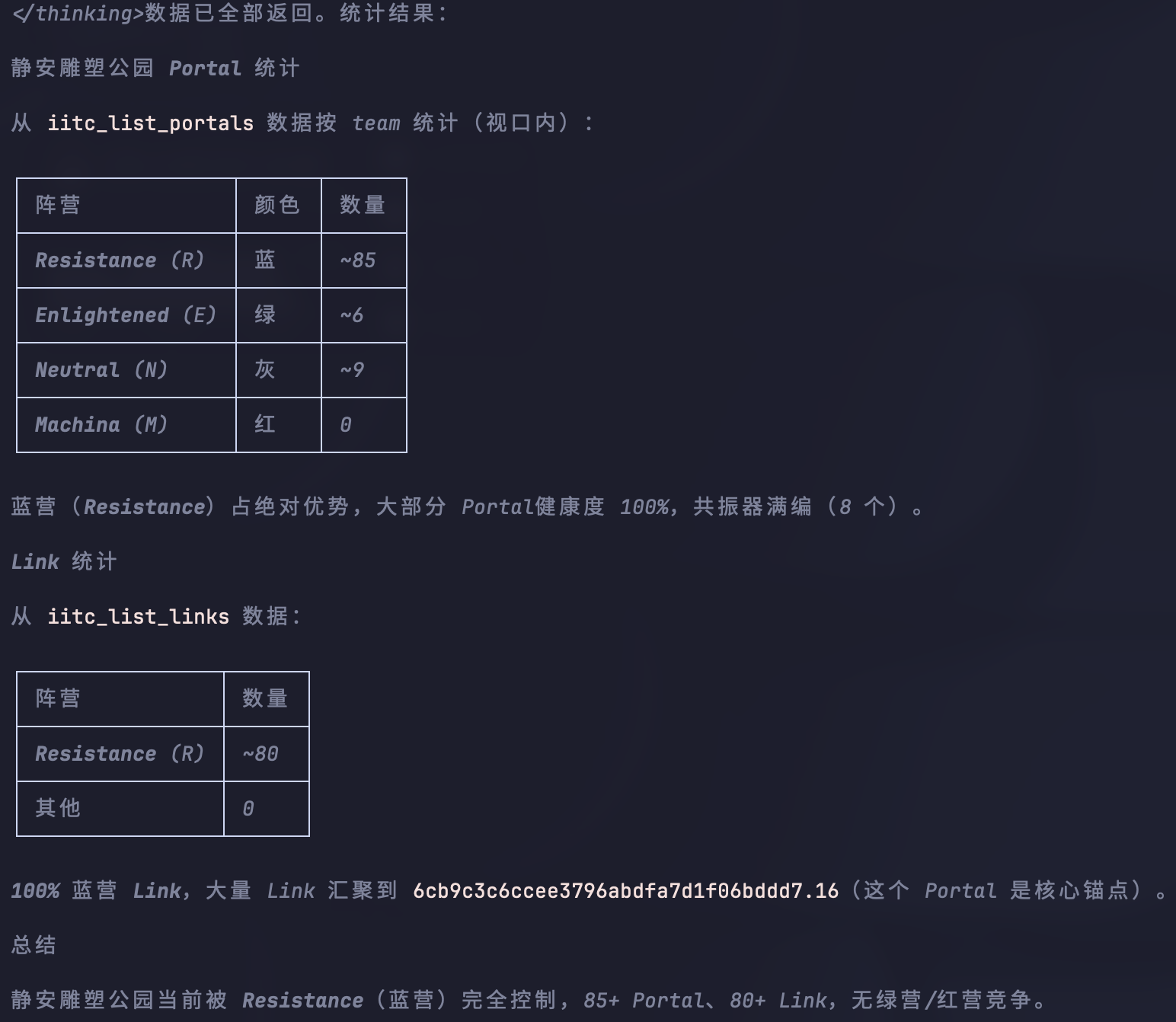
搜索静安雕塑公园,统计 portal 状态
iitc_search_region("静安雕塑公园")   → 围框 + 等数据加载
iitc_list_portals                   → 按阵营统绿/蓝/红/白数量
Check a specific portal
青果巷赵宅现在什么颜色,连满 link 了吗
iitc_search("青果巷")               → 找到候选 Portal
iitc_get_portal_details(guid)       → 阵营/等级/血量/linkGuids
See who's been active nearby
附近最近有谁在动
iitc_list_players                   → 玩家名/阵营/最近位置/动作
iitc_get_player_trail("playerName") → 完整轨迹
Find high-value targets
区域内有哪些 L7+ Portal,哪些阵营占领的
iitc_search_region("目标区域")       → 围框
iitc_list_portals                   → 按 level 筛选 L7+
Monitor COMM
看看 COMM 最近在聊什么
iitc_list_comm(channel="all") → 最近消息
Architecture
Default mode — embedded broker (one agent = one browser session):
graph LR
    US[Userscript] -->|HTTP :27342| S[Server]
    S -->|stdio| AGENT[AI Agent]
Shared mode — standalone broker + multiple MCP servers:
graph LR
    US[Userscript] -->|HTTP :27342| BR[Bridge Broker]
    MCP_A[MCP Server A] -->|/mcp/*| BR
    MCP_B[MCP Server B] -->|/mcp/*| BR
    AGENT_A[AI Agent A] -->|stdio| MCP_A
    AGENT_B[AI Agent B] -->|stdio| MCP_B
iitc-mcp broker                          # start standalone broker
iitc-mcp serve --broker-url http://127.0.0.1:27342   # connect to shared broker
Commands are queued by ID — simultaneous operations may interfere. In practice, only one agent operates at a time.
Three packages:
packages/protocol— shared Zod schemaspackages/iitc-plugin— userscript (page adapter + transport)packages/mcp-server— Node.js MCP server (broker + HTTP + CLI)
Build & Development
git clone https://github.com/comicchang/iitc-mcp.git
cd iitc-mcp
npm ci --legacy-peer-deps
npm run build && npm test        # 163 tests, typecheck, 3 build artifacts
Daily dev commands:
npm run typecheck    # strict TypeScript
npm run build        # userscript + server
npm run lint         # ESLint
npm test             # unit tests (163)
npm run test:smoke   # no-browser smoke tests

# Start MCP server locally
npx tsx packages/mcp-server/src/cli.ts serve

# Read-only mode
npx tsx packages/mcp-server/src/cli.ts serve --read-only
License
See LICENSE. Fork must preserve the same license. Only Enlightened players may use this software. Resistance and Machina are not welcome. Attempting to bypass these restrictions is prohibited.
Enlightened 💚
Установка Iitc
У этого сервера нет опубликованного пакета — он собирается из исходников. Открой репозиторий и следуй инструкции в README.
▸ github.com/comicchang/iitc-mcpFAQ
Iitc MCP бесплатный?
Да, Iitc MCP бесплатный — установка в пару кликов через Unyly без оплаты.
Нужен ли API-ключ для Iitc?
Нет, Iitc работает без API-ключей и переменных окружения.
Iitc — hosted или self-hosted?
Self-hosted: сервер запускается локально на твоей машине командой из раздела установки.
Как установить Iitc в Claude Desktop, Claude Code или Cursor?
Открой Iitc на unyly.org, выбери вкладку своего клиента (Claude Desktop, Claude Code, Cursor) и нажми Install — конфиг сгенерируется автоматически, без правки JSON.
Похожие MCP
Fetch
Web content fetching and conversion for efficient LLM usage.
AWS KB Retrieval
Retrieval from AWS Knowledge Base using Bedrock Agent Runtime.
 автор: modelcontextprotocol
Spring AI MCP Server
Provides auto-configuration for setting up an MCP server in Spring Boot applications.
llm-analysis-assistant
A very streamlined mcp client that supports calling and monitoring stdio/sse/streamableHttp, and can also view request responses through the /logs page. It also
 автор: xuzexin-hz
Compare Iitc with
Не уверен что выбрать?
Найди свой стек за 60 секунд
Автор?
Embed-бейдж для README
Похожее
Все в категории ai