
IWE
БесплатноНе проверенiwec gives AI agents structured access to your Markdown notes as a knowledge graph instead of a pile of files. Agents search, retrieve, traverse, and refactor y

Описание
iwec gives AI agents structured access to your Markdown notes as a knowledge graph instead of a pile of files. Agents search, retrieve, traverse, and refactor your notes by structure and links — not blind text similarity — working from the same plain .md files you edit by hand. No database, no cloud, no lock-in.
README
Turn your thinking into queryable context
Crates.io Downloads License Build Documentation Discussions Twitter Reddit
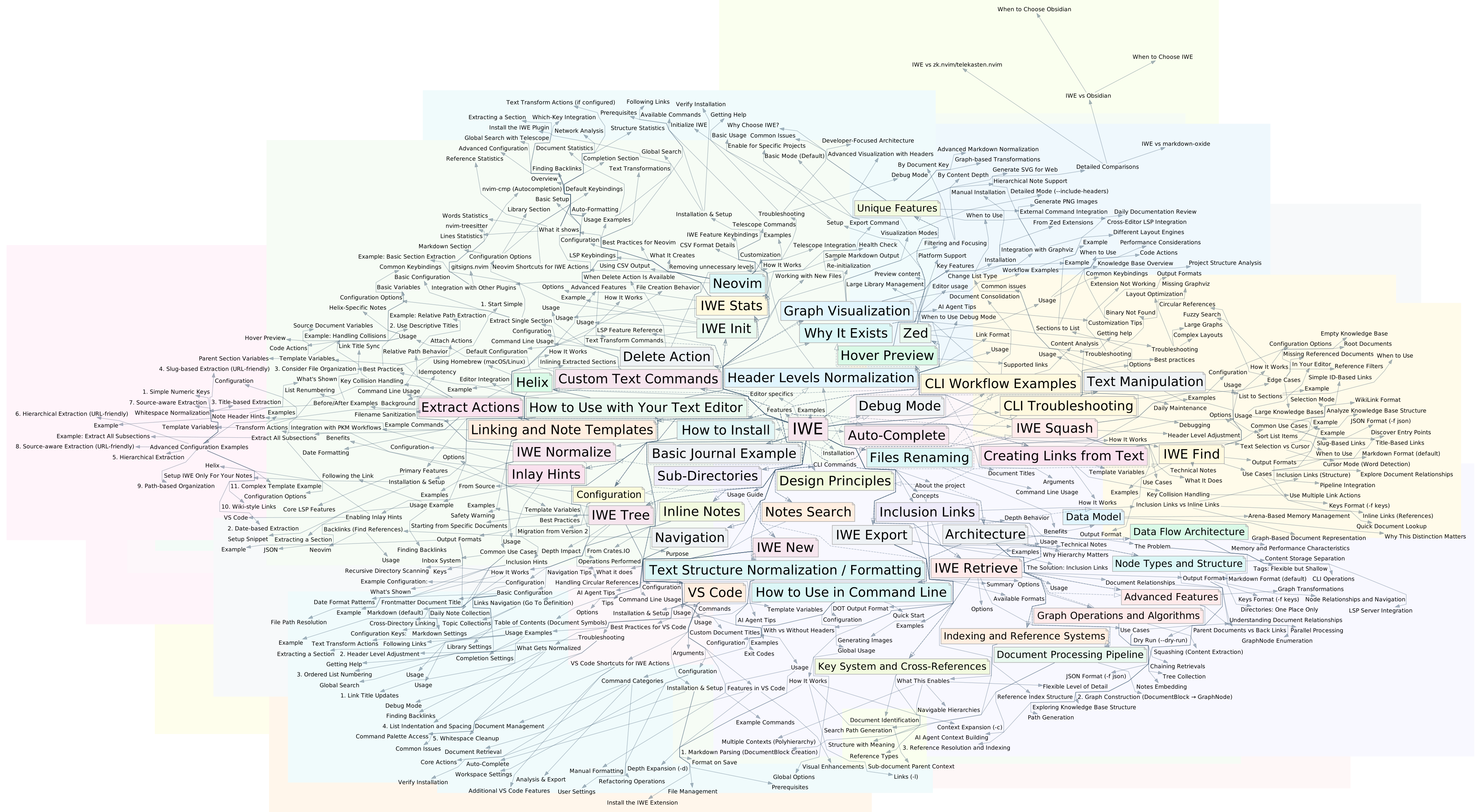
IWE turns a directory of markdown files into a knowledge graph — a connected structure you browse from your editor and your AI queries from the command line. Same files, same links, two interfaces. No cloud, no database, no lock-in. Version everything with git.
Write in Markdown, structure with links, give AI agents the tools to navigate your knowledge. IWE itself has no built-in AI — it works alongside Claude, Codex, Gemini, and any tool that speaks the Model Context Protocol.
What You Get
- Plain markdown, full ownership. Your notes are
.mdfiles in a local directory. Read them, edit them,git pushthem. Nothing proprietary. - A graph, not a folder tree. Link notes together and the same note can belong to multiple topics without copying the file. (How linking works)
- IDE features for your editor. Real LSP integration with VS Code, Neovim, Zed, and Helix — search, refactor, rename, autocomplete.
- Structured access for AI agents. CLI tools and an MCP server let agents search, retrieve, and refactor the same notes you edit by hand.
- Fast. Built in Rust, processes 20,000 files in under a second.
How It Works
IWE treats your notes as a connected structure. You organize them with two types of links:
- Nesting — a link on its own line means "this topic includes that subtopic." Your notes form a tree you can browse and refactor. IWE calls these inclusion links.
- Cross-references — regular inline links connect notes across topics, creating a web of relationships.
- Multiple parents — the same note can live under several places at once. A "Meditation" note can belong to both "Health" and "Productivity" without duplicating the file.
- Context from parents — when you retrieve a note, IWE can include context from the notes above it in the hierarchy.
This structure makes retrieval powerful — whether you're browsing in your editor or an agent is querying via CLI, ask for a topic and get its full context in a single call.
Working with AI
IWE gives AI agents structured access to your notes through two interfaces: a CLI for scripting and shell-based workflows, and an MCP server for native connection with AI tools. Both expose the same operations — search, retrieve, create, refactor — so you can choose whichever fits your setup.
Integration Server (MCP)
IWE includes a server (iwec) that lets AI tools like Claude Desktop, Cursor, and Windsurf work directly with your notes using the Model Context Protocol. The server watches your files for changes, so edits you make in your editor are reflected immediately.
Command-Line Tools
The CLI lets you (and AI agents) work with your notes from the terminal or in scripts.
Example: preparing context for an AI conversation
iwe find auth

iwe retrieve --key authentication --depth 2

iwe tree --key oauth
Available commands:
| Command | What it does |
|---|---|
find |
Search notes with fuzzy matching |
retrieve |
Get a note with its children and parent context |
tree |
Show the hierarchy from any starting point |
squash |
Flatten a subtree into one document |
new |
Create a note (accepts content from stdin) |
extract |
Pull a section into its own note |
inline |
Merge a linked note back into its parent |
rename |
Rename a note; all links update automatically |
delete |
Remove a note and clean up references |
More information: Working with AI · CLI Reference · MCP Server
Editor Integration
IWE gives your editor IDE-like features for markdown notes. It works with VS Code, Neovim, Zed, Helix, and any editor that supports the Language Server Protocol (LSP).
- Search — find notes by title or content
- Navigate — go to definition, find references (backlinks)
- Preview — hover over links to see content
- Auto-complete — link suggestions as you type
- Inlay hints — show parent references and link counts
- Extract — pull sections into new notes
- Inline — embed note content back into parent
- Rename — rename files with automatic link updates
- Format — normalize documents, update link titles
- Transform — pipe text through external commands
- Templates — create notes from templates (daily notes, etc.)
- Outline conversion — switch between headers and lists
More information: Editor Features
Quick Start
Install the CLI and LSP server:
Using Homebrew (macOS/Linux):
brew tap iwe-org/iwe
brew install iwe
Or using Cargo:
cargo install iwe iwes iwecInitialize your workspace:
cd ~/notes
iwe init
Pick your path:
Set up your editor — VS Code · Neovim · Helix · Zed
Connect your AI agent — point it at the MCP server:
{
  "mcpServers": {
    "iwe": {
      "command": "iwec",
      "args": ["--project", "~/notes"]
    }
  }
}
Documentation
- Getting Started — Installation and setup
- Usage Guide — Editor features and workflows
- CLI Reference — Command-line tools
- Working with AI — AI agent integration
- MCP Server — Native AI tool integration via Model Context Protocol
- Configuration — Settings and customization
- Examples — Example projects and case studies
Get Involved
IWE is open source and community-driven. Join the discussions, report issues, or contribute to the documentation.
Community: Twitter/X · Reddit · Discussions
Editor plugins: VS Code · Neovim · Zed
Agentic skills: iwe-org/skills — agentic AI skills for knowledge graph management. Contributors welcome.
License
Установка IWE
У этого сервера нет опубликованного пакета — он собирается из исходников. Открой репозиторий и следуй инструкции в README.
▸ github.com/iwe-org/iweFAQ
IWE MCP бесплатный?
Да, IWE MCP бесплатный — установка в пару кликов через Unyly без оплаты.
Нужен ли API-ключ для IWE?
Нет, IWE работает без API-ключей и переменных окружения.
IWE — hosted или self-hosted?
Self-hosted: сервер запускается локально на твоей машине командой из раздела установки.
Как установить IWE в Claude Desktop, Claude Code или Cursor?
Открой IWE на unyly.org, выбери вкладку своего клиента (Claude Desktop, Claude Code, Cursor) и нажми Install — конфиг сгенерируется автоматически, без правки JSON.
Похожие MCP
wenb1n-dev/SmartDB_MCP
A universal database MCP server supporting simultaneous connections to multiple databases. It provides tools for database operations, health analysis, SQL optim
 автор: wenb1n-dev
Postgres Server
This server enables interaction with PostgreSQL databases through the Model Context Protocol, optimized for the AWS Bedrock AgentCore Runtime. It provides tools
 автор: madhurprash
Postgres
Query your database in natural language
 автор: Anthropic
PostgreSQL
Read-only database access with schema inspection.
автор: modelcontextprotocolCompare IWE with
Не уверен что выбрать?
Найди свой стек за 60 секунд
Автор?
Embed-бейдж для README
Похожее
Все в категории data