
Learnbot
БесплатноНе проверенAI chatbot orchestrator — personas, safety-guarded conversations, TTS, VRM avatar, structured language lessons (any language, deep Japanese/JLPT)

Описание
AI chatbot orchestrator — personas, safety-guarded conversations, TTS, VRM avatar, structured language lessons (any language, deep Japanese/JLPT)
README




AI chatbot orchestrator — personas, safety-guarded conversations, spoken TTS, an interactive VRM avatar, and structured language lessons (any language, with deep Japanese/JLPT support) — all logged and auditable.
Preview
The webapp is a 12-page control panel (Personas, Chat, Avatar, Lessons, Japanese, Safety, Audit, Compliance, Voices, Demos, Help) - this is the human side of what the MCP tools drive for agents.
| Dashboard | Chat | Japanese |
|---|---|---|
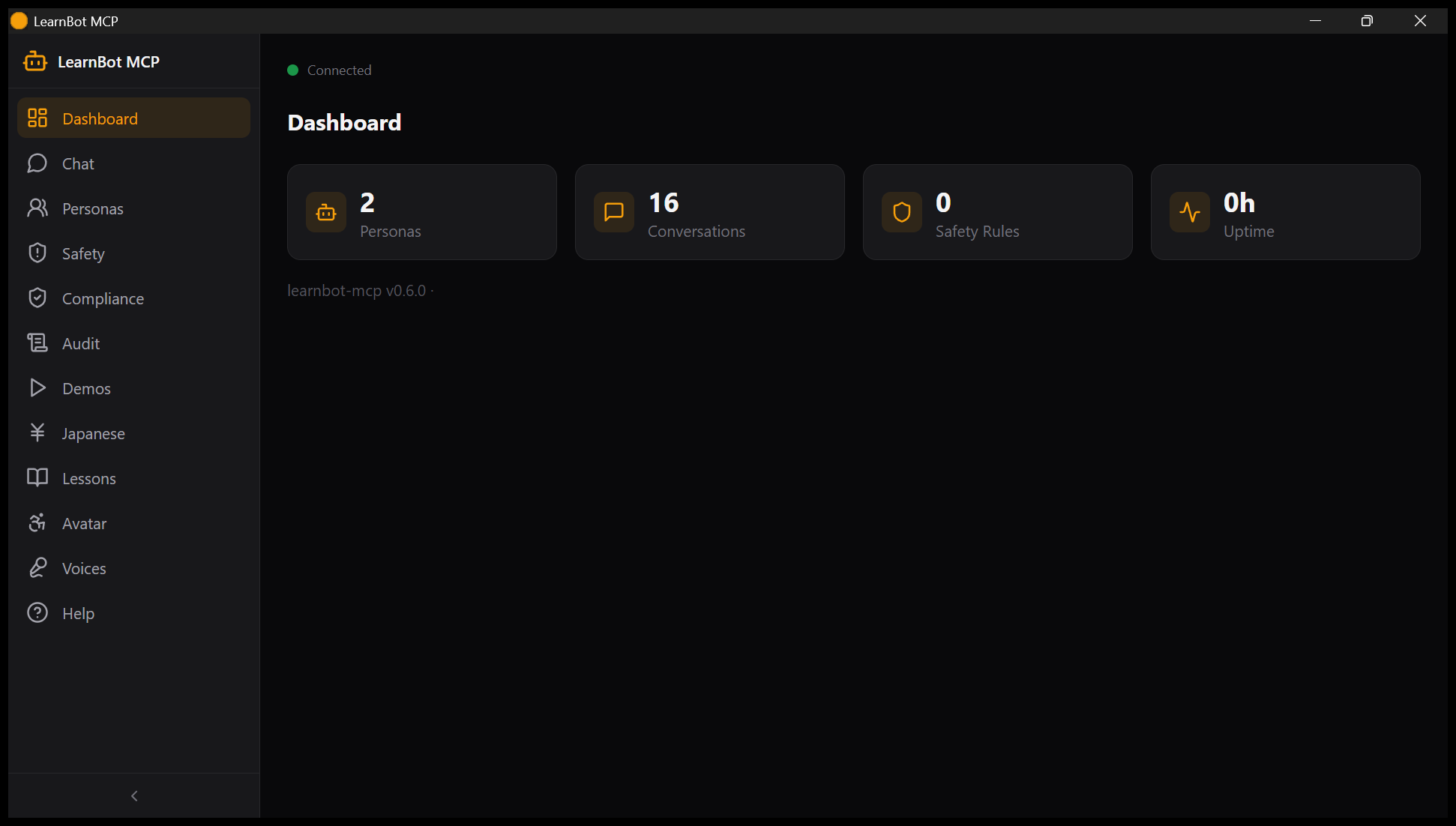 |
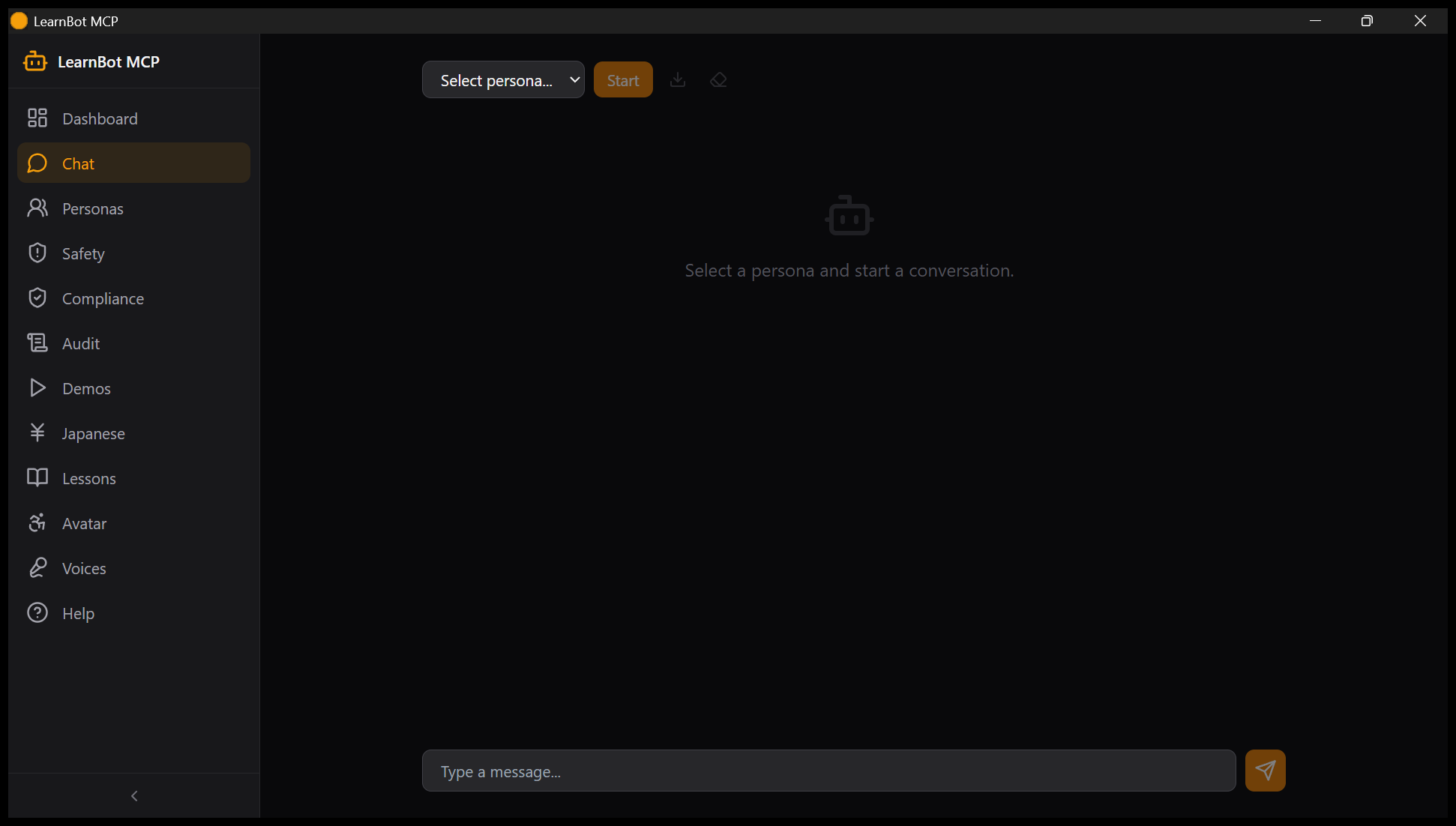 |
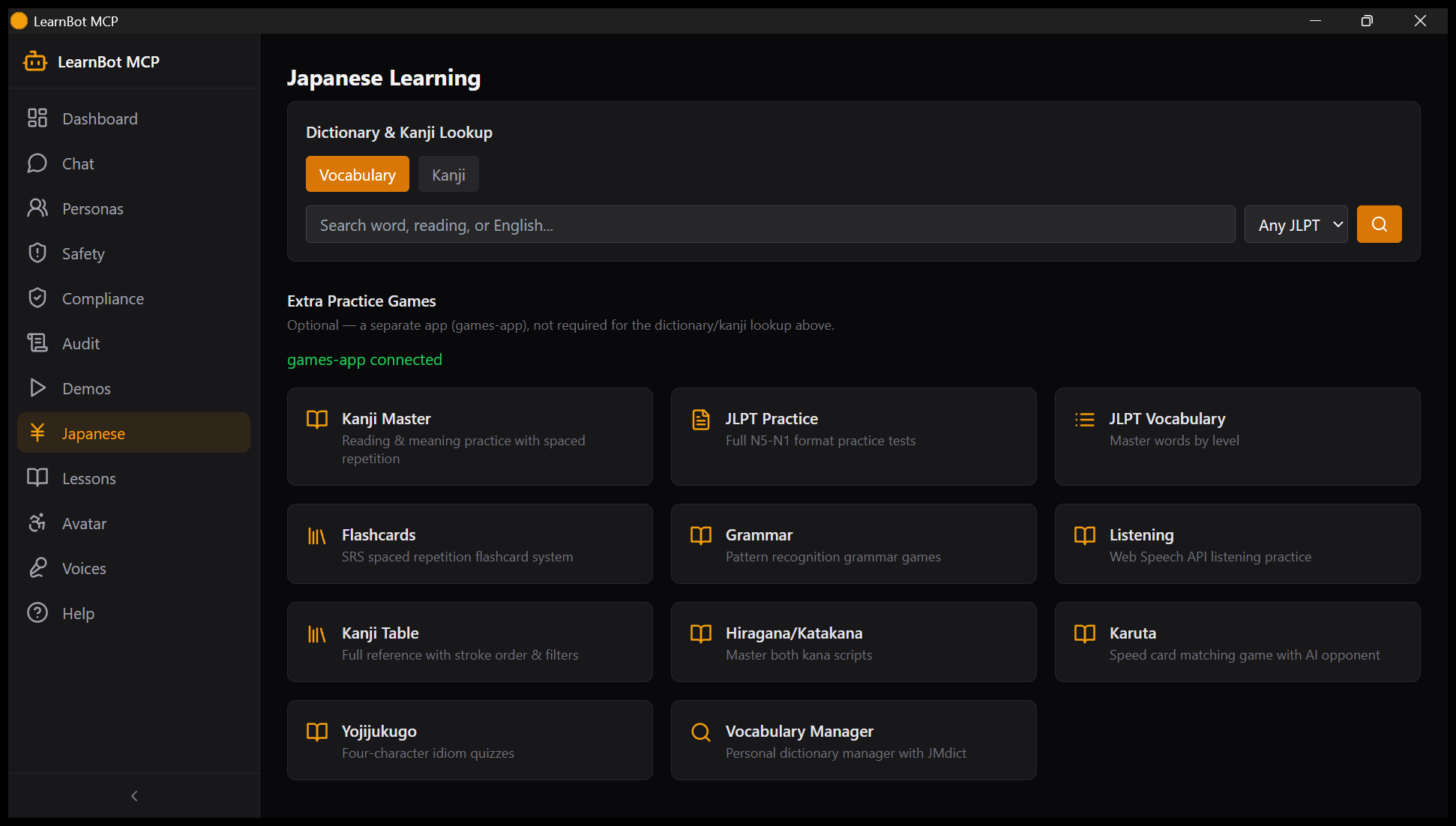 |
Captured 2026-08-02 by the CUA-NSIS smoke test against the installed app
(12 pages, live API data - see docs/screenshots/cua-*.png).
Features
- Personas — define AI characters with backstory, voice, languages, skills, and scheduled proactive messages
- Safety-guarded chat — topic blocking, rate limiting, PII redaction, full conversation audit log
- Interactive VRM avatar (
/avatar) — three.js viewer with orbit/zoom, facial expressions, auto-blink, look-at-cursor; served fromGET /api/avatar.vrm - Language-agnostic lessons — AI-generated lesson plans, spaced-repetition vocab quizzes (SM-2), grammar check, graded readers; every tool takes
source_lang/target_lang, not just Japanese - Deep Japanese/JLPT toolset (
/japanese) — bundled kanji, JMdict, JLPT vocab (N5–N1), and example-sentence lookups run on local SQLite, no external service required — plus 11 linked practice games (kanji drills, flashcards, karuta, listening) from a separate optionalai-games-collection - Multi-platform output — speak via TTS (Gemini prosody via speech-mcp, falls back to Windows SAPI5), or send to Discord/Resonite bridges
- 35 MCP tools across personas, conversations, lessons, language tools, safety, and audit — see docs/TOOLS.md
Quick Install
Drag learnbot-mcp-{version}.mcpb onto Claude Desktop.
See INSTALL.md for all install paths (drag-and-drop, mcpb CLI, manual config, dev mode) — manual config is what's actually verified working today.
What You Can Do
"Create a persona named Miko who teaches Japanese, start a chat with her, and quiz me on N5 vocabulary."
"Show me the VRM avatar with a happy expression and have her say hello."
"Generate a beginner Spanish lesson on ordering food, then run it in a new conversation."
Documentation
| Doc | Contents |
|---|---|
| Installation | All install methods, prerequisites |
| Configuration | Env vars, config options |
| Tool Reference | All 35 MCP tools |
| Development | Contributing, local setup, tests |
| Troubleshooting | Common issues |
| Japanese Learning Guide | Full-spectrum Japanese learning — four skills, phased workflow, JLPT comparison |
| Distance Learning | Paired with classroom-mcp — courses, teaching agents, courseware |
| Arabic → German Integration | دليل بالعربية — learn German for Austrian daily life |
| Chatbot Ethics | Addiction, regulation, pseudohuman dynamics |
Requirements
- Claude Desktop (or another MCP client) + Python 3.12+
- Node.js, for the webapp
- Windows for the TTS SAPI5 fallback; core features are OS-agnostic
- Optional: local-llm-mcp or Ollama, for AI-generated lessons/grammar-check/reading passages — the dictionary/kanji/JLPT tools need no LLM at all
License
MIT — see LICENSE.
Установка Learnbot
У этого сервера нет опубликованного пакета — он собирается из исходников. Открой репозиторий и следуй инструкции в README.
▸ github.com/sandraschi/learnbot-mcpFAQ
Learnbot MCP бесплатный?
Да, Learnbot MCP бесплатный — установка в пару кликов через Unyly без оплаты.
Нужен ли API-ключ для Learnbot?
Нет, Learnbot работает без API-ключей и переменных окружения.
Learnbot — hosted или self-hosted?
Self-hosted: сервер запускается локально на твоей машине командой из раздела установки.
Как установить Learnbot в Claude Desktop, Claude Code или Cursor?
Открой Learnbot на unyly.org, выбери вкладку своего клиента (Claude Desktop, Claude Code, Cursor) и нажми Install — конфиг сгенерируется автоматически, без правки JSON.
Похожие MCP
Fetch
Web content fetching and conversion for efficient LLM usage.
AWS KB Retrieval
Retrieval from AWS Knowledge Base using Bedrock Agent Runtime.
 автор: modelcontextprotocol
Spring AI MCP Server
Provides auto-configuration for setting up an MCP server in Spring Boot applications.
llm-analysis-assistant
A very streamlined mcp client that supports calling and monitoring stdio/sse/streamableHttp, and can also view request responses through the /logs page. It also
 автор: xuzexin-hz
Compare Learnbot with
Не уверен что выбрать?
Найди свой стек за 60 секунд
Автор?
Embed-бейдж для README
Похожее
Все в категории ai