loading…
/ru
Весь каталог
Wallet Signer
БесплатноНе проверенNon-custodial MCP server that routes blockchain transactions to your browser wallet (MetaMask, Rabby, etc.) for signing — private keys never leave your browser.

Описание
Non-custodial MCP server that routes blockchain transactions to your browser wallet (MetaMask, Rabby, etc.) for signing — private keys never leave your browser.
README
npm version License: MIT MCP Badge
Your private keys never leave your browser. Every transaction requires explicit user approval in your wallet.
Most blockchain MCPs require you to paste a private key into a config file — giving the AI agent full, unsupervised access to your funds. MCP Wallet Signer takes a different approach: it routes every transaction to your actual browser wallet — EVM wallets (MetaMask, Rabby, …) via EIP-6963, and TRON via TronLink — so you review and approve each action just like any other dapp interaction. No keys in config files, no risk of silent transactions.
Compatible With




Works with any MCP-compatible client via stdio transport.
Installation
Claude Code CLI
claude mcp add wallet-signer -- npx -y mcp-wallet-signer
(The name wallet-signer is just the MCP server identifier — pick anything you like. Legacy evm-wallet still works for users who installed before TRON support landed.)
Claude Desktop
Add to your claude_desktop_config.json:
{
  "mcpServers": {
    "wallet-signer": {
      "command": "npx",
      "args": ["-y", "mcp-wallet-signer"]
    }
  }
}
Run directly
npx -y mcp-wallet-signer
pnpx mcp-wallet-signer
bunx mcp-wallet-signer
MCP Tools
EVM (MetaMask / Rabby / any EIP-6963 wallet)
| Tool | Description | Browser Required |
|---|---|---|
connect_wallet |
Connect wallet, return address | Yes |
send_transaction |
Send ETH/tokens, call contracts | Yes |
sign_message |
Sign arbitrary message (personal_sign) | Yes |
sign_typed_data |
Sign EIP-712 typed data | Yes |
get_balance |
Read ETH balance (via RPC) | No |
get_token_balance |
Read ERC-20 balance (balanceOf/decimals/symbol) |
No |
TRON (TronLink)
| Tool | Description | Browser Required |
|---|---|---|
tron_connect_wallet |
Connect TronLink, return Base58 (T…) address | Yes |
tron_send_transaction |
Native TRX transfer | Yes |
tron_trigger_contract |
TRC-20 / smart-contract call via triggerSmartContract |
Yes |
tron_sign_message |
Sign arbitrary message (signMessageV2) |
Yes |
tron_sign_typed_data |
Sign TIP-712 typed data | Yes |
tron_get_balance |
Read TRX balance (via TronGrid) | No |
tron_get_token_balance |
Read TRC-20 balance (balanceOf/decimals/symbol) |
No |
How It Works
- Agent calls an MCP tool (e.g.,
send_transactionortron_send_transaction) - Server opens browser to a local signing page (EVM and TRON each run their own HTTP bridge on a separate port)
- User connects wallet and approves the action — in MetaMask/Rabby/etc. for EVM, in TronLink for TRON
- Result (address, tx hash, signature) returned to agent
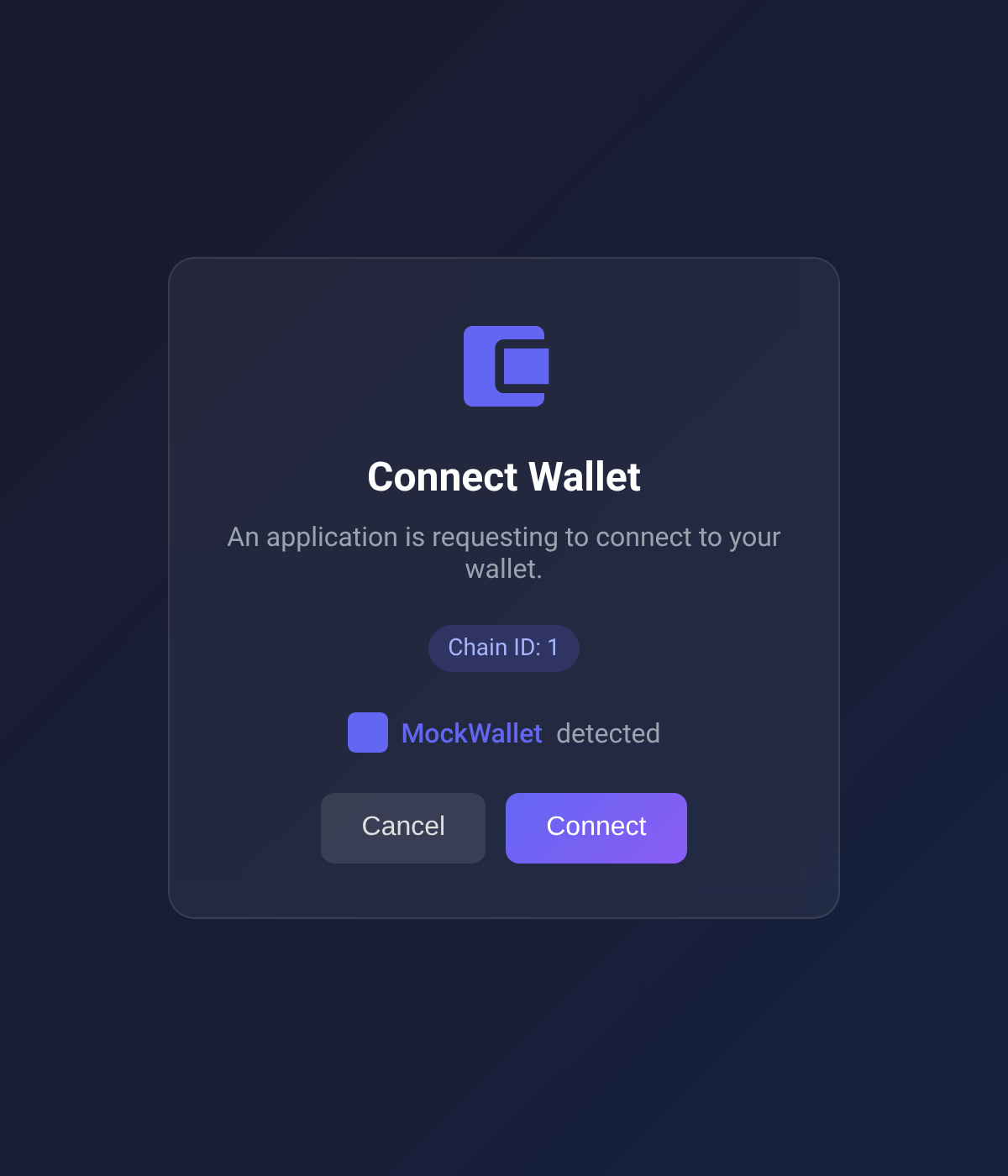
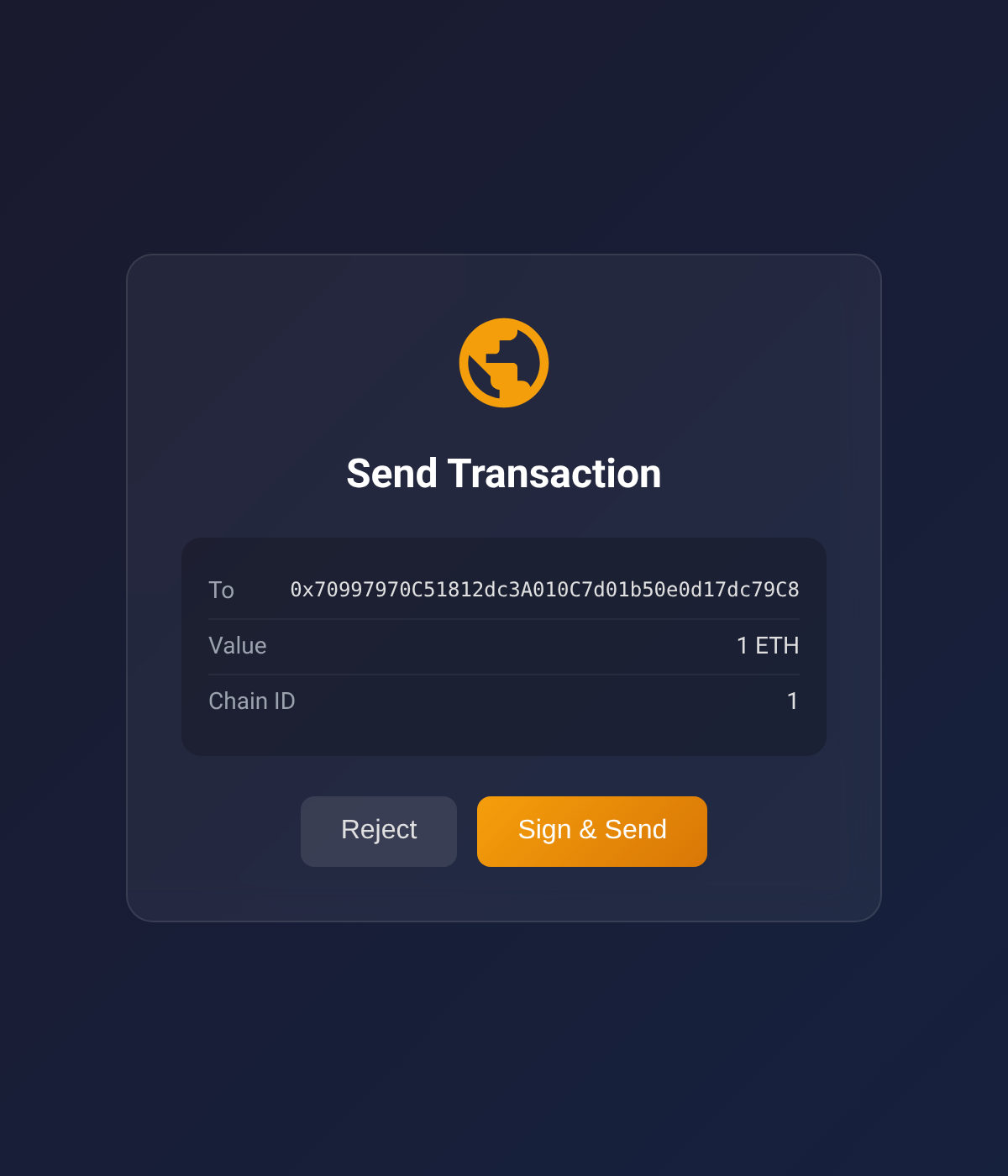
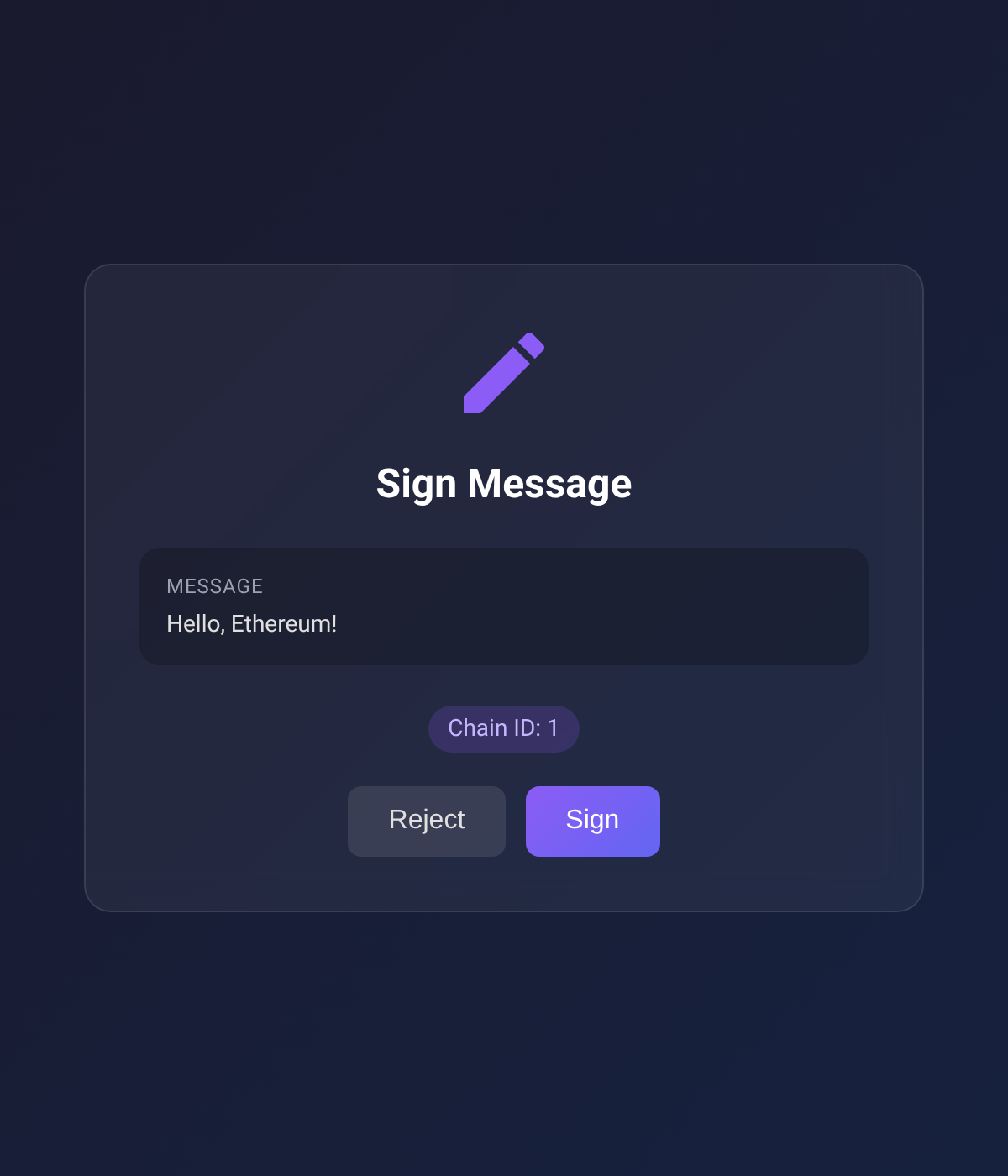
Screenshots below show the EVM approval UI; the TRON UI mirrors the same card layout with TronLink-specific copy and TRX denomination.
| Connect Wallet | Send Transaction | Sign Message |
|---|---|---|
 |
 |
 |
Supported Chains
Built-in RPC URLs for:
- Ethereum (1)
- Sepolia (11155111)
- Polygon (137)
- Arbitrum One (42161)
- Optimism (10)
- Base (8453)
- Avalanche (43114)
- BNB Smart Chain (56)
Supported TRON Networks
- Tron Mainnet
- Shasta Testnet
- Nile Testnet
Configuration
Environment variables (optional):
| Variable | Description | Default |
|---|---|---|
EVM_MCP_PORT |
EVM HTTP server port | 3847 |
EVM_MCP_DEFAULT_CHAIN |
Default EVM chain ID | 1 |
TRON_MCP_PORT |
TRON HTTP server port | 3848 |
TRON_MCP_DEFAULT_NETWORK |
Default TRON network (mainnet/shasta/nile) | mainnet |
Packages
This is a monorepo with three published packages plus one internal one:
| Package | Published | Description |
|---|---|---|
| wallet-signer-core | internal | Chain-agnostic primitives (PendingStore, HTTP bridge, errors). Bundled into each chain package at build time — never installed directly. |
| browser-evm-signer | npm + JSR | Standalone library — sign EVM transactions via MetaMask/Rabby/any EIP-6963 wallet |
| browser-tron-signer | npm + JSR | Standalone library — sign TRON transactions via TronLink |
| mcp-wallet-signer | npm | MCP server — exposes the EVM and TRON signers as MCP tools for AI agents |
Use the chain-specific packages directly if you want browser-based signing in your own Node.js/Deno app without MCP.
Development
Requires Deno v2.0+.
# Install all dependencies
deno task install:all

# Type check + lint + format check (all packages)
deno task check:all

# Run tests
deno task test:all

# Build all npm packages
deno task build:all

# Format code
deno task fmt
Manual signing CLI
A signer-cli script triggers the same flows that the MCP tools do, but from your shell —
useful for smoke-testing against a real wallet without going through an MCP client.
# Discover subcommands
deno task cli                                 # top-level help
deno task cli evm help                        # EVM subcommands
deno task cli tron help                       # TRON subcommands
deno task cli evm send-transaction --help     # subcommand flags

# Examples (each opens a browser; sign in MetaMask / TronLink)
deno task cli evm  connect --chain 1
deno task cli evm  send-transaction --to 0x... --value 1000000000000000000
deno task cli evm  sign-message --message "hello"
deno task cli tron connect --network mainnet
deno task cli tron send-trx --to T... --amount 1000000
deno task cli tron trigger-contract --contract T... \
    --selector 'transfer(address,uint256)' \
    --params '[{"type":"address","value":"T..."},{"type":"uint256","value":"1000000"}]'
deno task cli tron get-balance --address T...   # no browser
The approval URL is always printed up-front, and every browser-interacting subcommand (both chains, every flow except get-balance which doesn't open a browser) accepts --browser <name> and --print:
# Pick a specific browser (the one that has TronLink / MetaMask installed)
deno task cli evm  connect --browser firefox
deno task cli evm  sign-message --message "hi" --browser chrome
deno task cli tron send-trx --to T... --amount 1000000 --browser edge
deno task cli tron trigger-contract --contract T... --selector 'transfer(address,uint256)' \
    --params '[...]' --browser /usr/bin/brave-browser

# Print the URL only — don't auto-open anything. Open it manually wherever you like
deno task cli evm  send-transaction --to 0x... --value 1000 --print
deno task cli evm  sign-typed-data --json typed.json --print
deno task cli tron connect --network shasta --print
deno task cli tron sign-message --message "hello" --print
--browser <name> accepts chrome, firefox, edge, safari, or a binary path. Useful when your system default doesn't have the wallet extension installed.
Per-package deno task trigger ... works too if you're already inside packages/browser-evm-signer/ or packages/browser-tron-signer/.
Project Structure
tools/
└── signer-cli.ts            # Root dispatcher → per-package trigger CLIs

packages/
├── wallet-signer-core/      # Chain-agnostic primitives (npm: wallet-signer-core)
│   ├── src/                  # PendingStore, HTTP bridge, errors, browser opener
│   ├── tests/                # Core unit tests
│   └── scripts/build-npm.ts
│
├── browser-evm-signer/      # EVM signing library (npm: browser-evm-signer)
│   ├── src/                  # EVM types, viem transport, EIP-6963 approval UI
│   ├── tools/trigger.ts      # Manual-trigger CLI
│   ├── tests/                # Unit, e2e (HTTP), and e2e-browser (Playwright) tests
│   └── scripts/build-npm.ts
│
├── browser-tron-signer/     # TRON signing library (npm: browser-tron-signer)
│   ├── src/                  # TRON types, TronLink approval UI, TronGrid balance fetch
│   ├── tools/trigger.ts      # Manual-trigger CLI
│   ├── tests/                # Unit, e2e (HTTP), and e2e-browser (Playwright) tests
│   └── scripts/build-npm.ts
│
└── mcp-wallet-signer/       # MCP server layer (npm: mcp-wallet-signer)
    ├── src/                  # MCP tool definitions + CLI entry
    └── scripts/build-npm.ts
A Deno workspace declaration at the root makes each member's import map visible to root-level scripts (notably tools/signer-cli.ts resolving wallet-signer-core).
All packages are built with dnt and use node: builtins (no Deno-specific APIs) so the npm bundles run under Node.js.
License
MIT
Как установить
Выполни в терминале:
claude mcp add mcp-wallet-signer -- npx 


