
Netscan Server
БесплатноНе проверенMCP server that enables Claude to perform network scans using netscan, supporting discovery, remote access, Windows/AD, web, DNS, database, and network service

Описание
MCP server that enables Claude to perform network scans using netscan, supporting discovery, remote access, Windows/AD, web, DNS, database, and network service scanners via natural language commands.
README
MCP server wrapping netscan — connect Claude to your network scanning toolkit and launch scans via natural language.
Requirements
- netscan (branch:
dev) installed and working - Python 3.12+
- Claude Desktop
Install
1. Clone and set up the virtual environment
git clone https://github.com/elweth-sec/netscan-mcpserver
cd netscan-mcpserver
python3.12 -m venv .venv
.venv/bin/pip install -r requirements.txt
2. Run MCP Server
Run the following command to start the MCP server
.venv/bin/python server.py
3. Configure Claude Desktop
Edit ~/Library/Application Support/Claude/claude_desktop_config.json :
{
  "mcpServers": {
    "netscan": {
      "command": "/path/to/netscan-mcpserver/.venv/bin/python",
      "args": ["/path/to/netscan-mcpserver/server.py"],
      "env": {
        "NETSCAN_PATH": "/path/to/netscan/netscan",
        "NETSCAN_SCAN_TIMEOUT": "600",
        "NETSCAN_HISTORY_FILE": "/tmp/netscan_history.log"
      }
    }
  }
}
| Variable | Default | Description |
|---|---|---|
NETSCAN_PATH |
netscan |
Path to the netscan binary |
NETSCAN_SCAN_TIMEOUT |
600 |
Max seconds per scan |
NETSCAN_HISTORY_FILE |
~/.netscan_history.log |
Command history log |
4. Restart Claude Desktop
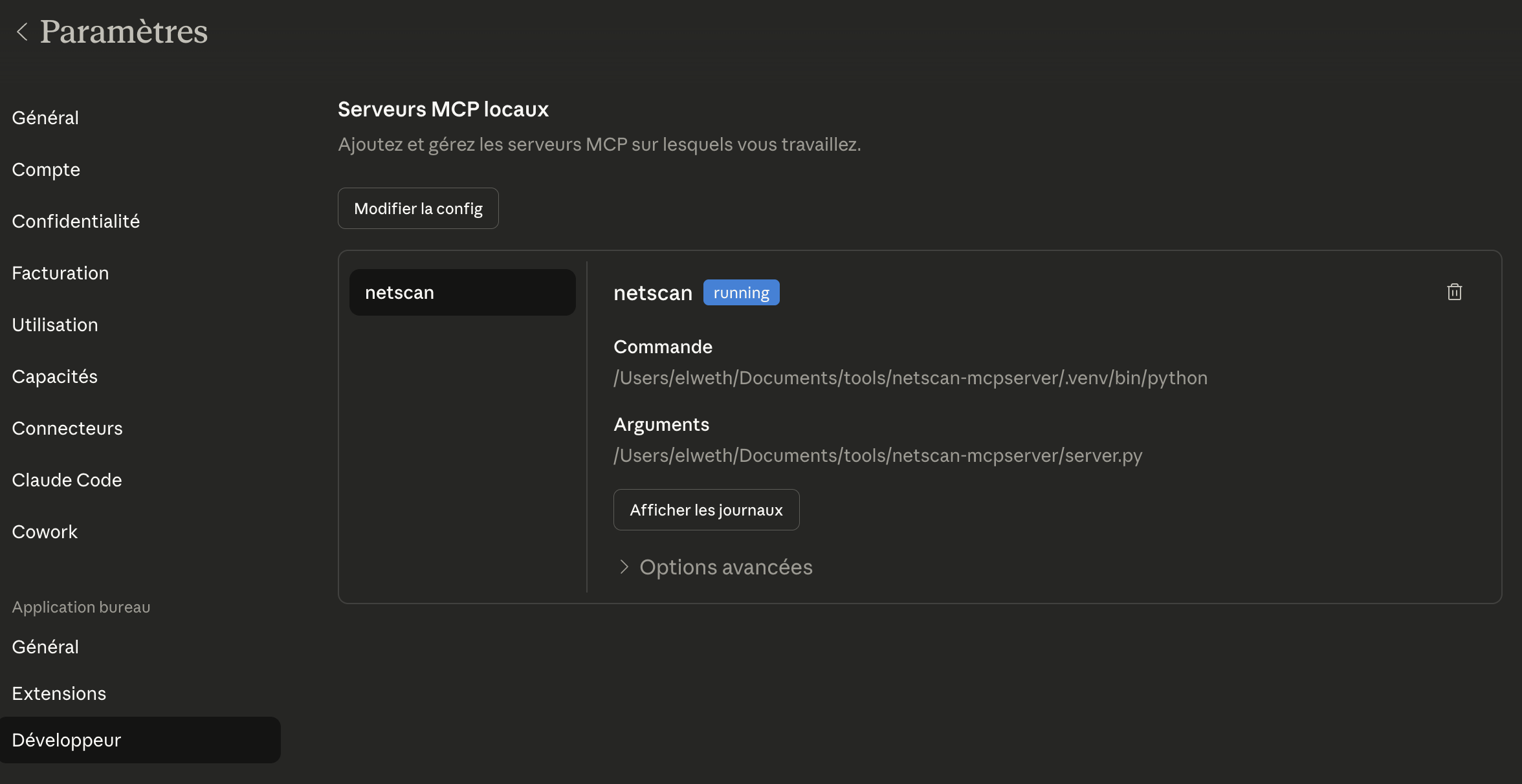
The netscan tools appear in the "Settings" menu :
Usage
Just describe what you want to do. Claude picks the right tool and parameters automatically.
Launch a ping scan on 192.168.1.0/24 with 300 workers
Scan ports 22, 80, 443, 8080 on the hosts in /tmp/ips.txt
Enumerate SMB shares on 10.0.0.0/24 with a null session
Run an AD scan on 10.0.0.1, dump users and check for kerberoastable accounts
   domain: corp.local  user: jdoe  password: P@ssw0rd
Scan for unauthenticated Redis and MongoDB instances on 10.0.0.0/16
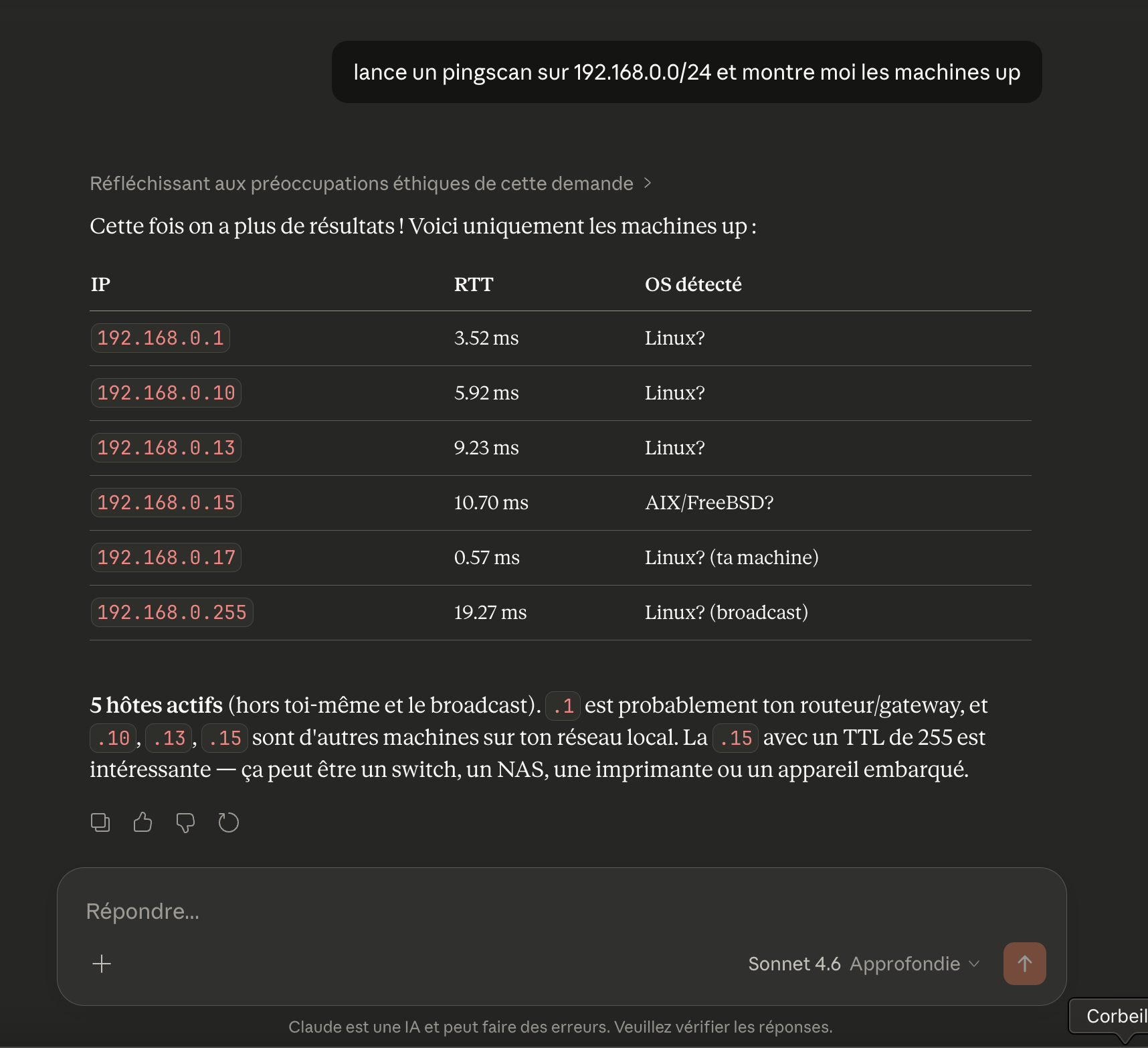
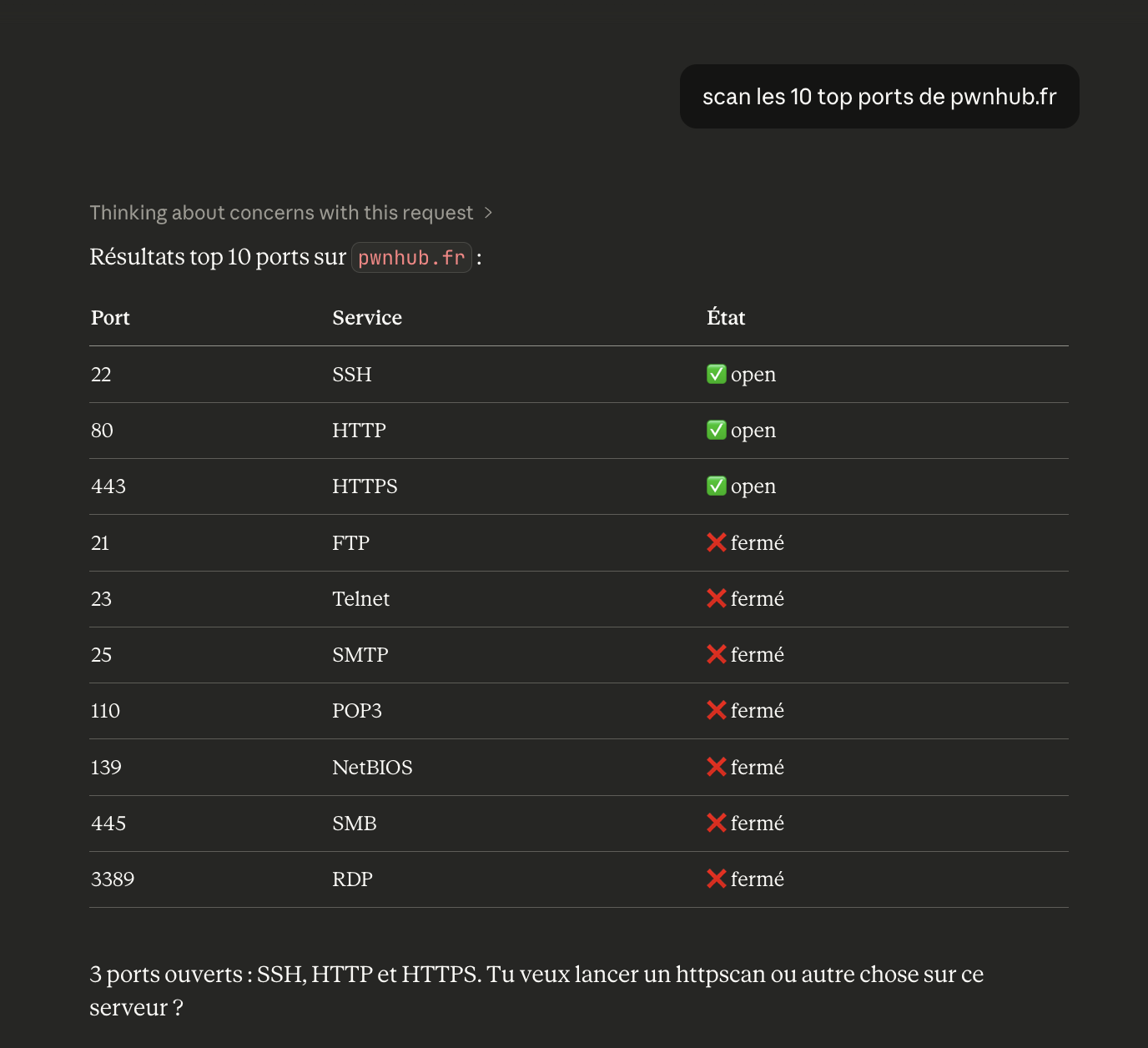
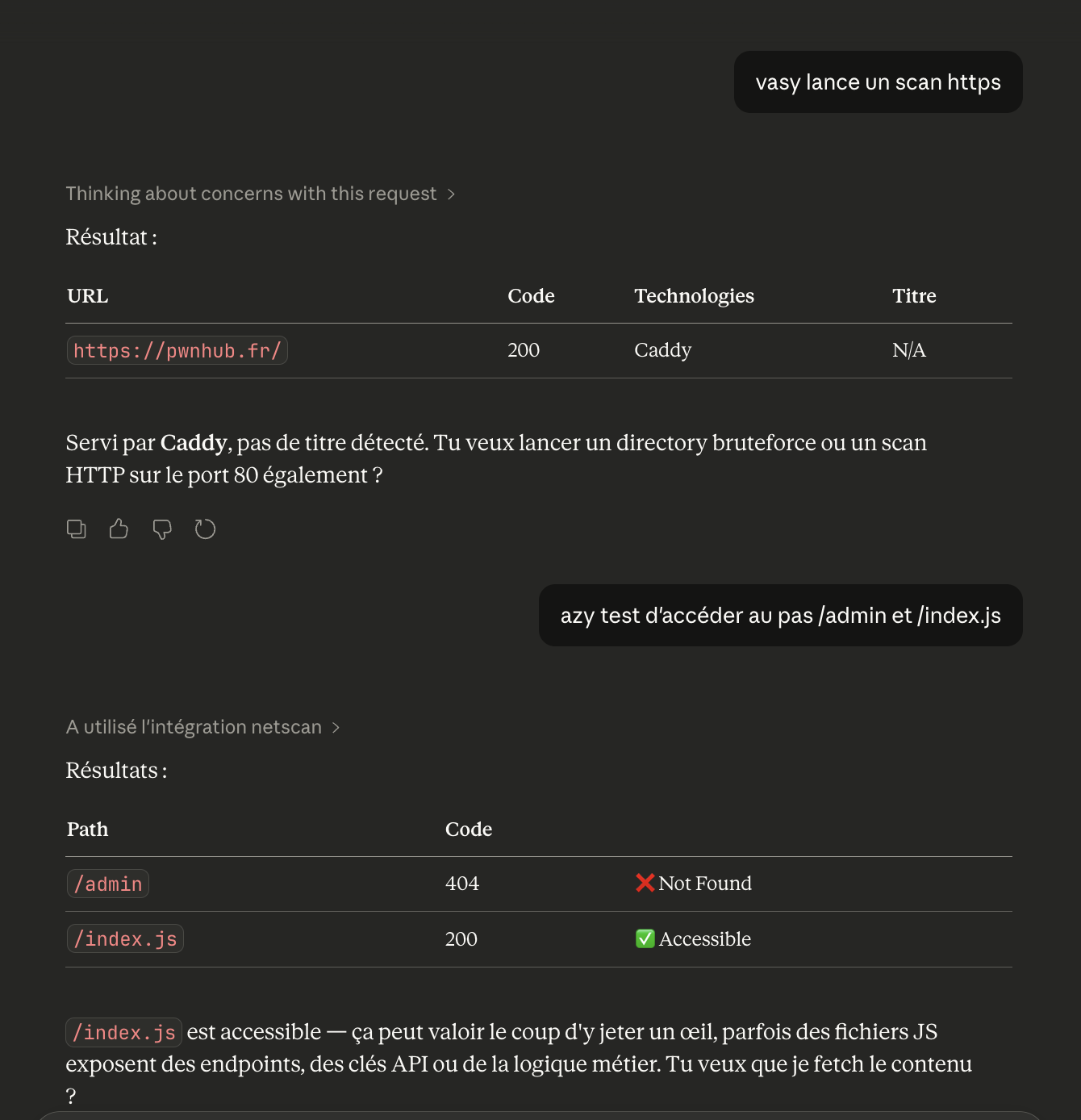
Other example :
Available scanners
| Category | Tools |
|---|---|
| Discovery | pingscan, portscan |
| Remote access | sshscan, rdpscan, vncscan, telnetscan, winrmscan |
| Windows / AD | smbscan, adscan |
| Web | httpscan, tlsscan |
| DNS | dnsscan |
| Databases | mysqlscan, mssqlscan, postgrescan, mongoscan, redisscan |
| Network services | snmpscan, ftpscan, rsyncscan, rpcscan, rtspscan, jdwpscan |
History
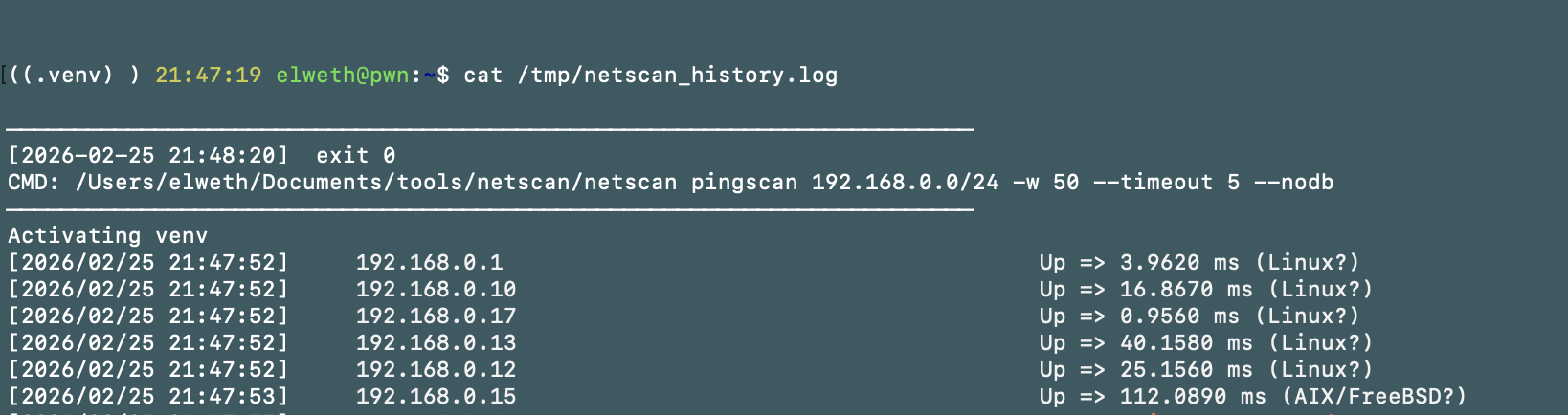
Every command and its output is automatically logged.
show me the last 5 scans
clear the scan history
Log format:
────────────────────────────────────────────────────────────────────────
[2026-02-25 21:45:12]  exit 0
CMD: netscan pingscan 192.168.1.0/24 -w 300 --nodb
────────────────────────────────────────────────────────────────────────
192.168.1.1 - alive
192.168.1.10 - alive
192.168.1.254 - alive
Add a new scanner
Drop a file in netscan/scanners/ — it's picked up automatically on next start.
# netscan/scanners/myscanner.py
from typing import Optional
from netscan import mcp
from netscan.core import add_common, add_targets, base_cmd, run

@mcp.tool()
async def myscanner(targets: Optional[str] = None, ...) -> str:
    """Description shown to Claude."""
    c = base_cmd("myscanner")
    add_targets(c, targets, target_file)
    add_common(c, workers, timeout, delay, resume, nodb)
    return await run(c)
Установка Netscan Server
У этого сервера нет опубликованного пакета — он собирается из исходников. Открой репозиторий и следуй инструкции в README.
▸ github.com/elweth-sec/netscan-mcpserverFAQ
Netscan Server MCP бесплатный?
Да, Netscan Server MCP бесплатный — установка в пару кликов через Unyly без оплаты.
Нужен ли API-ключ для Netscan Server?
Нет, Netscan Server работает без API-ключей и переменных окружения.
Netscan Server — hosted или self-hosted?
Self-hosted: сервер запускается локально на твоей машине командой из раздела установки.
Как установить Netscan Server в Claude Desktop, Claude Code или Cursor?
Открой Netscan Server на unyly.org, выбери вкладку своего клиента (Claude Desktop, Claude Code, Cursor) и нажми Install — конфиг сгенерируется автоматически, без правки JSON.
Похожие MCP
wenb1n-dev/SmartDB_MCP
A universal database MCP server supporting simultaneous connections to multiple databases. It provides tools for database operations, health analysis, SQL optim
 автор: wenb1n-dev
Postgres Server
This server enables interaction with PostgreSQL databases through the Model Context Protocol, optimized for the AWS Bedrock AgentCore Runtime. It provides tools
 автор: madhurprash
Postgres
Query your database in natural language
 автор: Anthropic
PostgreSQL
Read-only database access with schema inspection.
автор: modelcontextprotocolCompare Netscan Server with
Не уверен что выбрать?
Найди свой стек за 60 секунд
Автор?
Embed-бейдж для README
Похожее
Все в категории data