
Simplenote
БесплатноНе проверенA remote MCP connector that gives Claude.ai projects a persistent, cross-conversation file store, backed by Simplenote and deployed free on Cloudflare Workers.

Описание
A remote MCP connector that gives Claude.ai projects a persistent, cross-conversation file store, backed by Simplenote and deployed free on Cloudflare Workers.
README
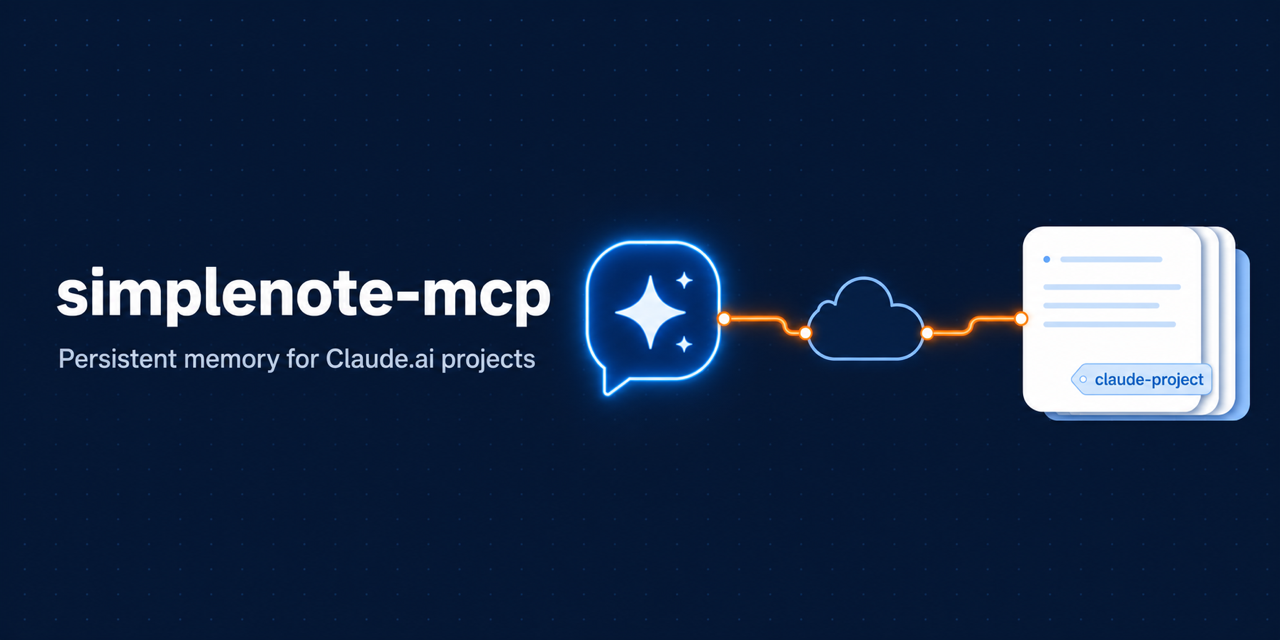
A remote MCP connector that gives Claude.ai projects a persistent, cross-conversation file store, backed by Simplenote and deployed free on Cloudflare Workers.
The problem
A Claude.ai project conversation has no writable storage that survives across conversations — confirmed by probing the project sandbox from inside it:
| Surface | Agent can write? | Crosses conversations? |
|---|---|---|
/mnt/project |
no (only the user adds files) | yes |
/mnt/user-data/outputs |
yes | no — keyed per conversation |
VM (/home, /tmp) |
yes | no (ephemeral) |
/mnt/user-data/outputs is durable within a conversation, but its storage
namespace is the conversation id — a file written in one conversation is
invisible in the next, even inside the same project. The only cross-conversation
surface, /mnt/project, is read-only to the agent. So there is no
writable and cross-conversation surface — and because the sandbox's network
egress is allow-listed, a script running inside it can't reach Simplenote
directly either.
This connector supplies the missing surface from outside the sandbox: each conversation pulls its files at the start and pushes changes back before ending. The pull→work→push protocol the in-conversation agent follows lives in BOOTSTRAP.md — add that file to your Claude project.
Why Cloudflare Workers
A connector must answer instantly when Claude calls a tool, which rules out
free hosts that sleep. Workers never sleep (~5 ms cold start), the free tier
needs no credit card, HTTPS is built in, and it's Anthropic's reference path
for remote MCP with OAuth (workers-oauth-provider + McpAgent). SQLite
Durable Objects — which McpAgent uses for session state — are now on the free
plan, so the whole thing runs for $0. (The sandbox's allow-listed egress can't
reach Simplenote, so the connector has to be remote anyway.)
The Simplenote/Simperium client is a faithful TypeScript port of the public
simplenote.py library (token auth,
the first-line-heading→filename convention, version-aware writes, markdown
system tag), so notes round-trip with the Simplenote apps.
Model
One Simplenote note per file, scoped to a Claude.ai project by a tag
(claude-project-<key>) that isolates that project's notes from the rest of the
account. A file's path is the slug of its first-line heading
(# Design Notes → Design-Notes.md).
One connector serves the whole account, but Claude.ai sends no project id to a
connector, so the <key> is supplied in-band: every tool takes a required
project argument. Each project declares its key on a PROJECT ID: line in
its custom instructions (see docs/project-instructions.md), and the
assistant passes it on every call — that's what keeps projects separate.
| Tool | Purpose |
|---|---|
list_files(project) |
discover persisted files |
read_file(project, path) |
pull one file |
write_file(project, path, content) |
persist/overwrite a file |
delete_file(project, path) |
trash a file |
Single-user by design: one Simplenote account (token stored as a Worker secret); OAuth just gates access to you with a shared password.
Deploy
Prereqs: a free Cloudflare account, pnpm + Node, and a
Simplenote API token. The connector's runtime auth is token-only
(X-Simperium-Token — see src/simperium.ts); your email/password are never
part of the deployment. To obtain a token:
Extract it from the web app (recommended — no extra tooling, and your password never leaves the login form): log in at app.simplenote.com, open DevTools → Network, click any
api.simperium.comrequest, and copy theX-Simperium-Tokenrequest header value.Or mint one with the public simplenote library — a one-time local call that exchanges your email/password for a token:
uv run --with simplenote python -c \
  "from simplenote import Simplenote; print(Simplenote('EMAIL', 'PASSWORD').get_token())"
pnpm install

# 1. Log in to Cloudflare (opens a browser):
pnpm exec wrangler login

# 2. Create the KV namespace the OAuth provider uses, then paste the printed id
#    into wrangler.jsonc (kv_namespaces[0].id).
pnpm exec wrangler kv namespace create OAUTH_KV

# 3. (project scope is per-call, not configured here — each Claude.ai project
#    sets its own PROJECT ID in its custom instructions; nothing in wrangler.jsonc.)

# 4. Set secrets (not in any file):
pnpm exec wrangler secret put SIMPLENOTE_TOKEN     # your Simperium token
pnpm exec wrangler secret put ACCESS_PASSWORD      # a password you choose

# 5. Ship it:
pnpm run deploy
You'll get https://simplenote-mcp.<your-subdomain>.workers.dev.
Connect in Claude.ai (Max/Team/Enterprise): Settings → Connectors → Add
custom connector → URL https://simplenote-mcp.<subdomain>.workers.dev/mcp.
Claude runs the OAuth flow; enter your ACCESS_PASSWORD on the login screen.
Finally, upload BOOTSTRAP.md unedited into the project's
files (open your project → Add files) so every conversation picks up the
protocol, and paste the snippet from
docs/project-instructions.md into the
project's custom instructions, setting its PROJECT ID: line to a unique
slug — that key is what scopes this project's notes.
Then, in a chat, ask Claude to load my project files from Simplenote to
rehydrate at the start, and save these back to Simplenote to persist before
you finish.
Local development
cp .dev.vars.example .dev.vars     # fill in SIMPLENOTE_TOKEN + ACCESS_PASSWORD
pnpm dev                           # wrangler dev (local Worker)
pnpm dlx @modelcontextprotocol/inspector   # point at http://localhost:8787/mcp
pnpm run typecheck   # tsc --noEmit
pnpm test            # vitest: store/simperium logic (in-memory, no network)
Layout
src/index.ts— OAuthProvider wiring (the entrypoint)src/mcp.ts—McpAgentDurable Object + the four toolssrc/store.ts— file↔note mapping, tag scoping (port ofstore.py)src/simperium.ts— Simperium HTTP client (port ofsimplenote.py)src/auth.ts— single-user OAuth login gateBOOTSTRAP.md— the doc you add to the Claude projectpython/— optional local stdio variant for Claude Desktop / Claude Code
Установка Simplenote
У этого сервера нет опубликованного пакета — он собирается из исходников. Открой репозиторий и следуй инструкции в README.
▸ github.com/enstw/simplenote-mcpFAQ
Simplenote MCP бесплатный?
Да, Simplenote MCP бесплатный — установка в пару кликов через Unyly без оплаты.
Нужен ли API-ключ для Simplenote?
Нет, Simplenote работает без API-ключей и переменных окружения.
Simplenote — hosted или self-hosted?
Доступен hosted-вариант: Unyly запускает сервер в облаке, локальная установка не обязательна.
Как установить Simplenote в Claude Desktop, Claude Code или Cursor?
Открой Simplenote на unyly.org, выбери вкладку своего клиента (Claude Desktop, Claude Code, Cursor) и нажми Install — конфиг сгенерируется автоматически, без правки JSON.
Похожие MCP
Fetch
Web content fetching and conversion for efficient LLM usage.
AWS KB Retrieval
Retrieval from AWS Knowledge Base using Bedrock Agent Runtime.
 автор: modelcontextprotocol
Spring AI MCP Server
Provides auto-configuration for setting up an MCP server in Spring Boot applications.
llm-analysis-assistant
A very streamlined mcp client that supports calling and monitoring stdio/sse/streamableHttp, and can also view request responses through the /logs page. It also
 автор: xuzexin-hz
Compare Simplenote with
Не уверен что выбрать?
Найди свой стек за 60 секунд
Автор?
Embed-бейдж для README
Похожее
Все в категории ai