
Time Left Chatgpt
БесплатноНе проверенProvides a single tool to display visual progress bars for time remaining in the current day, week, month, and year, enabling ChatGPT to answer 'how much time i

Описание
Provides a single tool to display visual progress bars for time remaining in the current day, week, month, and year, enabling ChatGPT to answer 'how much time is left?' queries with elegant visualizations.
README
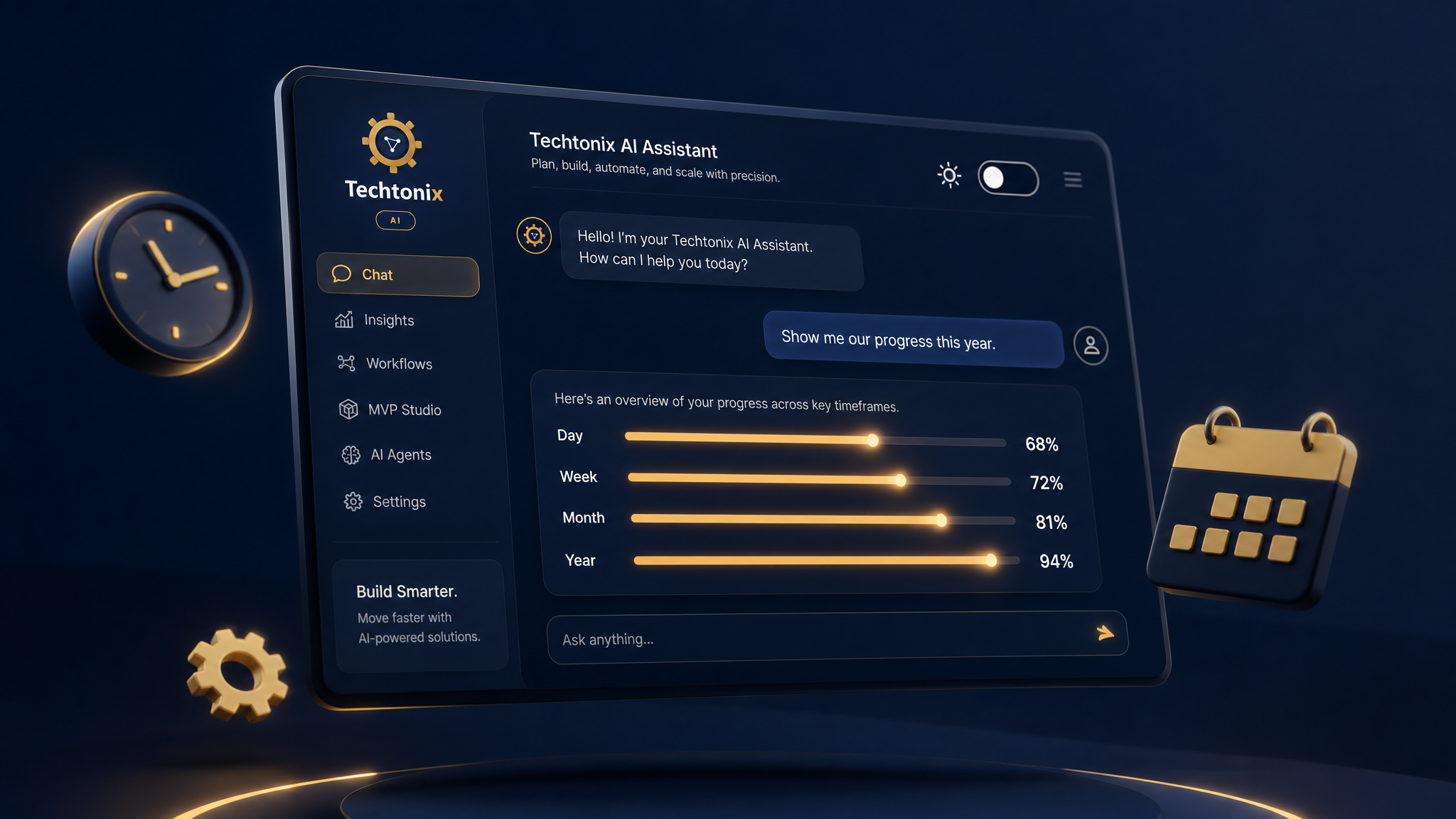
Time Left - ChatGPT App
A simple ChatGPT app that shows elegant progress bar visualizations of how much time is left in the current day, week, month, and year.
Features
- Single Tool:
get_time_remaining- answers "how much time is left?" queries - Visual Progress Bars: Animated, color-coded bars for each time period
- Light/Dark Theme: Automatically matches ChatGPT's theme
- Real-time Calculation: Shows current elapsed/remaining percentages
Quick Start
# Install dependencies
uv sync

# Run the server
uv run python server/main.py
The server will start on http://localhost:8000.
Running Tests
# Install dev dependencies
uv sync --all-extras

# Run all tests
uv run pytest

# Run tests with verbose output
uv run pytest -v

# Run a specific test
uv run pytest server/test_main.py::TestCalculateTimeRemaining::test_noon_day_progress_is_fifty -v
Testing with MCP Inspector
npx @modelcontextprotocol/inspector@latest http://localhost:8000/mcp
Note: MCP Inspector tests the protocol but doesn't render the widget UI. Use web/preview.html to preview the widget locally.
Testing in ChatGPT (with Cloudflare Tunnel)
ChatGPT needs a public HTTPS URL to connect to your MCP server. Cloudflare Tunnel provides this for free without an account.
1. Install Cloudflare Tunnel (one-time)
# macOS
brew install cloudflared

# Or download from https://developers.cloudflare.com/cloudflare-one/connections/connect-apps/install-and-setup/installation/
2. Start the server and tunnel
# Terminal 1: Start the MCP server
uv run python server/main.py

# Terminal 2: Create a tunnel to localhost:8000
cloudflared tunnel --url http://localhost:8000
Cloudflare will output a URL like:
Your quick Tunnel has been created! Visit it at:
https://random-words-here.trycloudflare.com
3. Configure ChatGPT
- Go to ChatGPT: Settings → Apps & Connectors → Advanced settings
- Enable Developer mode
- Click Create connector
- Enter the Cloudflare URL with
/mcppath:https://random-words-here.trycloudflare.com/mcp - Save the connector
4. Test it
Ask ChatGPT: "How much time is left?" or "What's my time progress?"
Local Widget Preview
To preview the widget without ChatGPT:
- Start the server:
uv run python server/main.py - Open
web/preview.htmlin a browser
This preview mocks the window.openai API that ChatGPT normally provides.
Project Structure
time-left-chatgpt-app/
├── server/
│   ├── main.py           # MCP server with get_time_remaining tool
│   ├── test_main.py      # Unit tests
│   └── requirements.txt  # Legacy deps (use pyproject.toml instead)
├── web/
│   ├── widget.html       # Progress bar visualization widget
│   └── preview.html      # Local preview with mocked window.openai
├── pyproject.toml        # Project config and dependencies
└── README.md
Architecture
User Prompt → ChatGPT Model → MCP Tool Call → This Server → Response + Widget Metadata
                                                              ↓
                                           ChatGPT loads widget.html in iframe
                                                              ↓
                                           Widget reads from window.openai.toolOutput
Key data flow:
structuredContentin server response →window.openai.toolOutputin widget_metacontains OpenAI directives only (openai/outputTemplate, etc.)
Production Deployment
For production deployment to Google Cloud Run (or similar), the server includes:
CSP Configuration
The tool metadata includes Content Security Policy settings required for ChatGPT app submission:
"openai/widgetCSP": {
    "connect_domains": [],      # Empty - widget doesn't make external API calls
    "resource_domains": [],     # Empty - all assets are inline
},
"openai/widgetDomain": WIDGET_DOMAIN
Environment Variables
| Variable | Default | Description |
|---|---|---|
PORT |
8000 |
Server port (Cloud Run sets this automatically) |
WIDGET_DOMAIN |
https://web-sandbox.oaiusercontent.com |
Widget execution domain |
Deploying to Google Cloud Run
# Build and deploy
gcloud run deploy time-left \
  --source . \
  --region us-central1 \
  --allow-unauthenticated \
  --set-env-vars WIDGET_DOMAIN=https://your-domain.com

# Map custom domain
gcloud run domain-mappings create \
  --service time-left \
  --domain your-domain.com \
  --region us-central1
App Submission Checklist
- CSP configured (
openai/widgetCSP) - Widget domain configured (
openai/widgetDomain) - Organization verified on OpenAI Platform
- Production URL deployed and accessible
- Privacy policy URL prepared
Submit at: https://platform.openai.com/apps-manage
Установка Time Left Chatgpt
У этого сервера нет опубликованного пакета — он собирается из исходников. Открой репозиторий и следуй инструкции в README.
▸ github.com/Areeburrehman-26/time-left-mcp-chatgptFAQ
Time Left Chatgpt MCP бесплатный?
Да, Time Left Chatgpt MCP бесплатный — установка в пару кликов через Unyly без оплаты.
Нужен ли API-ключ для Time Left Chatgpt?
Нет, Time Left Chatgpt работает без API-ключей и переменных окружения.
Time Left Chatgpt — hosted или self-hosted?
Доступен hosted-вариант: Unyly запускает сервер в облаке, локальная установка не обязательна.
Как установить Time Left Chatgpt в Claude Desktop, Claude Code или Cursor?
Открой Time Left Chatgpt на unyly.org, выбери вкладку своего клиента (Claude Desktop, Claude Code, Cursor) и нажми Install — конфиг сгенерируется автоматически, без правки JSON.
Похожие MCP
GitHub
PRs, issues, code search, CI status
 автор: GitHub
Filesystem
Secure file operations with configurable access controls.
Memory
Knowledge graph-based persistent memory system.
Template MCP Server
A CLI tool to create a new Model Context Protocol server project with TypeScript support, dual transport options, and an extensible structure
 автор: mcpdotdirect
Compare Time Left Chatgpt with
Не уверен что выбрать?
Найди свой стек за 60 секунд
Автор?
Embed-бейдж для README
Похожее
Все в категории development