

Описание
Manage containers on macOS
README

Trunktail
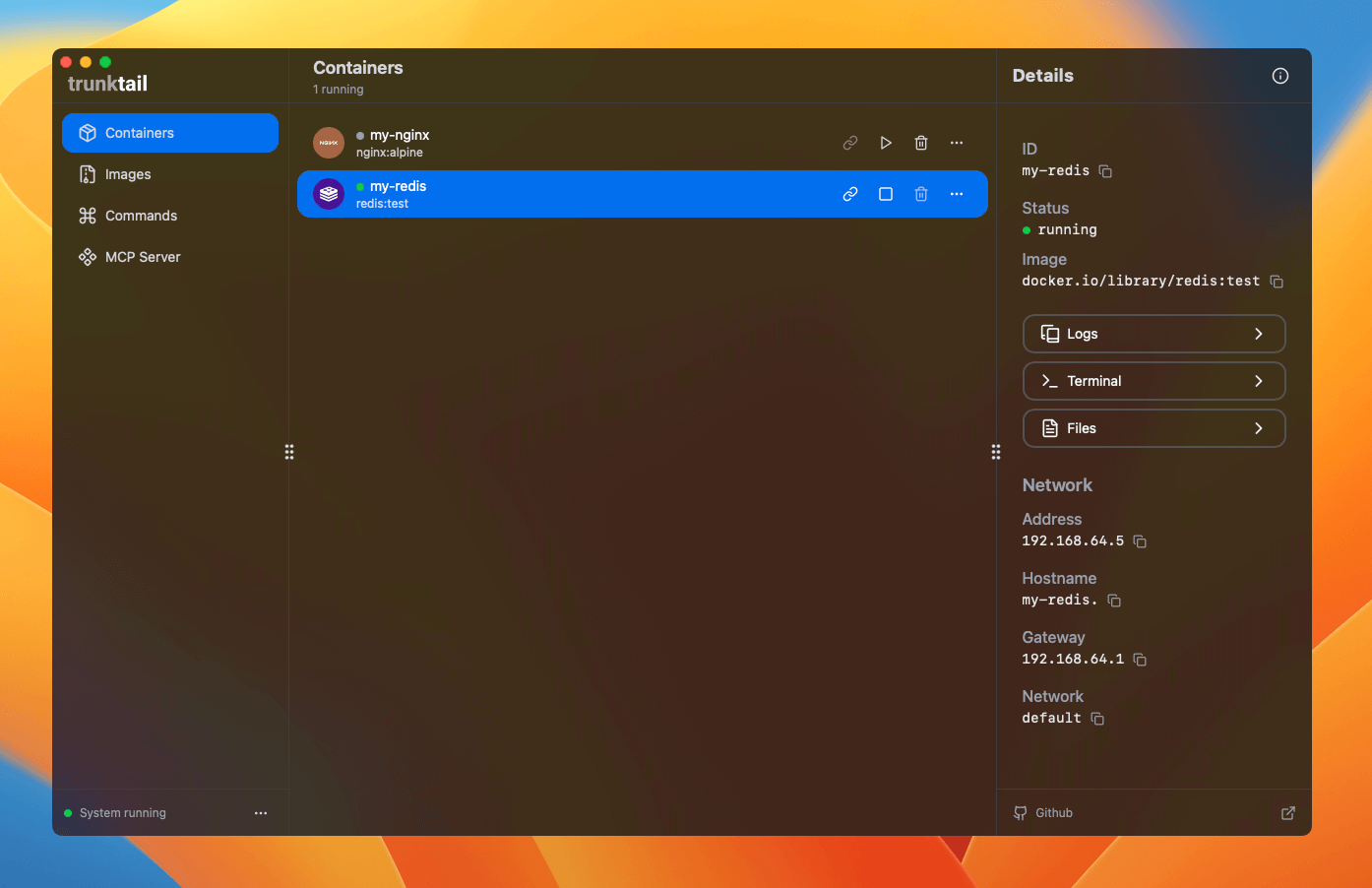
A modern UI for Apple Container, providing an intuitive desktop experience for managing containers and images.
Why Apple Container?
Compared to Docker, Apple Container delivers significantly better performance and lower resource usage on macOS, making it the preferred choice for native container workflows on Apple devices.
Trunktail brings the power of Apple Container to a user-friendly interface, with advanced features for developers and automation workflows.
Download
Get the latest release from the Releases Page.
More in this repository:
- Container CLI document (View Docs) — Auto-generated, always up-to-date CLI and API documentation.
- Container MCP server (MCP Server) — Model Context Protocol server for LLM and automation integration.
Project Structure
apps/
  trunktail/   # Desktop client
  docs/        # Documentation site
packages/
  commands/    # CLI commands metadata
  mcp-server/  # MCP Server
Quick Start
Prerequisites
- Node.js 18+ or Bun 1.0+
- macOS (Apple Container CLI required)
Install dependencies
bun install
Launch Desktop App
bun run dev:tauri
Tech Stack
- Frontend: React 19, TanStack Router, HeroUI, Tailwind CSS, Vite
- Desktop: Tauri, Rust, Swift (Native Bridge)
- CLI/Server: TypeScript, Node.js/Bun, MCP Protocol
- Docs: Astro Starlight
License
This project is licensed under the MIT License. See LICENSE for details.
Contact
- GitHub: @elliothux
- X (Twitter): @elliothux
Установка Trunktail
У этого сервера нет опубликованного пакета — он собирается из исходников. Открой репозиторий и следуй инструкции в README.
▸ github.com/elliothux/trunktailFAQ
Trunktail MCP бесплатный?
Да, Trunktail MCP бесплатный — установка в пару кликов через Unyly без оплаты.
Нужен ли API-ключ для Trunktail?
Нет, Trunktail работает без API-ключей и переменных окружения.
Trunktail — hosted или self-hosted?
Self-hosted: сервер запускается локально на твоей машине командой из раздела установки.
Как установить Trunktail в Claude Desktop, Claude Code или Cursor?
Открой Trunktail на unyly.org, выбери вкладку своего клиента (Claude Desktop, Claude Code, Cursor) и нажми Install — конфиг сгенерируется автоматически, без правки JSON.
Похожие MCP
GitHub
PRs, issues, code search, CI status
 автор: GitHub
Filesystem
Secure file operations with configurable access controls.
Memory
Knowledge graph-based persistent memory system.
Template MCP Server
A CLI tool to create a new Model Context Protocol server project with TypeScript support, dual transport options, and an extensible structure
 автор: mcpdotdirect
Compare Trunktail with
Не уверен что выбрать?
Найди свой стек за 60 секунд
Автор?
Embed-бейдж для README
Похожее
Все в категории development