
Appmetrica
БесплатноНе проверенMCP server for Yandex AppMetrica analytics, enabling Claude to access reports, raw event logs, crash data, and push notification campaigns.

Описание
MCP server for Yandex AppMetrica analytics, enabling Claude to access reports, raw event logs, crash data, and push notification campaigns.
README
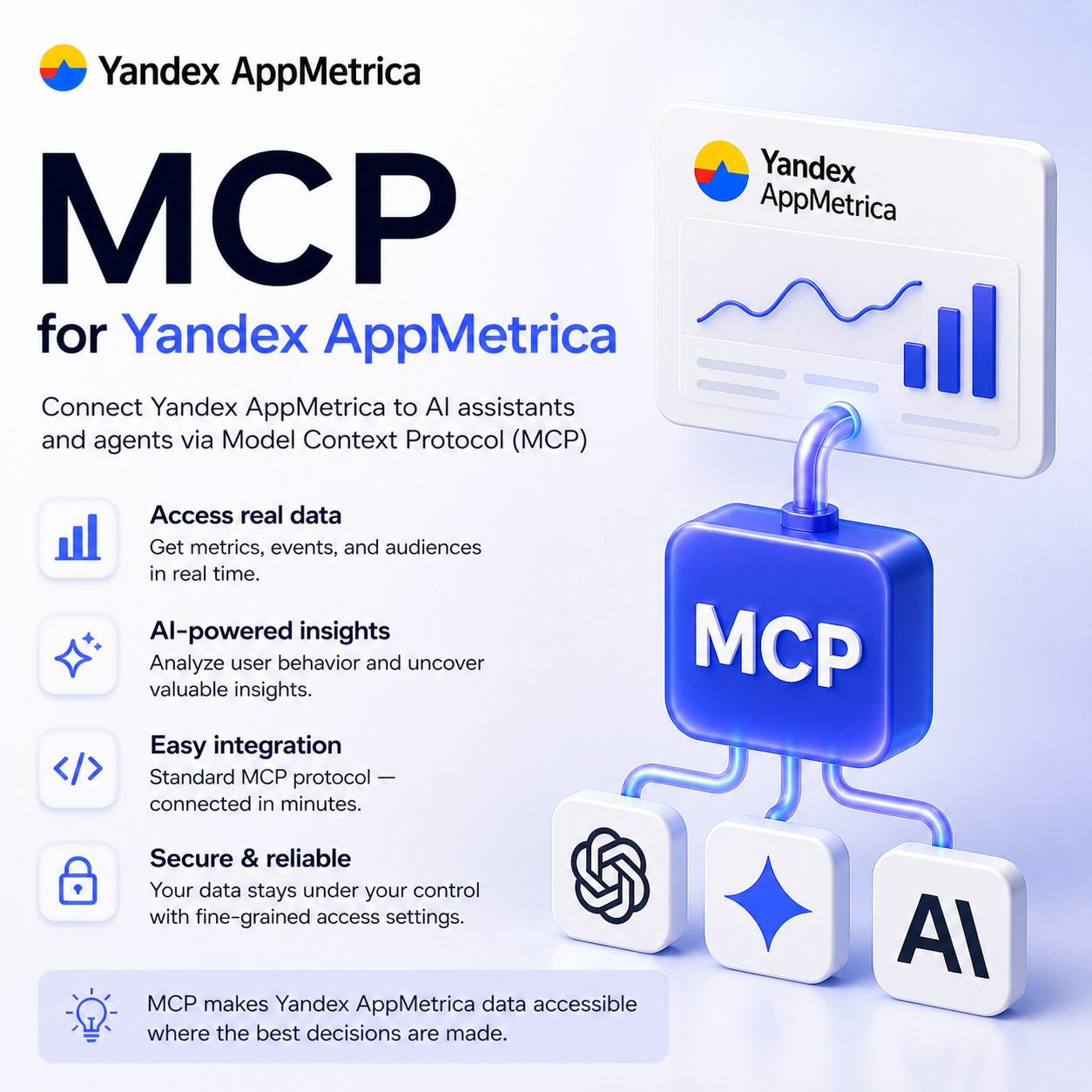
MCP server for AppMetrica — Yandex's mobile analytics platform. Gives Claude direct access to your app's analytics: reports, raw event logs, crash data, and push notification campaigns.
Features
- Reporting API — aggregated metrics (users, sessions, revenue, retention) with dimension breakdowns
- Logs API — raw event, crash, and installation exports
- Management API — list and inspect your AppMetrica applications
- Push API — view campaigns and statistics; create campaigns when write mode is enabled
- Safe by default — write operations are disabled unless you explicitly opt in
Requirements
- Node.js 22+
- An AppMetrica account with at least one application
- A Yandex OAuth token (see below)
Getting an OAuth Token
AppMetrica uses Yandex OAuth. Use the Russian OAuth portal (oauth.yandex.ru) — the international version (oauth.yandex.com) does not expose AppMetrica scopes in its UI.
Step 1 — Create an OAuth app
- Go to oauth.yandex.ru/client/new
- Fill in any name (e.g.
AppMetrica MCP) - Under Platforms, select Web services and set the Callback URI to:
https://oauth.yandex.ru/verification_code - Under Доступы (Access), find the AppMetrica section and enable:
Чтение данных AppMetrica— read access (required)Запись данных AppMetrica— write access (optional, needed for push campaign creation)
- Click Создать приложение and copy the ClientID
Step 2 — Get a token
Open this URL in your browser (replace CLIENT_ID with your app's ID):
https://oauth.yandex.ru/authorize?response_type=token&client_id=CLIENT_ID
Log in → authorize the app → copy the access_token value from the redirect URL.
Note: The token does not expire by default. You can revoke it anytime at passport.yandex.ru/profile/access.
Installation
Claude Code (recommended)
claude mcp add appmetrica \
  -e APPMETRICA_OAUTH_TOKEN=your_token \
  -- npx -y appmetrica-mcp
To enable write operations (push campaign creation):
claude mcp add appmetrica \
  -e APPMETRICA_OAUTH_TOKEN=your_token \
  -e APPMETRICA_ALLOW_WRITE=true \
  -- npx -y appmetrica-mcp
Claude Desktop
Add to ~/Library/Application Support/Claude/claude_desktop_config.json:
{
  "mcpServers": {
    "appmetrica": {
      "command": "npx",
      "args": ["-y", "appmetrica-mcp"],
      "env": {
        "APPMETRICA_OAUTH_TOKEN": "your_token"
      }
    }
  }
}
Building from source
git clone https://github.com/pavellunev99/app_metrica_mcp
cd app_metrica_mcp
npm install
npm run build
Configuration
| Variable | Required | Default | Description |
|---|---|---|---|
APPMETRICA_OAUTH_TOKEN |
Yes | — | Yandex OAuth token with AppMetrica scope |
APPMETRICA_ALLOW_WRITE |
No | false |
Set to true to enable push campaign creation |
Available Tools
Management
| Tool | Description |
|---|---|
list_applications |
List all AppMetrica applications in your account |
get_application |
Get details for a specific application by ID |
Reporting
| Tool | Description |
|---|---|
get_report |
Fetch aggregated metrics for a date range (users, sessions, crashes, etc.) |
get_drilldown |
Drill down into a dimension value for detailed breakdown |
list_metrics |
List available metric keys with descriptions |
Logs
| Tool | Description |
|---|---|
export_events |
Export raw custom event logs |
export_crashes |
Export raw crash logs |
export_installations |
Export raw installation logs |
Push Notifications
| Tool | Access | Description |
|---|---|---|
list_push_campaigns |
Read | List push notification campaigns with optional status filter |
get_push_stats |
Read | Get delivery statistics for a campaign |
create_push_campaign |
Write | Create a push campaign (requires APPMETRICA_ALLOW_WRITE=true) |
Usage Examples
Once connected, you can ask Claude things like:
- "List my AppMetrica applications"
- "Show DAU and sessions for app 12345 over the last 7 days"
- "Export crash logs for app 12345 from 2024-01-01 to 2024-01-07"
- "What push campaigns are currently active for app 12345?"
- "Show me new user counts broken down by app version"
Rate Limits
AppMetrica enforces the following limits on all API requests:
- 30 requests / second per OAuth token
- 5,000 requests / day per OAuth token
The client retries automatically on 429 and 5xx responses with exponential backoff (1s → 2s → 4s, up to 3 attempts).
License
MIT
Установка Appmetrica
У этого сервера нет опубликованного пакета — он собирается из исходников. Открой репозиторий и следуй инструкции в README.
▸ github.com/pavellunev/app_metrica_mcpFAQ
Appmetrica MCP бесплатный?
Да, Appmetrica MCP бесплатный — установка в пару кликов через Unyly без оплаты.
Нужен ли API-ключ для Appmetrica?
Нет, Appmetrica работает без API-ключей и переменных окружения.
Appmetrica — hosted или self-hosted?
Доступен hosted-вариант: Unyly запускает сервер в облаке, локальная установка не обязательна.
Как установить Appmetrica в Claude Desktop, Claude Code или Cursor?
Открой Appmetrica на unyly.org, выбери вкладку своего клиента (Claude Desktop, Claude Code, Cursor) и нажми Install — конфиг сгенерируется автоматически, без правки JSON.
Похожие MCP
Fetch
Web content fetching and conversion for efficient LLM usage.
AWS KB Retrieval
Retrieval from AWS Knowledge Base using Bedrock Agent Runtime.
 автор: modelcontextprotocol
Spring AI MCP Server
Provides auto-configuration for setting up an MCP server in Spring Boot applications.
llm-analysis-assistant
A very streamlined mcp client that supports calling and monitoring stdio/sse/streamableHttp, and can also view request responses through the /logs page. It also
 автор: xuzexin-hz
Compare Appmetrica with
Не уверен что выбрать?
Найди свой стек за 60 секунд
Автор?
Embed-бейдж для README
Похожее
Все в категории ai