loading…
/ru
Весь каталог
Aws Claw
БесплатноProvides a comprehensive suite of tools for interacting with AWS services like S3, EC2, and Lambda using natural language commands. It enables AI assistants to
Описание
Provides a comprehensive suite of tools for interacting with AWS services like S3, EC2, and Lambda using natural language commands. It enables AI assistants to inspect, manage, and operate AWS resources directly through the Model Context Protocol using your local credentials.
README
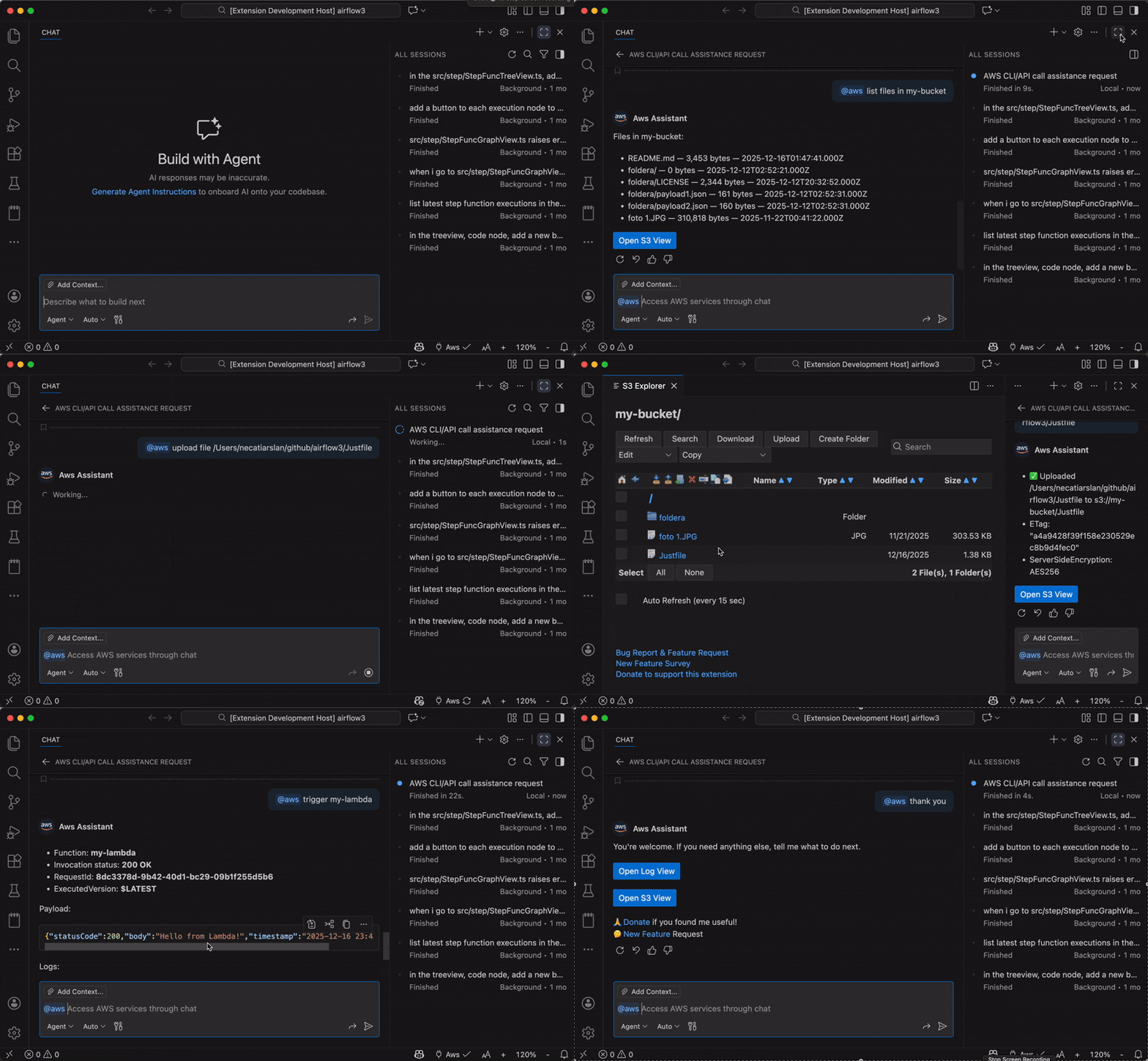
Aws Claw is a Visual Studio Code (and forks including Google Antigravity, Windsurf etc.) extension that brings AWS interaction into your chat experience. Use natural language to inspect and operate AWS resources with your existing credentials. The extension exposes AWS-aware tools that execute actions directly on your behalf.
💬 Chat Modes
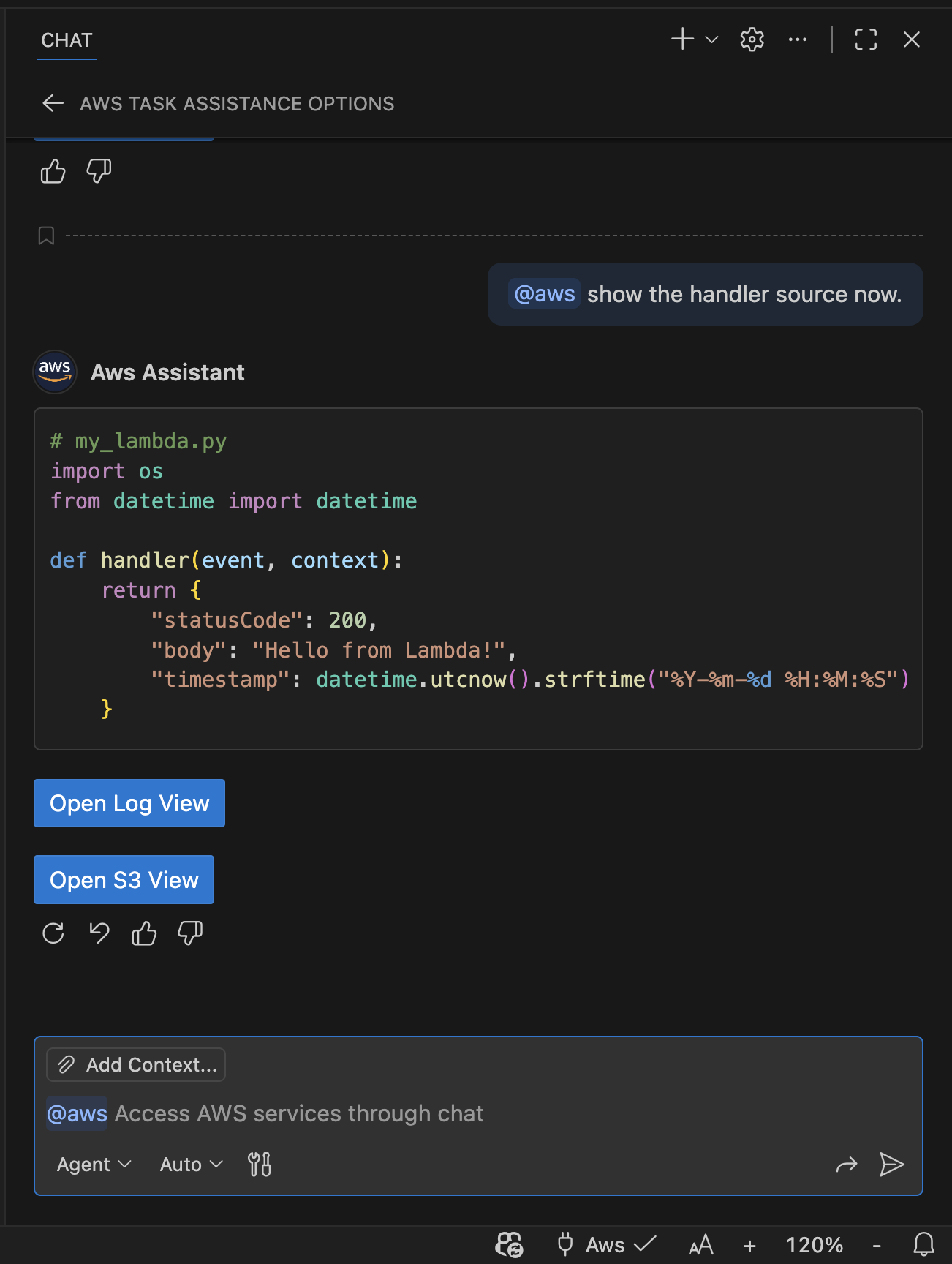
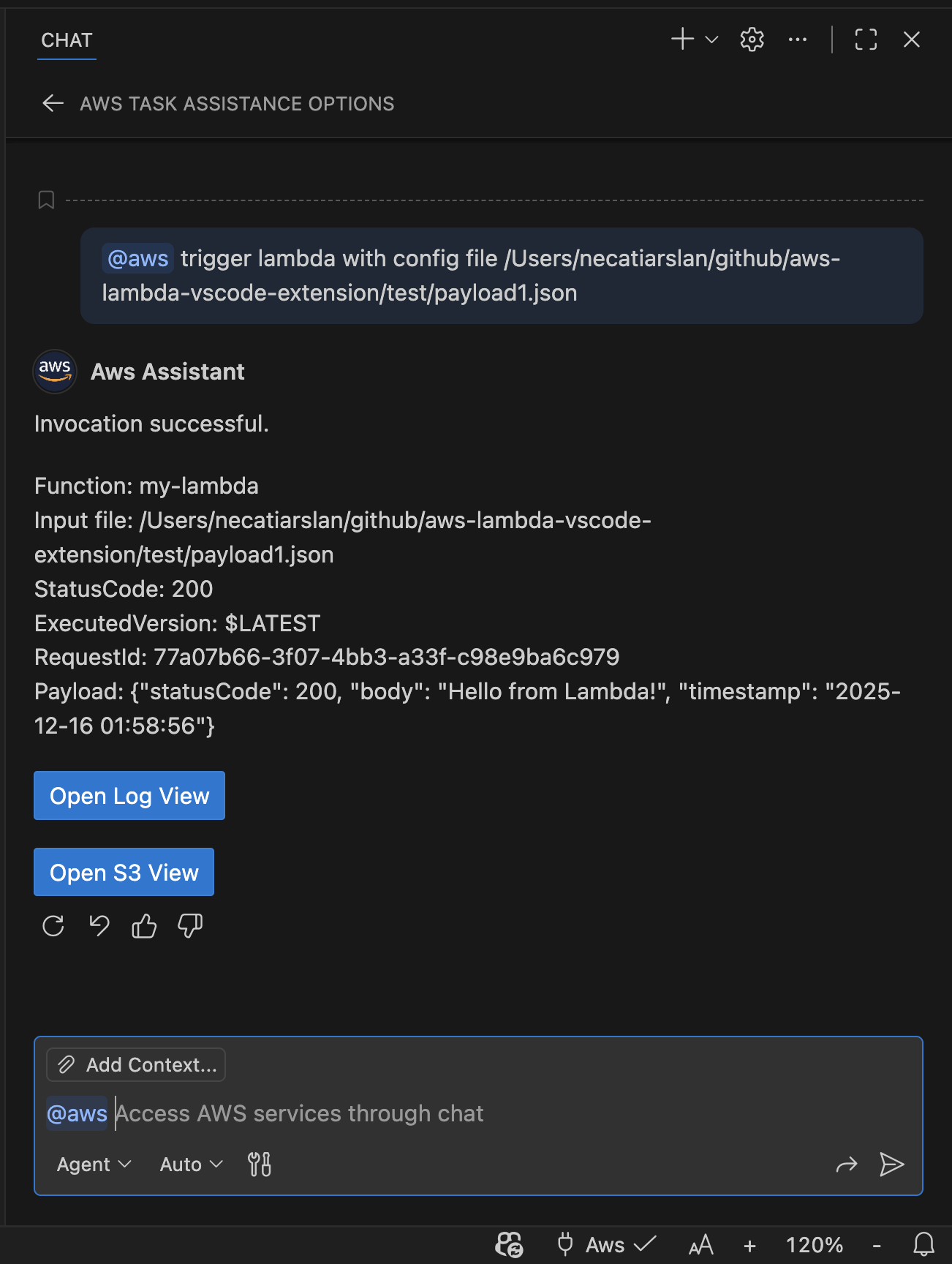
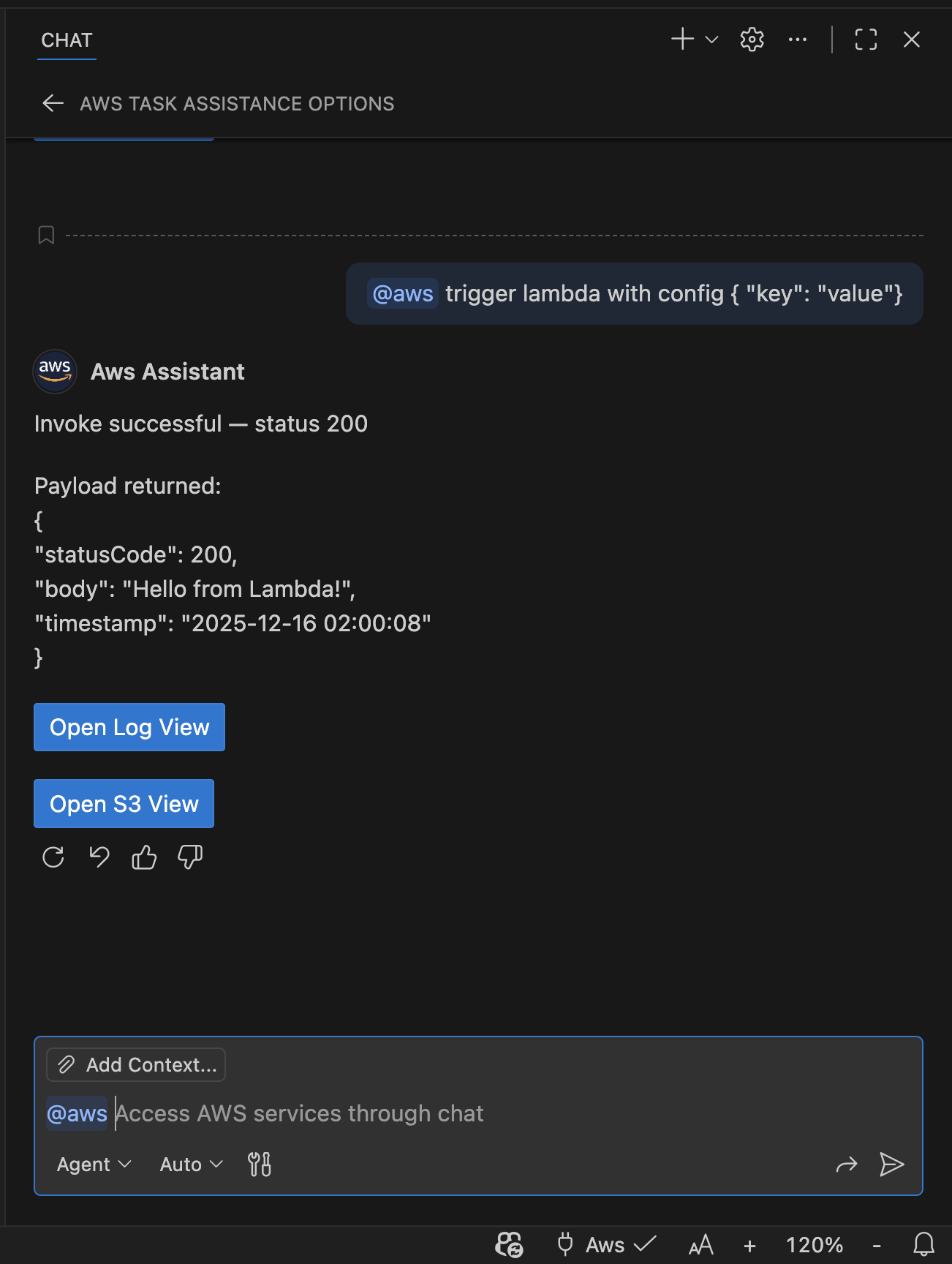
Agent Or Plan Mode: The extension registers AWS service tools that the AI assistant can invoke based on your requests. You can ask questions, and the assistant will call the appropriate tools to fetch data or perform actions. We recommend starting with this mode for most use cases.
Ask Or Edit Mode: You can also ask questions or issue commands directly using the "@aws" prefix in the chat input. The assistant will respond with the requested information or perform the specified actions. We recommend this mode for quick queries or simple tasks or if you dont have access to Agent/Plan mode.
🔌 MCP Support
- Vscode: No need to setup MCP server. Aws Claw is build in Vscode Chat (Copilot) and no extra setup is required. Just start a chat about your AWS resources.
- Google Antigravity / Windsurf / Others: You need a local MCP server to connect these editors with Aws Claw. See the README_MCP for detailed setup instructions.
🔑 Supported AWS Services
| S3 | SQS | SNS | EC2 |
| Lambda | Step Functions | EMR | CloudWatch Logs |
| CloudFormation | RDS | DynamoDB | IAM |
| STS | Glue | API Gateway |
Click here for the full list of supported AWS services and actions.
🤖 Available Tools
- Session & STS: manage profile/region/endpoint, refresh credentials, GetCallerIdentity, session tokens.
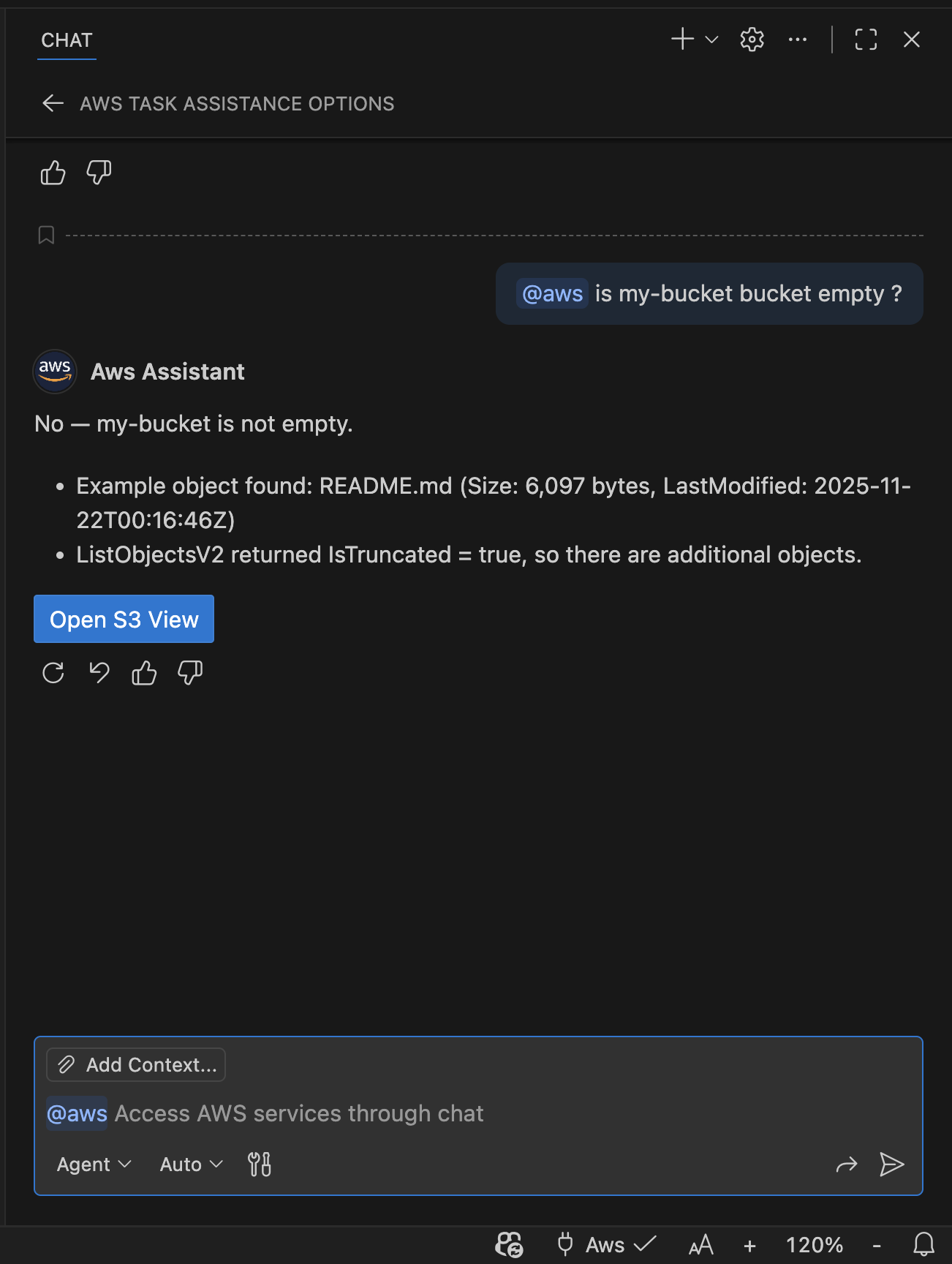
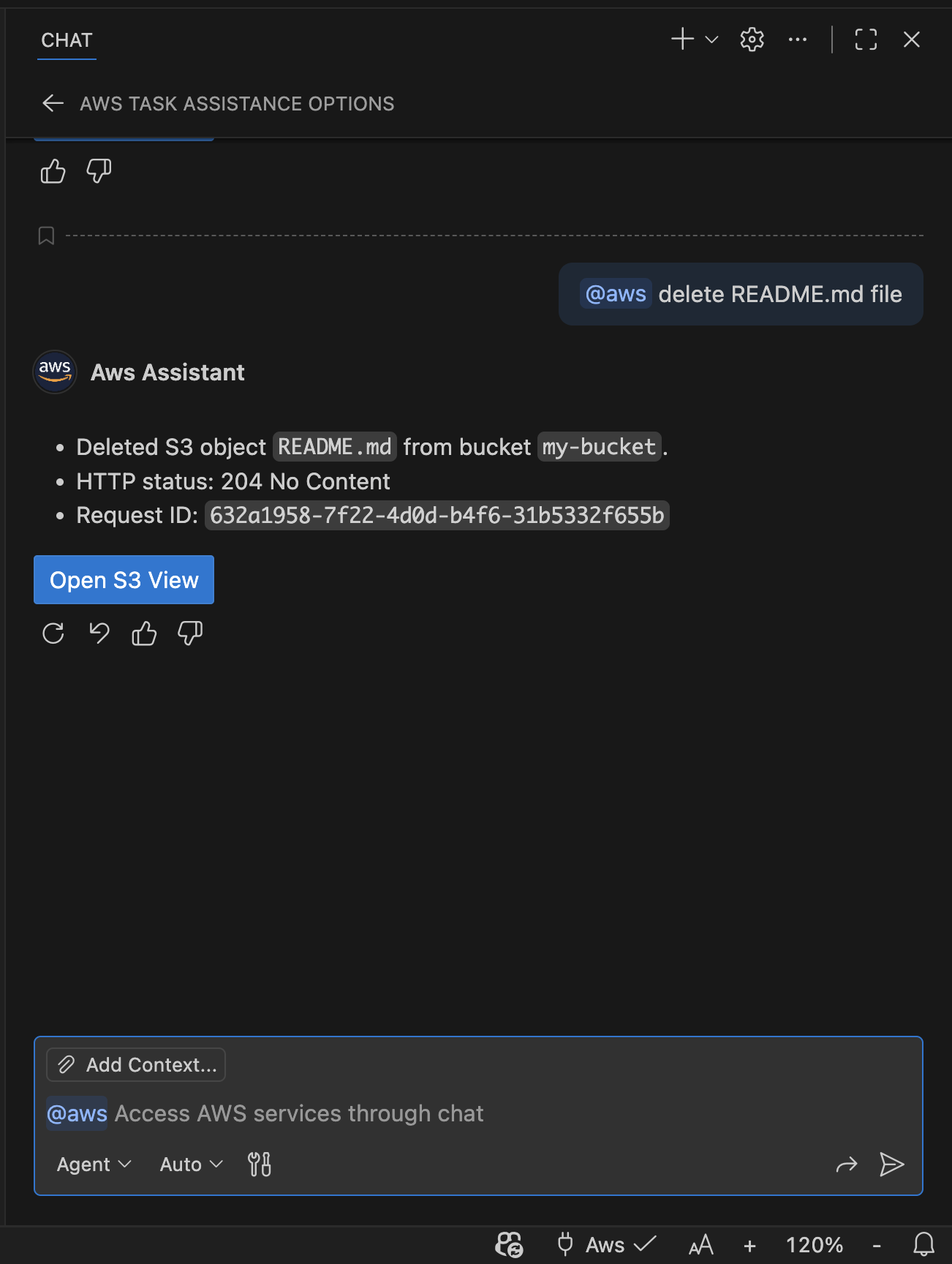
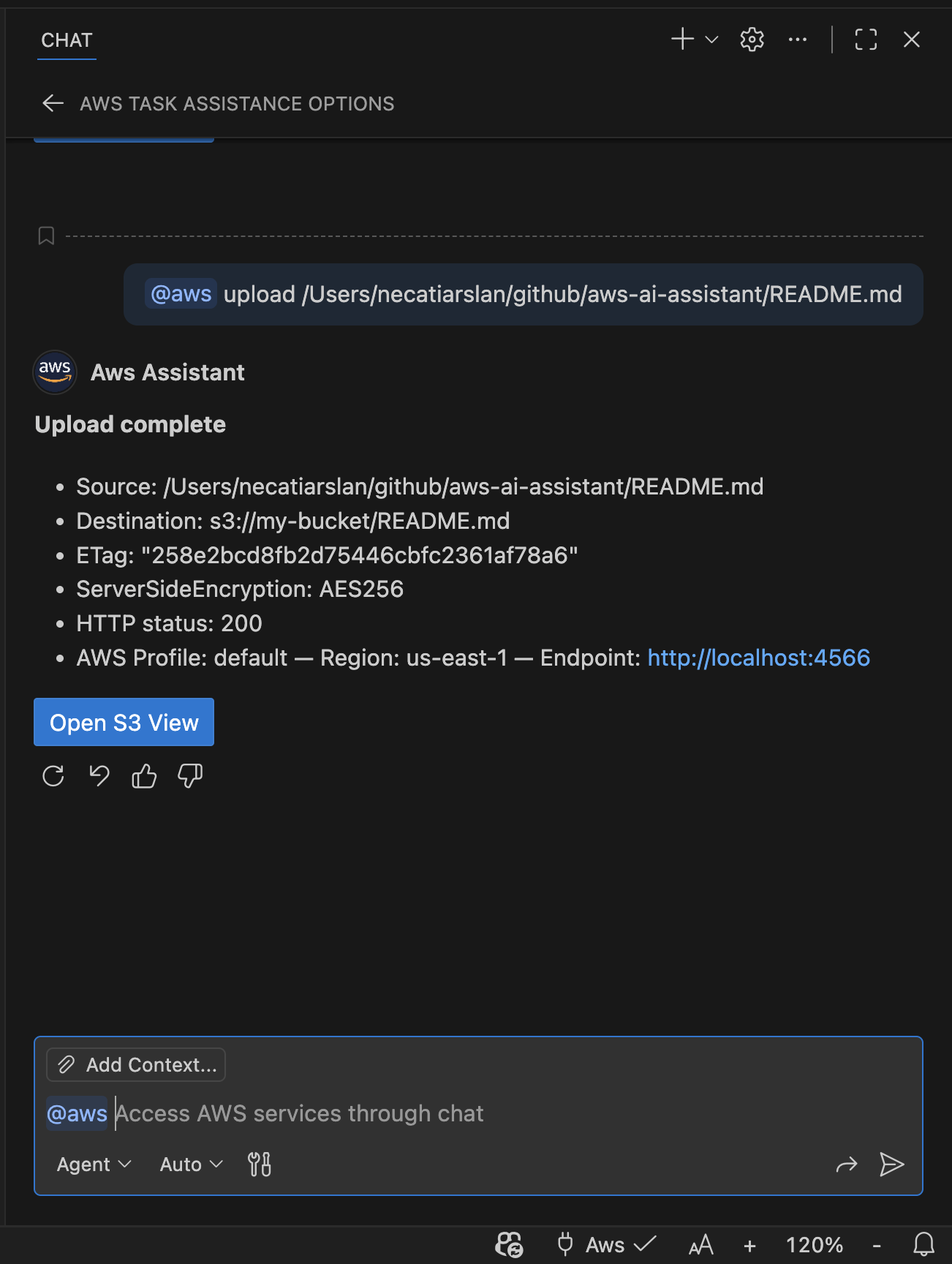
- S3: list buckets/objects, get/put/delete objects.
- SQS & SNS: list queues/topics, send/receive/delete messages, get queue URLs.
- EC2: describe instances, images, VPCs, security groups, console output.
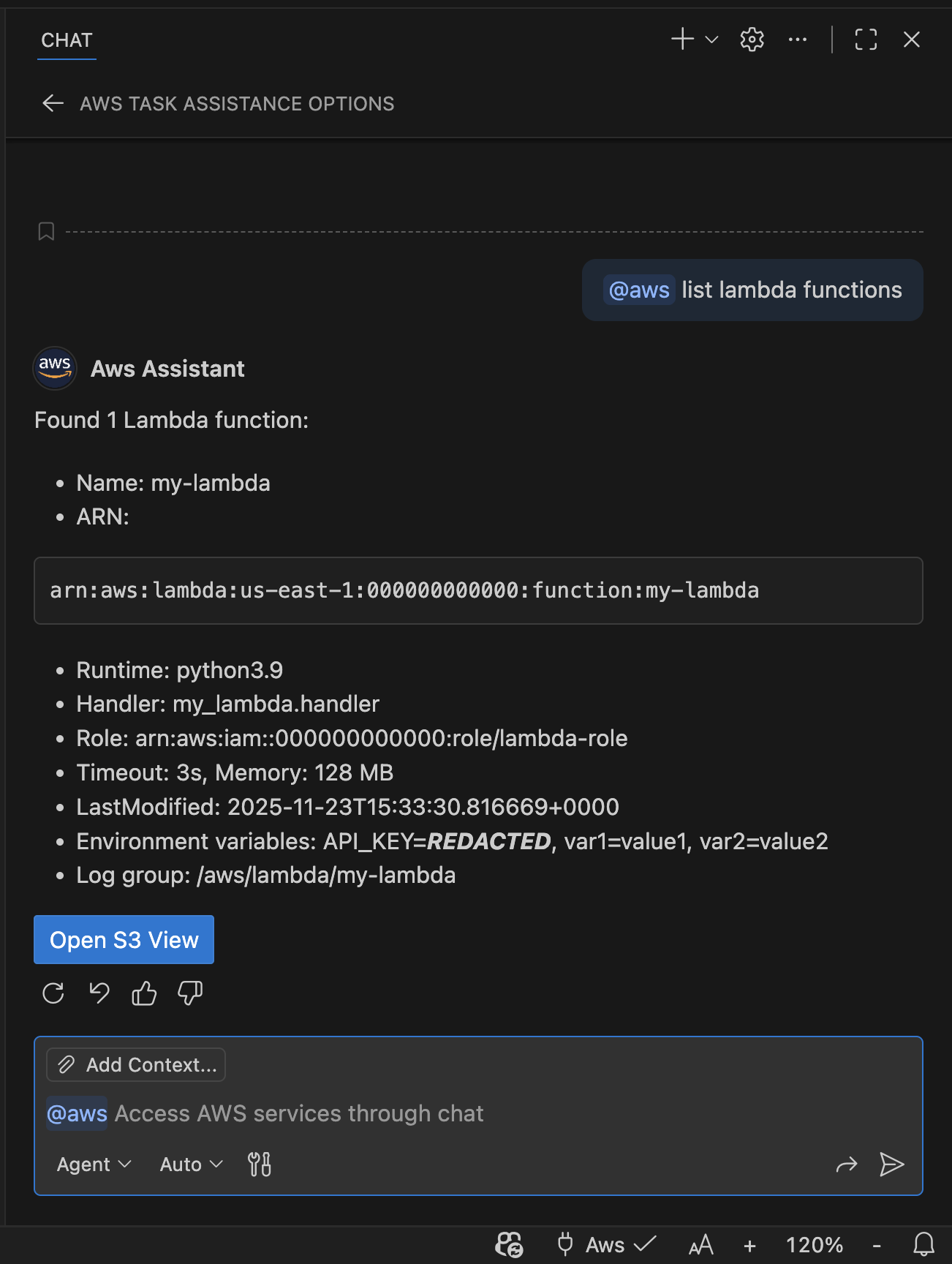
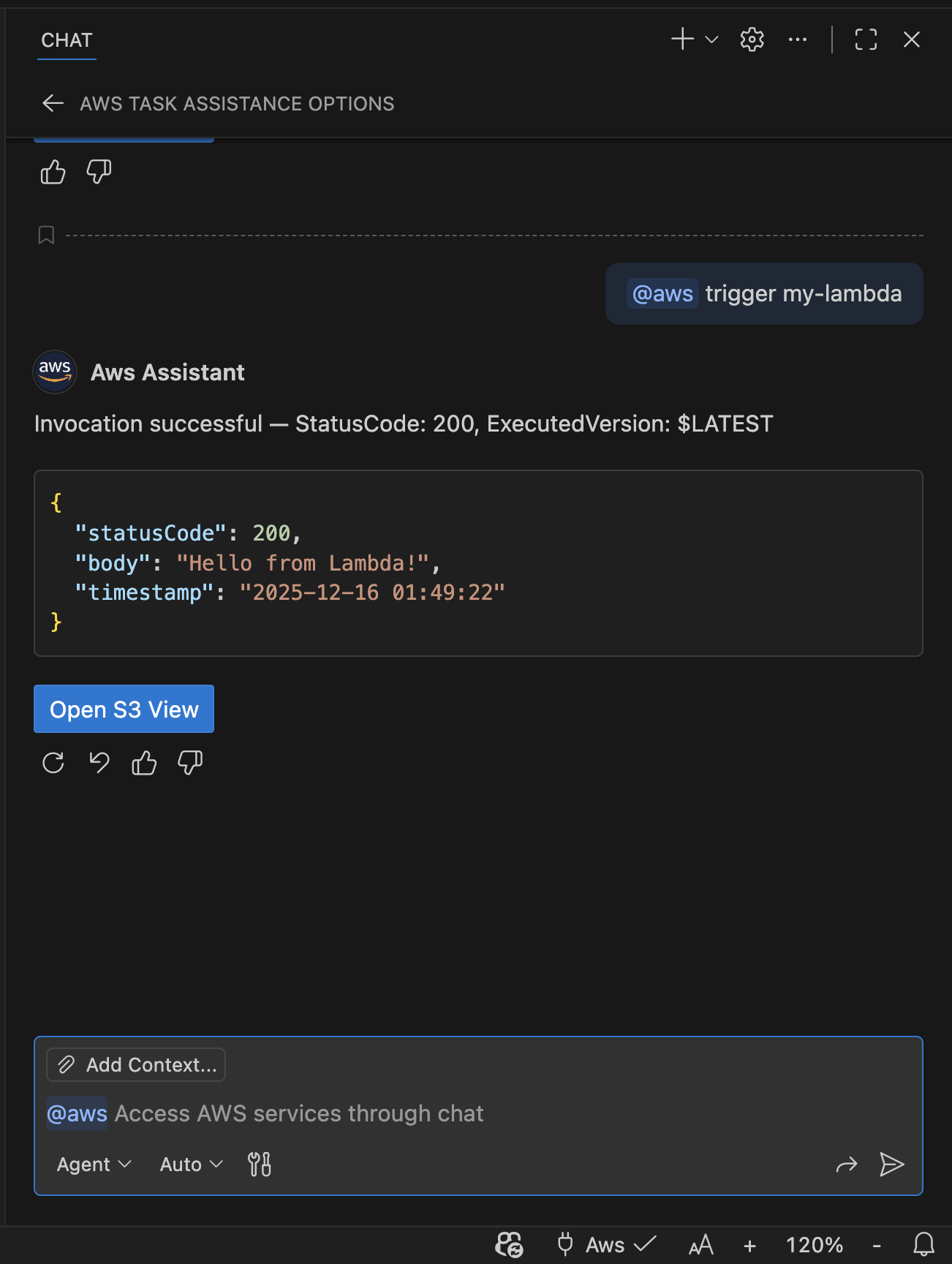
- Lambda & Step Functions: invoke functions, list state machines and executions.
- EMR: describe clusters, steps, studios, notebook executions, and scaling policies.
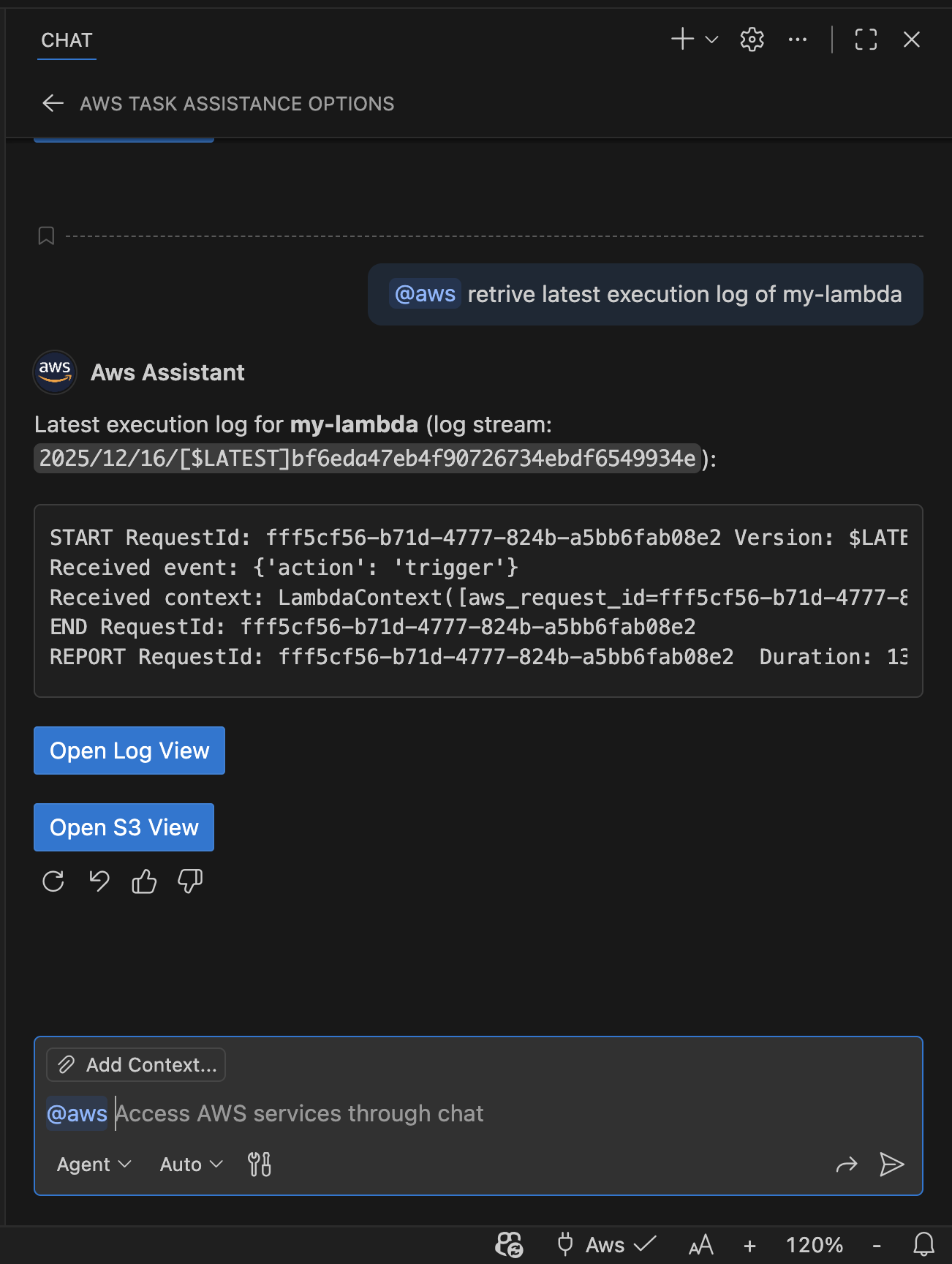
- CloudWatch Logs: search and retrieve log events.
- CloudFormation: list stacks, describe stack resources and events.
- RDS & RDS Data: list DB instances/clusters; run SQL via RDS Data API.
- DynamoDB: list tables, describe tables, scan/query items.
- IAM & STS: identity and credential utilities.
- API Gateway, Glue: service management and S3-compatible endpoint support.
- File Operations: work with local workspace context.
❓ Q & A
Authentication
Q: How does Aws Claw authenticate to AWS?
A: It uses your existing AWS credentials configured locally (via AWS CLI config, SSO, environment variables, etc.) and the AWS SDK provider chain.Q: Are my AWS credentials stored by the extension?
A: No, credentials are not persisted outside VS Code global state. You can refresh or clear cached credentials from the Command Palette.
Permissions
Q: What permissions are required?
A: The extension invokes AWS APIs using your account permissions. Use least-privilege IAM policies and verify the active profile before running mutating actions.Q: Can I use this extension with multiple AWS accounts?
A: Yes, you can switch profiles using the status bar AWS selector or commands in the Command Palette.
Cost
- Q: Is there any cost associated with using this extension?
A: The extension itself is free to use, but AWS API calls may incur costs based on your usage and AWS pricing.
Security
- Q: Are my AWS Credentials exposed to Copilot or other AI services?
A: No, your AWS Credentials are handled locally by the extension and are not sent to any external AI services.
Safety
Q: Is it possible the extension could perform unintended actions on my AWS account?
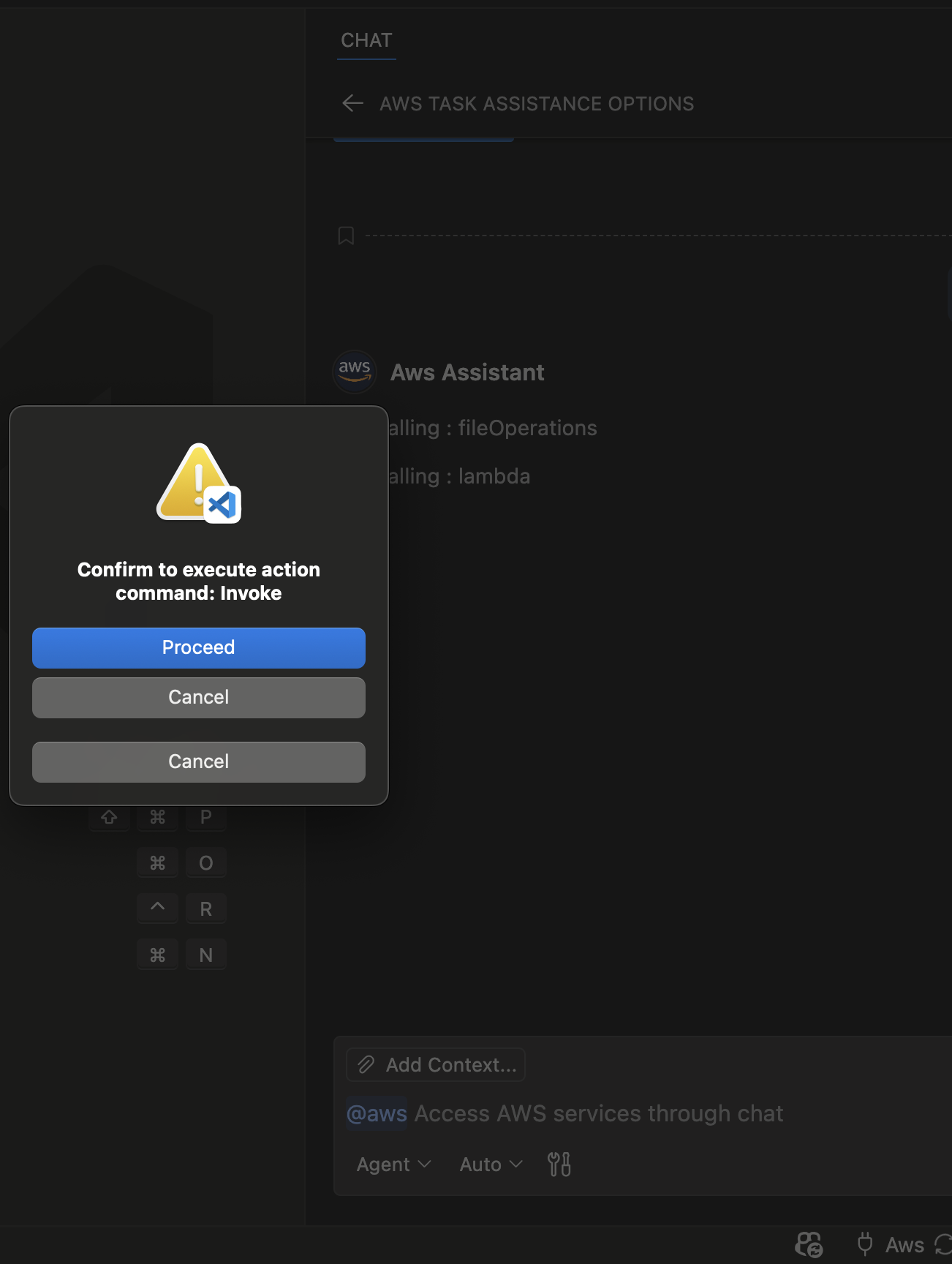
A: The extension always gets confirmation from you for the actions below before executing them:- put, post, upload, download, delete, copy, create, update, insert, commit, rollback, send, publish, invoke, start, execute.
- List, get, describe, search, scan, query actions are read-only and safe.
Q: Can I see the AWS API calls being made?
A: Yes, you can see the AWS API call history in "Command History" panel and in the output channel named "Aws Claw-Log". To open the output channel, go to View -> Output, then select "Aws Claw-Log" from the dropdown. Top open the "Command History" panel, click on the "Aws Claw: Open Command History" command from the Command Palette. You can see the api call responses when you export the history to a file.
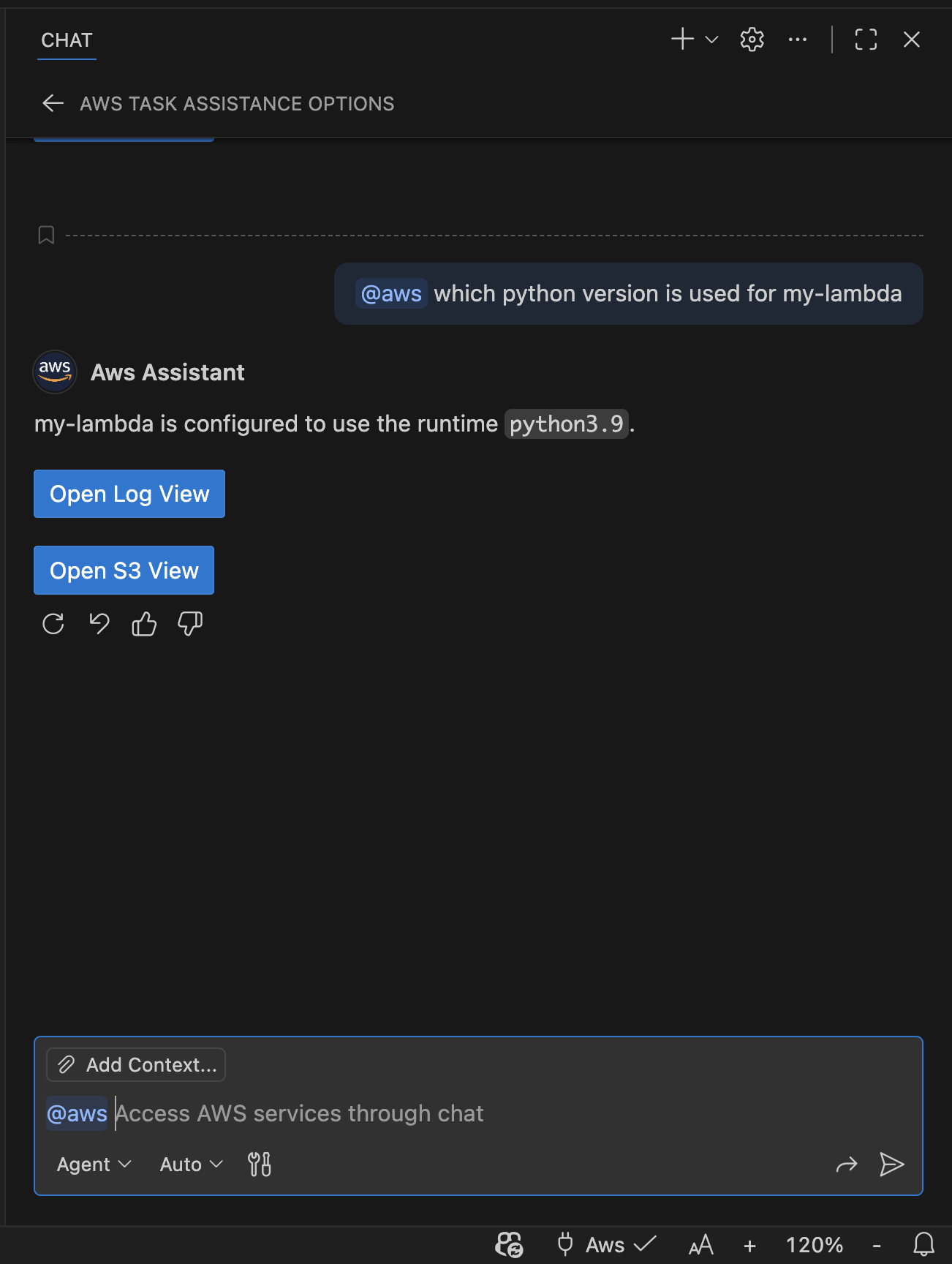
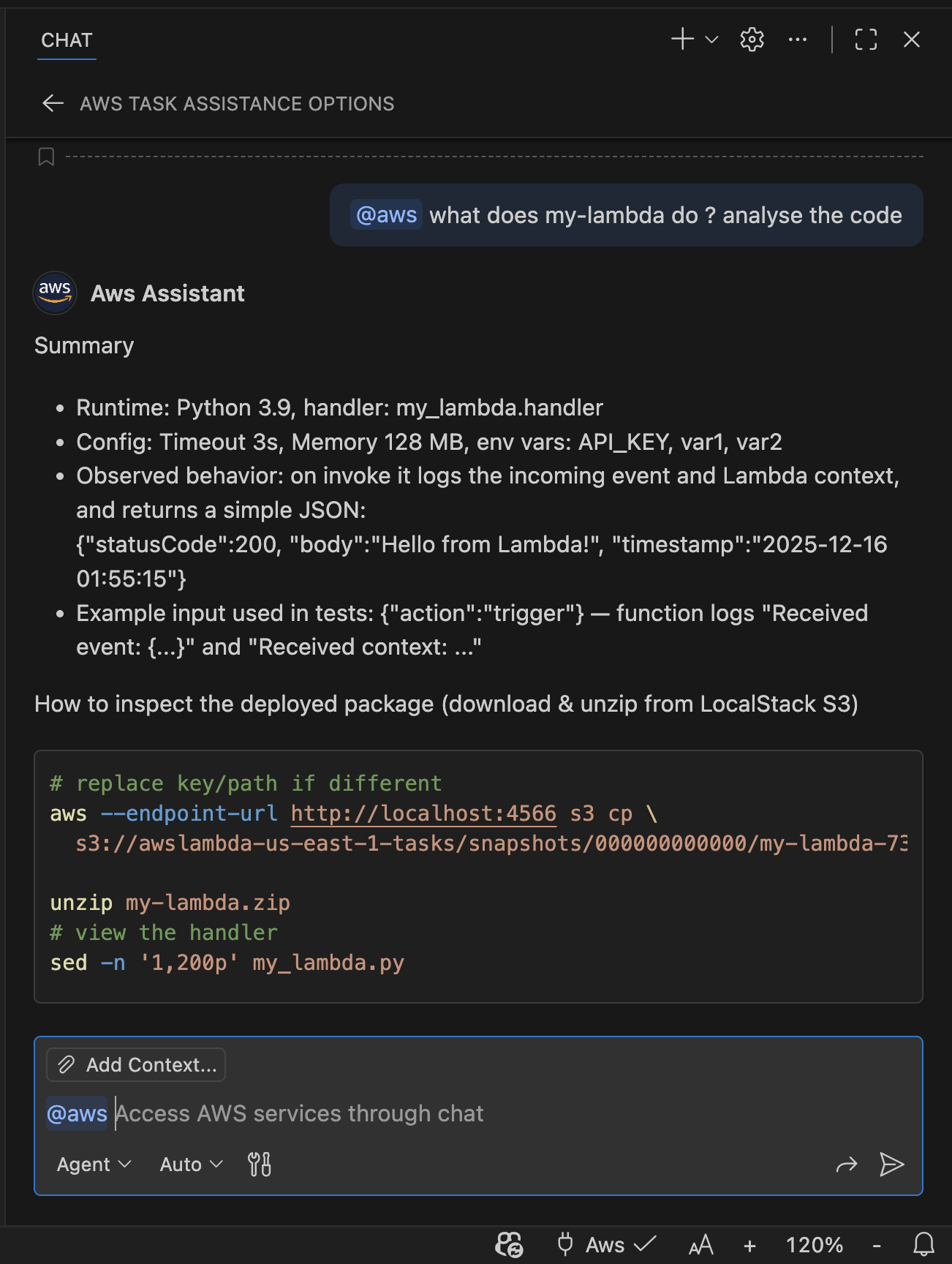
📺 Screenshots
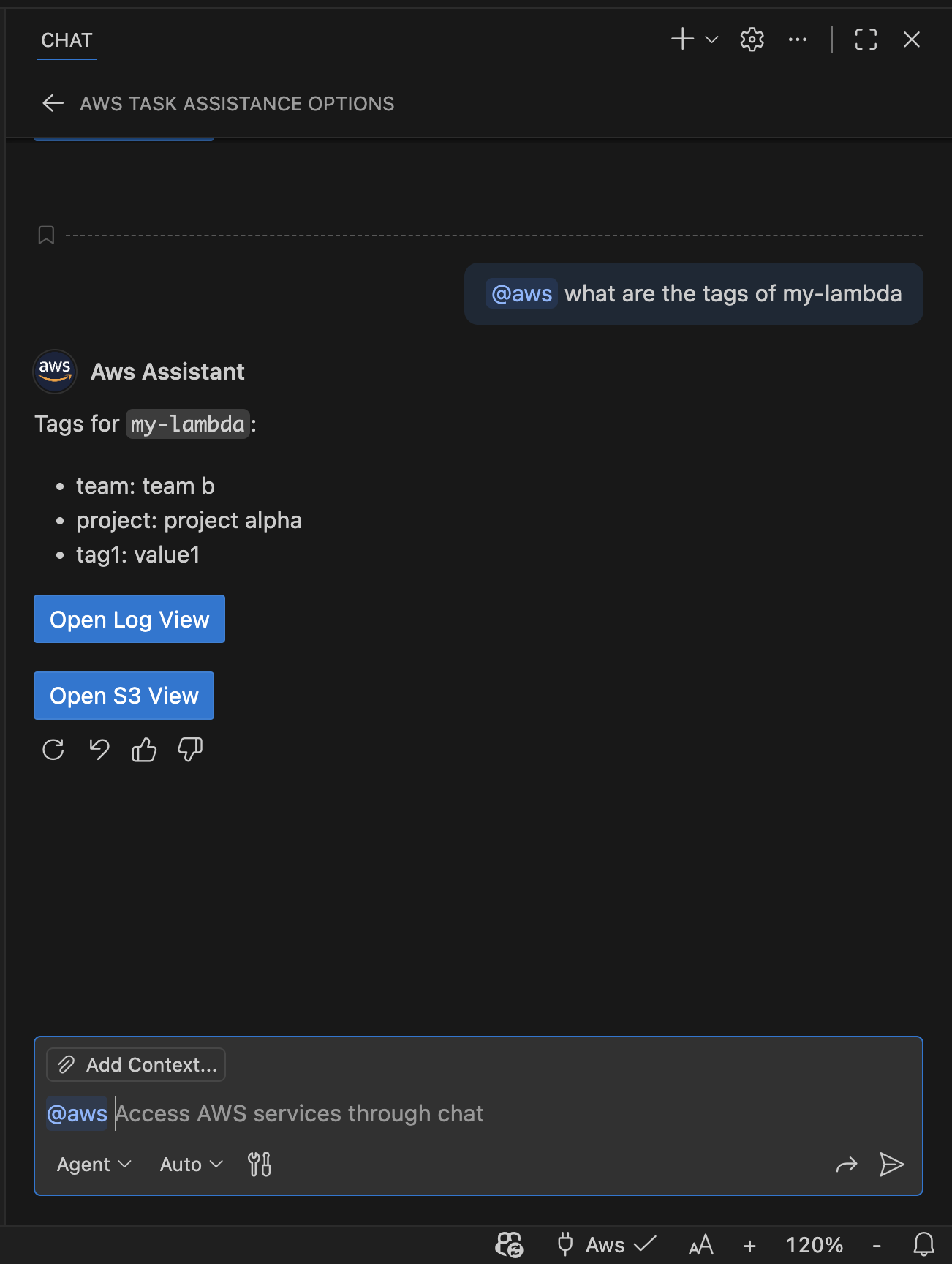 |
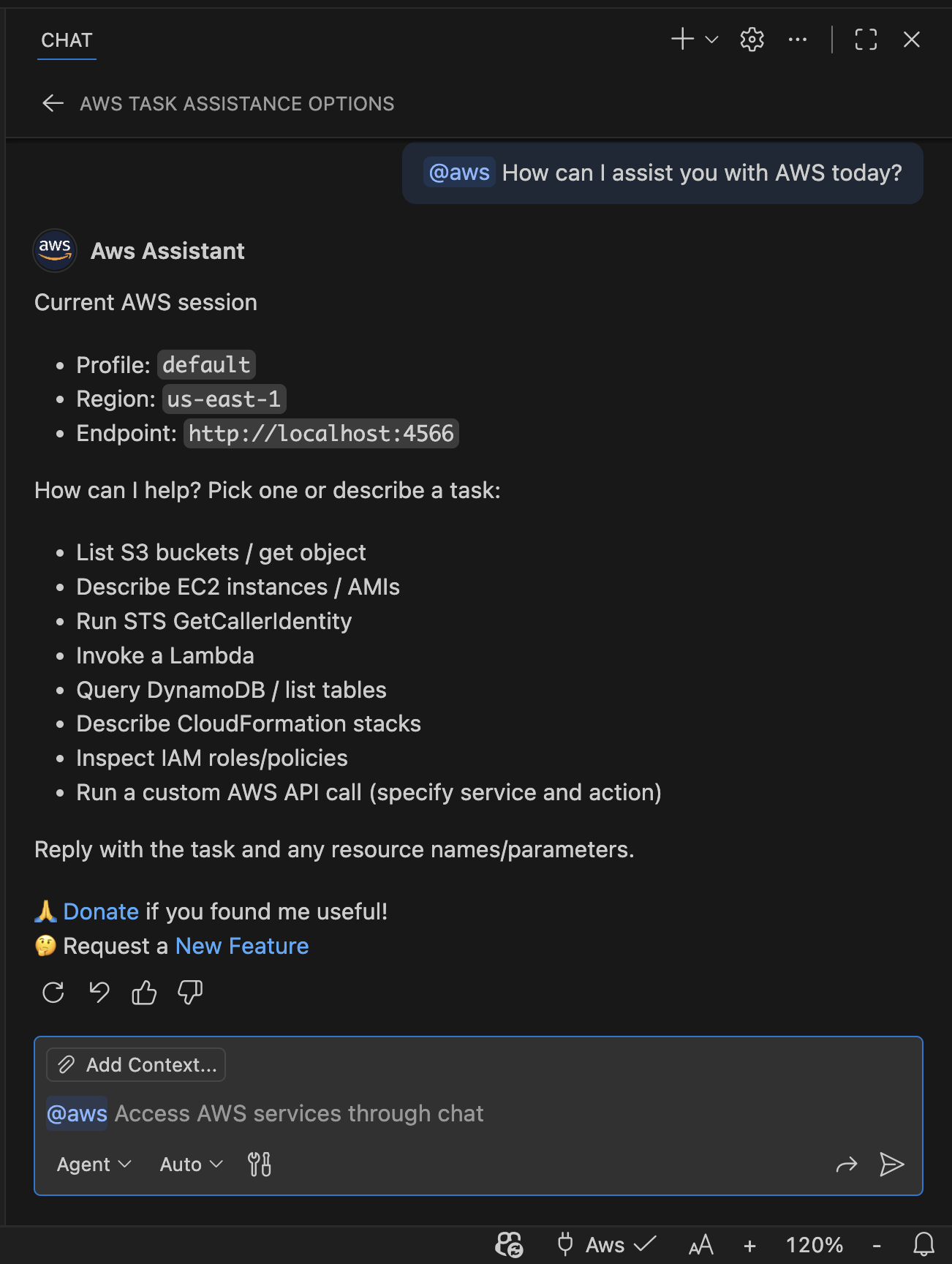 |
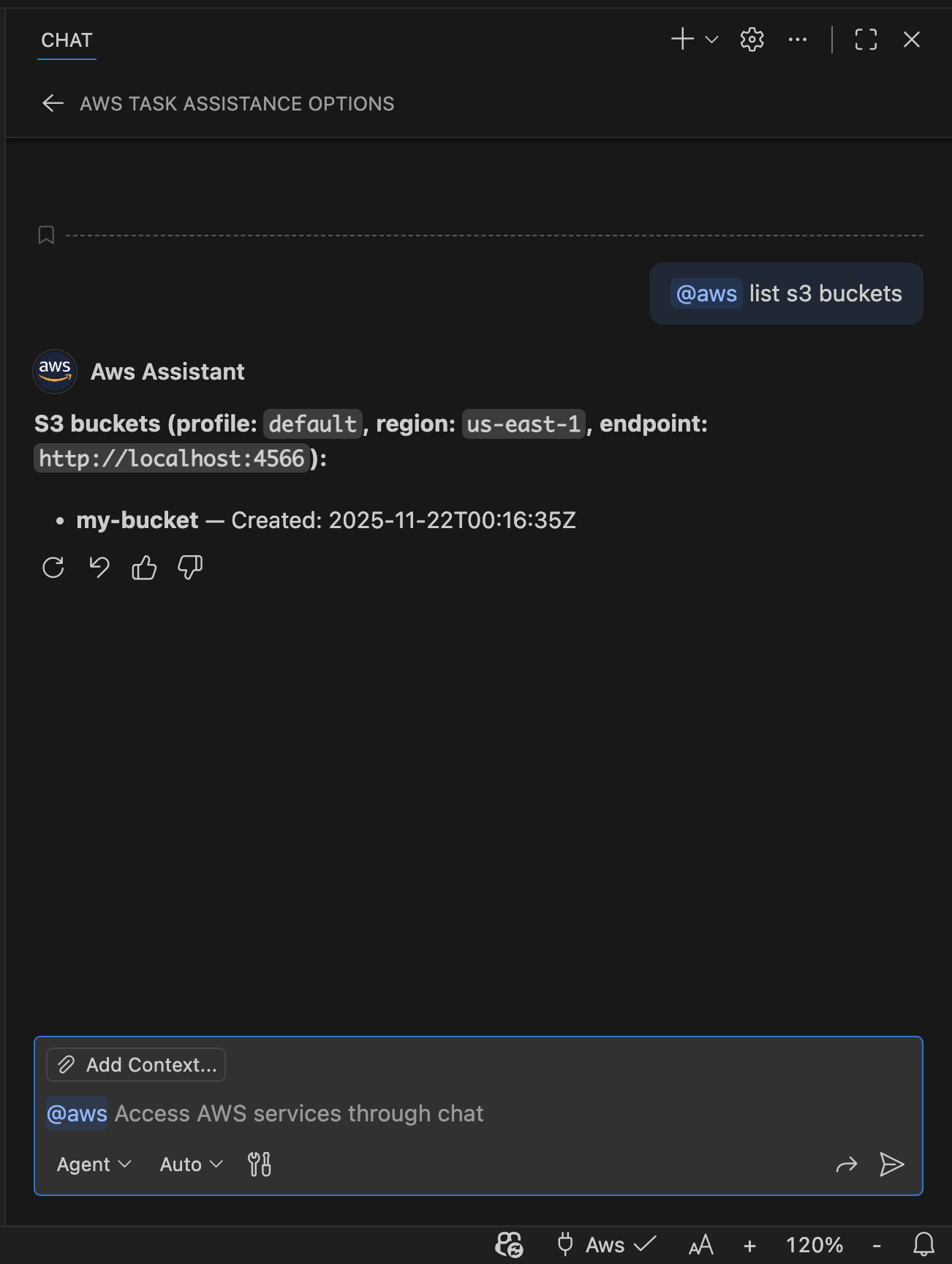 |
 |
 |
 |
 |
 |
 |
 |
 |
 |
 |
 |
 |
⚙️ Prerequisites
- AWS credentials configured locally (via AWS CLI config, SSO, environment variables, or other supported methods).
🏁 Quick Start
- Aws Credentials: Ensure you have AWS credentials configured locally. You can use AWS CLI to set up profiles or SSO.
- Test connectivity: Click "🔌Aws" in the status bar and Run "Aws Claw: Test AWS Connection" to verify AWS access. You can set default profile, region and endpoint (for Localstack) if you need.
- Google Antigravity / Windsurf / Others: You need a local MCP server to connect these editors with Aws Claw. See the README_MCP for detailed setup instructions.
- Open Chat: Open Chat (use @aws in Ask or Edit Mode) and ask a question, for example:
- List my S3 buckets
- Tail the latest CloudWatch log events for /aws/lambda/my-fn
- Describe EC2 instances in us-west-2
- Publish a message to my SNS topic
- Review results: The assistant will call the appropriate tool, stream results, and suggest follow-up actions.
🧠 Install Skills
Aws Claw ships with a set of agent skills that teach GitHub Copilot how to work with AWS services. Install them with:
npx skills add necatiarslan/awsclaw
Once installed, the skills are available in your agent sessions and provide the assistant with deep AWS service knowledge, best practices, and tool-usage guidance for all supported services.
👮 Authentication & Security
- Credentials: Resolved via the AWS SDK provider chain. The selected profile is stored in VS Code global state and reapplied across sessions.
- Privacy: No credentials are persisted outside VS Code global state. You can refresh or clear cached credentials from the Command Palette.
- Permissions: The assistant invokes AWS APIs using your account permissions. Use least-privilege IAM policies and verify the active profile before running mutating actions.
📋 TODO
Add more AWS services and actions.
- Tier1 : ECS, EKS, Secrets Manager, Systems Manager, ECR, CloudWatch Metrics & Alarms
- Tier2 : ElastiCache, EventBridge, Kinesis, Route53, EFS, Cloud Trail, KMS, ELB
- Tier3 : X-Ray, Athena, Redshift
Improve natural language understanding for AWS-specific queries.
Setting Panel like copilot for better user experience.
Develop plugins for Claude Code and Codex
Develop a standalone version that can be used outside of VS Code.
💖 Links
- Issues & Feature Requests: https://github.com/necatiarslan/awsclaw/issues
- Sponsor: https://github.com/sponsors/necatiarslan
- License: MIT
Как установить
Выполни в терминале:
claude mcp add aws-claw -- npx 

