
Biel.ai
БесплатноНе проверенQuery your product docs from AI tools. Source-cited answers from your indexed documentation.

Описание
Query your product docs from AI tools. Source-cited answers from your indexed documentation.
README

Biel.ai MCP Server
Connect your IDE to your product docs
Give AI tools like Cursor, VS Code, and Claude Desktop access to your company's product knowledge through the Biel.ai platform.
Biel.ai provides a hosted Retrieval-Augmented Generation (RAG) layer that makes your documentation searchable and useful to AI tools. This enables smarter completions, accurate technical answers, and context-aware suggestions—directly in your IDE or chat environment.
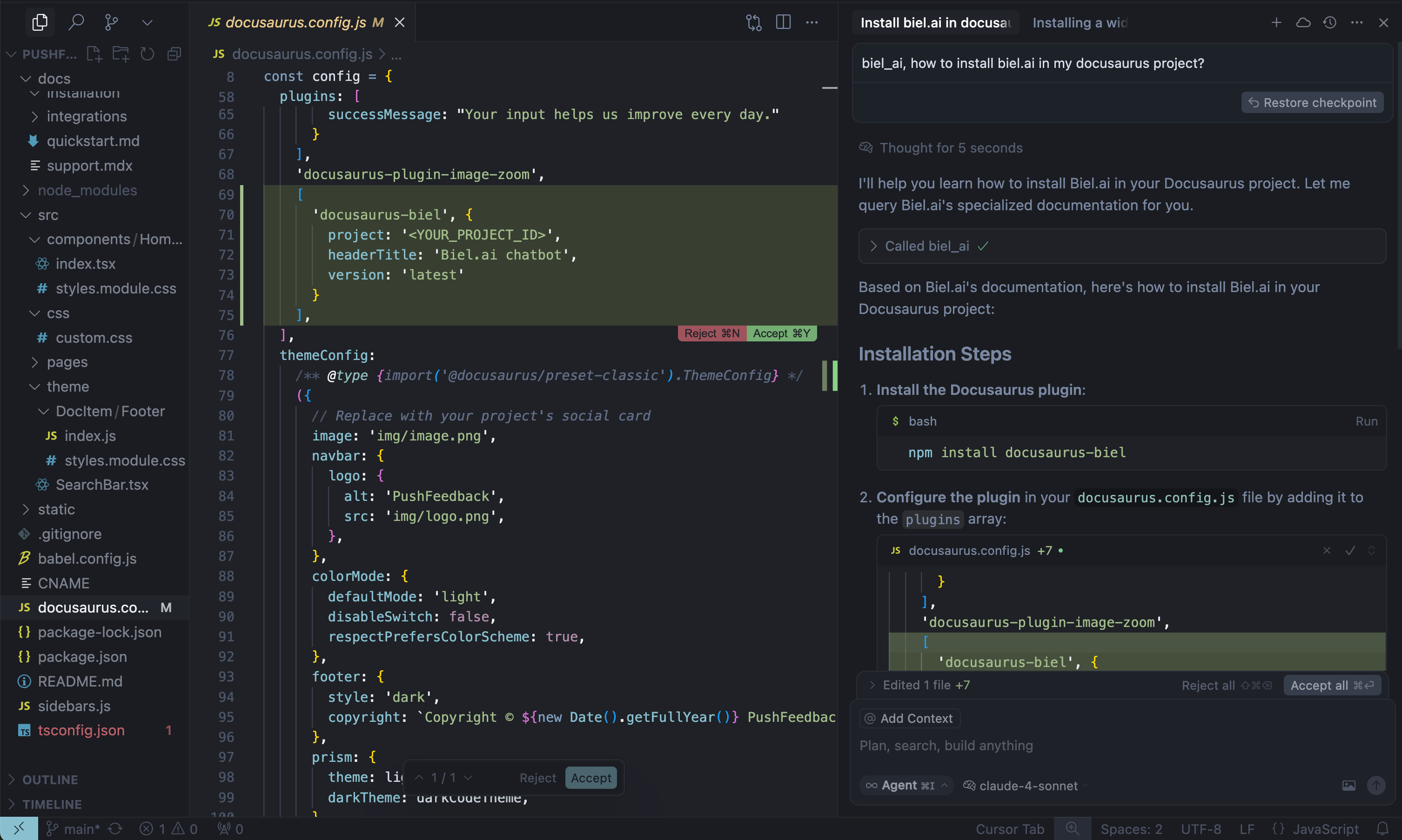
When AI tools can read your product documentation, they become significantly more helpful—generating more accurate code completions, answering technical questions with context, and guiding developers with real-time product knowledge.
Note: Requires a Biel.ai account and project setup. Start your free 15-day trial.
See quickstart instructions →
Getting started
1. Get your MCP configuration
{
  "mcpServers": {
    "biel-ai": {
      "description": "Query your product's documentation, APIs, and knowledge base.",
      "command": "npx",
      "args": [
        "mcp-remote",
        "https://mcp.biel.ai/sse?project_slug=YOUR_PROJECT_SLUG&domain=https://your-docs-domain.com"
      ]
    }
  }
}
Required: project_slug and domain
Optional: api_key (only needed for private projects)
2. Add to your AI tool
- Cursor: Settings → *Tools & Integrations → New MCP server.
- Claude Desktop: Edit
claude_desktop_config.json - VS Code: Install MCP extension.
3. Start asking questions
Can you check in biel_ai what the auth headers are for the /users endpoint?
Self-hosting (Optional)
For advanced users who prefer to run their own MCP server instance:
Local development
# Clone and run locally
git clone https://github.com/techdocsStudio/biel-mcp
cd biel-mcp
pip install -r requirements.txt
python biel_mcp_server.py
Docker deployment
# Docker Compose (recommended)
docker-compose up -d --build

# Or Docker directly
docker build -t biel-mcp .
docker run -d -p 7832:7832 biel-mcp
Support
- Issues: GitHub Issues
- Contact: [email protected]
- Custom Demo: Book a demo
Установка Biel.ai
У этого сервера нет опубликованного пакета — он собирается из исходников. Открой репозиторий и следуй инструкции в README.
▸ github.com/TechDocsStudio/biel-mcpFAQ
Biel.ai MCP бесплатный?
Да, Biel.ai MCP бесплатный — установка в пару кликов через Unyly без оплаты.
Нужен ли API-ключ для Biel.ai?
Нет, Biel.ai работает без API-ключей и переменных окружения.
Biel.ai — hosted или self-hosted?
Доступен hosted-вариант: Unyly запускает сервер в облаке, локальная установка не обязательна.
Как установить Biel.ai в Claude Desktop, Claude Code или Cursor?
Открой Biel.ai на unyly.org, выбери вкладку своего клиента (Claude Desktop, Claude Code, Cursor) и нажми Install — конфиг сгенерируется автоматически, без правки JSON.
Похожие MCP
Notion
Read and write pages in your workspace
 автор: Notion
Linear
Issues, cycles, triage — from Claude
 автор: Linear
Google Drive
Search and read your Drive files
 автор: Google
mindsdb/mindsdb
Connect and unify data across various platforms and databases with [MindsDB as a single MCP server](https://docs.mindsdb.com/mcp/overview).
 автор: mindsdb
Compare Biel.ai with
Не уверен что выбрать?
Найди свой стек за 60 секунд
Автор?
Embed-бейдж для README
Похожее
Все в категории productivity