
Cisco APIC
БесплатноНе проверенIntegrates with Cisco APIC for managing Application Centric Infrastructure fabrics through REST API operations, enabling managed object retrieval, automated con

Описание
Integrates with Cisco APIC for managing Application Centric Infrastructure fabrics through REST API operations, enabling managed object retrieval, automated configuration backups to SCP servers with AES encryption, and session token management for network automation and infrastructure monitoring workflows.
README
This project provides a simple MCP (Model Context Protocol) server that interacts with a Cisco APIC controller. If you'd like to understand how this works in detail, please check out this blog post
- Tested with Claude Desktop and Visual Studio Code in Agent mode with Copilot.
- The server runs in STDIO mode, intended for local execution.
Features
- Exposes two tools for APIC interaction (see
app/main.pyfor details). - Easily configurable via environment variables.
Setup
Specify APIC credentials in the
.envfile.If you want Claude or VS Code to run the Python code directly (no container), install UV
Register the MCP server with Claude or VS Code.
For VS Code, create a
.vscode/mcp.jsonfile like this in your workspace:{ "servers": { "ciscoApicServer": { "type": "stdio", "command": "C:\\Users\\cpaggen\\.local\\bin\\uv.EXE", "args": [ "run", "--with", "mcp[cli]", "mcp", "run", "C:\\MCP\\app\\main.py" ] } } }Instruct Claude Desktop or VS Code to use it:
Install MCP client tools locally if you invoke the MCP server with
uv run mcpas above.- Use
uv add "mcp[cli]"orpip install "mcp[cli]"
- Use
Docker Support
You can run the server directly using UV, or build a Docker image and run it as a container. If using Docker, adapt the mcp.json config accordingly.
Note: Local installation of MCP client tools is recommended for debugging the server code.
Screenshots
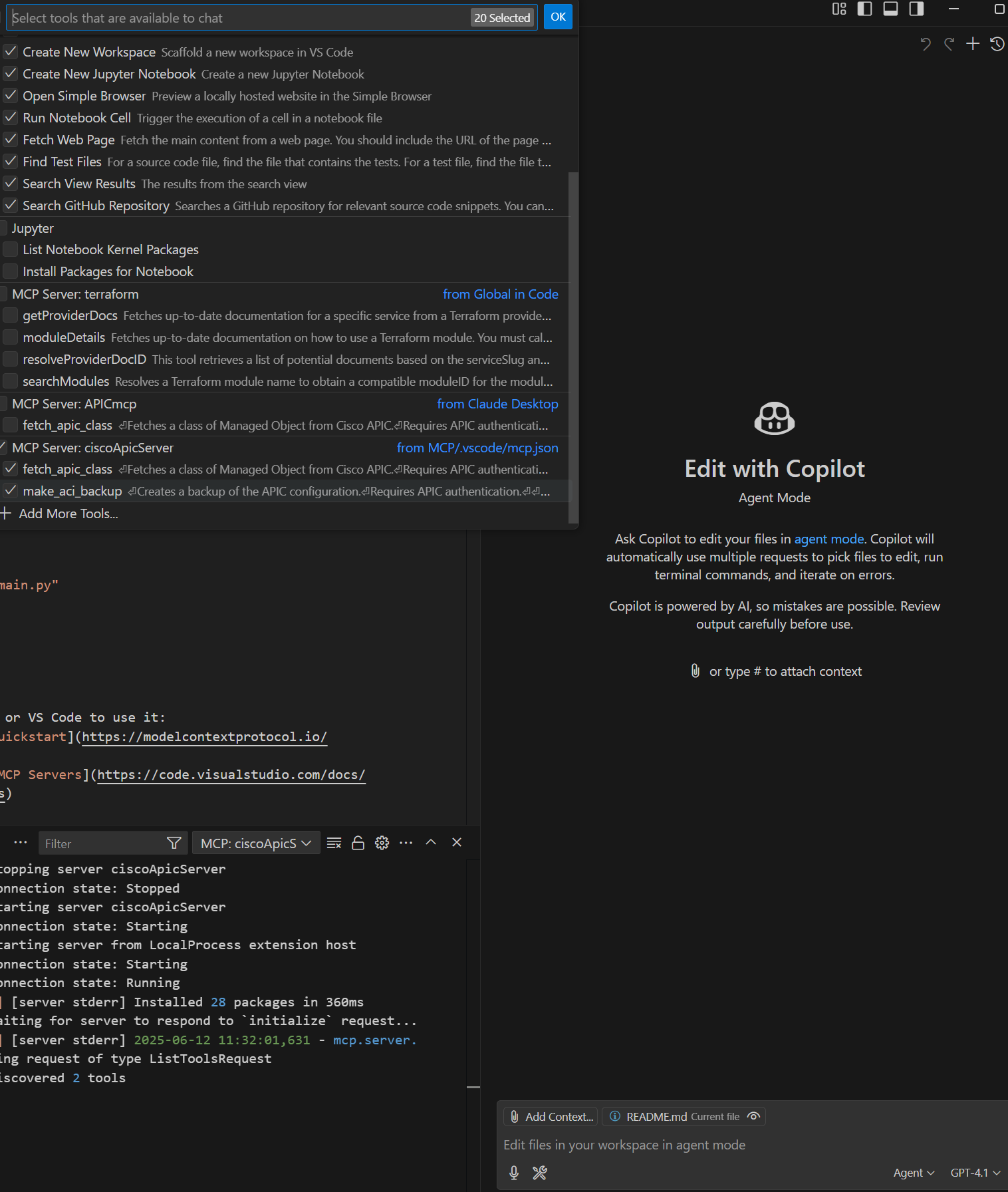
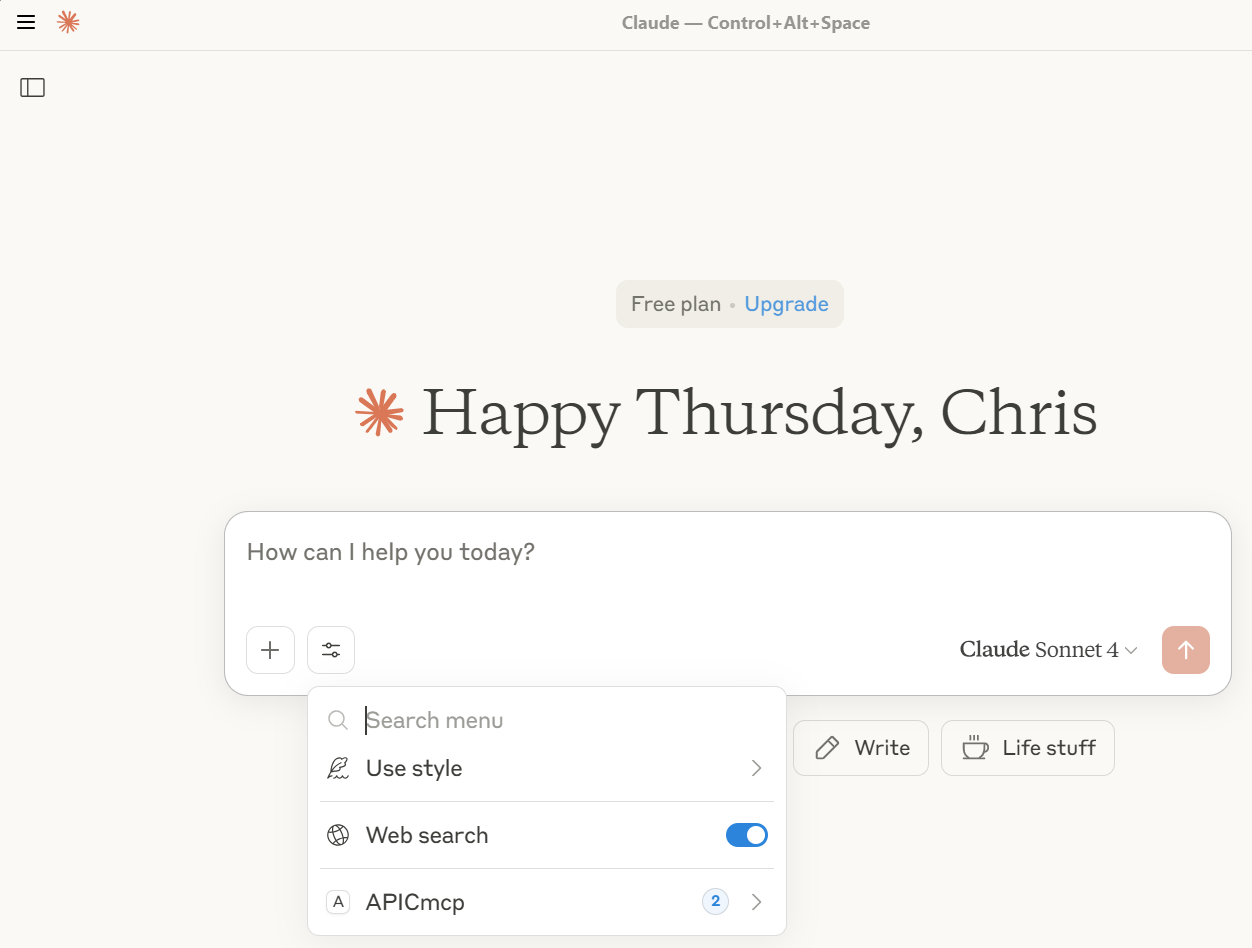
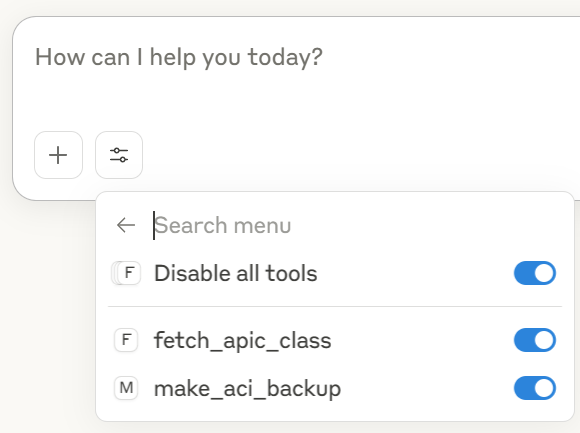
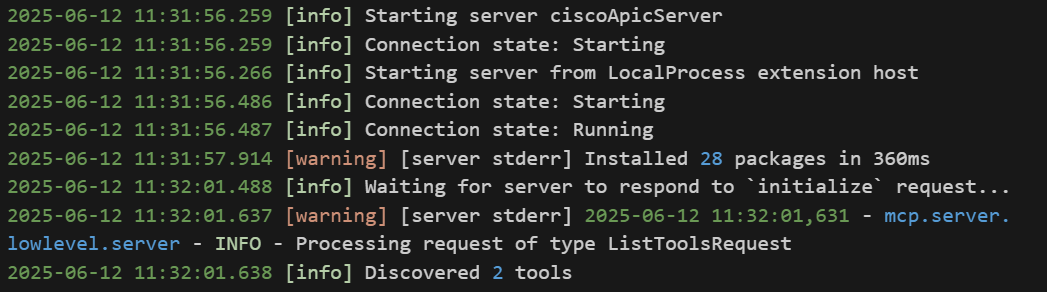
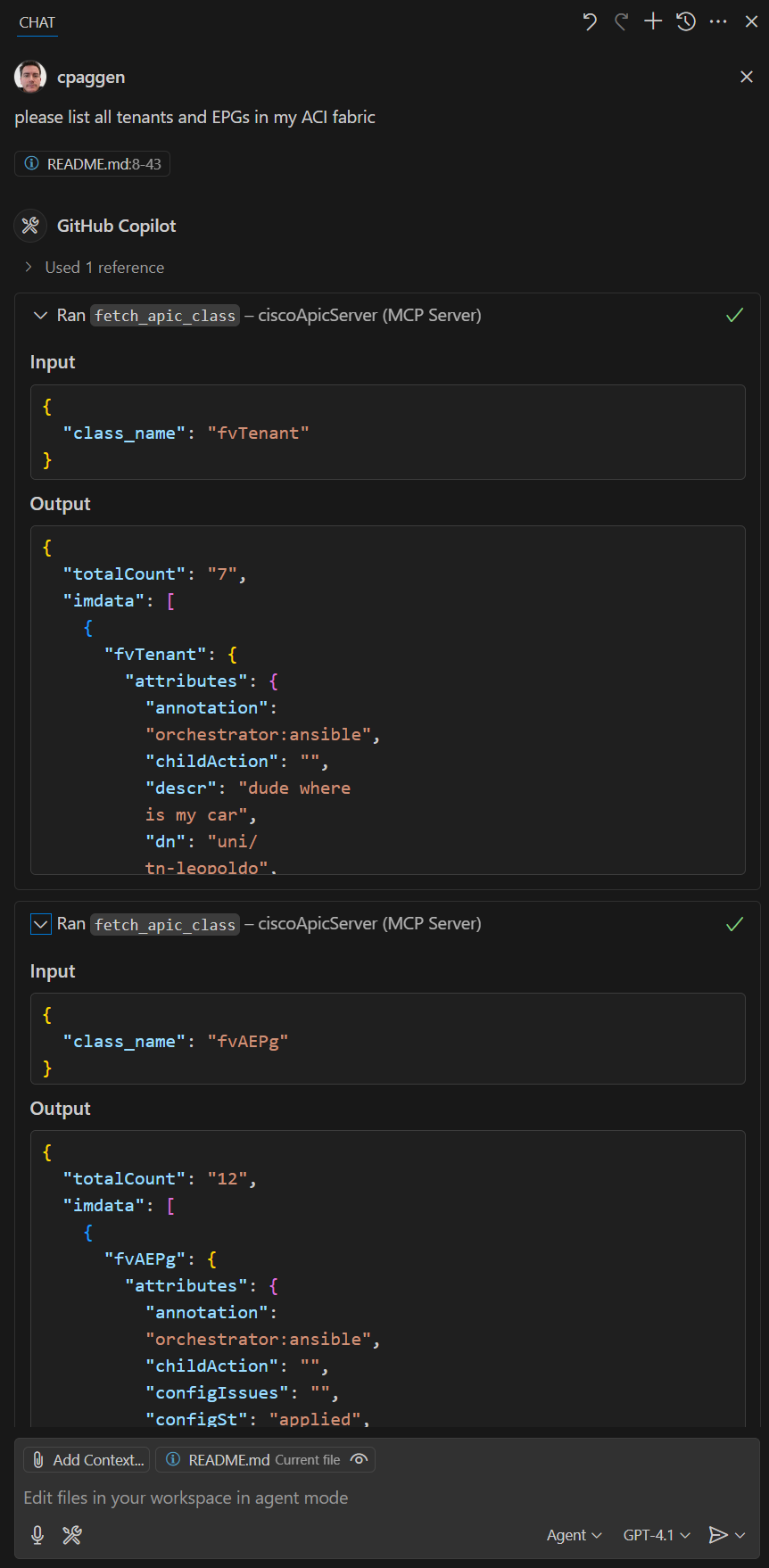
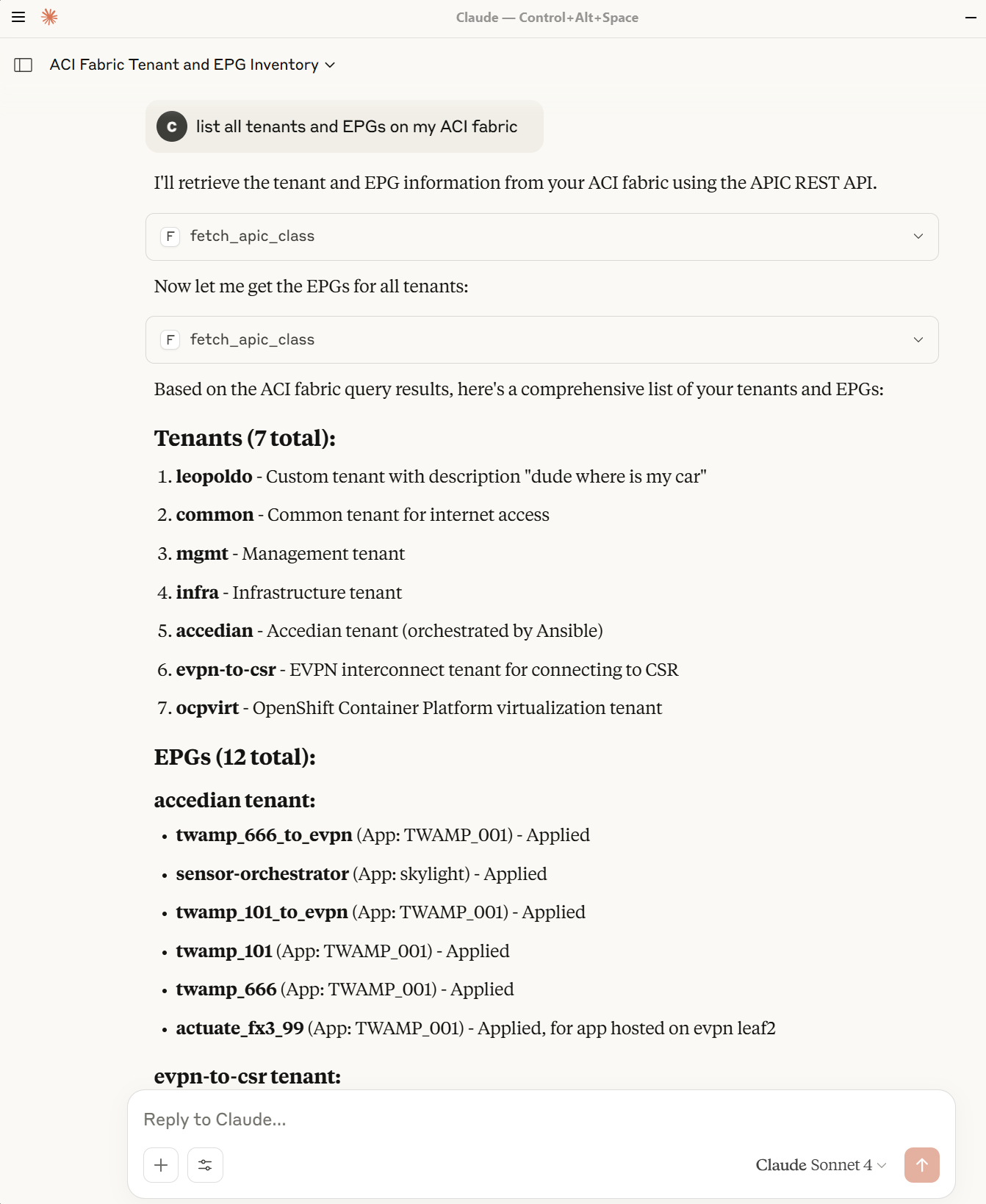
Below are some screenshots demonstrating the MCP server in action and its integration with Claude Desktop and VS Code:
| MCP Server Registered | Tool Registered in Claude | Claude Tools List |
|---|---|---|
 |
 |
 |
| MCP Server Output | Sample Question in VS Code | Sample Question in Claude |
|---|---|---|
 |
 |
 |
| How to Use ACI Backup |
|---|
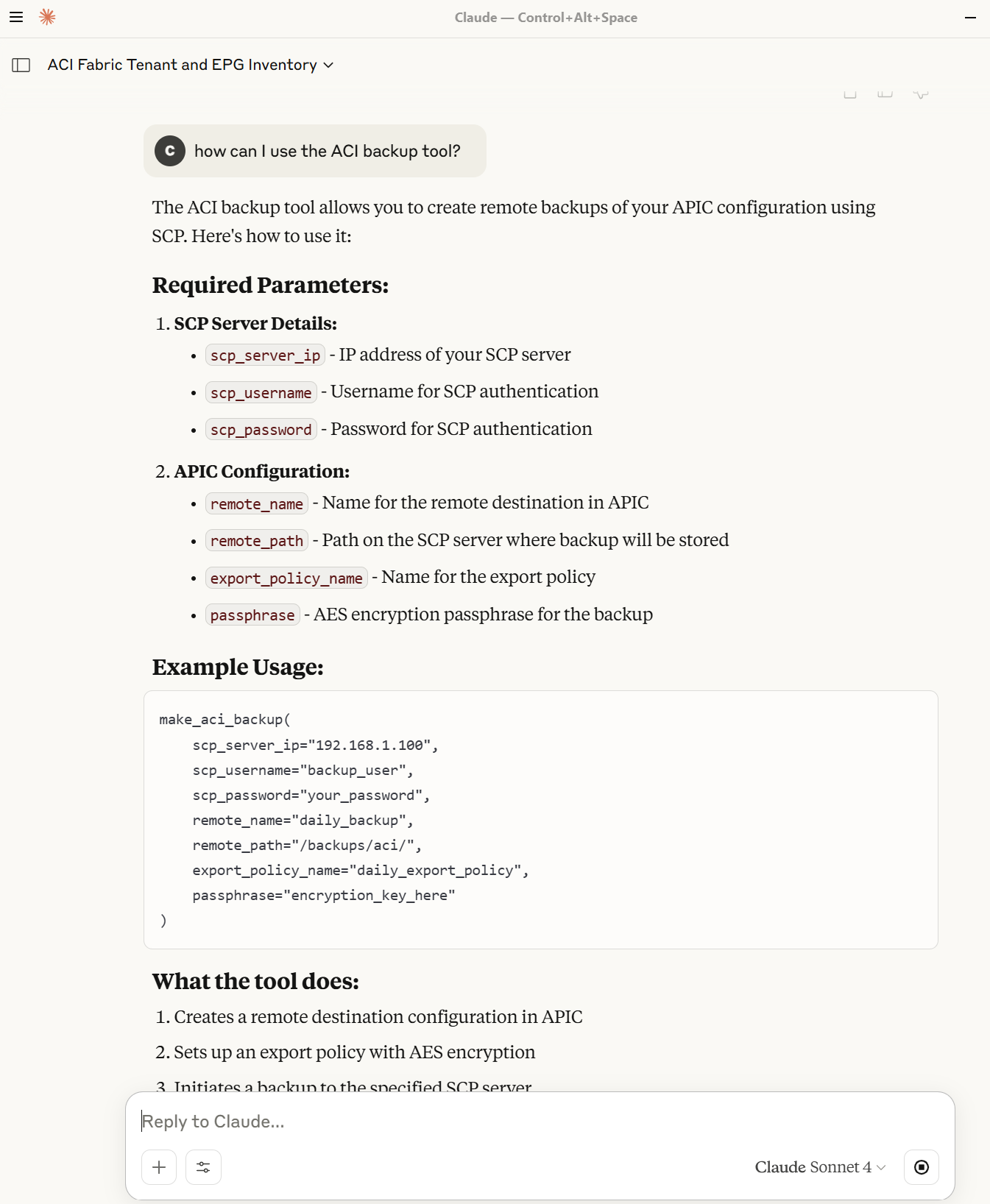 |
These images illustrate the registration process, available tools, and example interactions.
Установка Cisco APIC
У этого сервера нет опубликованного пакета — он собирается из исходников. Открой репозиторий и следуй инструкции в README.
▸ github.com/datacenter/mcp_server_for_cisco_aciFAQ
Cisco APIC MCP бесплатный?
Да, Cisco APIC MCP бесплатный — установка в пару кликов через Unyly без оплаты.
Нужен ли API-ключ для Cisco APIC?
Нет, Cisco APIC работает без API-ключей и переменных окружения.
Cisco APIC — hosted или self-hosted?
Self-hosted: сервер запускается локально на твоей машине командой из раздела установки.
Как установить Cisco APIC в Claude Desktop, Claude Code или Cursor?
Открой Cisco APIC на unyly.org, выбери вкладку своего клиента (Claude Desktop, Claude Code, Cursor) и нажми Install — конфиг сгенерируется автоматически, без правки JSON.
Похожие MCP
GitHub
PRs, issues, code search, CI status
 автор: GitHub
Filesystem
Secure file operations with configurable access controls.
Memory
Knowledge graph-based persistent memory system.
Template MCP Server
A CLI tool to create a new Model Context Protocol server project with TypeScript support, dual transport options, and an extensible structure
 автор: mcpdotdirect
Compare Cisco APIC with
Не уверен что выбрать?
Найди свой стек за 60 секунд
Автор?
Embed-бейдж для README
Похожее
Все в категории development