
Code Snippet Image
БесплатноНе проверенGenerates beautiful code snippet images with syntax highlighting and customizable themes for sharing on social media.

Описание
Generates beautiful code snippet images with syntax highlighting and customizable themes for sharing on social media.
README
An MCP (Model Context Protocol) server that generates beautiful code snippet images to post to social media.
Demo
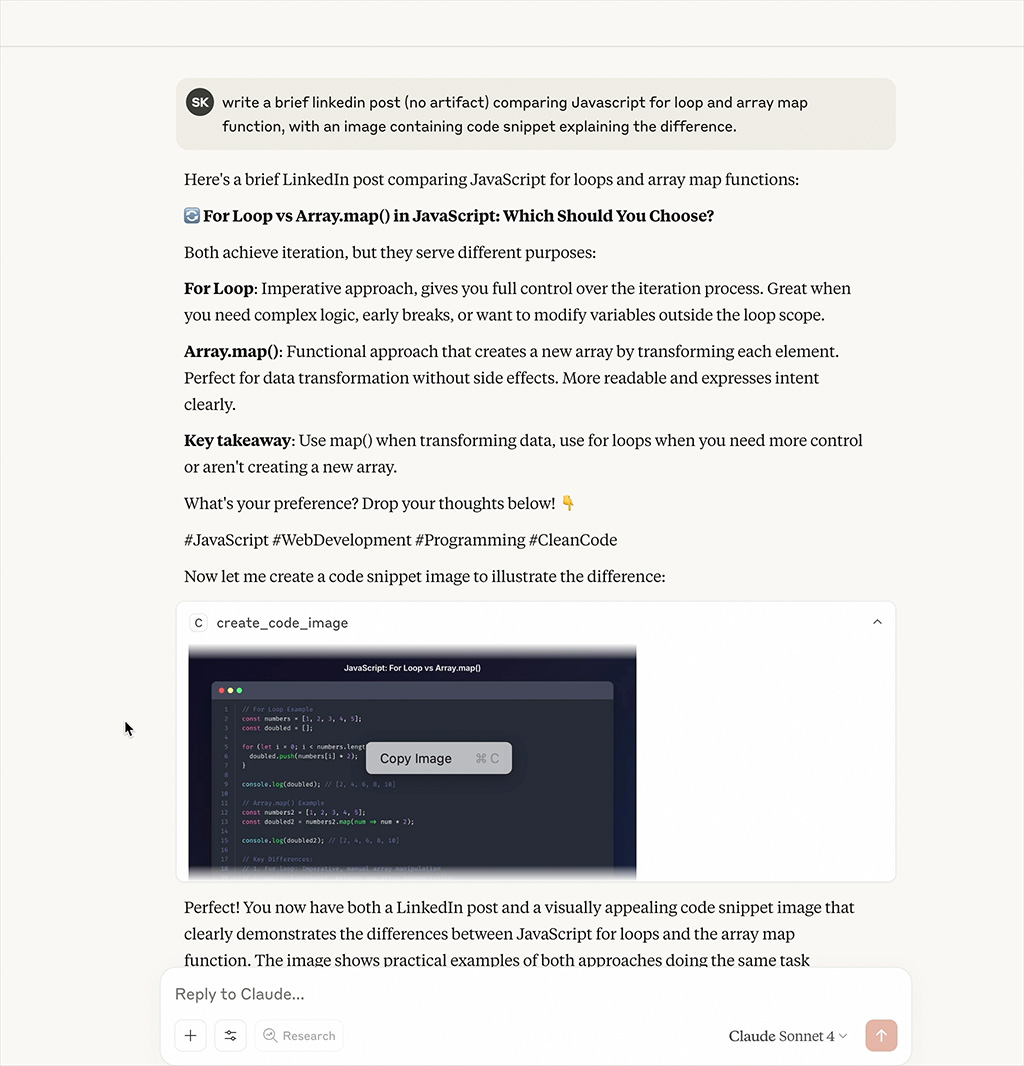
Watch the MCP server generate beautiful code snippet images in real-time
Features
- Beautiful Code Images: Generate beautiful code snippet images with syntax highlighting
- Multiple Themes: Support for Dracula, Monokai, GitHub, Solarized Dark/Light themes
- Syntax Highlighting: Support for multiple programming languages
- Customizable: Configurable dimensions, themes, and styling options
Installation
npm install
npm run build
Configuration
Add to your MCP configuration file:
{
  "mcpServers": {
    "code-snippet-image-mcp-server": {
      "command": "npx",
      "args": [
        "-y",
        "code-snippet-image-mcp-server",
        "/custom/output/directory"
      ]
    }
  }
}
The server accepts an optional output directory as the first command line argument. If not provided, it defaults to ./output in the current working directory.
Usage
The MCP server provides one main tool:
create_code_image
Generate a beautiful code snippet image:
Parameters:
code(string, required): The code to convert to imagelanguage(string, optional): Programming language for syntax highlighting (default: "javascript")theme(string, optional): Color theme (default: "dracula")title(string, optional): Title for the code snippetwidth(number, optional): Image width in pixels (default: 800)height(number, optional): Image height in pixels (auto if not specified)padding(number, optional): Padding around the code window in pixels (default: 52)backgroundColor(string, optional): Custom background color (overrides theme background)showLineNumbers(boolean, optional): Show or hide line numbers (default: true)
Example:
{
  "code": "const hello = () => console.log('Hello, World!');",
  "language": "javascript",
  "theme": "dracula",
  "title": "Hello World Function",
  "width": 800,
  "height": 600,
  "padding": 52,
  "showLineNumbers": true
}
Supported Themes
Dracula (Default)
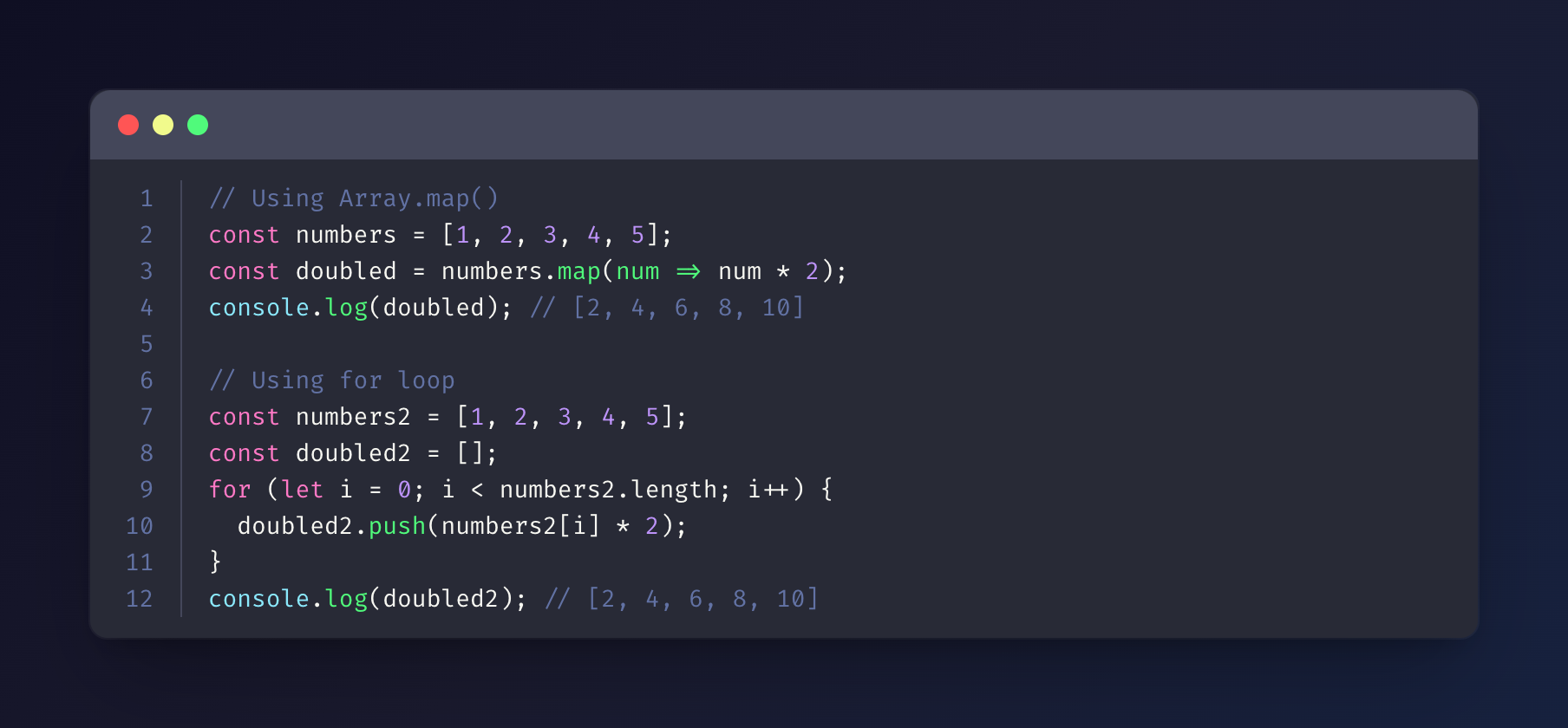
Monokai
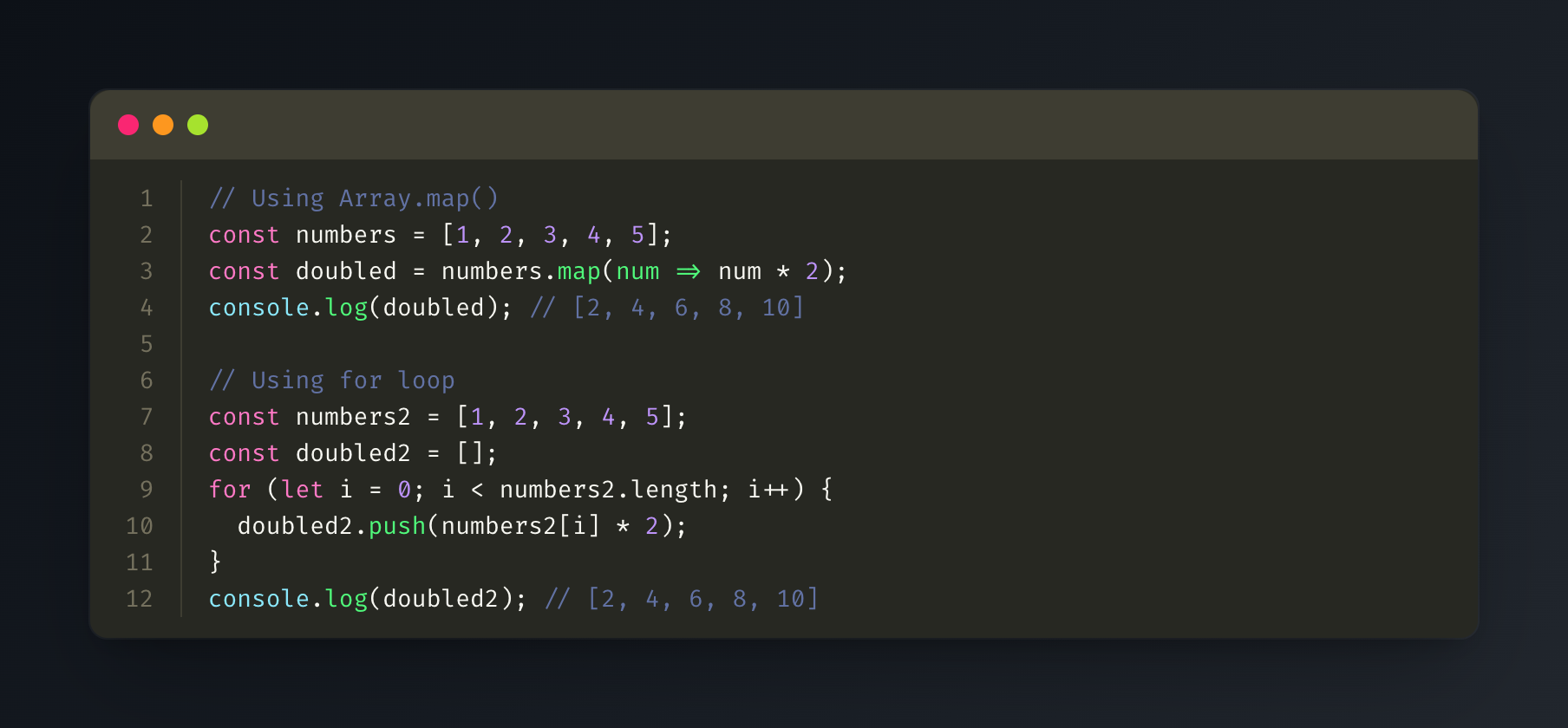
GitHub
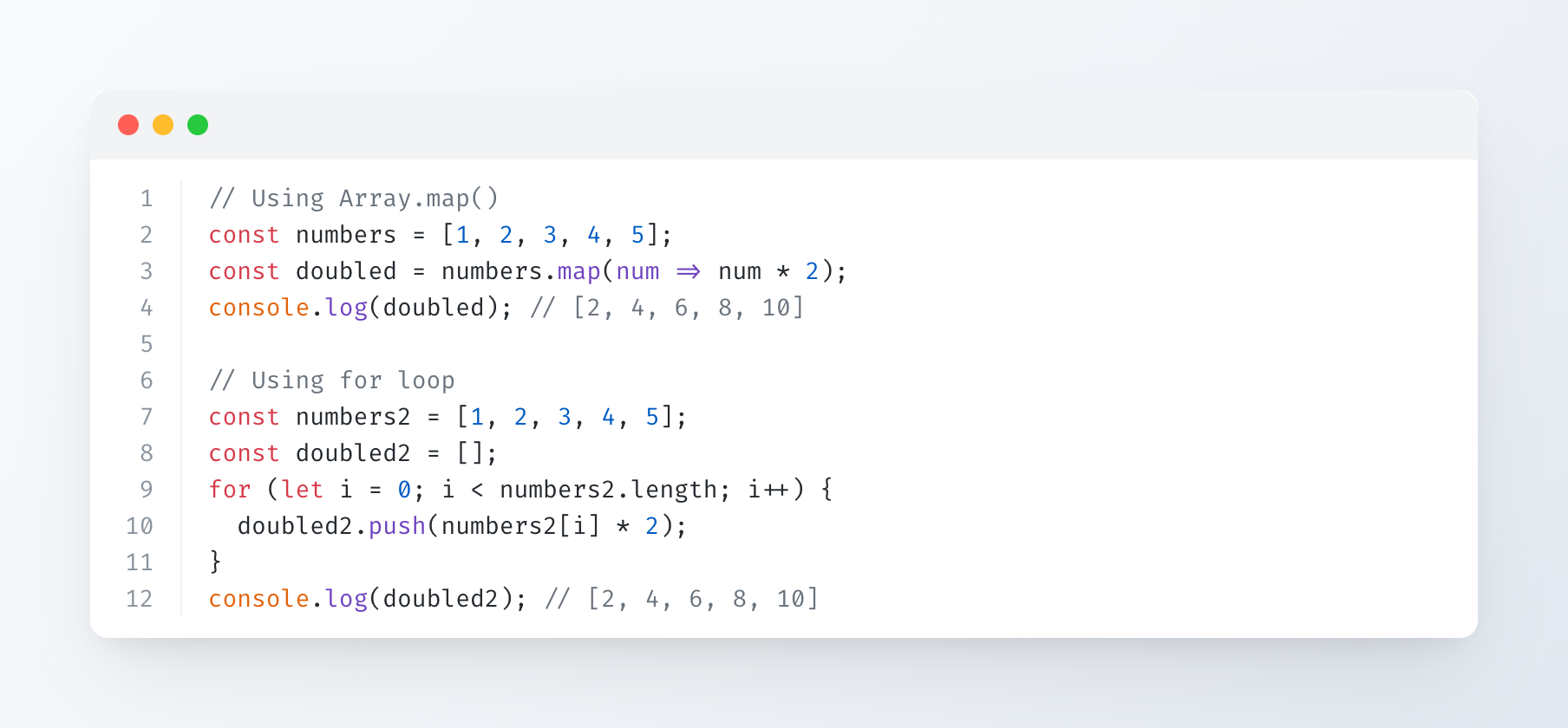
Solarized Dark
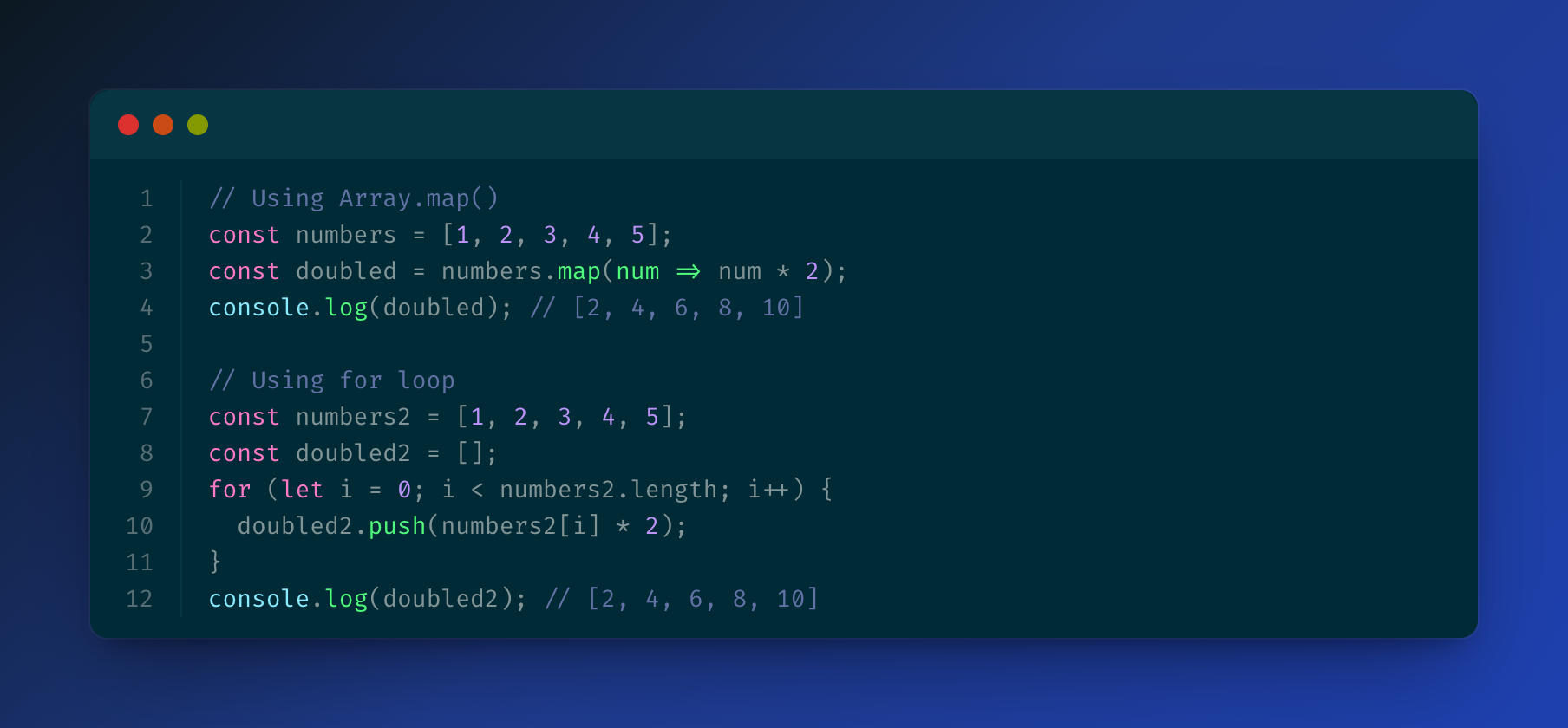
Solarized Light
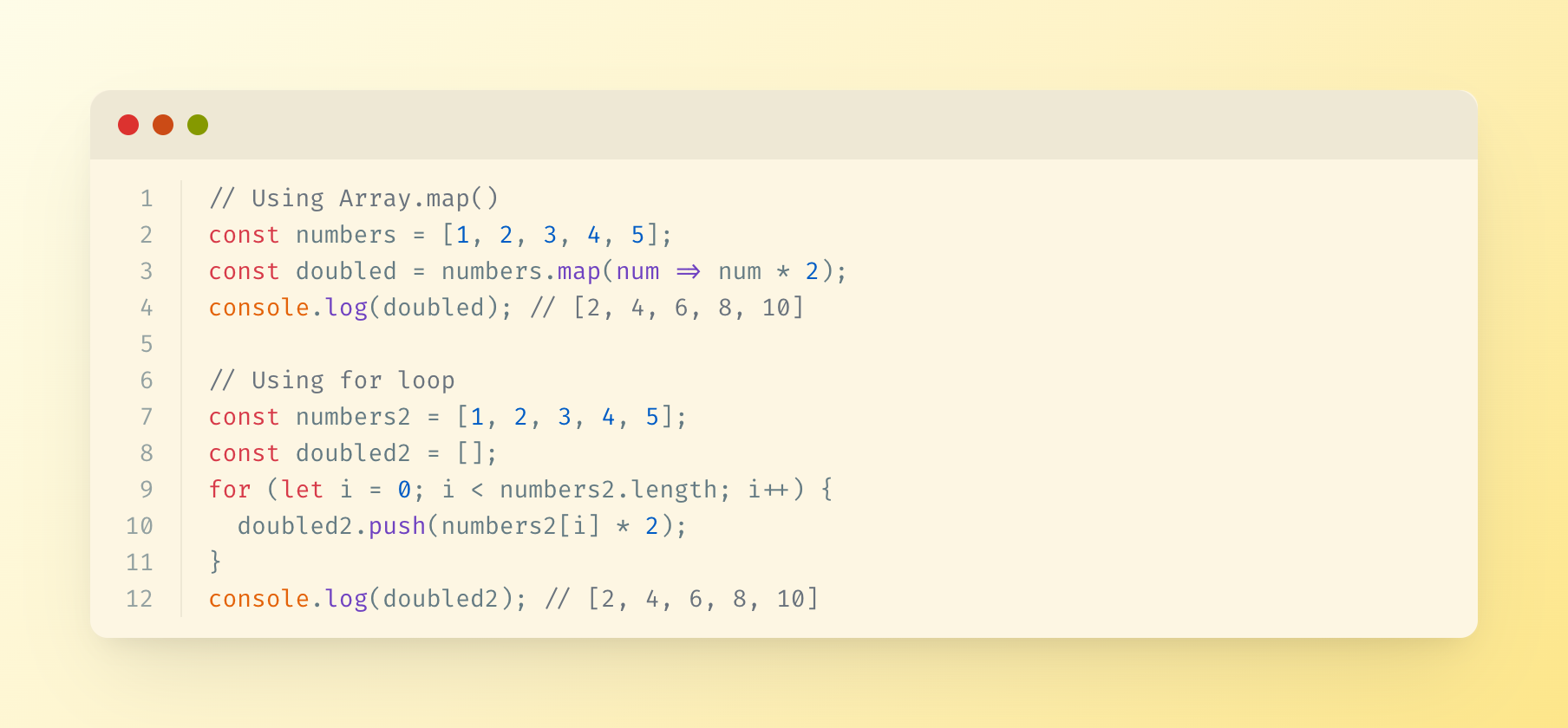
Supported Languages
The server uses highlight.js for syntax highlighting and supports all languages that highlight.js supports, including:
- JavaScript/TypeScript
- Python
- Java
- C/C++
- Go
- Rust
- PHP
- Ruby
- And many more...
Output
Generated images are saved in the specified output directory (or ./output by default) with timestamps.
License
MIT
Установка Code Snippet Image
У этого сервера нет опубликованного пакета — он собирается из исходников. Открой репозиторий и следуй инструкции в README.
▸ github.com/suhaibkhan/code-snippet-image-mcpFAQ
Code Snippet Image MCP бесплатный?
Да, Code Snippet Image MCP бесплатный — установка в пару кликов через Unyly без оплаты.
Нужен ли API-ключ для Code Snippet Image?
Нет, Code Snippet Image работает без API-ключей и переменных окружения.
Code Snippet Image — hosted или self-hosted?
Self-hosted: сервер запускается локально на твоей машине командой из раздела установки.
Как установить Code Snippet Image в Claude Desktop, Claude Code или Cursor?
Открой Code Snippet Image на unyly.org, выбери вкладку своего клиента (Claude Desktop, Claude Code, Cursor) и нажми Install — конфиг сгенерируется автоматически, без правки JSON.
Похожие MCP
GitHub
PRs, issues, code search, CI status
 автор: GitHub
Filesystem
Secure file operations with configurable access controls.
Memory
Knowledge graph-based persistent memory system.
Template MCP Server
A CLI tool to create a new Model Context Protocol server project with TypeScript support, dual transport options, and an extensible structure
 автор: mcpdotdirect
Compare Code Snippet Image with
Не уверен что выбрать?
Найди свой стек за 60 секунд
Автор?
Embed-бейдж для README
Похожее
Все в категории development