
Cosyvoice Ko
БесплатноНе проверенLocal Korean text-to-speech MCP server using a fine-tuned CosyVoice2 model, enabling voice synthesis directly from Claude or Codex with privacy and no API costs

Описание
Local Korean text-to-speech MCP server using a fine-tuned CosyVoice2 model, enabling voice synthesis directly from Claude or Codex with privacy and no API costs.
README
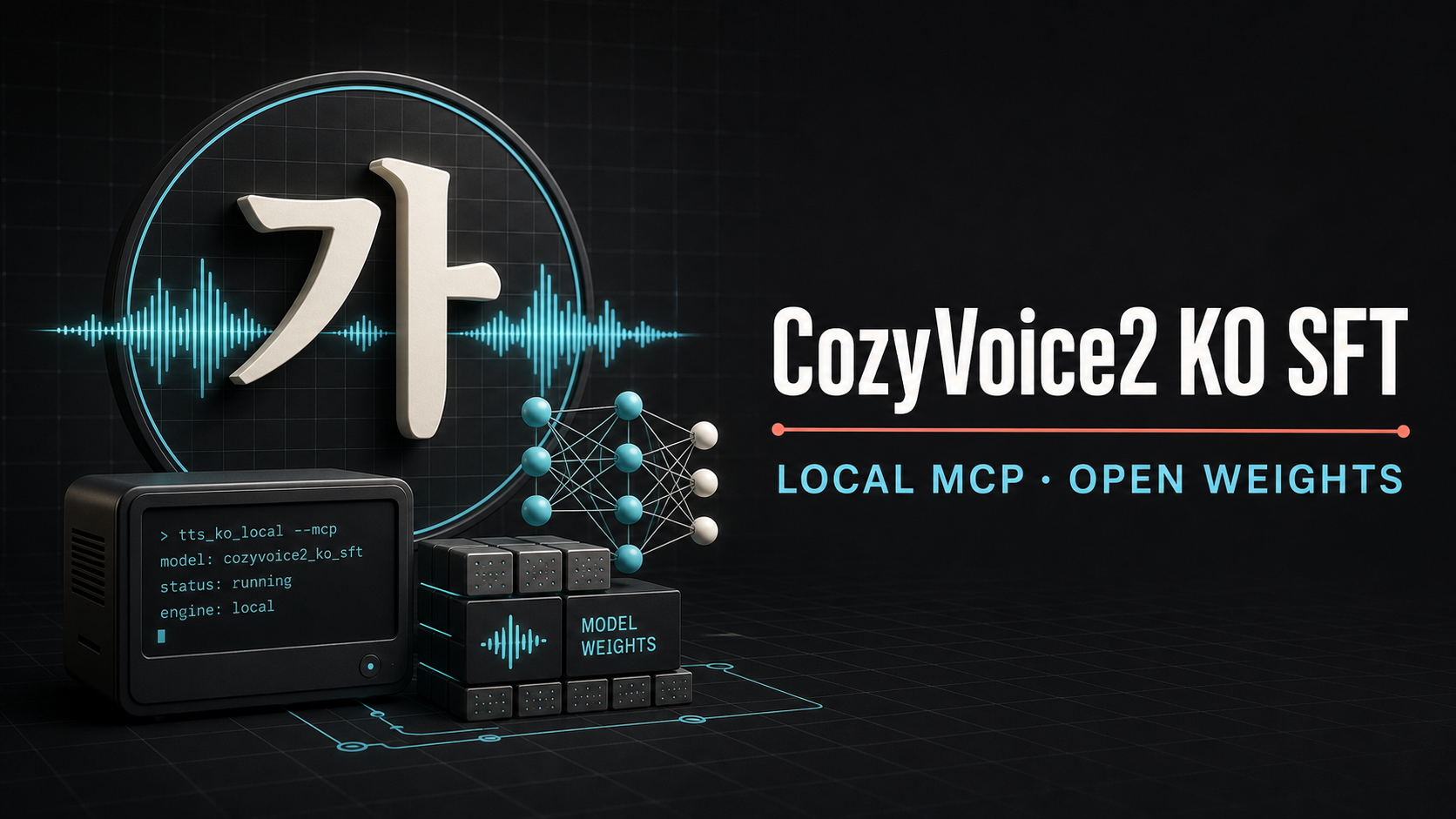
한국어 억양과 발화 스타일을 강화한 CosyVoice2 community SFT 모델을 Claude와 Codex에서 직접 호출할 수 있게 만든 로컬 MCP 배포판입니다. 음성 합성은 사용자의 PC에서 실행되며 중앙 추론 서버를 사용하지 않습니다.
Community project. Not an official FunAudioLLM, Alibaba, NIA, Anthropic, or OpenAI release.
Why Local
- Privacy by default: 합성 문장과 reference audio를 외부 TTS API로 전송하지 않습니다.
- Korean prosody: 한국어 감정·발화 스타일 데이터로 SFT한 Epoch 3 LLM 가중치를 사용합니다.
- Accessible hardware: 0.5B급 LLM 코어 기반으로 12GB VRAM급 GPU를 목표로 합니다. RTX 3060 12GB에서 사용할 수 있고 RTX 5060 Ti 16GB에서는 더 여유 있게 동작합니다.
- Unlimited local retries: 모델을 한 번 내려받으면 호출당 과금이나 API rate limit 없이 결과가 마음에 들 때까지 로컬에서 다시 생성할 수 있습니다.
- Agent-ready: Claude Code, Claude Desktop, Codex가 공통 MCP 도구로 음성을 생성합니다.
- Offline after setup: 모델 cache가 준비되면
HF_HUB_OFFLINE=1로 추론할 수 있습니다.
여기서 0.5B는 CosyVoice2의 언어모델 코어 규모를 뜻합니다. 전체 TTS 구성에는 flow, vocoder, tokenizer 및 ONNX 구성요소가 추가로 포함됩니다.
Verified Hardware
| GPU | Runtime | Result |
|---|---|---|
| RTX 5060 Ti 16GB | PyTorch 2.8.0, CUDA 12.8, FP16 | 7.04s WAV, RTF 1.31, peak allocated 3.38GiB, peak reserved 4.06GiB |
| RTX 3090 24GB | PyTorch 2.3.1, CUDA 12.1 | 7.76s WAV, RTF 1.07 |
| RTX 3060 12GB | Same 12GB-class local target | Supported with substantial memory headroom from the 5060 Ti measurement |
The RTX 3060 line is a supported hardware target based on the measured inference peak; exact RTF depends on driver and PyTorch build. The installer defaults to PyTorch 2.8/CUDA 12.8 so both Ampere and Blackwell GPUs are covered.
Release Layout
- Source and MCP: this GitHub repository
- Fine-tuned LLM weights: sonselfa/CosyVoice2-KO-SFT-v6-epoch3
- Base components:
FunAudioLLM/CosyVoice2-0.5B - Selected checkpoint: SFT v6 Epoch 3
The installer downloads the pinned base model and overlays only the Korean fine-tuned LLM.
The Korean weights are pinned to Hugging Face commit
f8d5c2f4732e5248467d2945208f7e5056305818 and verified by SHA-256.
The AI Hub training corpus, derived parquet files, embeddings, tokens, and production audio are
not distributed.
Quick Start on Windows
Requirements: NVIDIA GPU with at least 12GB VRAM, current NVIDIA driver, Git, and uv.
git clone --recursive https://github.com/feedingstick321-maker/cosyvoice2-ko-sft-mcp.git
cd cosyvoice2-ko-sft-mcp
powershell -ExecutionPolicy Bypass -File .\scripts\install.ps1
.\.venv\Scripts\cosyvoice-ko-prepare.exe
The default model cache is %LOCALAPPDATA%\CosyVoice2-KO-MCP.
Attach to Codex
codex mcp add cosyvoice-ko -- `
  "$PWD\.venv\Scripts\cosyvoice-ko-mcp.exe"
Equivalent ~/.codex/config.toml:
[mcp_servers.cosyvoice_ko]
command = "C:\\path\\to\\cosyvoice2-ko-sft-mcp\\.venv\\Scripts\\cosyvoice-ko-mcp.exe"
startup_timeout_sec = 120
Attach to Claude Code
claude mcp add --transport stdio --scope user cosyvoice-ko -- `
  "$PWD\.venv\Scripts\cosyvoice-ko-mcp.exe"
For Claude Desktop, use the same executable as a stdio MCP server in
claude_desktop_config.json.
MCP Tools
| Tool | Purpose |
|---|---|
model_status |
Check model cache, GPU, CUDA, VRAM, and revisions |
usage_reporting_status |
Check optional usage-reporting consent and endpoint state |
configure_usage_reporting |
Explicitly opt in/out and optionally supply a participant ID |
report_feedback |
Submit an optional 1-5 quality score and short comment |
prepare_model |
Download and verify the pinned base and Korean weights |
register_voice |
Store a user-owned reference voice locally |
list_voices |
List local voice profiles |
synthesize |
Generate a WAV from a registered local voice |
synthesize_zero_shot |
Generate a WAV from one reference audio file |
remove_voice |
Remove one local voice profile |
Example agent request:
cosyvoice-ko의 teacher 음성으로 다음 문장을 합성하고 WAV 경로를 알려줘:
"오늘 회의는 오후 세 시에 시작합니다."
Training Recipe
The public Korean recipe is in
examples/ko_sft/conf/cosyvoice2_ko_sft.yaml. It keeps the upstream
LibriTTS recipe unchanged and makes the low-memory controls explicit:
- gradient checkpointing enabled only by the Korean training recipe
- dynamic batch limit configurable through
max_batch_size - gradient accumulation 32
- BF16 autocast
- single-GPU and multi-GPU DDP paths
See examples/ko_sft/run_ko_sft.sh for environment variables and launch syntax.
Model and Data Notice
Base code and model: FunAudioLLM/CosyVoice and CosyVoice2-0.5B, Apache-2.0.
Korean training data attribution:
본 모델은 과학기술정보통신부의 재원으로 한국지능정보사회진흥원의 지원을 받아 구축된 AI Hub의 '감성 및 발화 스타일별 음성합성 데이터'를 활용하여 학습되었습니다.
The dataset itself is not included. Users are responsible for having rights to any reference voice they register and for complying with applicable law when generating or distributing audio.
Security
- No hosted inference endpoint. Synthesis remains local.
- Optional usage reporting is disabled by default and requires explicit user consent.
- Usage events never contain synthesis text, prompt text, audio, voice names, or file paths.
- Reference audio stays in the local voice store.
- Remote audio URLs are not accepted by MCP tools.
- Output paths are confined to the configured local output directory by default.
- Model files are pinned and verified with SHA-256.
The release points to the project-operated GCP HTTPS collector by default, but sends nothing until a
user explicitly opts in through configure_usage_reporting. An optional participant ID lets a lab
or organization identify itself voluntarily. COSYVOICE_USAGE_ENDPOINT can replace or disable the
default address. Aggregate adoption is also visible through Hugging Face downloads and GitHub
traffic. The production collector and administrator statistics endpoints are documented in
deploy/gcp-vm-collector. See PRIVACY.md for the exact event
fields.
See README_UPSTREAM.md for the original CosyVoice documentation.
Установка Cosyvoice Ko
У этого сервера нет опубликованного пакета — он собирается из исходников. Открой репозиторий и следуй инструкции в README.
▸ github.com/feedingstick321-maker/cosyvoice2-ko-sft-mcpFAQ
Cosyvoice Ko MCP бесплатный?
Да, Cosyvoice Ko MCP бесплатный — установка в пару кликов через Unyly без оплаты.
Нужен ли API-ключ для Cosyvoice Ko?
Нет, Cosyvoice Ko работает без API-ключей и переменных окружения.
Cosyvoice Ko — hosted или self-hosted?
Self-hosted: сервер запускается локально на твоей машине командой из раздела установки.
Как установить Cosyvoice Ko в Claude Desktop, Claude Code или Cursor?
Открой Cosyvoice Ko на unyly.org, выбери вкладку своего клиента (Claude Desktop, Claude Code, Cursor) и нажми Install — конфиг сгенерируется автоматически, без правки JSON.
Похожие MCP
Fetch
Web content fetching and conversion for efficient LLM usage.
AWS KB Retrieval
Retrieval from AWS Knowledge Base using Bedrock Agent Runtime.
 автор: modelcontextprotocol
Spring AI MCP Server
Provides auto-configuration for setting up an MCP server in Spring Boot applications.
llm-analysis-assistant
A very streamlined mcp client that supports calling and monitoring stdio/sse/streamableHttp, and can also view request responses through the /logs page. It also
 автор: xuzexin-hz
Compare Cosyvoice Ko with
Не уверен что выбрать?
Найди свой стек за 60 секунд
Автор?
Embed-бейдж для README
Похожее
Все в категории ai