
Cursor DB Explorer
БесплатноНе проверенProvides access to Cursor IDE's SQLite databases for exploring project data, chat history, and composer information through an API that automatically detects in

Описание
Provides access to Cursor IDE's SQLite databases for exploring project data, chat history, and composer information through an API that automatically detects installations and exposes structured resources and tools for analysis.
README
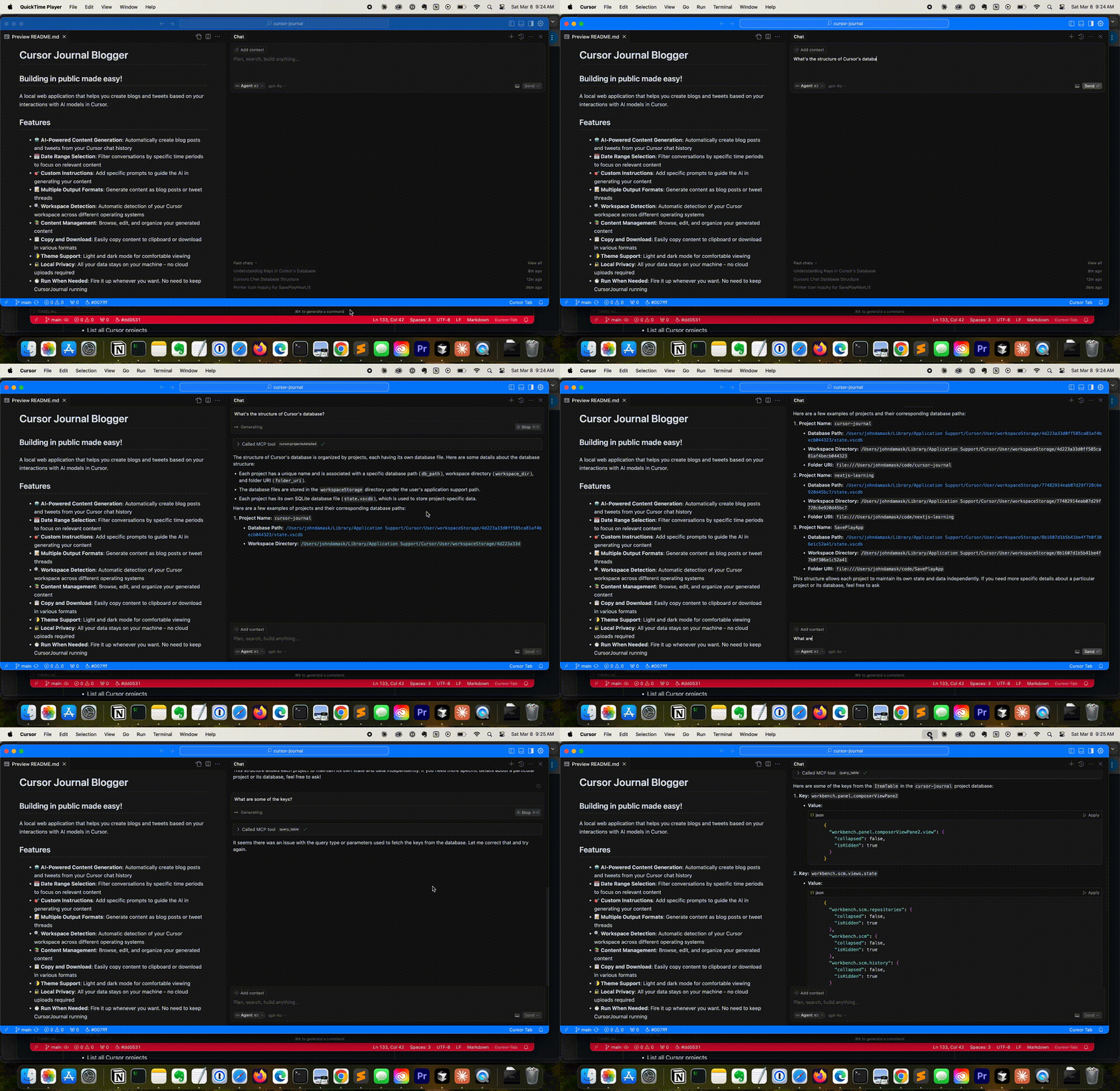
A Model Context Protocol (MCP) server for accessing Cursor IDE's SQLite databases. This server allows AI assistants to explore and interact with Cursor's project data, chat history, and composer information.
Cursor
Prerequisites
Cursor IDE
Installation
Easy Installation
Use the provided installation script to install all dependencies:
python install.py
This script will install:
- Basic MCP server and dependencies
Using with Cursor IDE
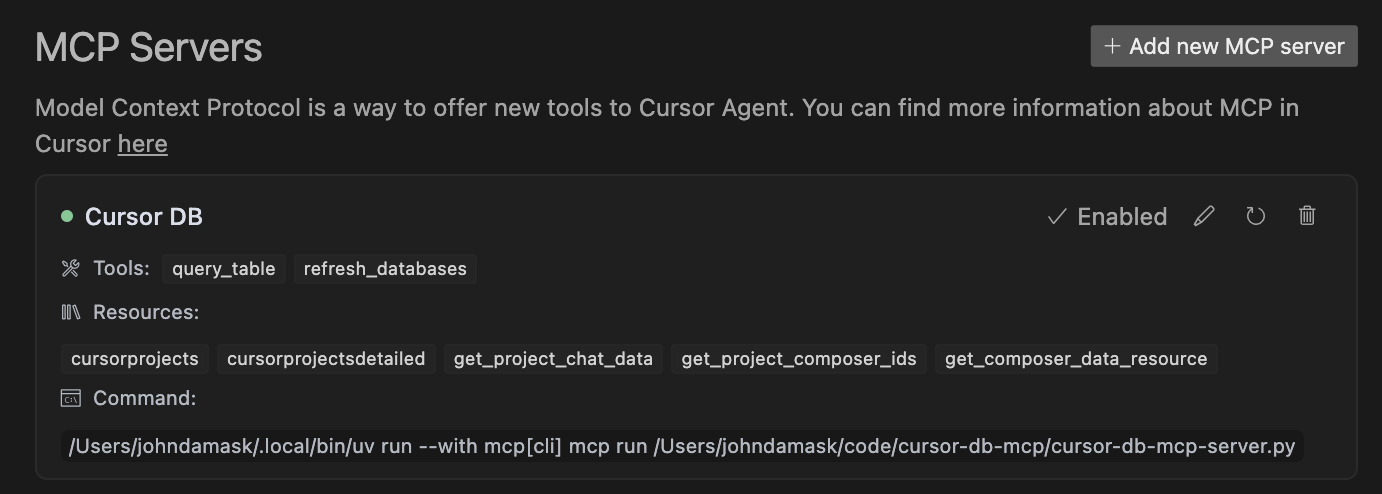
- Open Cursor and navigate to Settings->Cursor Settings->MCP.
- Click: Add new MCP server
- Name: Cursor DB MCP; Type: Command
- Command: <fully qualified path to>uv run --with mcp[cli] mcp run <fully qualified path to>/cursor-db-mcp-server.py
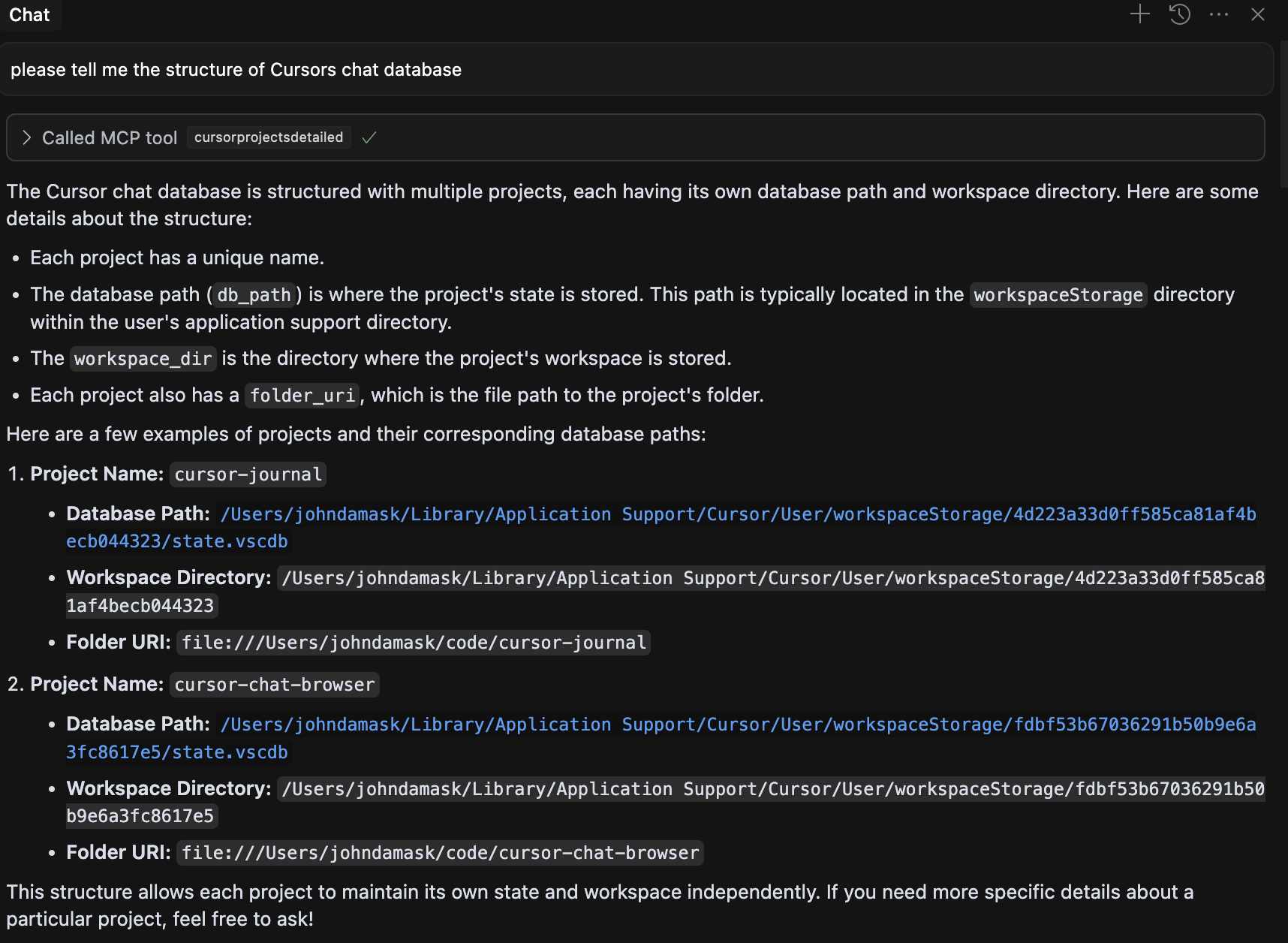
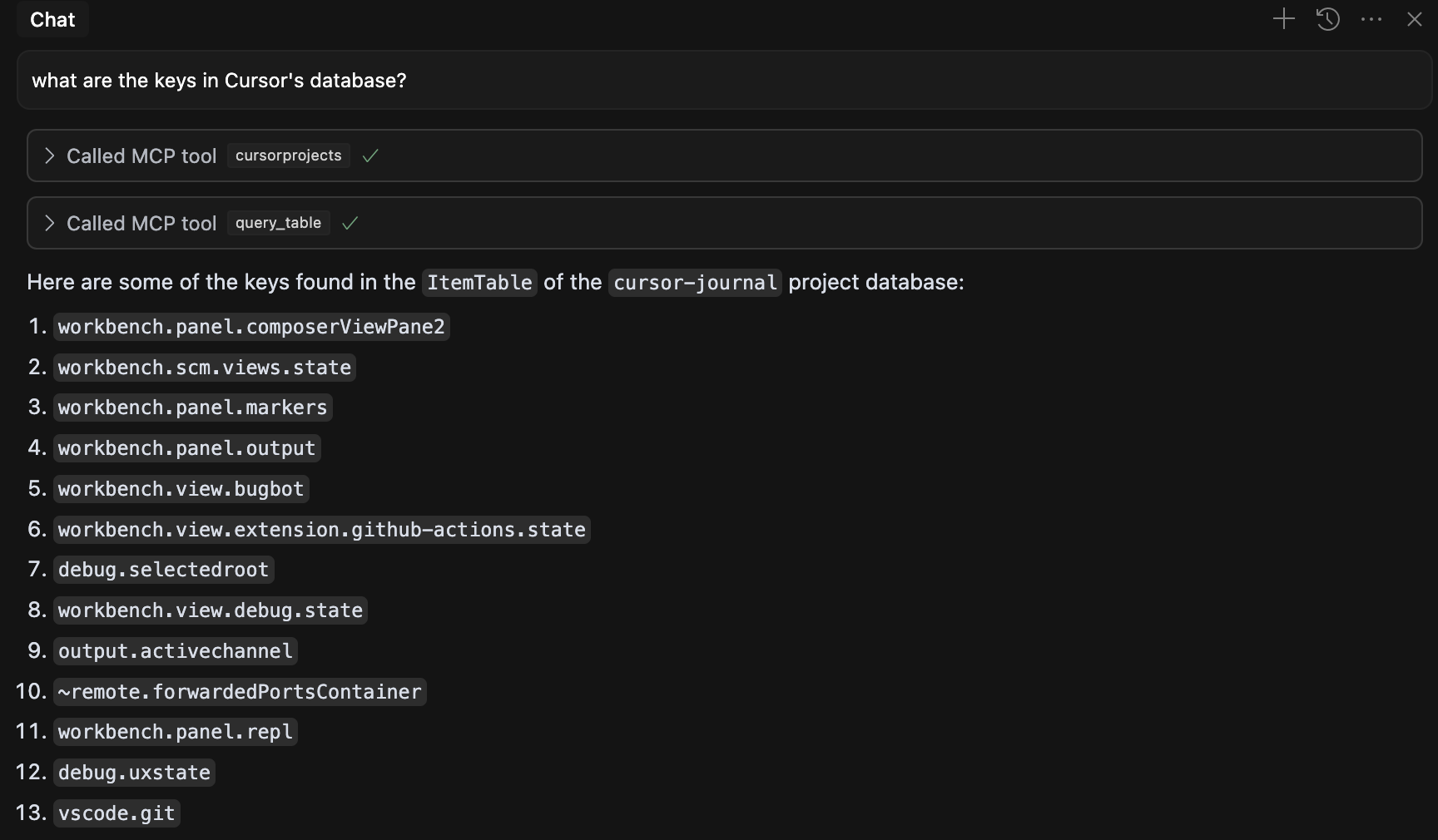
Now you can ask questions about the database or retrieve info about historical chats.
Using with Claude Desktop
Installing MCP servers for Claude Desktop
Add this to your claude_desktop_config.json file
    "cursor-db-mcp": {
      "command": "<fully qualified path to >/uv",
      "args": [
        "run",
        "--with",
        "mcp[cli]",
        "mcp",
        "run",
        "<fully qualified path to >/cursor-db-mcp-server.py"
      ]
    }
Available Resources
cursor://projects- List all available Cursor projectscursor://projects/detailed- List projects with detailed informationcursor://projects/{project_name}/chat- Get chat data for a specific projectcursor://projects/{project_name}/composers- Get composer IDs for a specific projectcursor://composers/{composer_id}- Get data for a specific composer
Available Tools
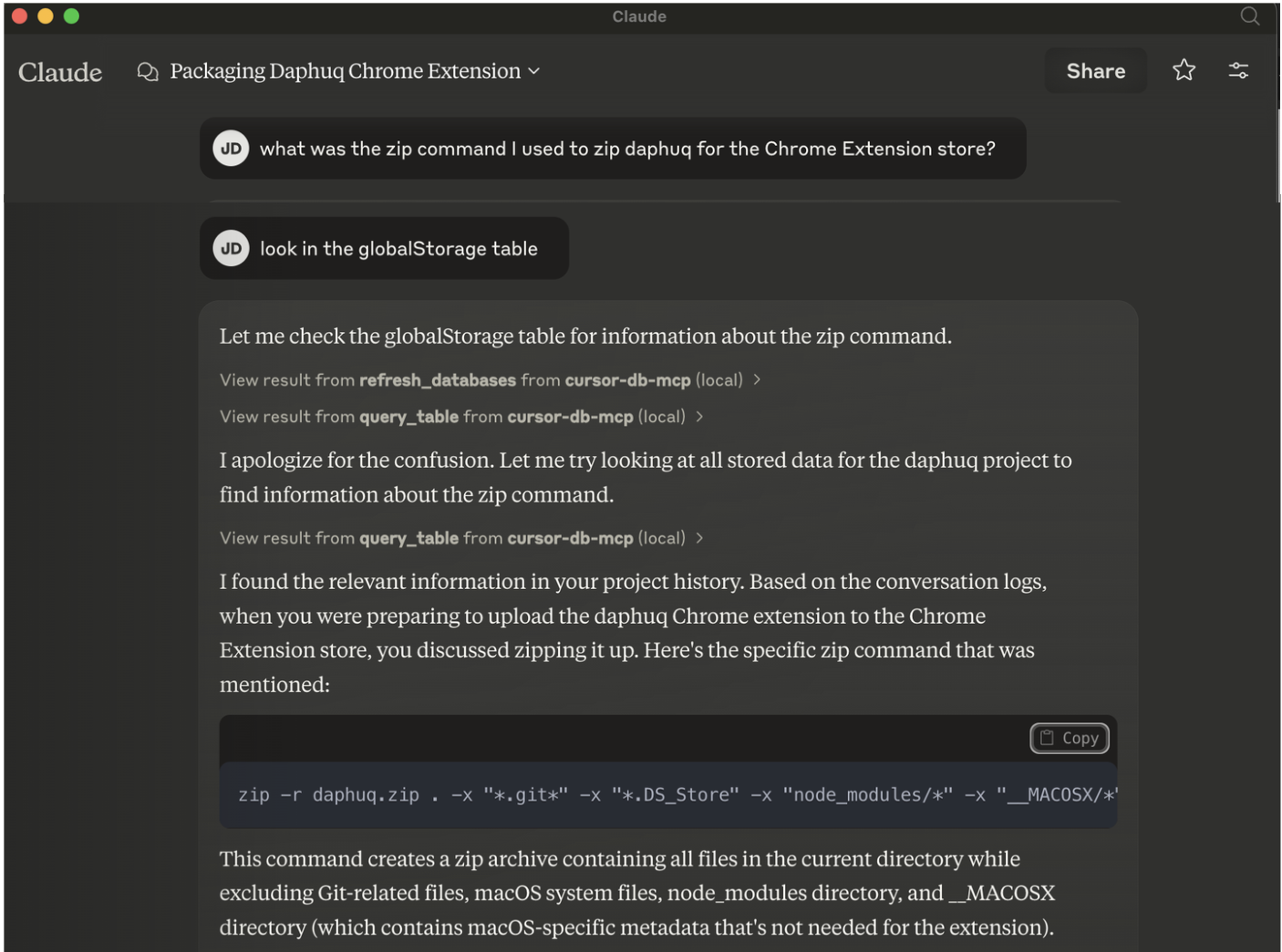
query_table- Query a specific table in a project's databaserefresh_databases- Refresh the list of database paths
How It Works
The server scans your Cursor installation directory to find project databases (state.vscdb files). It then exposes these databases through MCP resources and tools, allowing AI assistants to query and analyze the data.
Notes
- Cursor stores AI conversations in different places. Increasingly, chats are stored as "composerData" under globalStorage/state.vscdb. If you don't get results when asking about chats for recent projects, try asking for composers.
- This was written on a Mac. YMMV with other OS
Shameless Plug

Like this? Try Cursor Journal to create DevLogs directly from Cursor chat history!
License
MIT
Установка Cursor DB Explorer
У этого сервера нет опубликованного пакета — он собирается из исходников. Открой репозиторий и следуй инструкции в README.
▸ github.com/jbdamask/cursor-db-mcpFAQ
Cursor DB Explorer MCP бесплатный?
Да, Cursor DB Explorer MCP бесплатный — установка в пару кликов через Unyly без оплаты.
Нужен ли API-ключ для Cursor DB Explorer?
Нет, Cursor DB Explorer работает без API-ключей и переменных окружения.
Cursor DB Explorer — hosted или self-hosted?
Self-hosted: сервер запускается локально на твоей машине командой из раздела установки.
Как установить Cursor DB Explorer в Claude Desktop, Claude Code или Cursor?
Открой Cursor DB Explorer на unyly.org, выбери вкладку своего клиента (Claude Desktop, Claude Code, Cursor) и нажми Install — конфиг сгенерируется автоматически, без правки JSON.
Похожие MCP
Gmail
Read, send and search emails from Claude
 автор: Google
Slack
Send, search and summarize Slack messages
 автор: Slack
Runbear
No-code MCP client for team chat platforms, such as Slack, Microsoft Teams, and Discord.
Discord Server
A community discord server dedicated to MCP by [Frank Fiegel](https://github.com/punkpeye)
Compare Cursor DB Explorer with
Не уверен что выбрать?
Найди свой стек за 60 секунд
Автор?
Embed-бейдж для README
Похожее
Все в категории communication