
Figma Config
БесплатноНе проверенEnables querying Figma Config 2026 sessions, speakers, and agenda via Claude without browsing.

Описание
Enables querying Figma Config 2026 sessions, speakers, and agenda via Claude without browsing.
README
figma-config
Turn Figma Config conference sessions, speakers, and agenda into LLM-friendly content — query it directly in Claude or export it as local Markdown files.
What is this?
Figma Config is Figma's annual design conference. This toolset scrapes the official conference site and structures all sessions, speakers, and agenda data — reducing token usage and hallucination risk compared to live web fetching.
Two ways to use it:
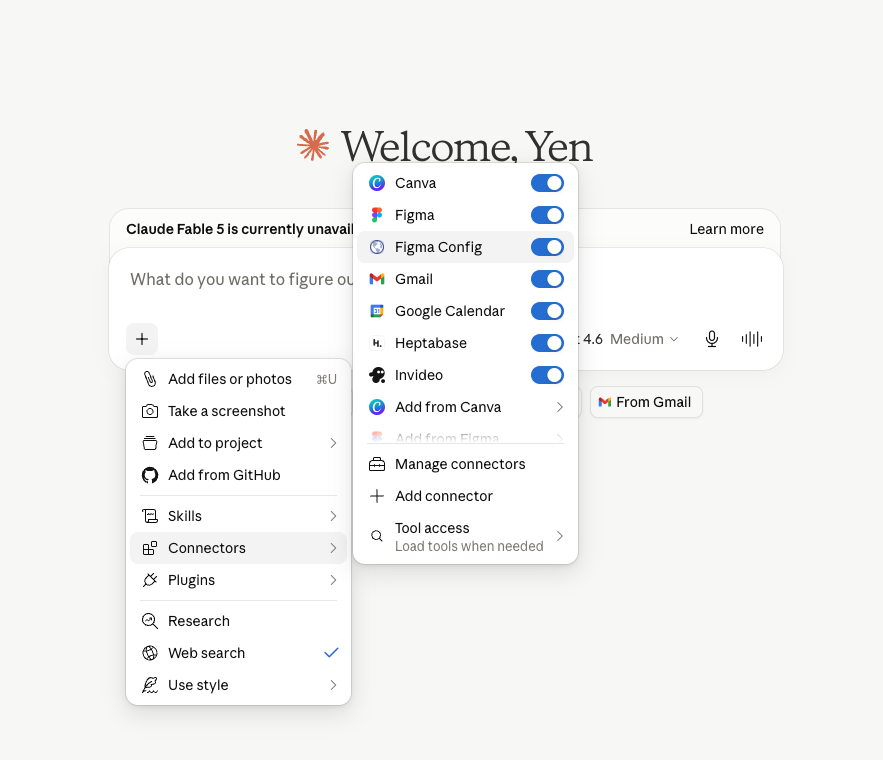
- Quick use: Connect the MCP server to Claude (browser or Desktop App) and query conference data in plain language
- Export: Use the CLI tool to export data locally for further processing
Currently includes the full 2026 San Francisco event (June 24–25).
Features
Once connected, ask Claude anything about the conference:
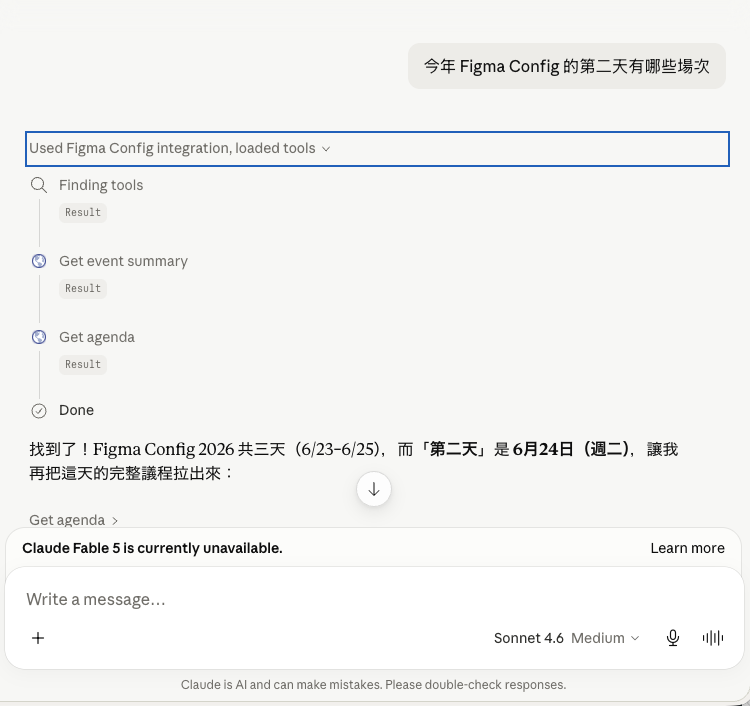
What sessions are happening on day 2 of Figma Config this year?
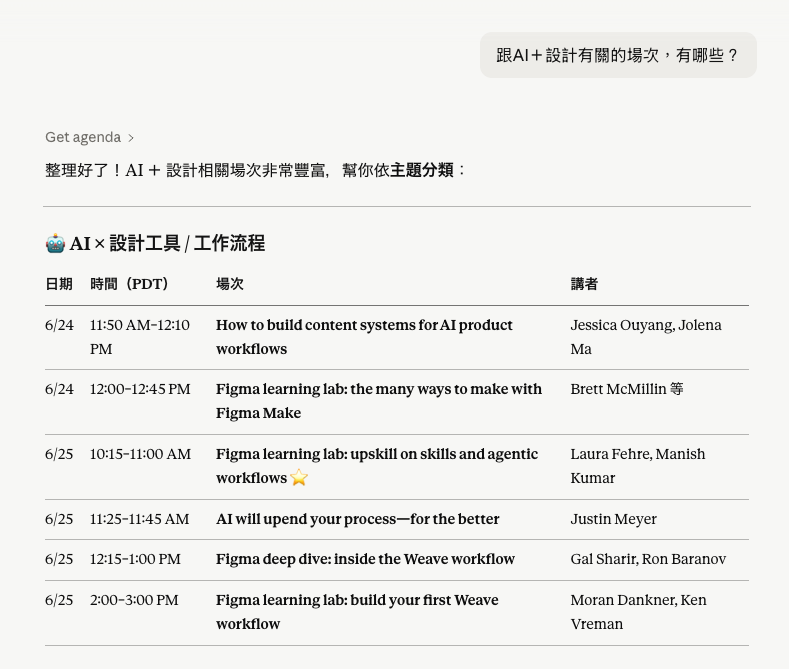
Which sessions are related to AI?
What companies are the speakers from?
Who is speaking from Google?
Recommend sessions for me
| Connector active, query in progress | Detailed response |
|---|---|
 |
 |
Setup
Choose the method that matches how you use Claude. Recommended for non-developers: Option 1 (browser) — no local installation required.
Option 1: Claude on the browser
| Step | Action | Screenshot |
|---|---|---|
| 1 | Click Customize in the left sidebar | 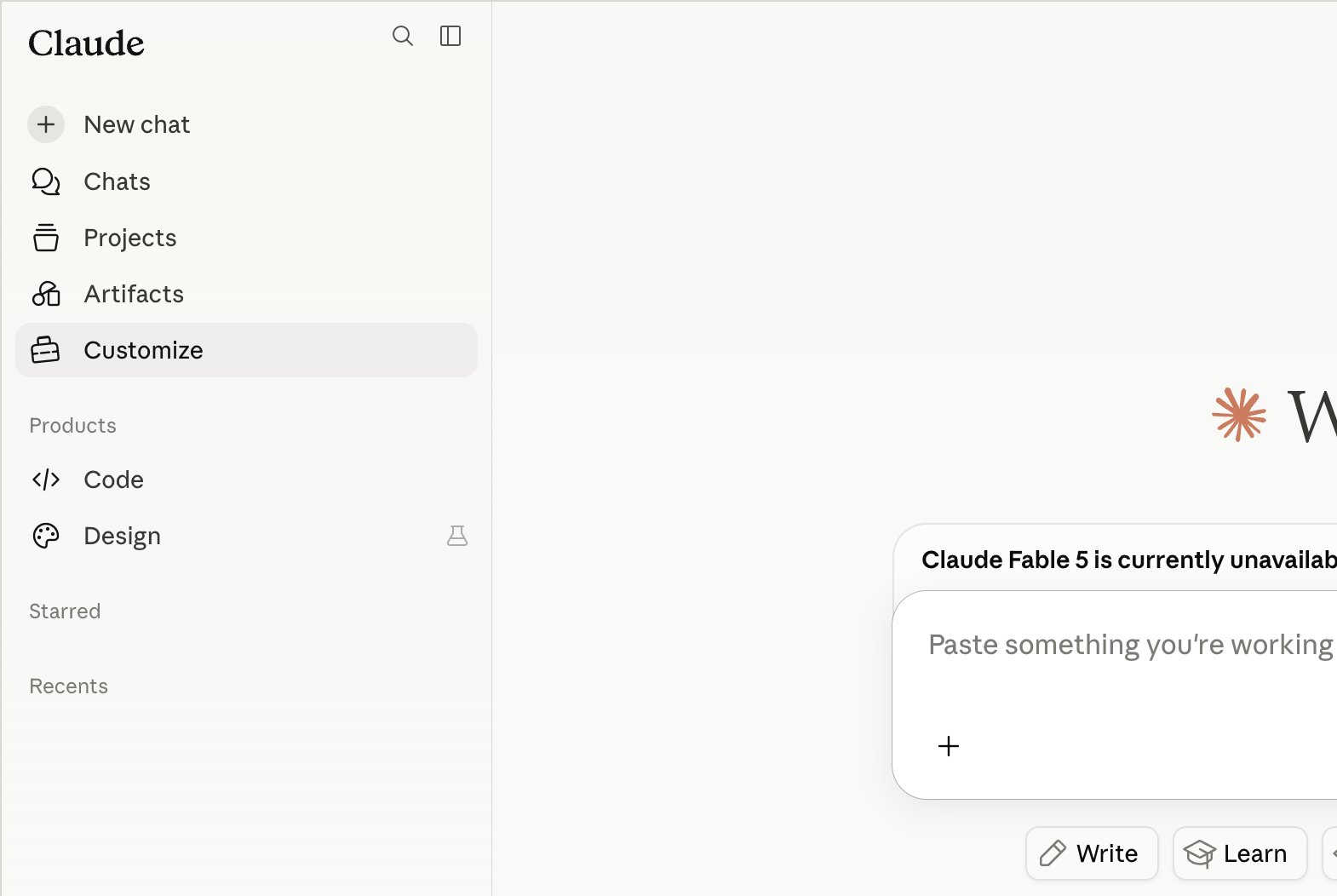 |
| 2 | Go to Connectors → click + → Add custom connector | 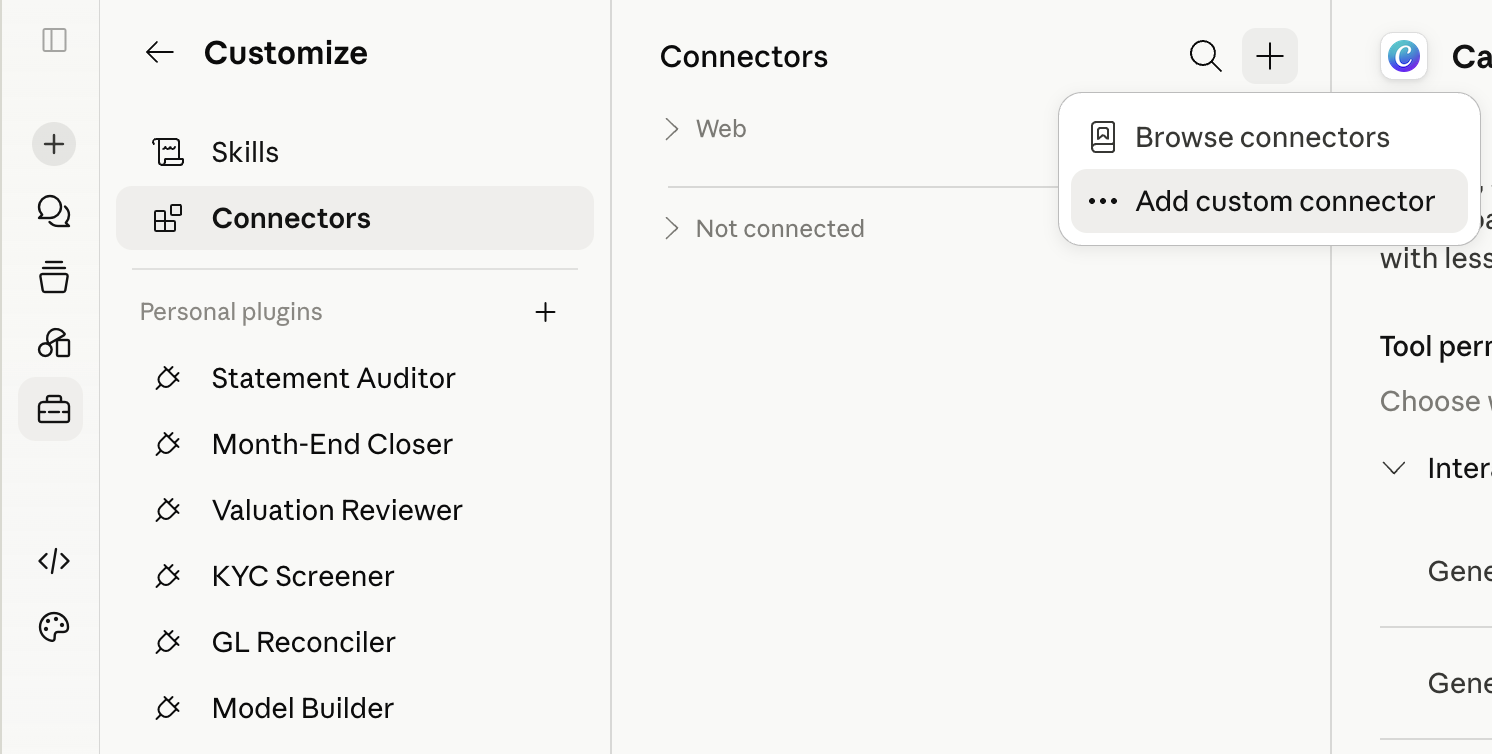 |
| 3 | Enter Name: Figma Config (any name works)Enter URL: https://figma-config-llms-txt-mcp.vercel.app/mcpClick Add |
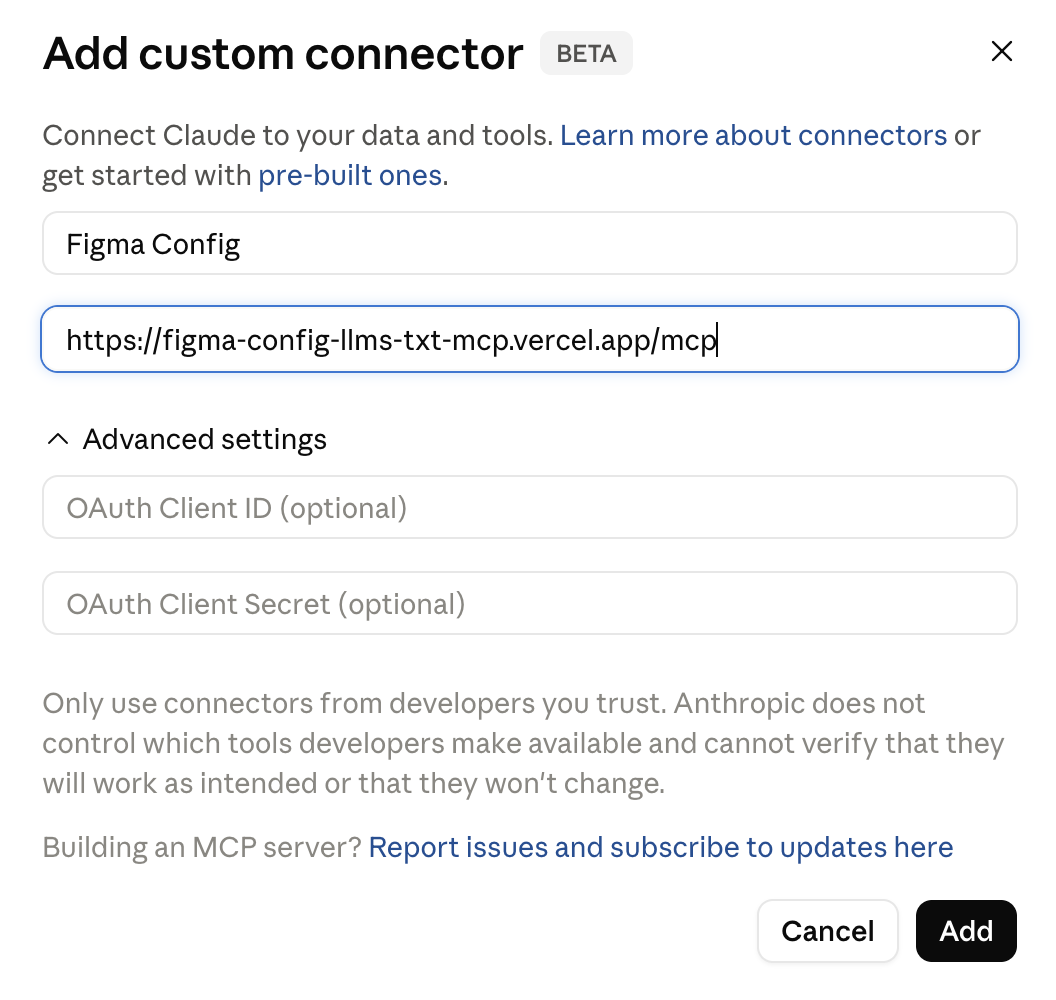 |
| 4 | The tool permissions page confirms setup is complete | 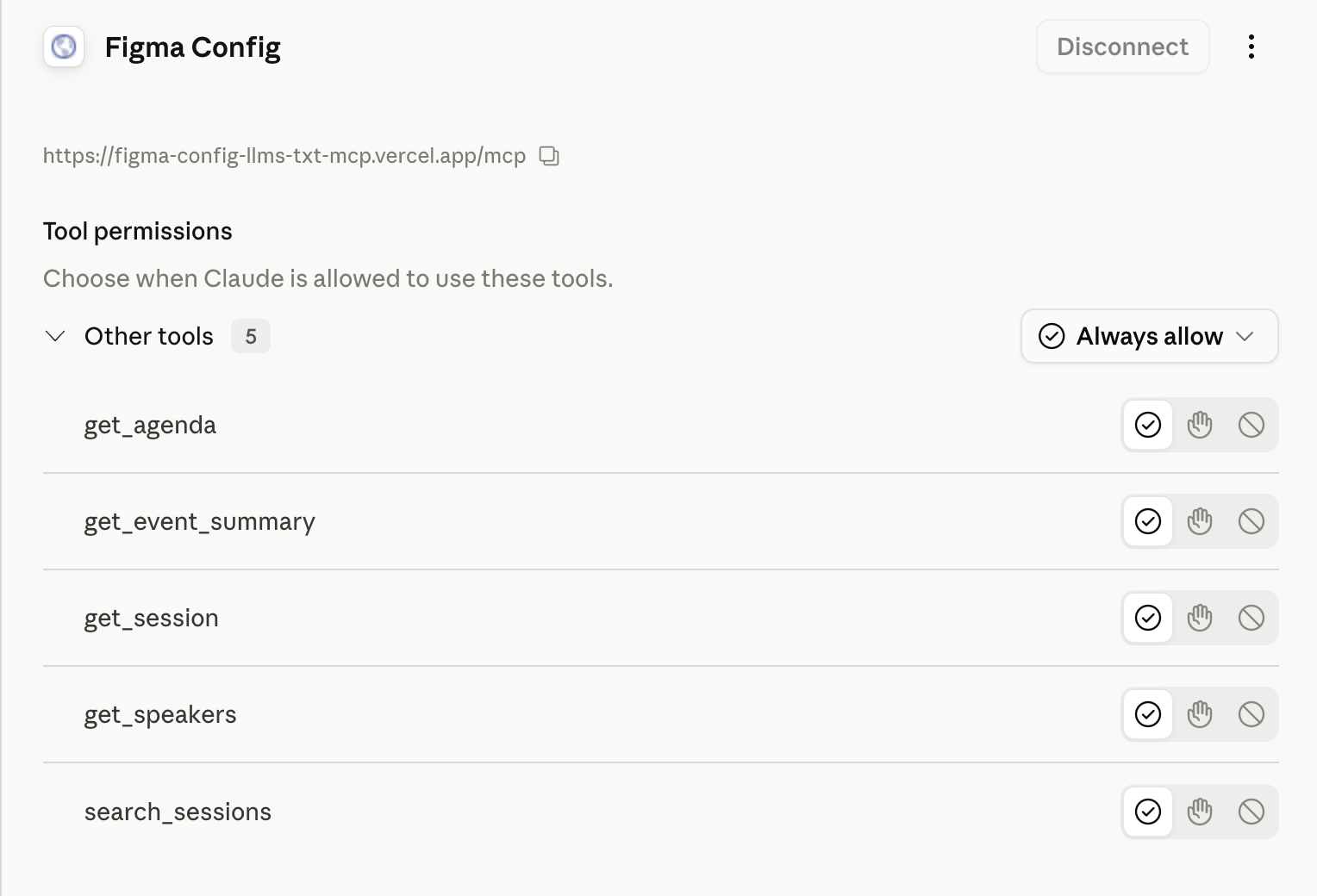 |
Option 2: Claude Desktop App (or Cursor)
Also works with Cursor and other MCP-compatible desktop clients.
Add to ~/Library/Application Support/Claude/claude_desktop_config.json:
{
  "mcpServers": {
    "figma-config": {
      "command": "npx",
      "args": ["figma-config-2026-mcp"]
    }
  }
}
The first run scrapes the conference site (~90 seconds). Subsequent requests use a 24-hour local cache and respond instantly.
For developers
This monorepo contains three packages with distinct responsibilities: scraping, data export, and query interface — each usable independently or together.
flowchart TD
    A[config.figma.com] -->|scrape + parse| B["@yenlai/figma-config-core"]
    B --> C[figma-config-llms-txt]
    C -->|outputs data.json| D[figma-config-2026-mcp]
    D -->|5 query tools| E[Claude]
Packages
| Package | Role | Description | Docs |
|---|---|---|---|
@yenlai/figma-config-core |
Core engine | Scraper, parser, formatter — shared dependency for cli and mcp |
packages/core |
figma-config-llms-txt |
Data producer | Runs the scrape pipeline, outputs data.json, Markdown, llms.txt |
packages/cli |
figma-config-2026-mcp |
Query interface | Reads data.json, exposes 5 tools to Claude via MCP |
packages/mcp |
Each package has its own README with full installation and usage instructions.
Feedback
Found a bug or have a suggestion? Open an issue on GitHub Issues.
Установка Figma Config
У этого сервера нет опубликованного пакета — он собирается из исходников. Открой репозиторий и следуй инструкции в README.
▸ github.com/laiyenju/figma-config-mcpFAQ
Figma Config MCP бесплатный?
Да, Figma Config MCP бесплатный — установка в пару кликов через Unyly без оплаты.
Нужен ли API-ключ для Figma Config?
Нет, Figma Config работает без API-ключей и переменных окружения.
Figma Config — hosted или self-hosted?
Self-hosted: сервер запускается локально на твоей машине командой из раздела установки.
Как установить Figma Config в Claude Desktop, Claude Code или Cursor?
Открой Figma Config на unyly.org, выбери вкладку своего клиента (Claude Desktop, Claude Code, Cursor) и нажми Install — конфиг сгенерируется автоматически, без правки JSON.
Похожие MCP
LibreOffice Tools
Enables AI agents to read, write, and edit Office documents via LibreOffice with token-efficient design. Supports multiple formats including DOCX, XLSX, PPTX, a
 автор: passerbyflutter
dannote/figma-use
Full Figma control: create shapes, text, components, set styles, auto-layout, variables, export. 80+ tools.
 автор: dannote
Logo.dev
Search and retrieve company logos by brand or domain. Customize size, format, and theme to match your design needs. Accelerate design, prototyping, and content
 автор: NOVA-3951
PIX4Dmatic
Enables GUI automation for controlling PIX4Dmatic on Windows through MCP. Supports launching, focusing, capturing screenshots, sending hotkeys, clicking UI elem
 автор: jangjo123
Compare Figma Config with
Не уверен что выбрать?
Найди свой стек за 60 секунд
Автор?
Embed-бейдж для README
Похожее
Все в категории design