
Git Insight
БесплатноНе проверенAnswers semantic questions about git history beyond what git log can show.

Описание
Answers semantic questions about git history beyond what git log can show.
README

git-insight-mcp
git-insight-mcp MCP server CI npm version License: MIT
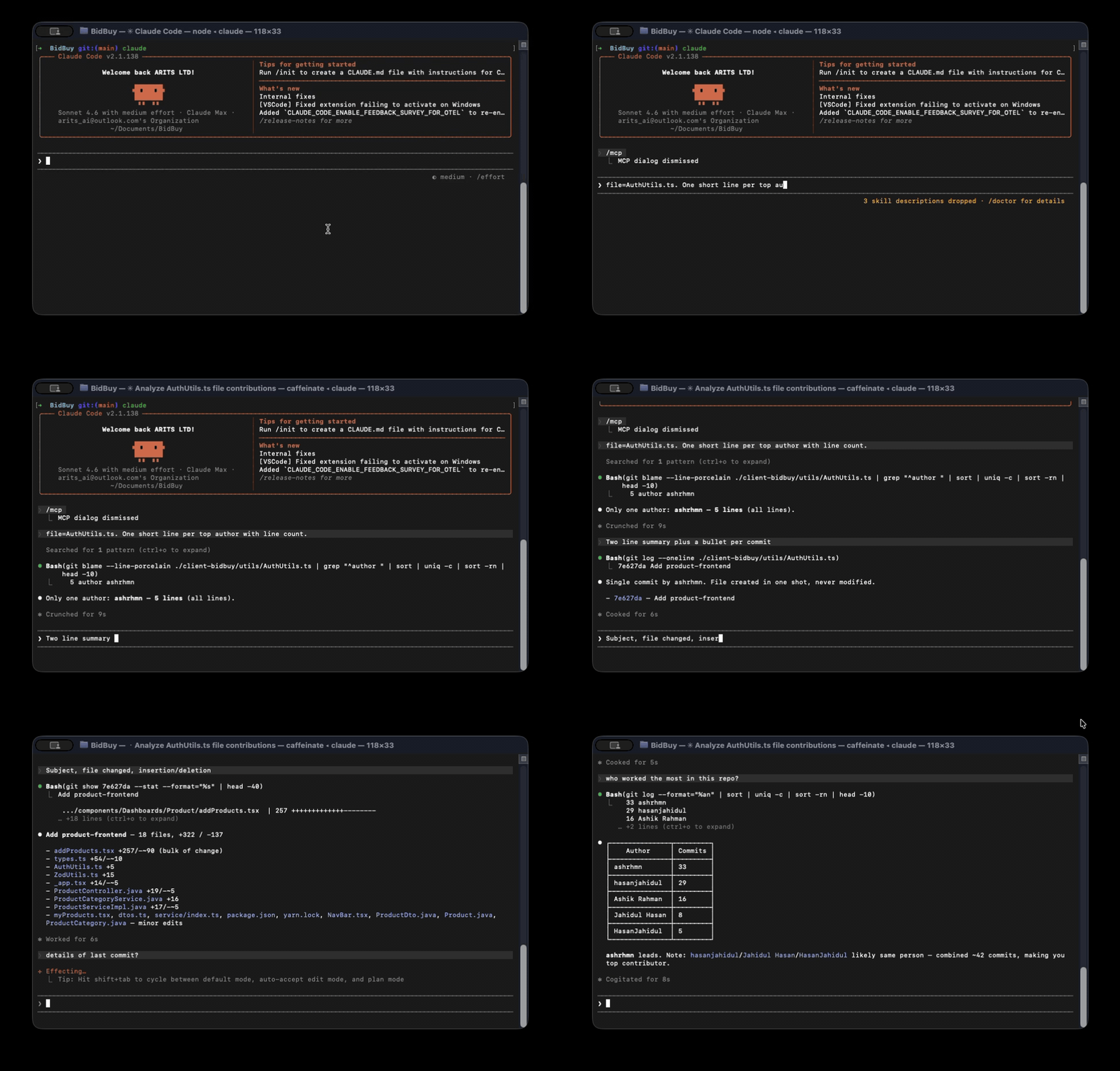
Semantic git queries via MCP. Beyond git log — answer who/what/when/why about any line, file, or branch.
Pairs with terminal-history-mcp and localhost-mcp. Together: what you ran, what's running, what you changed.
Why
Devs ask these constantly; git answers poorly:
- "Who last touched this function?" —
git blameonly gives lines, not authors-by-region - "What PR introduced this line?" — manual: blame → commit SHA → search GH
- "Which files always change together?" — no built-in
- "Show unmerged branches older than 30 days" — bash one-liner gymnastics
- "What did I work on last week?" — manual log scrub
LLM agents need this context to make safe edits. Currently they git log -n 5 and miss everything.
Install
npm install -g git-insight-mcp
Wire into Claude Code:
claude mcp add --scope user git-insight -- git-insight-mcp
Or any MCP-compatible client. Runs as a stdio MCP server.
For PR / issue lookups, set a GitHub token:
export GH_TOKEN=ghp_...
Without a token, the local-git tools still work. PR linkage is skipped.
Tools
| Tool | Purpose |
|---|---|
who_touched |
Group blame by author. Lines, commits, last-touched, primary owner. Optional line-range narrowing. |
introducing_pr |
Find the PR that introduced a line (or commit). Parses merge messages first; falls back to GitHub API. |
co_change |
Files most often changed together with the input file. |
branch_hygiene |
List branches with ahead/behind, last commit, merged status, stale flag. |
recent_work |
Standup helper: author's commits + files + ins/del in a window. |
commit_context |
Full commit context: subject, body, files, PR, related issues. |
Sample output (who_touched)
{
  "file": "src/auth.ts",
  "total_lines": 124,
  "authors": [
    { "name": "alice", "email": "[email protected]", "lines": 87, "commits": 12, "last_commit_date": "2026-04-12T10:33:01.000Z" },
    { "name": "bob", "email": "[email protected]", "lines": 37, "commits": 4, "last_commit_date": "2026-01-03T18:14:55.000Z" }
  ],
  "primary_owner": "alice"
}
CLI usage (sanity checks)
git-insight-mcp who-touched src/auth.ts
git-insight-mcp co-change src/auth.ts
git-insight-mcp branches
git-insight-mcp recent alice
git-insight-mcp commit a3e577e
git-insight-mcp intro-pr src/auth.ts:42
git-insight-mcp intro-pr a3e577e
git-insight-mcp                # MCP stdio server
Build from source
git clone https://github.com/HasanJahidul/git-insight-mcp.git
cd git-insight-mcp
npm install
npm run build
node dist/cli.js branches
Limits (v0.1)
- GitHub only (no GitLab/Bitbucket yet).
co_changeis O(window × files-per-commit) — defaults capped at 1000 commits.- Function-level blame is by line range, not AST. Renames not yet tracked.
- GH API rate limit applies (5000/h authed). PR results uncached this version.
License
MIT
Установить Git Insight в Claude Desktop, Claude Code, Cursor
unyly install git-insightСтавит в Claude Desktop, Claude Code, Cursor и VS Code — сам разбирается с npx, uvx и сборкой из исходников.
Впервые? Поставь CLI: curl -fsSL https://unyly.org/install | sh
Или настроить вручную
Выполни в терминале:
claude mcp add git-insight -- npx -y git-insight-mcpПошаговые гайды: как установить Git Insight
FAQ
Git Insight MCP бесплатный?
Да, Git Insight MCP бесплатный — установка в пару кликов через Unyly без оплаты.
Нужен ли API-ключ для Git Insight?
Нет, Git Insight работает без API-ключей и переменных окружения.
Git Insight — hosted или self-hosted?
Self-hosted: сервер запускается локально на твоей машине командой из раздела установки.
Как установить Git Insight в Claude Desktop, Claude Code или Cursor?
Открой Git Insight на unyly.org, выбери вкладку своего клиента (Claude Desktop, Claude Code, Cursor) и нажми Install — конфиг сгенерируется автоматически, без правки JSON.
Похожие MCP
GitHub
PRs, issues, code search, CI status
 автор: GitHub
Filesystem
Secure file operations with configurable access controls.
Memory
Knowledge graph-based persistent memory system.
Template MCP Server
A CLI tool to create a new Model Context Protocol server project with TypeScript support, dual transport options, and an extensible structure
 автор: mcpdotdirect
Compare Git Insight with
Не уверен что выбрать?
Найди свой стек за 60 секунд
Автор?
Embed-бейдж для README
Похожее
Все в категории development