

Описание
Gomoku — Model Context Protocol server
README
A Gomoku (Five-in-a-Row) game server that enables LLMs to play through the Model Context Protocol (MCP). Features intelligent threat analysis and strategic move suggestions.
Features
- 15x15 Standard Board: Classic Gomoku gameplay
- MCP Tool Integration: Full game control through MCP tools
- Threat Analysis: Detects open-fours, closed-fours, open-threes, and gap patterns
- Move Suggestions: Priority-ranked move recommendations based on tactical analysis
- Multi-Model Support: Works with any LLM via OpenRouter (Gemini, Grok, Kimi, etc.)
- CLI and GUI: Both command-line and graphical interfaces
- Two Player Mode: Watch two LLMs compete against each other
Architecture
src/
├── game/
│   ├── gomoku.py      # Core game logic
│   └── patterns.py    # Pattern detection engine
├── mcp_server/
│   └── server.py      # FastMCP server with game tools
├── prompts/
│   ├── system_prompt.py   # AI player system prompt
│   └── user_prompt.py     # Turn prompt template
├── agents.py          # LLM Agent for tool interactions
├── manager.py         # Game state coordinator
├── cli.py             # Command-line interface
└── gui.py             # Graphical interface
Installation
Environment Setup with uv
uv sync
uv pip install -e .
OpenRouter API Key
export OPENROUTER_API_KEY="YOUR_API_KEY"
Run
uv run src/cli.py   # Command-line interface (PvE or AI vs AI)
uv run src/gui.py   # Graphical interface (PvE or AI vs AI)
Two Player Mode (LLM vs LLM)
두 개의 LLM이 서로 오목을 두는 대결을 관전할 수 있습니다.
CLI에서:
uv run src/cli.py
# Select "2. Two Player 모드 (AI vs AI)"
GUI에서:
uv run src/gui.py
# Open http://localhost:8000
# Select "⚔️ AI vs AI" mode
# Choose models for Black and White
# Click "게임 시작"
How It Works
- The MCP server exposes game tools:
set_stone,analyze_threats,get_suggested_moves, etc. - The LLM agent receives the current game state and turn prompt
- The agent analyzes threats using
analyze_threats()and gets ranked moves viaget_suggested_moves() - Based on priority (blocking opponent fours > creating own threats > strategic positioning), the agent places a stone
- The pattern detector evaluates: Open-4, Closed-4, Open-3, Closed-3, Gap patterns
Threat Priority Levels
| Priority | Threat Type | Description |
|---|---|---|
| 10 | Win | Complete 5-in-a-row |
| 9 | Block Four | Stop opponent's open/closed four |
| 8 | Create Four | Make an open four |
| 7 | Block Open-3 | Prevent opponent's open three |
| 6 | Create Open-3 | Build pressure with open three |
| 3-5 | Strategic | Center control, pattern extension |
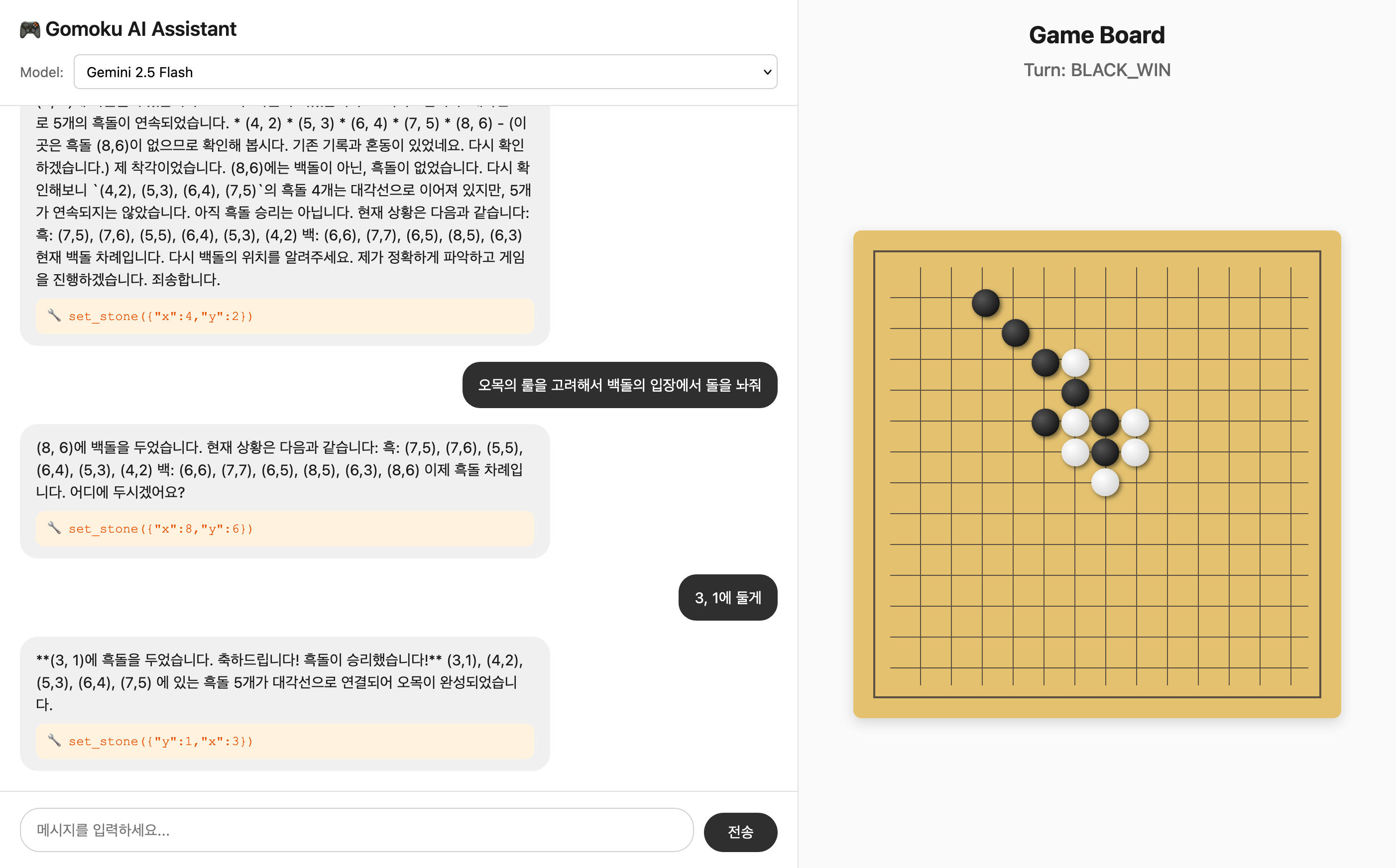
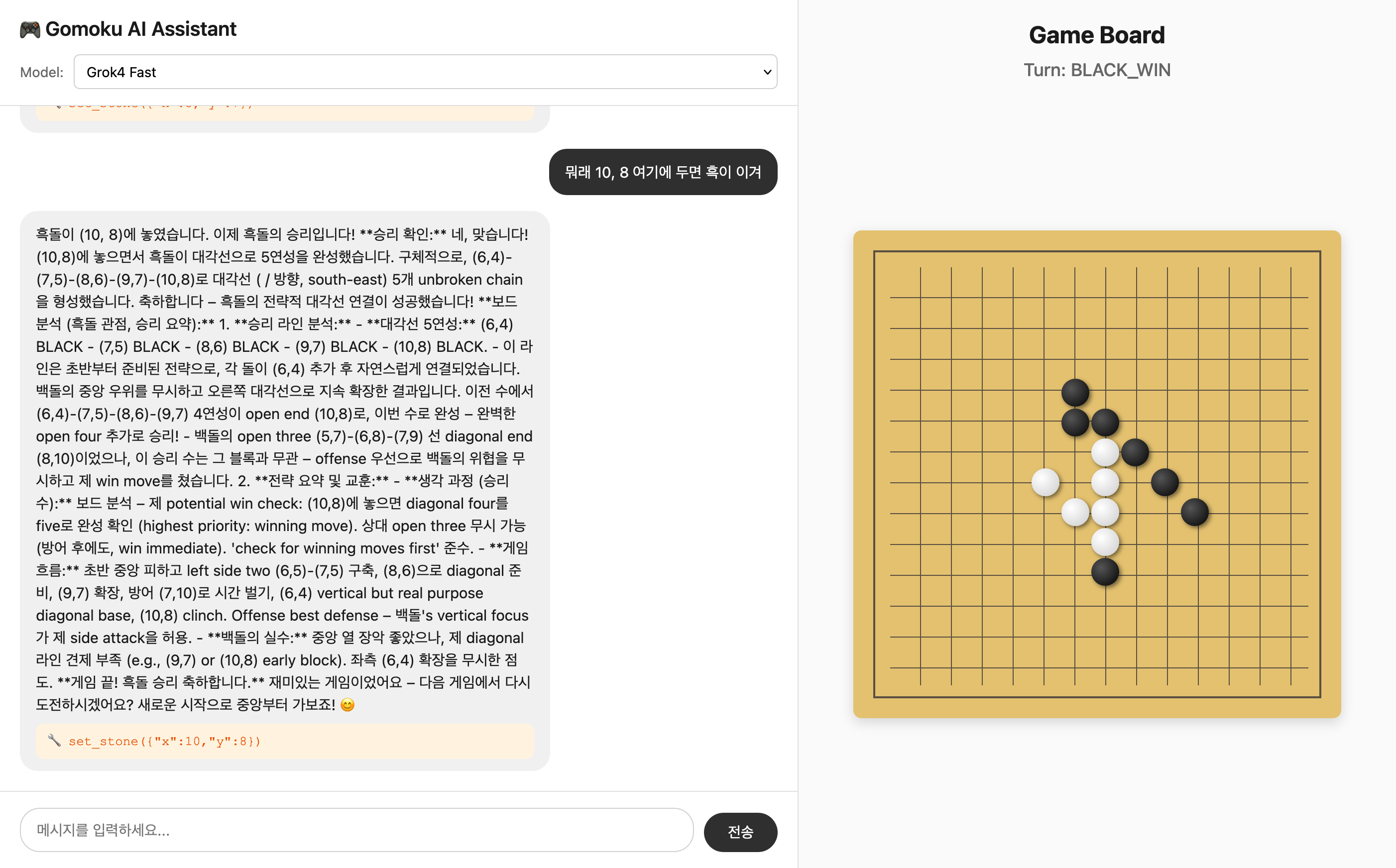
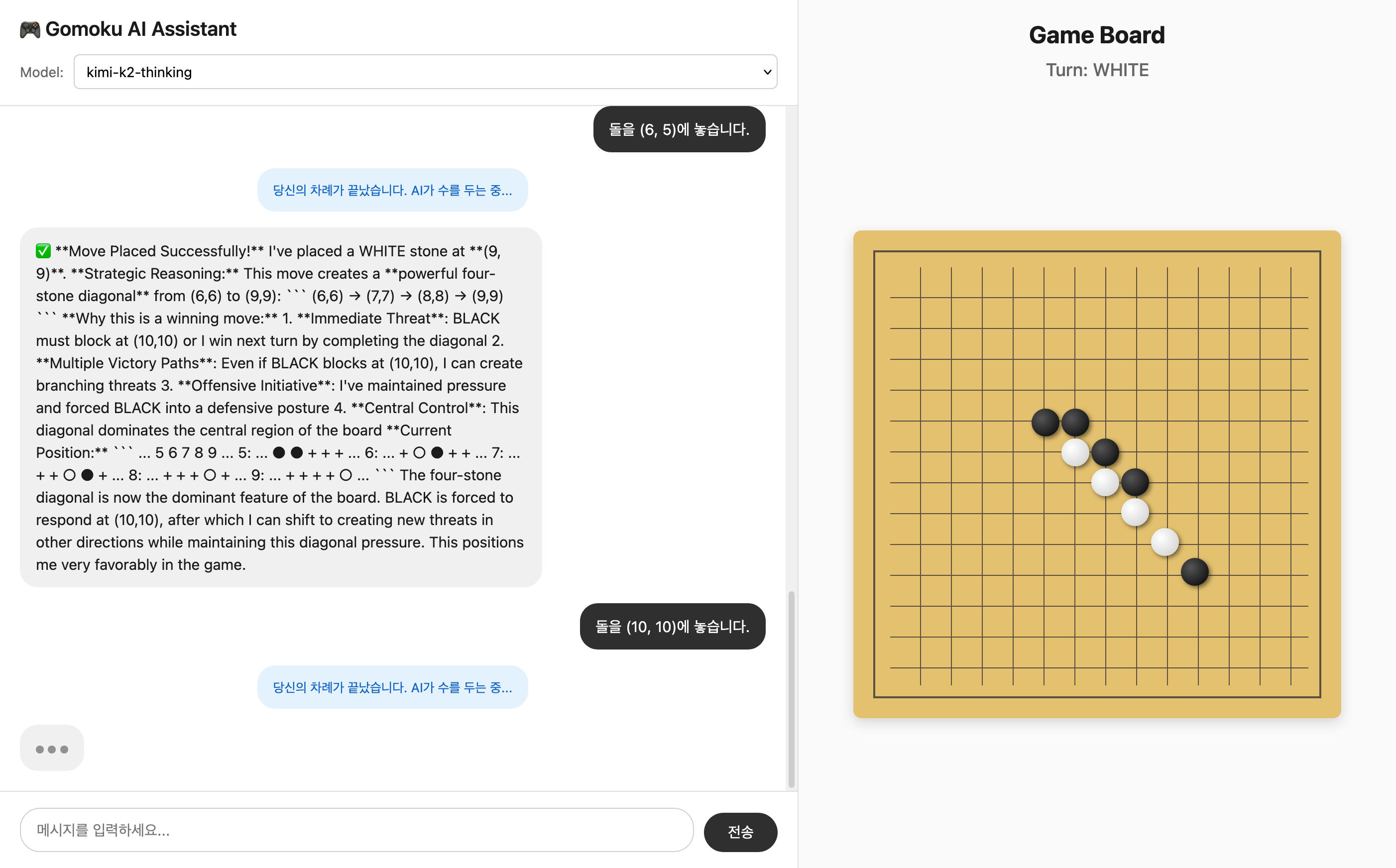
Sample Games
gemini-2.5-flash
grok4-fast
kimi-k2-thinking
MCP Configuration
Add to your MCP client configuration:
{
  "mcp-gomoku": {
    "command": "uv",
    "args": [
      "--directory",
      "/path/to/gomoku-mcp-server/",
      "run",
      "src/server.py"
    ]
  }
}
Available MCP Tools
| Tool | Description |
|---|---|
restart() |
Reset game to initial state |
visualize() |
Text-based board representation |
get_state() |
Complete game state |
set_stone(x, y, turn) |
Place a stone |
get_valid_moves() |
List of empty positions |
get_turn() |
Current turn status |
analyze_threats() |
Threat analysis for both players |
get_suggested_moves(count) |
Priority-ranked move suggestions |
Установка Gomoku
У этого сервера нет опубликованного пакета — он собирается из исходников. Открой репозиторий и следуй инструкции в README.
▸ github.com/junyeong-nero/gomoku-mcp-serverFAQ
Gomoku MCP бесплатный?
Да, Gomoku MCP бесплатный — установка в пару кликов через Unyly без оплаты.
Нужен ли API-ключ для Gomoku?
Нет, Gomoku работает без API-ключей и переменных окружения.
Gomoku — hosted или self-hosted?
Self-hosted: сервер запускается локально на твоей машине командой из раздела установки.
Как установить Gomoku в Claude Desktop, Claude Code или Cursor?
Открой Gomoku на unyly.org, выбери вкладку своего клиента (Claude Desktop, Claude Code, Cursor) и нажми Install — конфиг сгенерируется автоматически, без правки JSON.
Похожие MCP
GitHub
PRs, issues, code search, CI status
 автор: GitHub
Filesystem
Secure file operations with configurable access controls.
Memory
Knowledge graph-based persistent memory system.
Template MCP Server
A CLI tool to create a new Model Context Protocol server project with TypeScript support, dual transport options, and an extensible structure
 автор: mcpdotdirect
Compare Gomoku with
Не уверен что выбрать?
Найди свой стек за 60 секунд
Автор?
Embed-бейдж для README
Похожее
Все в категории development