loading…
/ru
Весь каталог

Job Pilot
БесплатноНе проверенJobPilot is a next-generation career assistant powered by AI Agents and the Model Context Protocol (MCP). It acts as your personal recruiter, tirelessly searchi

Описание
JobPilot is a next-generation career assistant powered by AI Agents and the Model Context Protocol (MCP). It acts as your personal recruiter, tirelessly searching for jobs on platforms like LinkedIn, optimizing your resume for specific job descriptions (JD), and even automating the application process. Designed for the age of AI, JobPilot exposes a full MCP server, allowing you to connect it with
README
JobPilot ✈️

Your Intelligent AI Agent for Career Success Automated Job Search, Resume Optimization, and Application Management
📖 Introduction
JobPilot is a next-generation career assistant powered by AI Agents and the Model Context Protocol (MCP). It acts as your personal recruiter, tirelessly searching for jobs on platforms like LinkedIn, optimizing your resume for specific job descriptions (JD), and even automating the application process.
Designed for the age of AI, JobPilot exposes a full MCP server, allowing you to connect it with your favorite AI assistants (like Claude Desktop, OpenClaw, or custom agents) to handle your job hunt autonomously.
Why JobPilot? Instead of manually tweaking your CV for every application, let JobPilot's agents analyze the JD, rewrite your resume to highlight relevant skills, and submit the application for you—while you sleep.
✨ Features
🤖 MCP-Native Architecture
- Agent-First Design: Built from the ground up as a Model Context Protocol (MCP) server.
- Universal Compatibility: Connects seamlessly with any MCP-compliant client (Claude, IDEs, Agent frameworks).
📄 Intelligent Resume Engine
- Context-Aware Optimization: Analyzes your master profile against target JDs to generate hyper-personalized resumes.
- ATS Friendly: Ensures generated resumes are optimized for Applicant Tracking Systems.
🕵️ Automated Job Hunter
- Smart Search: Scrapes and filters job listings from LinkedIn and Indeed based on your semantic profile.
- Auto-Apply: Automated form filling with built-in stealth mode and anti-detection mechanisms (human-like delays, randomized user agents).
- Risk Reduction: "Safe Mode" with dry-run capability and manual confirmation steps to avoid account flags.
📊 Application Tracking
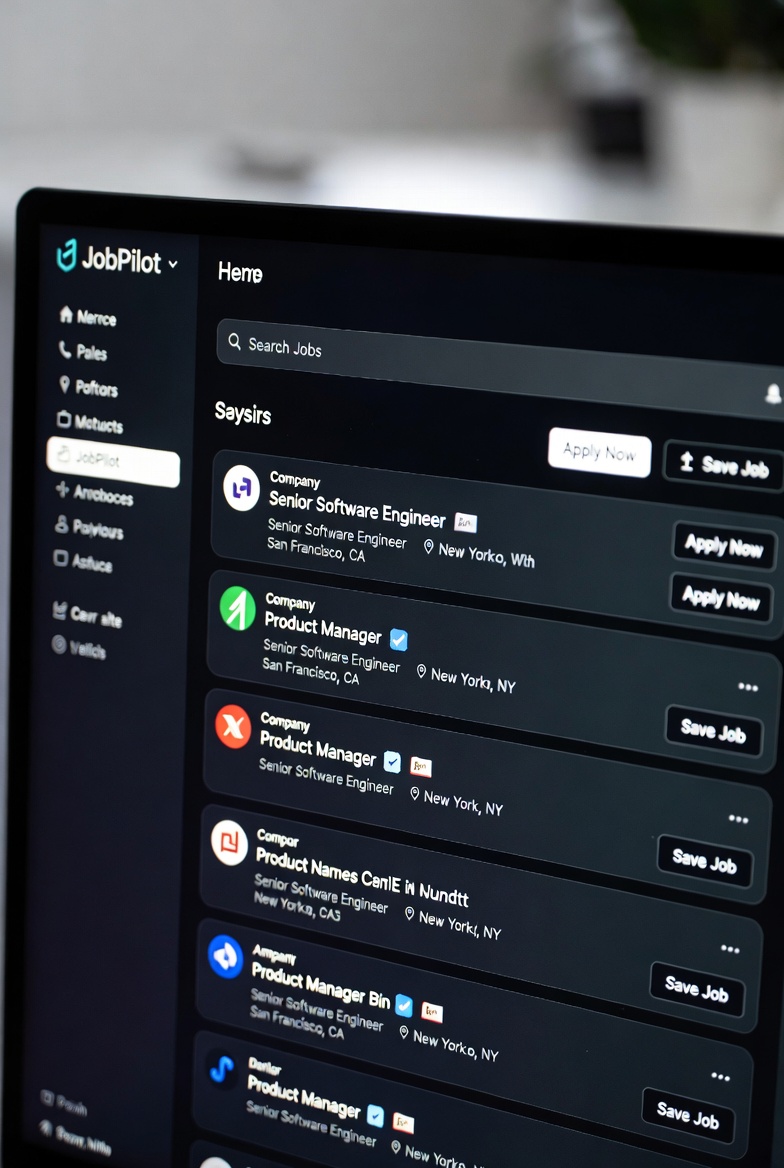
- Dashboard: Modern UI built with Shadcn components to visualize your application status, interview pipeline, and success rates.
- History: Keep a record of every tailored resume version sent to recruiters.
🛠️ Tech Stack
- Frontend:
- Next.js 14 (App Router)
- TypeScript
- Tailwind CSS & Lucide Icons
- Backend:
- FastAPI (Python)
- Pydantic
- MCP SDK (Python)
- Automation & AI:
- Playwright (Browser Automation)
- OpenAI / Anthropic APIs (LLM)
- Supabase (Database & Auth)
🚀 Getting Started
Prerequisites
- Node.js 18+
- Python 3.11+
- Git
Installation
Clone the repository
git clone https://github.com/yourusername/job-pilot.git
cd job-pilot
Backend Setup
cd backend
python -m venv venv
source venv/bin/activate  # On Windows: venv\Scripts\activate
pip install -r requirements.txt

# Start the API & MCP Server
python app/main.py
Frontend Setup
cd frontend
npm install

# Start the UI
npm run dev
Access the App
- Frontend:
http://localhost:3000 - API Docs:
http://localhost:8000/docs
- Frontend:
🗺️ Roadmap
- Project Initialization & Architecture Design
- Phase 1: MCP Server Implementation & Basic Profile Management
- Phase 2: LinkedIn Scraper Integration & Job Matching
- Phase 3: Resume Optimization Pipeline (LLM)
- Phase 4: Automated Application via OpenClaw/Playwright
🤝 Contributing
Contributions are welcome! Please feel free to submit a Pull Request.
🌟 Star History
📄 License
This project is licensed under the MIT License - see the LICENSE file for details.
Как установить
Выполни в терминале:
claude mcp add job-pilot -- npx 
