
Laravel Simple Rag
БесплатноНе проверенSelf-hosted knowledge manager and MCP server that lets you organize snippets, questions, and documents via a web UI and exposes them to AI assistants for readin

Описание
Self-hosted knowledge manager and MCP server that lets you organize snippets, questions, and documents via a web UI and exposes them to AI assistants for reading and writing.
README
A self-hosted, single-user knowledge manager and MCP server built on Laravel MCP. Organise your snippets, questions, documents, and context in a web UI, then expose everything to AI assistants (Claude, etc.) via the Model Context Protocol. LLMs can read your knowledge base and write answers, scraped content, and summaries back into it.
Table of Contents
- Features
- Requirements
- Installation
- Configuration
- First-Time Setup
- Using the Web UI
- MCP Server
- Key Use Cases
- Development
Features
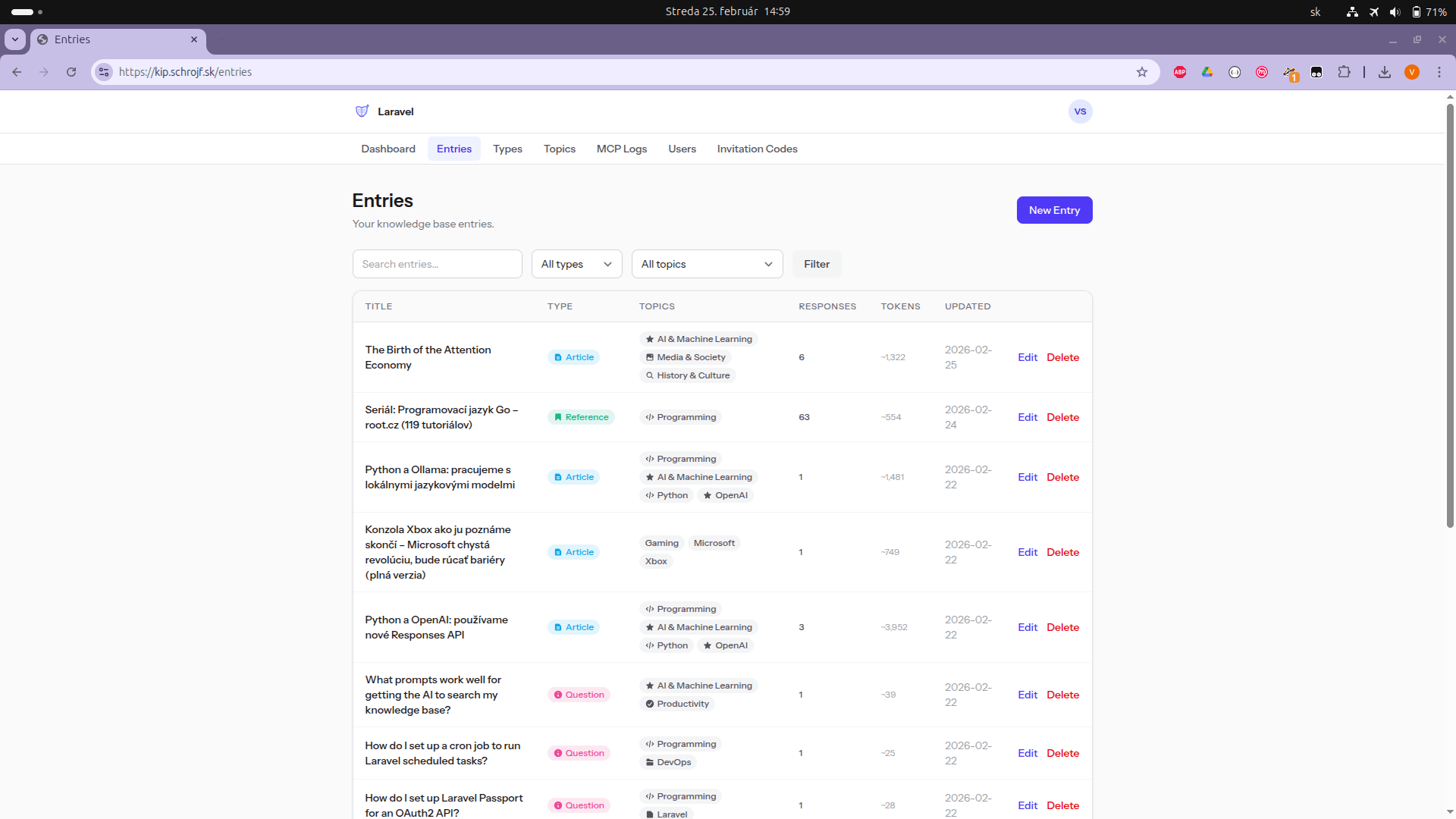
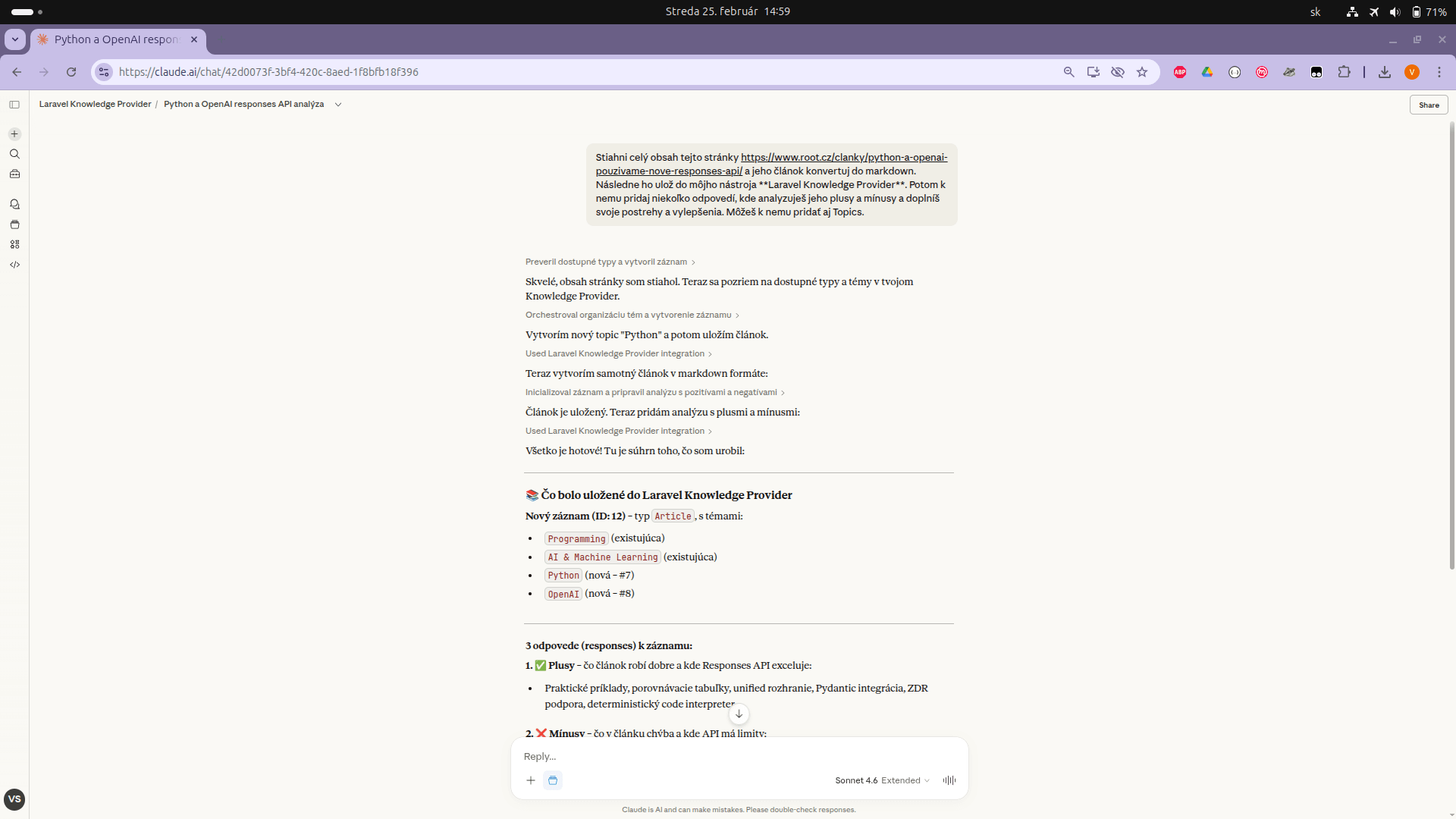
- Web Knowledge Manager — CRUD UI for entries (markdown), entry types, topics, and responses
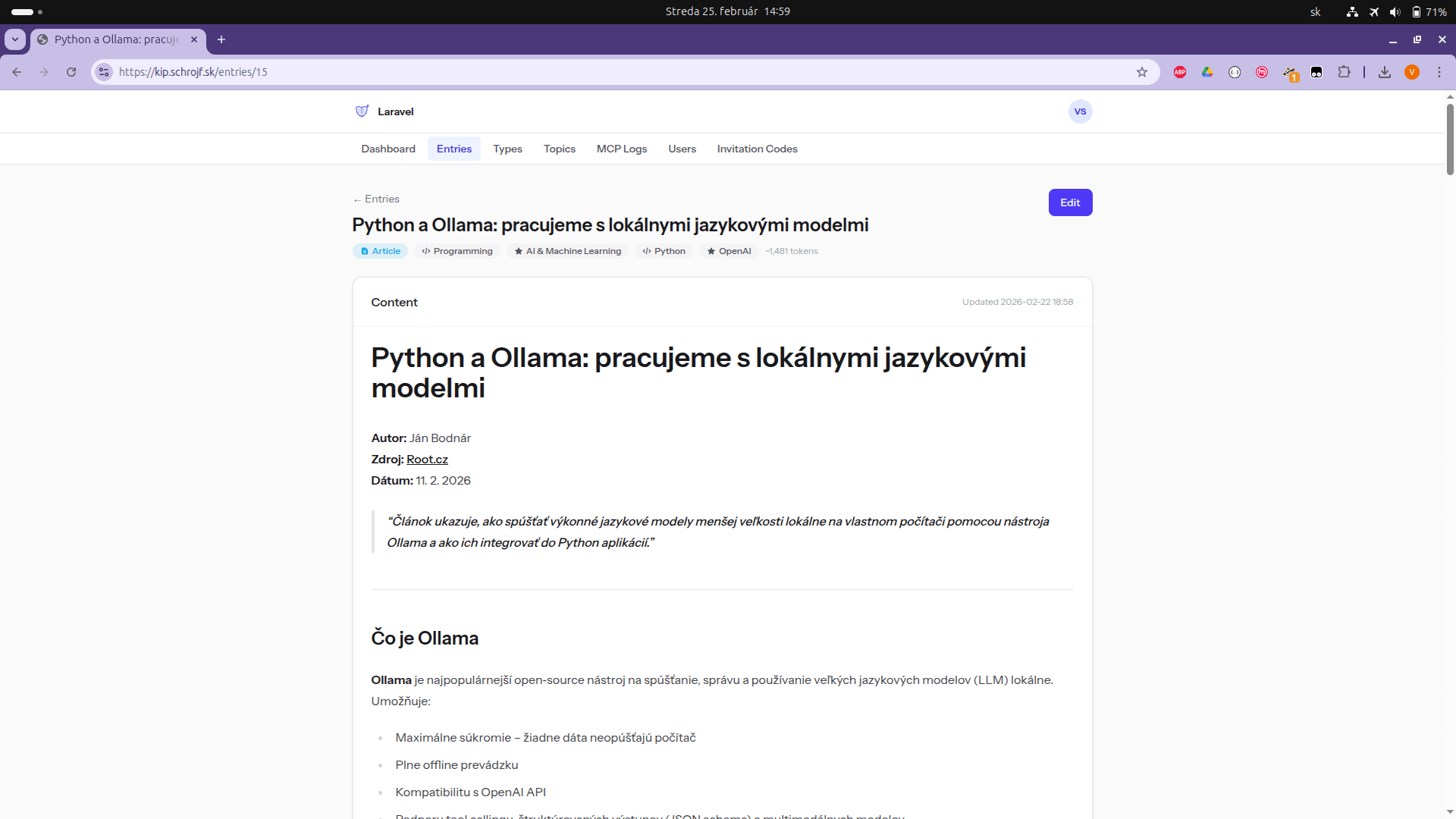
- MCP Server — exposes all content to LLMs via the Model Context Protocol over OAuth2
- Live Markdown editor — write and preview markdown side-by-side in the browser
- Response management — add and edit responses on separate pages or inline on the entry view
- Meta key-value pairs — attach arbitrary metadata (e.g.
source_url,model_name) to entries and responses via an interactive key-value editor; LLMs can write metadata too - Icons for entry types and topics — assign one of 25 curated SVG icons to categorise your knowledge visually; icons appear in tables, entry badges, and the dashboard
- Personal access tokens — create and manage long-lived API tokens in Settings → API Tokens for scripted or direct API access
- Full-text search — entry search uses native full-text indexes on MySQL/MariaDB/PostgreSQL, with automatic LIKE fallback on SQLite
- Invitation-based registration — controlled access via invite codes (optional, see Configuration)
- Fully self-hosted — no external dependencies beyond your own server
Screenshots
Show all screenshots
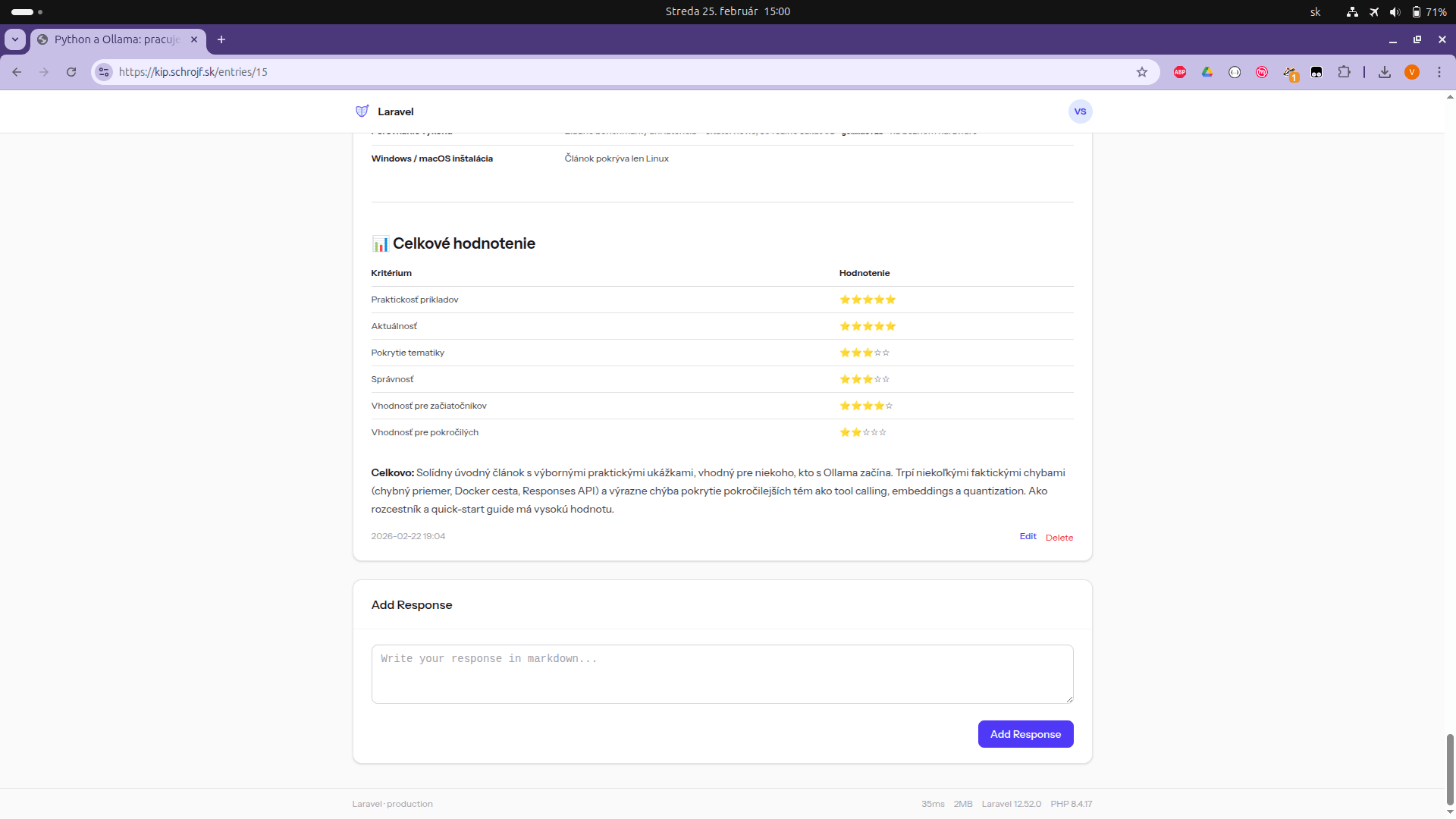
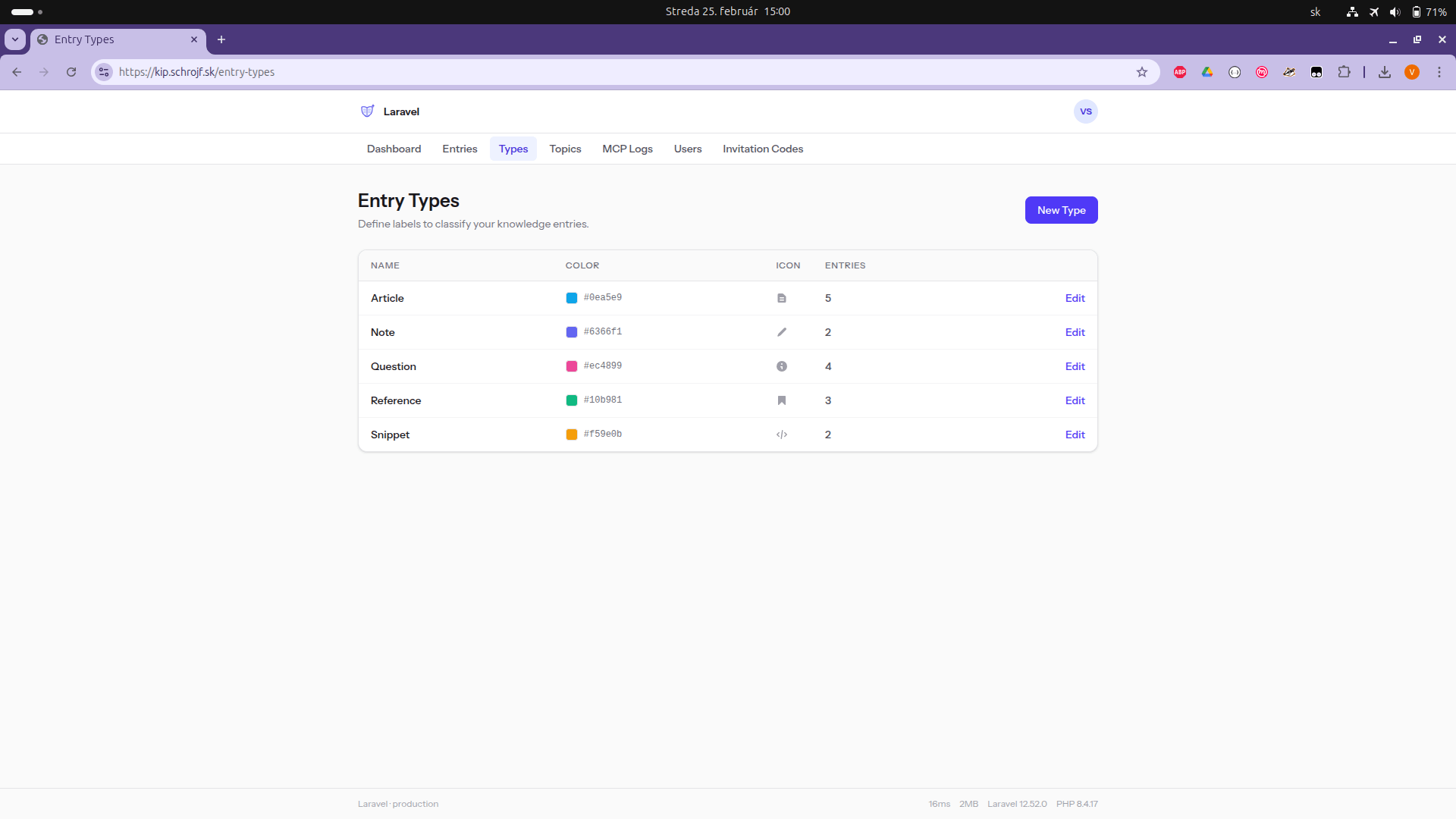
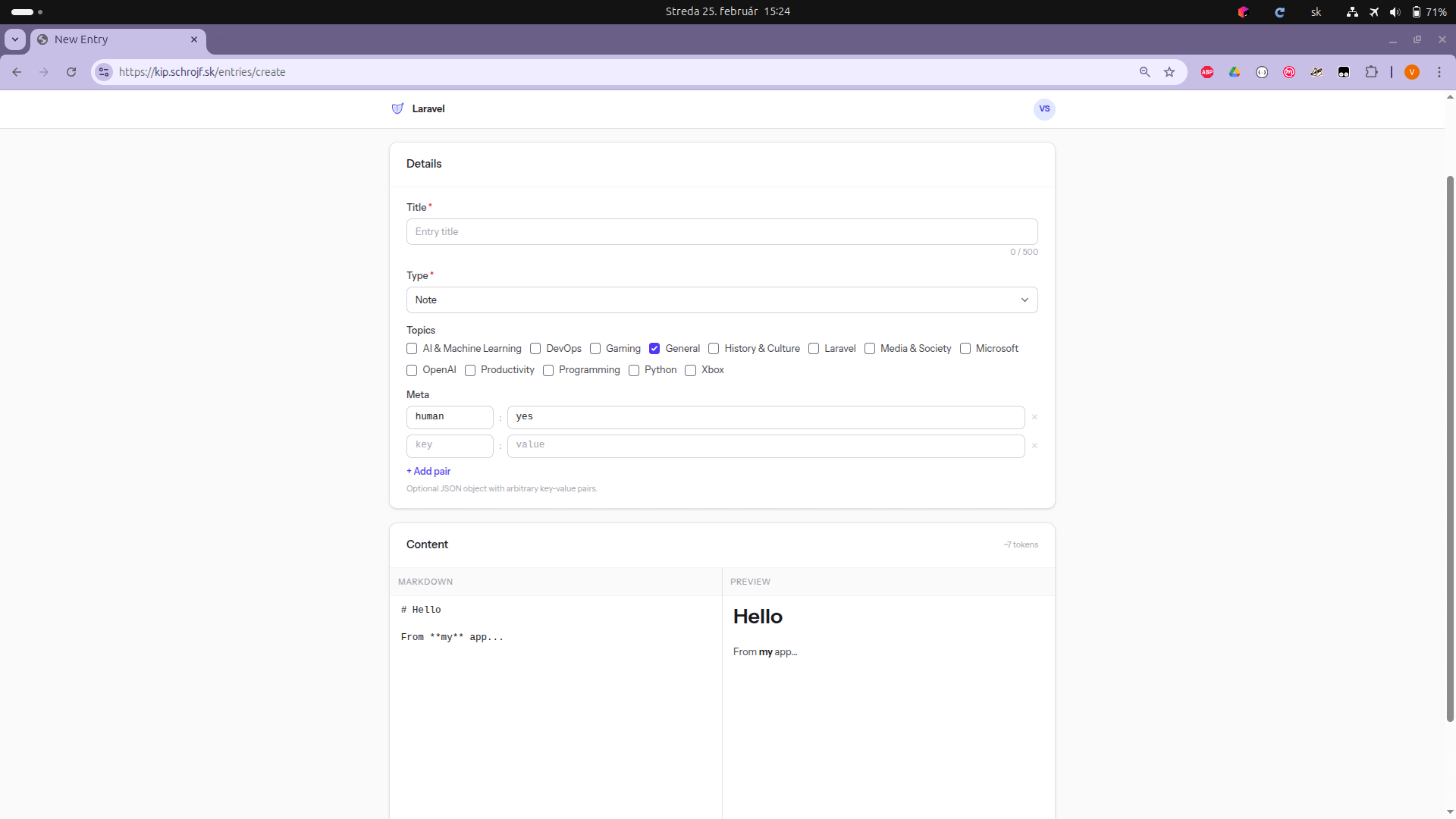
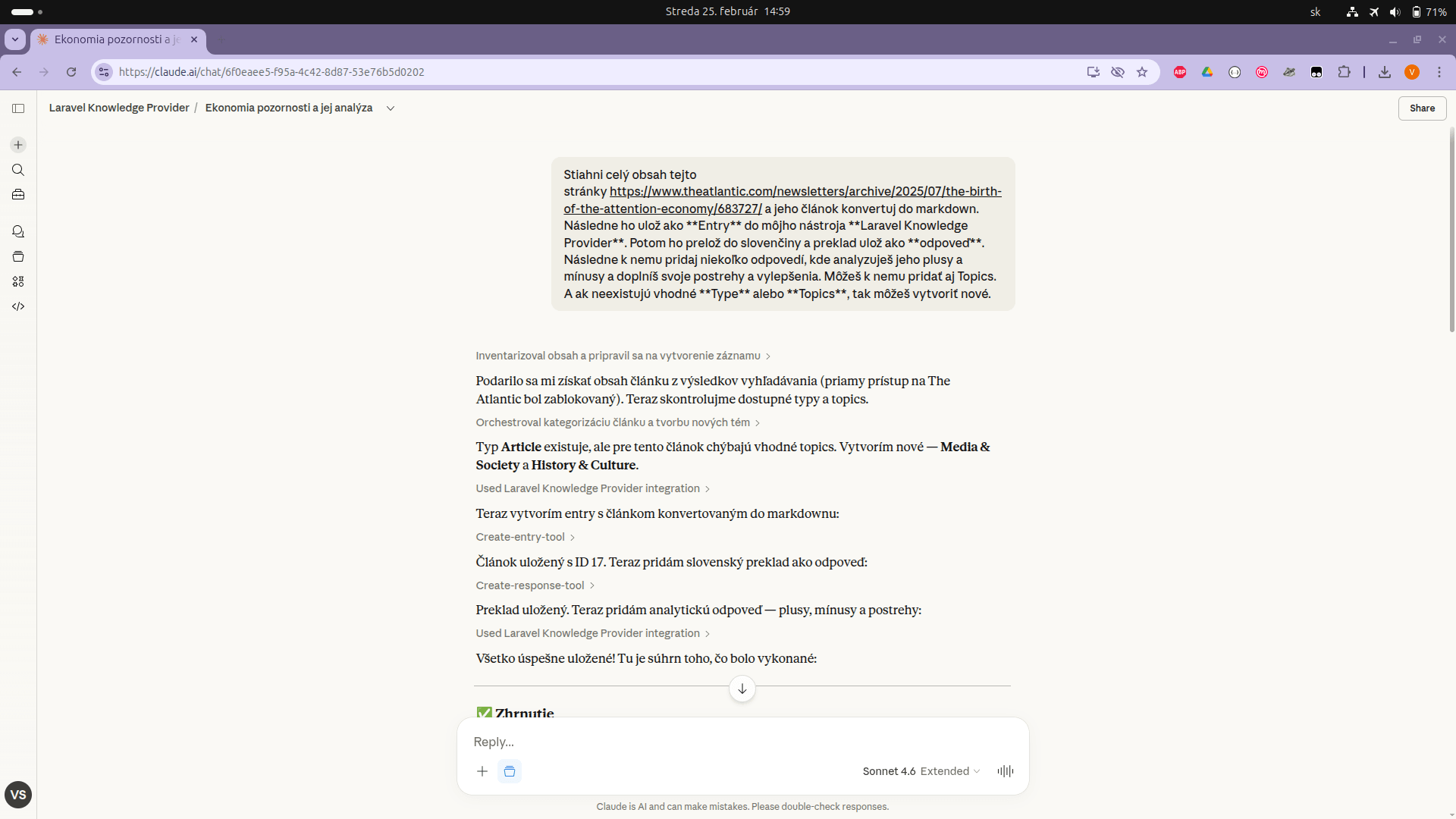
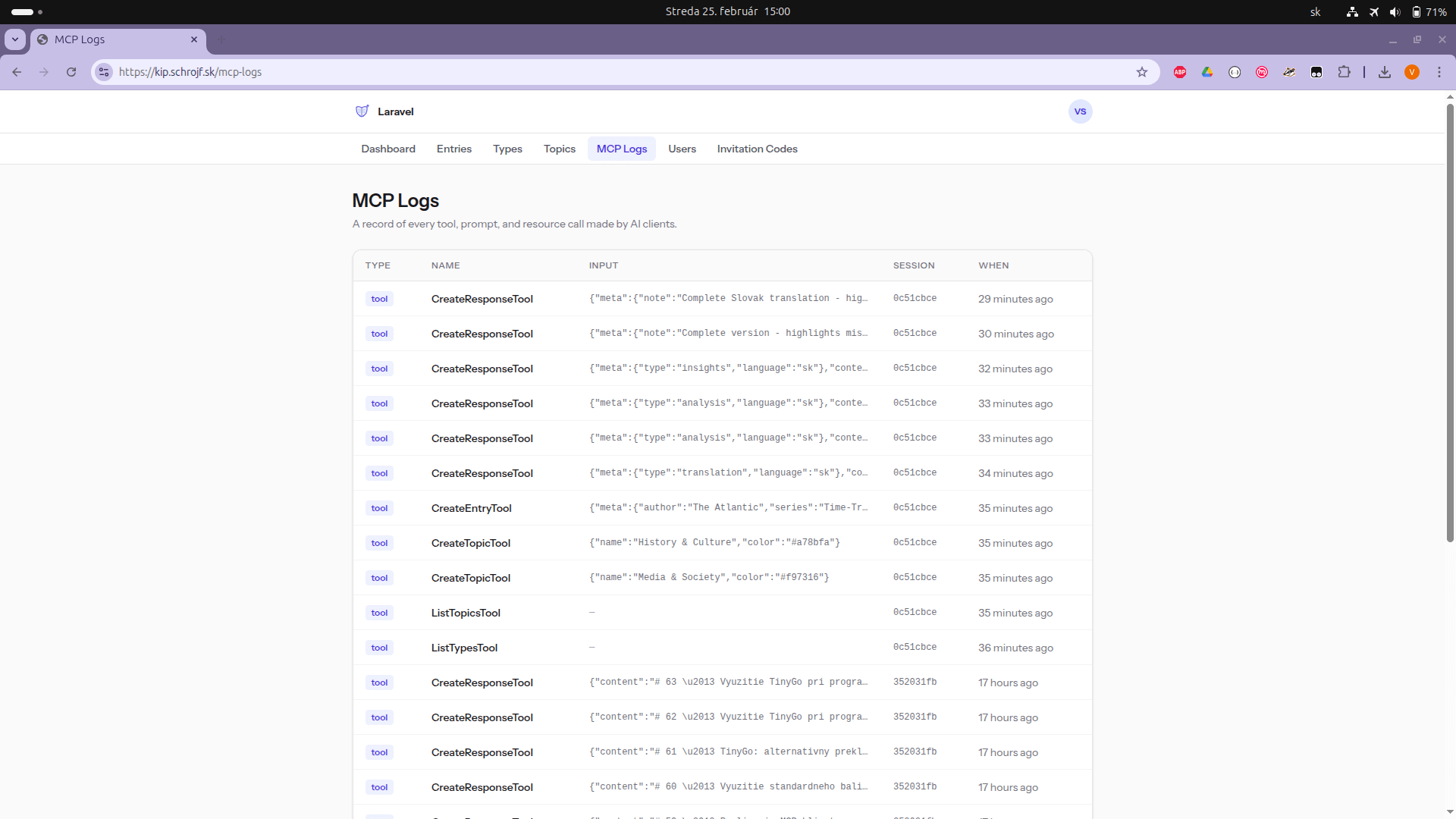
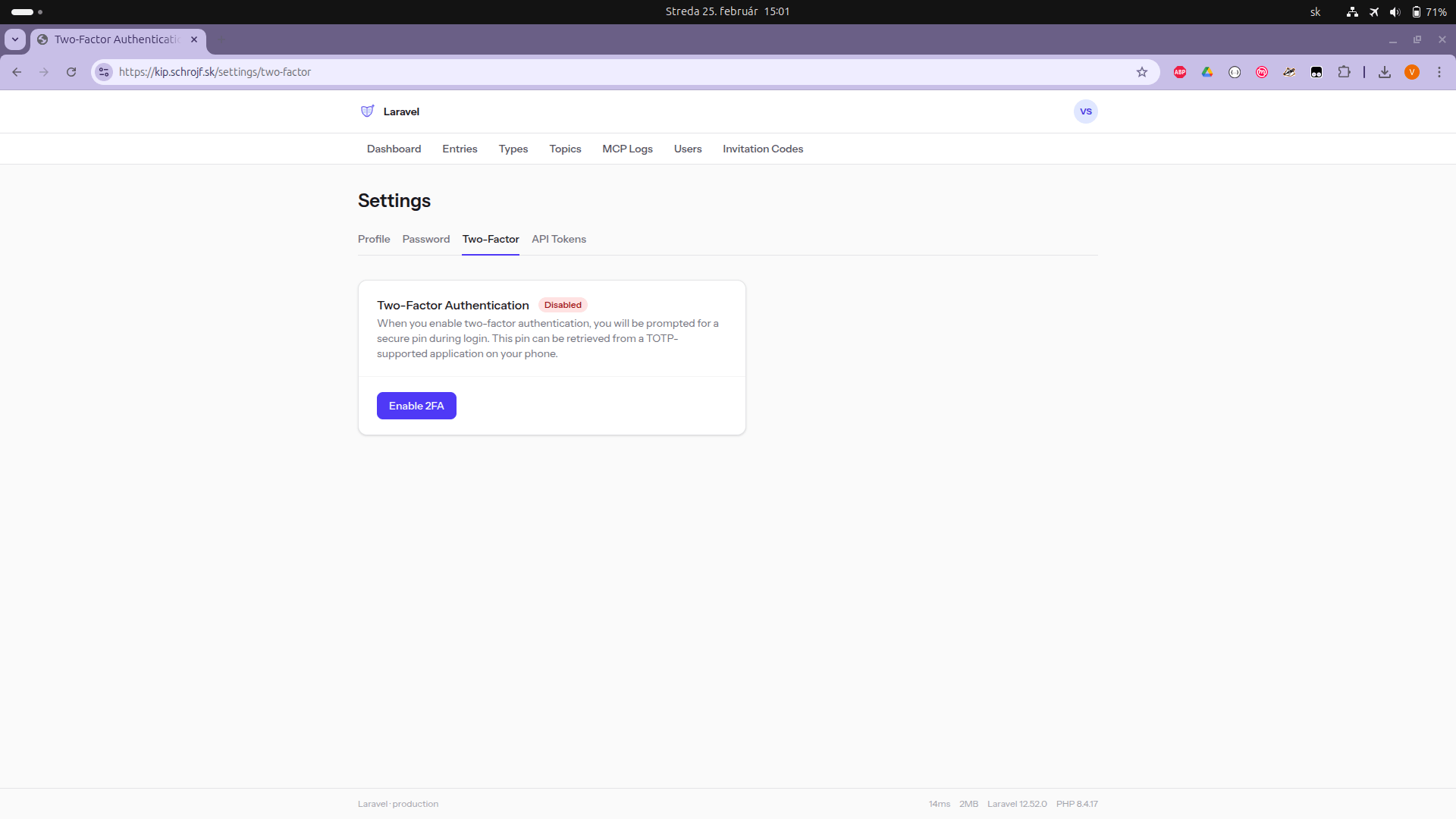
Requirements
- PHP 8.4+
- Composer
- Node.js & npm
- SQLite, MySQL, or PostgreSQL
- (Optional) Redis for queue/cache
Installation
# 1. Clone and install dependencies
git clone https://github.com/your-username/laravel-simple-rag.git
cd laravel-simple-rag
composer install
npm install

# 2. Environment setup
cp .env.example .env
php artisan key:generate

# 3. Configure your database in .env, then run migrations
php artisan migrate

# 4. Generate Passport OAuth2 keys (required for MCP auth)
php artisan passport:keys

# 5. Build frontend assets
npm run build

# 6. Start the development server
composer run dev
For production, deploy with Laravel Forge or any standard Laravel hosting. Run
npm run buildinstead ofnpm run dev.
Configuration
The following custom environment variables control application behaviour. Set them in your .env file.
| Variable | Default | Description |
|---|---|---|
APP_REQUIRE_INVITATION |
false |
When true, registration requires a valid invitation code. When false, anyone can register. |
APP_SEED_DEFAULT_CONTENT |
true |
When true, a set of default entry types and topics is seeded on fresh installs. Set to false to start blank. |
APP_SHOW_LANDING_DETAILS |
false |
When true, extra detail (feature list, MCP info) is shown on the public landing page. |
First-Time Setup
1. Register your account
If APP_REQUIRE_INVITATION is false (default), open your app URL and register directly.
If invitations are required, first generate an invitation code on the server:
php artisan invitation:manage create --description="my account"
Then open your app URL and register using the code.
2. List or deactivate invitation codes
php artisan invitation:manage list
php artisan invitation:manage deactivate --code=YOUR_CODE
3. (Optional) Enable personal access tokens
If you want to use Settings → API Tokens to create long-lived tokens for scripted API access, create the Passport personal access client once:
php artisan passport:client --personal --no-interaction
4. Set up your entry types
After logging in, go to Entry Types and create the types you want to use (e.g. question, snippet, document, context). Entry types are how you and the LLM categorize knowledge.
5. (Optional) Create topics
Go to Topics and create topic tags (e.g. Programming, Personal, Work) to organise entries across types.
Using the Web UI
| Page | URL | Description |
|---|---|---|
| Dashboard | /dashboard |
Overview of your knowledge base |
| Entries | /entries |
Browse, filter, and search all entries |
| New Entry | /entries/create |
Create an entry with the Markdown editor |
| Edit Entry | /entries/{id}/edit |
Edit content, meta, and manage responses |
| New Response | /entries/{id}/responses/create |
Add a response with the Markdown editor |
| Edit Response | /entries/{id}/responses/{rid}/edit |
Edit a response's content and meta |
| Entry Types | /entry-types |
Manage your entry type labels and icons |
| Topics | /topics |
Manage your topic tags and icons |
| Settings | /settings/profile |
Profile, password, two-factor, API tokens |
Entries are the core unit — a title, Markdown content, a type, and optional topics. Responses are attached to entries and represent answers or generated content (written by you or by an LLM via MCP).
Both entries and responses support optional meta key-value pairs — arbitrary data attached to the record (e.g. source_url, model_name, confidence). The UI provides an interactive key-value editor; LLMs can supply meta via the MCP tools.
MCP Server
The RAG MCP server is available at /mcp/rag and is protected by Laravel Passport OAuth2.
Authentication (OAuth2)
The MCP server uses the standard OAuth2 flow. MCP clients (like Claude Desktop) handle authentication automatically once registered.
To verify your server is working, use the built-in inspector:
# Test the RAG server interactively
php artisan mcp:inspector rag
This launches the MCP Inspector and prints the client configuration to copy into your MCP client.
Registering with Claude Desktop
Add the following to your Claude Desktop MCP configuration (claude_desktop_config.json):
{
    "mcpServers": {
        "knowledge-base": {
            "command": "npx",
            "args": ["mcp-remote", "https://your-app-url.com/mcp/rag"]
        }
    }
}
Replace https://your-app-url.com with your actual app URL. On first connection, Claude Desktop will open a browser window to complete the OAuth2 authorization — approve it to grant access.
Local development: Run
php artisan mcp:inspector ragfor the exact configuration to use. The localragserver is also registered for stdio-based testing.
HTTPS note: Many AI agents run on Node.js, which uses its own certificate store. Self-signed or local certificates may cause connection failures. For local testing, prefer plain
http://; usehttps://on production with a valid certificate.
Available Tools
All tools are scoped to your authenticated account.
| Tool | Description |
|---|---|
search_entries |
Search entries by keyword, type ID, topic ID, and/or without_responses flag. Returns previews with responses_count and metadata. Optional limit (1–100, default 20). |
get_entry |
Fetch a single entry by ID. Pass with_responses: true to include all attached responses. |
get_responses |
List all responses stored for a given entry ID. |
list_types |
List all your entry types with their IDs. Call this before creating entries. |
list_topics |
List all your topics with their IDs. Call this before tagging entries. |
create_entry |
Create a new entry. Requires title, content (Markdown), and type_id. Optionally pass topic_ids and meta (key-value object). |
create_response |
Store a response linked to an entry. Requires entry_id and content. Optionally pass meta (key-value object). |
create_topic |
Create a new topic tag. Requires name. Optional color and icon. |
add_topic |
Attach an existing topic to an existing entry. Requires entry_id and topic_id. |
Available Prompts
Prompts are reusable instruction templates that guide the LLM through multi-step workflows using the tools above.
answer_question
Finds an unanswered question entry matching a query and stores an answer as a response.
Argument: query (required) — topic or keywords to search for
Workflow the LLM follows:
- Calls
search_entrieswith the query keyword - Identifies entries that look like unanswered questions
- Calls
get_entrywithwith_responses: trueto check for existing answers - Composes a thorough Markdown answer
- Calls
create_responseto store it
scrape_and_store
Fetches a URL, extracts the meaningful content, and stores it as a new entry.
Arguments:
url(required) — the page to fetchtype_id(optional) — entry type to use; if omitted, the LLM callslist_typesfirst
Workflow the LLM follows:
- Fetches the URL content
- Extracts title and body (skips navigation, ads, footers)
- Formats as clean Markdown
- Calls
create_entryto store it
Available Resources
| Resource | URI Template | Description |
|---|---|---|
| Entry | entry://entries/{id} |
Returns the full Markdown content of an entry, including its type and topics. |
Key Use Cases
Q&A Flow
- Create an entry with type
questionand your question as the title/content. - Ask your AI assistant to use the
answer_questionprompt with a matching keyword. - The LLM searches for the question, writes an answer, and stores it as a response.
- Review and edit the response in the web UI.
Web Scraping Flow
- Tell your AI assistant to use the
scrape_and_storeprompt with a URL. - The LLM fetches the page, converts it to Markdown, and creates an entry.
- The entry appears in your knowledge base immediately.
Knowledge Retrieval
- Use
search_entrieswith keywords or type/topic filters to find relevant context. - Use
get_entrywithwith_responses: trueto pull a complete entry with all its stored answers. - Access any entry directly via the
entry://entries/{id}resource URI.
Development
# Run the development server (Vite + PHP server + queue worker)
composer run dev

# Run tests
php artisan test --compact

# Test the RAG MCP server interactively
php artisan mcp:inspector rag

# Format PHP code
vendor/bin/pint

# Run static analysis
vendor/bin/phpstan analyse
User management
php artisan user:manage list
php artisan user:manage promote [email protected]
php artisan user:manage demote  [email protected]
Run php artisan user:manage --help for full usage.
Invitation management
php artisan invitation:manage create [--description=] [--count=]
php artisan invitation:manage list
php artisan invitation:manage deactivate --code=CODE
Установка Laravel Simple Rag
У этого сервера нет опубликованного пакета — он собирается из исходников. Открой репозиторий и следуй инструкции в README.
▸ github.com/schrojf/laravel-simple-ragFAQ
Laravel Simple Rag MCP бесплатный?
Да, Laravel Simple Rag MCP бесплатный — установка в пару кликов через Unyly без оплаты.
Нужен ли API-ключ для Laravel Simple Rag?
Нет, Laravel Simple Rag работает без API-ключей и переменных окружения.
Laravel Simple Rag — hosted или self-hosted?
Доступен hosted-вариант: Unyly запускает сервер в облаке, локальная установка не обязательна.
Как установить Laravel Simple Rag в Claude Desktop, Claude Code или Cursor?
Открой Laravel Simple Rag на unyly.org, выбери вкладку своего клиента (Claude Desktop, Claude Code, Cursor) и нажми Install — конфиг сгенерируется автоматически, без правки JSON.
Похожие MCP
LibreOffice Tools
Enables AI agents to read, write, and edit Office documents via LibreOffice with token-efficient design. Supports multiple formats including DOCX, XLSX, PPTX, a
 автор: passerbyflutter
dannote/figma-use
Full Figma control: create shapes, text, components, set styles, auto-layout, variables, export. 80+ tools.
 автор: dannote
Logo.dev
Search and retrieve company logos by brand or domain. Customize size, format, and theme to match your design needs. Accelerate design, prototyping, and content
 автор: NOVA-3951
PIX4Dmatic
Enables GUI automation for controlling PIX4Dmatic on Windows through MCP. Supports launching, focusing, capturing screenshots, sending hotkeys, clicking UI elem
 автор: jangjo123
Compare Laravel Simple Rag with
Не уверен что выбрать?
Найди свой стек за 60 секунд
Автор?
Embed-бейдж для README
Похожее
Все в категории design