
MapNetwork Server
БесплатноНе проверенGenerate styled map images (PNG/SVG) for any location, with customizable color themes and walking/driving routes, directly from Claude or any MCP-compatible AI

Описание
Generate styled map images (PNG/SVG) for any location, with customizable color themes and walking/driving routes, directly from Claude or any MCP-compatible AI assistant.
README
MCP server for MapNetwork — generate styled map images (PNG / SVG) for any location on Earth, directly from Claude or any MCP-compatible AI assistant.
Features
- Generate maps from a place name, coordinates, or a list of markers
- 11 color themes (white, darkBlue, darkGreen, popArt, lightBlue, lightGreen, beige, magenta, gray, black, brawn)
- Overlay walking / driving routes on the map
- PNG or SVG output, saved to your Downloads folder
- Re-download a previously generated map in a different theme or format without regenerating
- Open any generated map in the MapNetwork web editor for manual customization
Example Usage
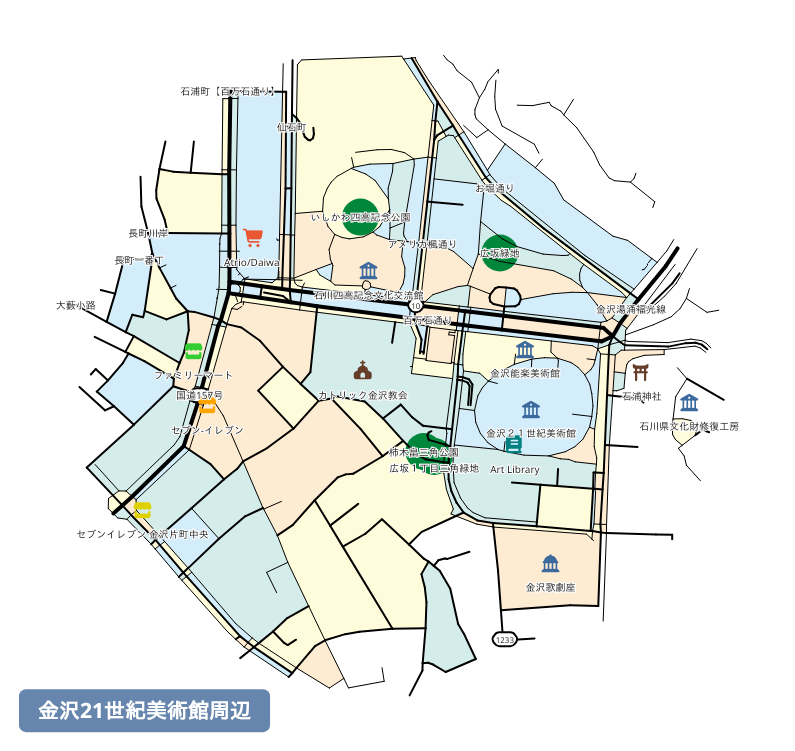
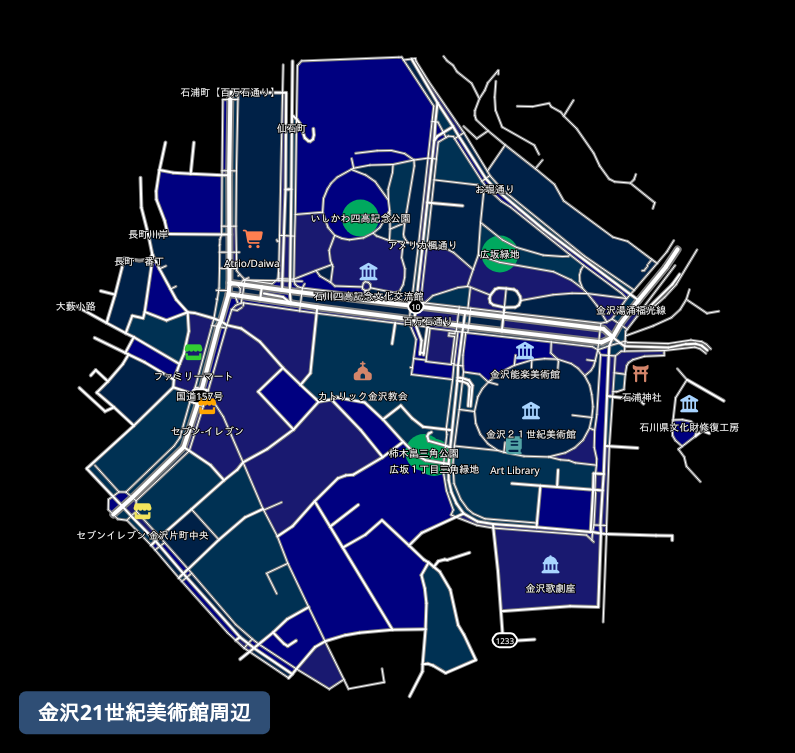
Prompt: "Generate a map around the 21st Century Museum of Contemporary Art, Kanazawa."
Here is the map it generated:
Prompt: "Redownload that map in a few different color themes."
The same map, redownloaded in different color themes:
| Dark Blue Style | Light Green Style | Pop Art Style | Black Style |
|---|---|---|---|
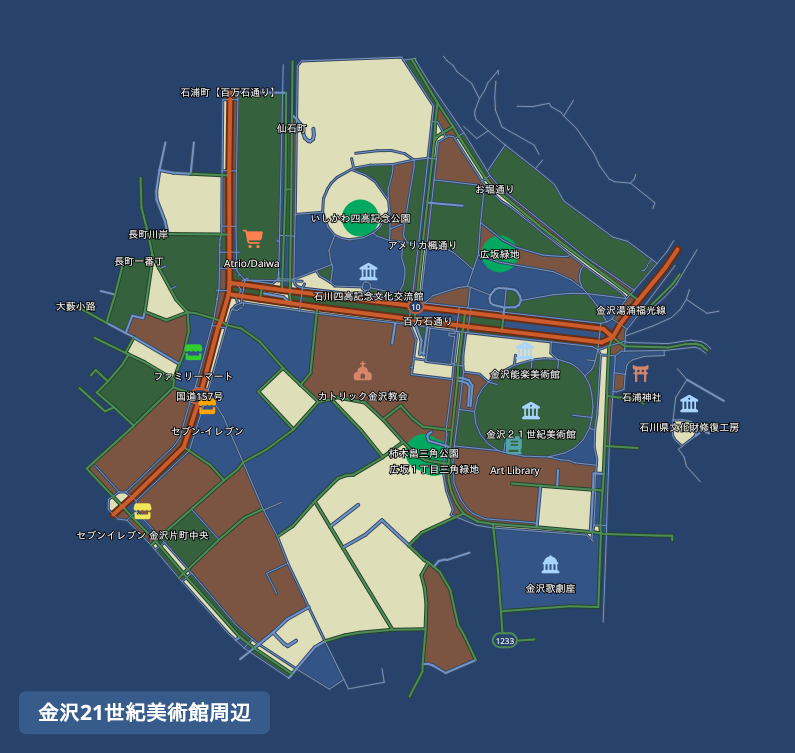 |
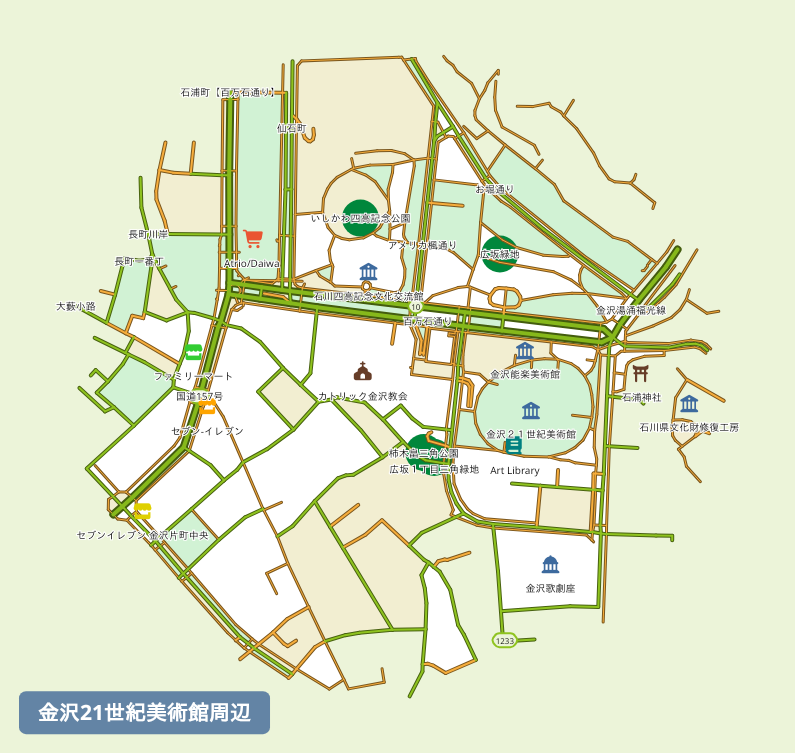 |
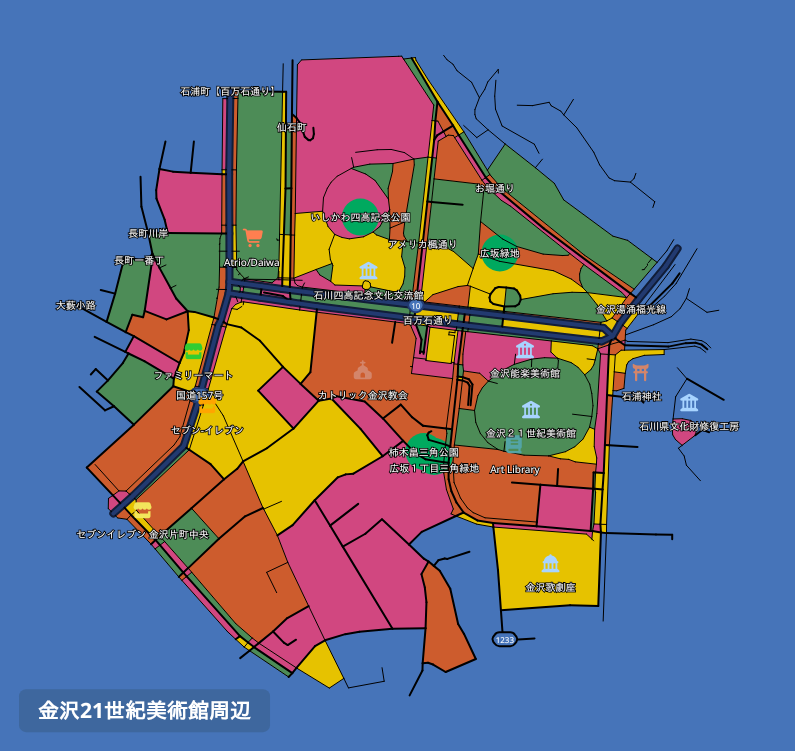 |
 |
Installation
Claude Desktop
Using the .mcpb extension file (recommended)
The easiest way to install is via the .mcpb extension file available on the Releases page.
- Download the latest
.mcpbfile from the Releases page. - Open Claude Desktop and go to Settings → Extensions.
- Drag the downloaded
.mcpbfile onto the Extensions panel to install.
Manual configuration
Add the following to your claude_desktop_config.json:
{
  "mcpServers": {
    "mapnetwork": {
      "command": "uvx",
      "args": ["mapnetwork-mcp"],
      "alwaysAllow": ["generate_map", "compute_route", "redownload_map"]
    }
  }
}
If you use pip instead of uvx:
pip install mapnetwork-mcp
{
  "mcpServers": {
    "mapnetwork": {
      "command": "mapnetwork-mcp"
    }
  }
}
Tools
| Tool | Description |
|---|---|
generate_map |
Generate a styled map image for a location and save it to Downloads |
compute_route |
Compute a walking or driving route between two locations |
redownload_map |
Re-download a previously generated map in a different color theme or format |
Example prompts
Japanese
- "渋谷駅周辺の地図を作って"
- "赤坂駅から赤坂氷川神社までの徒歩ルートを地図にして"
- "東京駅・日本橋駅・京橋駅を1枚の地図に表示して"
- "その地図を darkBlue テーマでSVG画像で出し直して"
English
- "Generate a map around Shibuya Station"
- "Show a walking route from Akasaka Station to Akasaka Hikawa Shrine on a map"
- "Put Tokyo Station, Nihonbashi Station, and Kyobashi Station on a single map"
- "Redownload that map as an SVG in the darkBlue theme"
Links
- Web UI: https://mapnetwork.app
- API docs: https://mapnetwork.app/openapi.json
mcp-name: io.github.toruproject/mapnetwork-mcp
Установить MapNetwork Server в Claude Desktop, Claude Code, Cursor
unyly install mapnetwork-mcp-serverСтавит в Claude Desktop, Claude Code, Cursor и VS Code — сам разбирается с npx, uvx и сборкой из исходников.
Впервые? Поставь CLI: curl -fsSL https://unyly.org/install | sh
Или настроить вручную
Выполни в терминале:
claude mcp add mapnetwork-mcp-server -- uvx mapnetwork-mcpFAQ
MapNetwork Server MCP бесплатный?
Да, MapNetwork Server MCP бесплатный — установка в пару кликов через Unyly без оплаты.
Нужен ли API-ключ для MapNetwork Server?
Нет, MapNetwork Server работает без API-ключей и переменных окружения.
MapNetwork Server — hosted или self-hosted?
Self-hosted: сервер запускается локально на твоей машине командой из раздела установки.
Как установить MapNetwork Server в Claude Desktop, Claude Code или Cursor?
Открой MapNetwork Server на unyly.org, выбери вкладку своего клиента (Claude Desktop, Claude Code, Cursor) и нажми Install — конфиг сгенерируется автоматически, без правки JSON.
Похожие MCP
Fetch
Web content fetching and conversion for efficient LLM usage.
AWS KB Retrieval
Retrieval from AWS Knowledge Base using Bedrock Agent Runtime.
 автор: modelcontextprotocol
Spring AI MCP Server
Provides auto-configuration for setting up an MCP server in Spring Boot applications.
llm-analysis-assistant
A very streamlined mcp client that supports calling and monitoring stdio/sse/streamableHttp, and can also view request responses through the /logs page. It also
 автор: xuzexin-hz
Compare MapNetwork Server with
Не уверен что выбрать?
Найди свой стек за 60 секунд
Автор?
Embed-бейдж для README
Похожее
Все в категории ai