
Mcpwrap
БесплатноНе проверенMCP server that wraps any REST API with an OpenAPI spec, dynamically creating MCP tools at runtime without code generation.

Описание
MCP server that wraps any REST API with an OpenAPI spec, dynamically creating MCP tools at runtime without code generation.
README
Live: https://mcp-forge-black.vercel.app
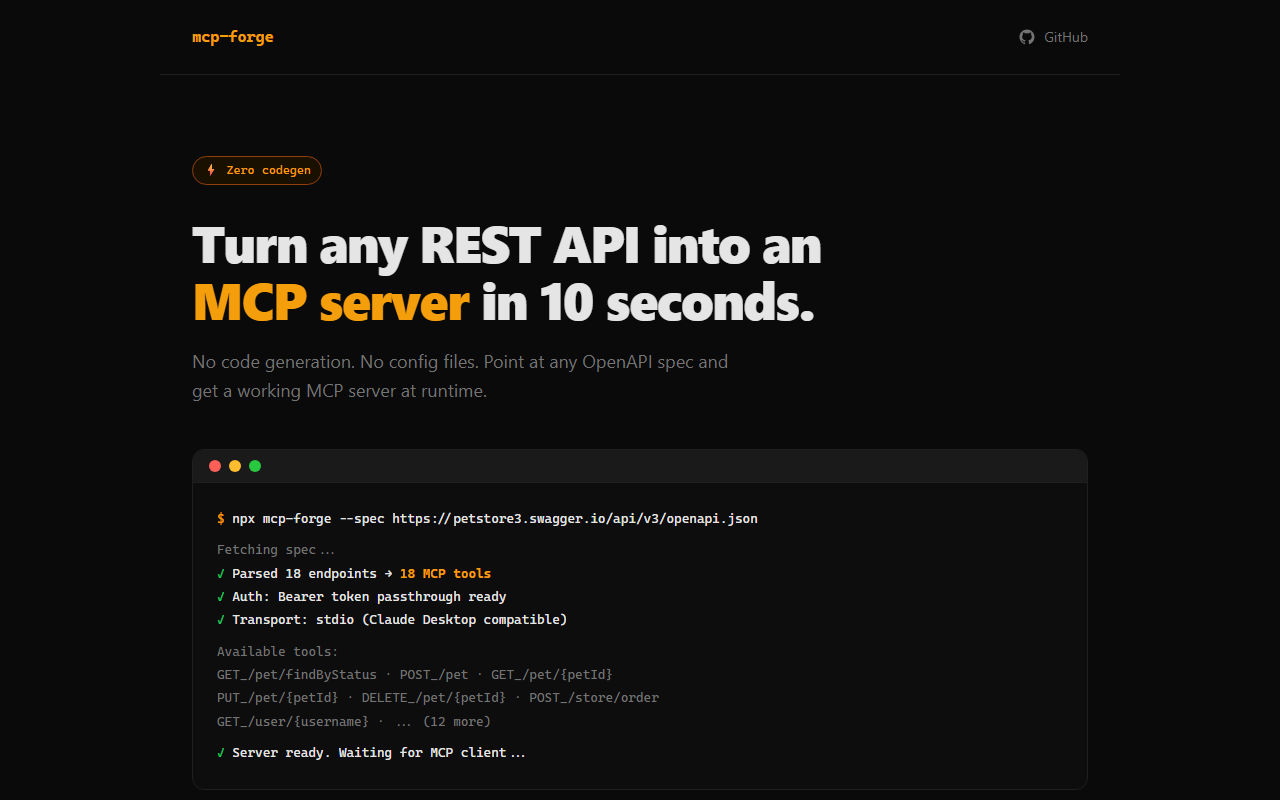
Turn any REST API into an MCP server in 10 seconds.
npx mcpwrap --spec https://petstore3.swagger.io/api/v3/openapi.json
No code generation. No config files. Just point and serve.
Why?
Other tools generate static code from your OpenAPI spec. mcpwrap wraps your API at runtime - it reads the spec, creates MCP tools dynamically, and proxies requests to your API. Update the spec, restart, done.
Quick Start
# From a URL
npx mcpwrap --spec https://api.example.com/openapi.json

# From a local file
npx mcpwrap --spec ./my-api.yaml

# With authentication
npx mcpwrap --spec ./api.json --auth "Bearer $MY_TOKEN"

# With API key header
npx mcpwrap --spec ./api.json --auth "X-API-Key:your-key-here"

# Filter endpoints
npx mcpwrap --spec ./api.json --include "/pets/*" --exclude "/admin/*"
Claude Desktop Integration
Add to your Claude Desktop config (claude_desktop_config.json):
{
  "mcpServers": {
    "my-api": {
      "command": "npx",
      "args": ["mcpwrap", "--spec", "https://api.example.com/openapi.json"]
    }
  }
}
How It Works
- Reads your OpenAPI 3.0/3.1 spec (JSON or YAML, local or remote)
- Parses every endpoint into an MCP tool (one tool per operation)
- Maps parameters and request bodies to MCP tool input schemas
- Proxies tool calls to your API and returns the response
- Flattens large/nested responses for LLM readability
Features
- Runtime wrapping - no generated code to maintain
- OpenAPI 3.0 and 3.1 support
- All HTTP methods - GET, POST, PUT, DELETE, PATCH
- Auth passthrough - Bearer tokens, API keys, Basic auth
- Path and query params - automatically mapped from tool arguments
- Request body - JSON body passed as
bodyargument - Response flattening - truncates deep nesting and long arrays
- Endpoint filtering - include/exclude by path pattern
- Verbose mode - logs requests to stderr for debugging
CLI Options
| Option | Description | Default |
|---|---|---|
--spec <path> |
Path or URL to OpenAPI spec (required) | - |
--base-url <url> |
Override base URL from spec | From spec |
--auth <auth> |
Auth: Bearer TOKEN, HEADER:VALUE |
None |
--include <patterns> |
Only include matching paths | All |
--exclude <patterns> |
Exclude matching paths | None |
--transport <type> |
stdio or http |
stdio |
--port <number> |
Port for HTTP transport | 3100 |
--no-flatten |
Disable response flattening | Enabled |
--verbose |
Log requests to stderr | Off |
Tool Naming
Tools are named using the operationId from your spec when available, falling back to METHOD_path_segments (e.g., get_pets_petId).
Development
git clone https://github.com/m4cd4r4/mcpwrap
cd mcpwrap
npm install
npm test
npm run dev -- --spec examples/petstore.json --verbose
License
MIT
Установить Mcpwrap в Claude Desktop, Claude Code, Cursor
unyly install mcpwrapСтавит в Claude Desktop, Claude Code, Cursor и VS Code — сам разбирается с npx, uvx и сборкой из исходников.
Впервые? Поставь CLI: curl -fsSL https://unyly.org/install | sh
Или настроить вручную
Выполни в терминале:
claude mcp add mcpwrap -- npx -y mcpwrapFAQ
Mcpwrap MCP бесплатный?
Да, Mcpwrap MCP бесплатный — установка в пару кликов через Unyly без оплаты.
Нужен ли API-ключ для Mcpwrap?
Нет, Mcpwrap работает без API-ключей и переменных окружения.
Mcpwrap — hosted или self-hosted?
Self-hosted: сервер запускается локально на твоей машине командой из раздела установки.
Как установить Mcpwrap в Claude Desktop, Claude Code или Cursor?
Открой Mcpwrap на unyly.org, выбери вкладку своего клиента (Claude Desktop, Claude Code, Cursor) и нажми Install — конфиг сгенерируется автоматически, без правки JSON.
Похожие MCP
GitHub
PRs, issues, code search, CI status
 автор: GitHub
Filesystem
Secure file operations with configurable access controls.
Memory
Knowledge graph-based persistent memory system.
Template MCP Server
A CLI tool to create a new Model Context Protocol server project with TypeScript support, dual transport options, and an extensible structure
 автор: mcpdotdirect
Compare Mcpwrap with
Не уверен что выбрать?
Найди свой стек за 60 секунд
Автор?
Embed-бейдж для README
Похожее
Все в категории development