
Reminders
БесплатноНе проверенEnables Claude to read and manage macOS Reminders (create, list, update, complete, delete reminders) via AppleScript, running entirely locally.

Описание
Enables Claude to read and manage macOS Reminders (create, list, update, complete, delete reminders) via AppleScript, running entirely locally.
README
macOS only — this server uses AppleScript to communicate with the macOS Reminders app.
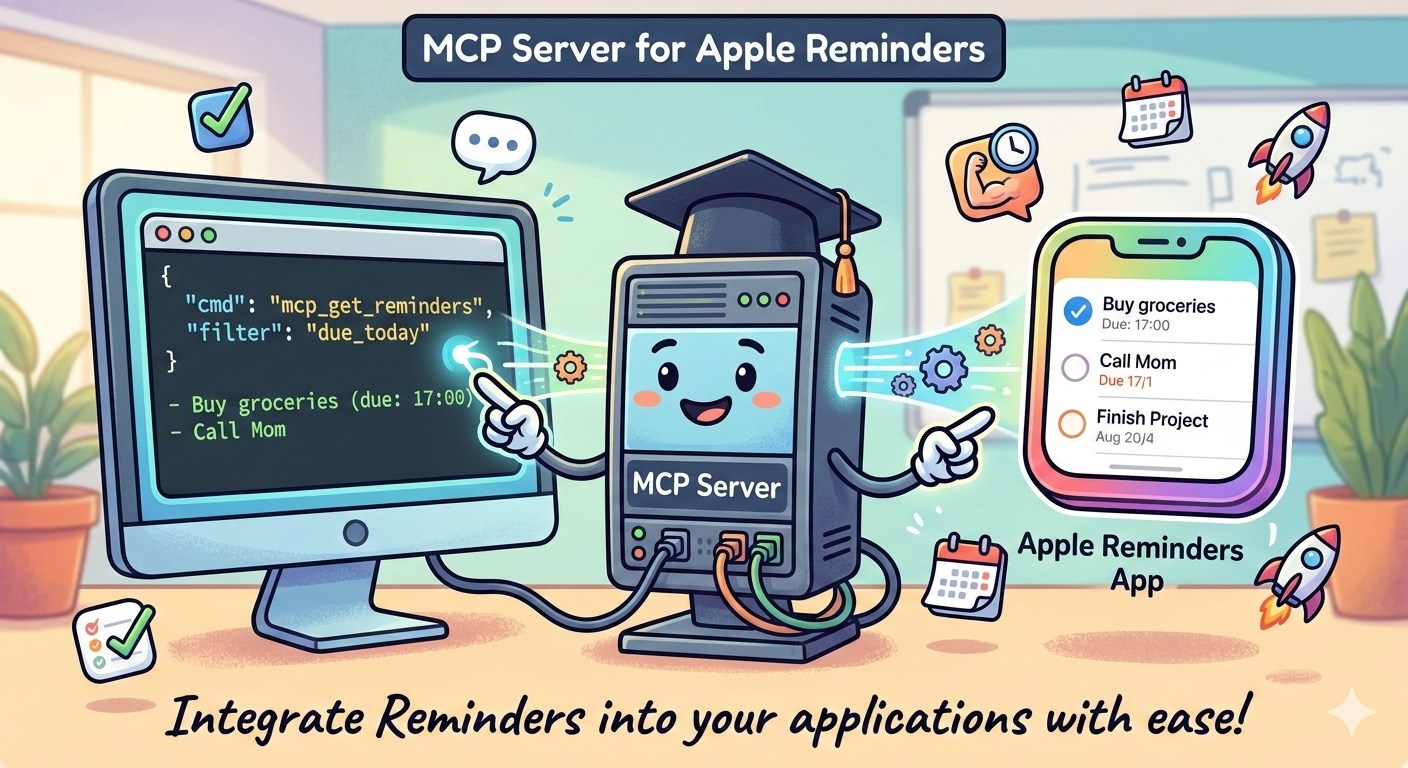
A Model Context Protocol (MCP) server that lets Claude read and manage your macOS Reminders. Create, list, update, complete, and delete reminders directly from any MCP-compatible client such as Claude Desktop.
Requirements
- macOS
- Python 3.11+
- uv — install with
curl -LsSf https://astral.sh/uv/install.sh | sh - macOS Reminders app (you'll be prompted to grant Automation permission on first run)
Installation
git clone https://github.com/mhtb32/reminders-mcp.git
cd reminders-mcp
uv sync
Claude Desktop Setup
Add the following to ~/Library/Application Support/Claude/claude_desktop_config.json:
{
  "mcpServers": {
    "🖊️ reminders": {
      "command": "/Users/YOUR_USERNAME/.local/bin/uv",
      "args": ["run", "--directory", "/path/to/reminders-mcp", "reminders-mcp"]
    }
  }
}
Replace YOUR_USERNAME and /path/to/reminders-mcp with your actual values, then restart Claude Desktop.
Tools
| Tool | Description |
|---|---|
list_reminder_lists |
Get all reminder list names |
list_reminders |
List reminders (with name, due date, notes, and completion status), optionally filtered by list |
create_reminder |
Create a reminder with optional due date and notes |
update_reminder |
Update the title, notes, or due date of an existing reminder |
complete_reminder |
Mark a reminder as completed |
delete_reminder |
Delete a reminder permanently |
Example Usage
Once connected, you can ask Claude things like:
- "What are my reminders for today?"
- "Add a reminder to buy groceries tomorrow at 9am"
- "Update the notes on my 'Call dentist' reminder to include the phone number"
- "Rename my 'Pay rent' reminder to 'Pay rent + utilities'"
- "Mark the 'Call dentist' reminder as done"
- "Show me everything in my Work list"
How It Works
This server uses AppleScript to communicate with the macOS Reminders app. No data leaves your machine — everything runs locally.
Project Structure
reminders-mcp/
├── src/reminders_mcp/
│   ├── __init__.py
│   ├── reminders.py   # AppleScript interface to macOS Reminders
│   └── server.py      # MCP server (FastMCP)
├── pyproject.toml
├── uv.lock
└── README.md
License
MIT
Установка Reminders
У этого сервера нет опубликованного пакета — он собирается из исходников. Открой репозиторий и следуй инструкции в README.
▸ github.com/mhtb32/reminders-mcpFAQ
Reminders MCP бесплатный?
Да, Reminders MCP бесплатный — установка в пару кликов через Unyly без оплаты.
Нужен ли API-ключ для Reminders?
Нет, Reminders работает без API-ключей и переменных окружения.
Reminders — hosted или self-hosted?
Self-hosted: сервер запускается локально на твоей машине командой из раздела установки.
Как установить Reminders в Claude Desktop, Claude Code или Cursor?
Открой Reminders на unyly.org, выбери вкладку своего клиента (Claude Desktop, Claude Code, Cursor) и нажми Install — конфиг сгенерируется автоматически, без правки JSON.
Похожие MCP
Fetch
Web content fetching and conversion for efficient LLM usage.
AWS KB Retrieval
Retrieval from AWS Knowledge Base using Bedrock Agent Runtime.
 автор: modelcontextprotocol
Spring AI MCP Server
Provides auto-configuration for setting up an MCP server in Spring Boot applications.
llm-analysis-assistant
A very streamlined mcp client that supports calling and monitoring stdio/sse/streamableHttp, and can also view request responses through the /logs page. It also
 автор: xuzexin-hz
Compare Reminders with
Не уверен что выбрать?
Найди свой стек за 60 секунд
Автор?
Embed-бейдж для README
Похожее
Все в категории ai