
Repoctx
БесплатноНе проверенrepoctx: local repo discovery, indexing, catalog search, and agent harnesses.

Описание
repoctx: local repo discovery, indexing, catalog search, and agent harnesses.
README
Local-first code context for agents and reviewers — what does this change actually touch?
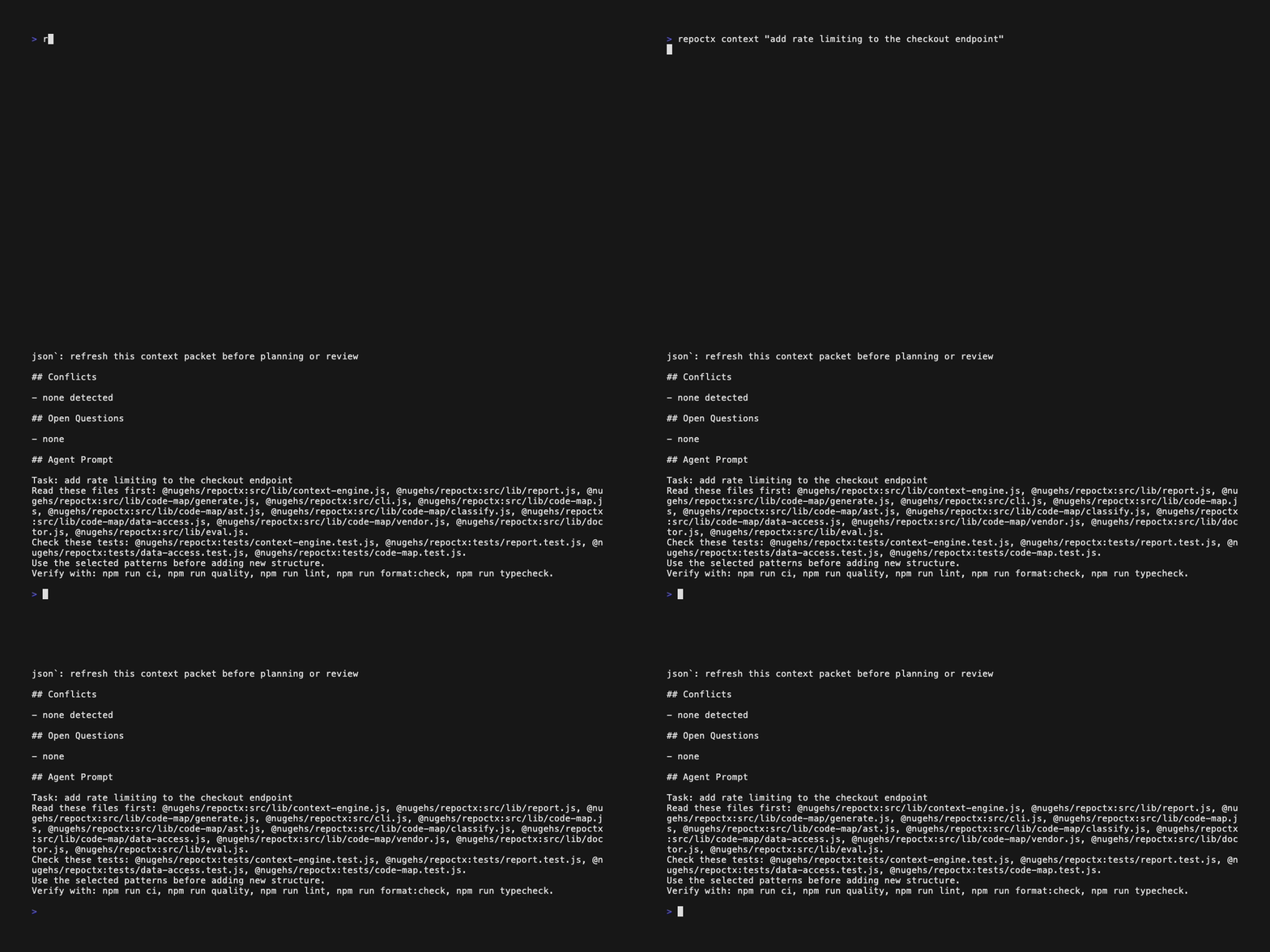
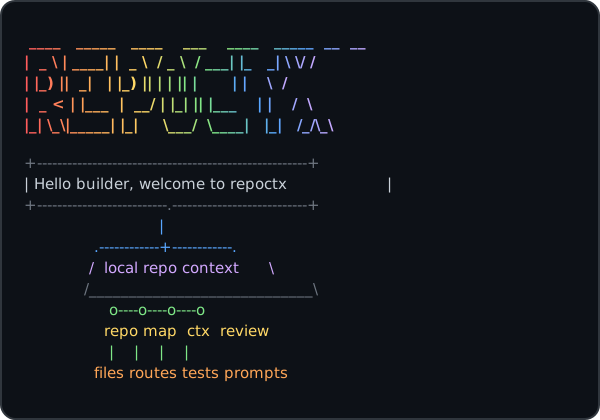
 ____   _____   ____    ___    ____   _____  __  __
|  _ \ | ____| |  _ \  / _ \  / ___| |_   _| \ \/ /
| |_) ||  _|   | |_) || | | || |       | |    \  /
|  _ < | |___  |  __/ | |_| || |___    | |    /  \
|_| \_\|_____| |_|     \___/  \____|   |_|   /_/\_\
An agent's output is bounded by two things: the model and the harness around it — the prompts, the context it's given, the codebase it works in, and the gates it must pass before code merges. You don't control the model. You control the harness, and a tighter harness lets a cheaper model do the same work with fewer wasted tokens.
repoctx is that harness layer. It is local-first, deterministic, and model-agnostic: it discovers repositories, builds local indexes, generates task-aware context before an agent edits, scores how much a change actually touches, and gates merge readiness — the same way every time, with no server, no account, and no code leaving the machine. Because it depends on software fundamentals rather than any one model, the harness you build today keeps working as models change underneath it.
The legacy dev-context command still works but is deprecated and will be removed in v3.0.0; use repoctx. Invoking dev-context prints a deprecation warning to stderr.
It does not try to replace opensrc, code-structure, Daytona, or Harnss. It gives developers and coding agents a single CLI that can:
Deterministic merge gates — the differentiated core. This is the human-in-the-loop checkpoint that a model cannot grade for itself:
- score merge readiness for local changes and pull requests with one
review_gatetool (gateon the CLI) - resolve CODEOWNERS to required reviewers and surface owner-decision warnings
- check branch-protection expectations and required checks before merge
- generate actionable PR review context from git diffs and optional GitHub comments
Local-first context — feeds the gates:
- inspect a repository
- discover and index local repositories
- maintain a local catalog and search across it
- generate task-aware context packets before an agent plans or edits
- generate AST-backed JSON-first code maps for agents
- generate a setup/validation/runtime harness for a repo
- produce Markdown or JSON reports
- estimate context-token size for generated artifacts
- run an MCP server for agent hosts with a persisted repo index cache
- expose simple agent-friendly tool metadata
- check tool availability
- generate TypeScript structure HTML through
code-structure - search dependency source through
opensrc
Documentation
repoctx now includes a publishable MkDocs documentation site, shaped as a practical discovery and delivery pack:
- Home
- Executive Summary
- Context Foundation
- MCP and Agent Workflows
- Contributor Governance
- Release Readiness
- Trust-Layer Demo
- Builder-Founder Operating Loop
- Harness Thesis & Agent Experience
- Tutorials Integration (Codespaces)
- Convergence Thesis & Score
- Usage & Performance Dashboard
- Glossary
When GitHub Pages is enabled for the repository, the published site is configured for:
https://nugehs.github.io/repoctx/
Quick Start
Code maps use the TypeScript compiler for JS/TS and dedicated language extractors for Go, C#, Python, Java, Ruby, and Rust (see src/lib/code-map/ast-languages.js). Optional external tools are only needed for dependency-source lookup and HTML structure reports.
Install from npm:
npm install -g @nugehs/repoctx
repoctx doctor
Or run without installing:
npx -y @nugehs/repoctx doctor
From a local checkout:
npm ci             # install dependencies
npm run ci         # run the full quality gate
npm install -g .   # install the repoctx CLI globally
repoctx doctor     # verify the install
node src/cli.js help
node src/cli.js doctor
node src/cli.js init /path/to/target-repo
node src/cli.js repo . --json
node src/cli.js discover ~/projects --depth 2 --json
node src/cli.js index ~/projects --discover
node src/cli.js catalog
node src/cli.js search "events controller"
node src/cli.js context "add a new MCP tool" --path .
node src/cli.js map . --json
node src/cli.js harness . --out .dev-context/harness.md
node src/cli.js pr . --base origin/main --out .dev-context/pr-review.md
node src/cli.js mcp
node src/cli.js matrix
node src/cli.js report . --out .dev-context/report.md
node src/cli.js workspace /path/to/web /path/to/api --out .dev-context/workspace.md
Optional external tools:
npm install -g opensrc code-structure
Then:
node src/cli.js deps zod --query parse
node src/cli.js structure . --out .dev-context/structure.html
Usage Examples
| Goal | Command | Output |
|---|---|---|
| Inspect one repo | repoctx repo . --json |
Repo facts, scripts, languages, entrypoints, and git state |
| Build a code map | repoctx map . --json |
Source files, domains, imports, exports, symbols, and routes |
| Prepare task context | repoctx context "add a new MCP tool" --path . |
Primary files, related files, tests, patterns, and validation commands |
| Generate an agent harness | repoctx harness . --out .dev-context/harness.md |
Setup, validation, runtime, and context commands |
| Review local changes | repoctx pr . --base origin/main --out .dev-context/pr-review.md |
Changed files, risk prompts, review targets, and test hints |
| Index local projects | repoctx index ~/projects --discover |
.dev-context/index.json files plus a local catalog |
| Search indexed repos | repoctx search "events controller" |
Ranked matches across paths, domains, routes, imports, exports, and symbols |
| Run the MCP server | repoctx mcp |
Stdio MCP server exposing repoctx tools |
| Track usage & performance | repoctx dashboard |
Self-contained HTML from an opt-in local usage log (off by default) |
For Claude Desktop, VS Code, Cursor, and generic stdio client snippets, see MCP and Agent Workflows.
repoctx vs alternatives
| Approach | Strengths | Where repoctx differs |
|---|---|---|
| Sourcegraph / Cody context | Powerful hosted code search and embedding-based context across an org | repoctx is local-first and deterministic: no server, no account, no code leaves the machine, and the same query always yields the same packet |
Hand-written CLAUDE.md / rules files |
Curated, intent-rich guidance | Hand-written context goes stale; repoctx regenerates context from the actual code (symbols, imports, routes, tests) on every run and complements a short CLAUDE.md |
grep / ripgrep |
Fast, universal text matching | repoctx ranks whole files by task intent across paths, symbols, exports, and tests, then adds patterns and validation commands — a context packet, not a list of matching lines |
Quality Gates
Use the full gate before opening a pull request or publishing a release:
npm run ci
The gate runs:
npm run format:checknpm run lintnpm run typechecknpm run version:checknpm testnpm run test:coveragenpm run auditnpm run smoke
Coverage currently gates source files at 70% lines, 60% branches, and 75% functions. Generated artifacts under .dev-context/ are ignored by git, linting, and formatting; keep durable reports there instead of committing them.
repoctx follows Semantic Versioning. Pull requests should identify whether they are no-version-impact, patch, minor, or major changes; maintainers apply the final package version during release.
For longer trust-layer work, use the Builder-Founder Operating Loop to keep every session tied to context, focused changes, visible gates, human decisions, and durable evidence.
Contributing
Contributions are welcome. Start with CONTRIBUTING.md, open an issue or draft PR for substantial changes, and run npm run ci before requesting review.
All code changes must be reviewed by a maintainer/code owner before merge. The protected main branch requires maintainer approval, passing quality gates, and resolved PR conversations.
Common Workflows
Agent repo harness:
node src/cli.js harness . --out .dev-context/harness.md
node src/cli.js map . --json
Local discovery, indexing, catalog, and search:
node src/cli.js discover ~/projects --depth 2
node src/cli.js index ~/projects --discover
node src/cli.js catalog
node src/cli.js search "submit rsvp"
Task-aware agent context:
node src/cli.js context "add a new MCP tool" --path . --json
node src/cli.js context "add a new MCP tool" --path . --out .dev-context/context-pack.md
PR review harness:
node src/cli.js pr . --base origin/main --out .dev-context/pr-review.md
node src/cli.js pr . --number 123 --comment
Merge gate (gate is the canonical v2 command; pass / pass-pr remain as legacy aliases):
node src/cli.js gate . --base origin/main          # local gate (no GitHub)
node src/cli.js gate --pr 123 --path .             # GitHub PR gate via gh
Multi-repo product context:
node src/cli.js workspace ../web ../api --out .dev-context/workspace.md
GitHub Actions bootstrap:
node src/cli.js init /path/to/target-repo
Local Ollama review:
node src/cli.js harness . --out .dev-context/harness.md

{
  echo "Use this repo harness to explain the project and suggest the next best engineering task."
  echo
  cat .dev-context/harness.md
} | ollama run qwen3:8b --think false --hidethinking --nowordwrap
Local Ollama PR review:
node src/cli.js pr . --base origin/main --out .dev-context/pr-review.md

{
  echo "Review this PR context. Focus on bugs, missing tests, and risky changes."
  echo
  cat .dev-context/pr-review.md
} | ollama run qwen3:8b --think false --hidethinking --nowordwrap
Commands
doctor
Checks the local runtime and optional external tools.
node src/cli.js doctor --json
install / i
Prints install commands and current binary status. From a local checkout, --global runs npm install -g .; --link runs npm link.
node src/cli.js install
node src/cli.js i
node src/cli.js install --global
node src/cli.js install --json
After installation, use repoctx as the primary command. dev-context remains as a deprecated alias and will be removed in v3.0.0.
repo <path>
Inspects repo shape: files, package metadata, languages, package managers, scripts, likely entrypoints, git metadata, and ignored-heavy directories.
node src/cli.js repo . --json
Git repositories are scanned through git ls-files --cached --others --exclude-standard so ignored files do not pollute harness context. Plain directories fall back to the built-in walker.
discover <root...>
Discovers repository roots under one or more local directories without indexing them.
node src/cli.js discover ~/projects --depth 2
node src/cli.js discover . --json
Discovery stops at directories with common repo markers such as package.json, .git, pyproject.toml, go.mod, Cargo.toml, and Package.swift.
index <repo...>
Generates local .dev-context/index.json files and adds repositories to the local catalog.
node src/cli.js index .
node src/cli.js index ~/projects --discover
node src/cli.js index . --catalog /tmp/repoctx-catalog.json --json
The default catalog path is ~/.dev-context/catalog.json. Set REPOCTX_CATALOG, the legacy DEV_CONTEXT_CATALOG, or pass --catalog to use a different file.
catalog
Lists repositories currently indexed in the local catalog.
node src/cli.js catalog
node src/cli.js catalog --json
search <query>
Searches indexed local repositories by path, domain, kind, route, controller path, imports, exports, and symbols.
node src/cli.js search "events controller"
node src/cli.js search "submit rsvp" --limit 10
node src/cli.js search "api client" --offline --json
By default, search refreshes repo indexes when fingerprints change. Use --offline to read only the stored .dev-context/index.json files.
context <query>
Generates a local context-engine packet for a task. The packet includes inferred intent, primary files, related files, matching tests, implementation patterns, validation commands, conflicts, source evidence, and token estimates.
node src/cli.js context "add a new MCP tool" --path . --json
node src/cli.js context "add a new CLI command" --path . --out .dev-context/context-pack.md
Use this before handing work to a coding agent. It is deterministic and local-first: it relies on repo indexes, code maps, import relationships, tests, and harness commands rather than an external model.
harness <path>
Generates a repo harness with setup commands, validation scripts, runtime scripts, context commands, focus areas, and estimated context-token usage.
node src/cli.js harness . --out .dev-context/harness.md
node src/cli.js harness . --json
Use this as the first artifact an agent or CI workflow reads before touching code.
init <path>
Scaffolds repoctx into another repository.
node src/cli.js init /path/to/target-repo
node src/cli.js init /path/to/target-repo --force
node src/cli.js init /path/to/target-repo --no-workflow
node src/cli.js init /path/to/target-repo --tool-repo nugehs/repoctx --tool-ref main
Generated files:
.dev-context/README.md.github/workflows/repoctx-ci.yml
The generated workflow runs on pull requests and commit pushes. Pull request runs generate the report, upload an artifact, and create or update a sticky PR comment. Push runs generate and upload the report artifact without commenting.
structure <path>
Runs code-structure against TypeScript files.
node src/cli.js structure . --pattern "app/**/*.tsx" --out .dev-context/structure.html
If code-structure is missing, the command returns an install hint instead of failing mysteriously. If it is not installed globally but npx is available, repoctx can run it through npx --yes code-structure.
deps <package>
Uses opensrc path <package> to resolve dependency source and optionally search it.
node src/cli.js deps zod --query parse --limit 20
report <path>
Generates a shareable developer report.
node src/cli.js report .
node src/cli.js report . --out .dev-context/report.md
node src/cli.js report . --json
The default output is formatted for terminal reading and ends with estimated token usage. Use --out for the Markdown artifact or --json for structured data.
workspace <repo...>
Generates one product-level report across related repos.
node src/cli.js workspace /path/to/web /path/to/api --out .dev-context/workspace.md
node src/cli.js workspace /path/to/web /path/to/api --json
pr <path>
Generates a PR review context pack from local git diff metadata, code-map classification, review targets, targeted review prompts, risk flags, suggested verification commands, estimated tokens, and optional GitHub PR comments.
node src/cli.js pr . --base origin/main --out .dev-context/pr-review.md
node src/cli.js pr . --number 123 --comment
Useful flags:
--base <ref>: compare from a specific base ref. Defaults to PR base, upstream,origin/main, ormain.--head <ref>: compare to a specific head ref. Defaults toHEAD.--number <n>: enrich withgh pr viewmetadata and review comments.--github: askghto infer the PR from the current branch.--comment: create or update a sticky GitHub PR comment usinggh.
GitHub Actions
This repo includes .github/workflows/repoctx-ci.yml. The workflow installs dependencies, runs npm run ci, then generates PR or push review context as an uploaded artifact. Use node src/cli.js init /path/to/target-repo to scaffold a repoctx review workflow into another repository.
mcp
Starts a stdio MCP server exposing repoctx as agent-callable tools. MCP repo-map lookups cache .dev-context/index.json with a file fingerprint and automatically refresh when files change.
node src/cli.js mcp
When wiring it into an MCP host (Claude Desktop, Claude Code, Codex CLI, Cursor, etc.):
{
  "mcpServers": {
    "repoctx": {
      "command": "npx",
      "args": ["-y", "@nugehs/repoctx", "mcp"]
    }
  }
}
If you prefer a globally installed binary:
{
  "mcpServers": {
    "repoctx": {
      "command": "repoctx",
      "args": ["mcp"]
    }
  }
}
Ollama can provide the local model, but it does not call MCP tools by itself. To use repoctx through MCP with a local model, use an MCP-capable agent client that supports Ollama as the model provider and configure the repoctx server above.
repoctx 2.3 exposes 13 MCP tools (consolidated from 18 in 2.0; agent_experience and convergence_score added in 2.3). All legacy names still work through tools/call until 3.0 — see Migration to 2.0.
| Tool | Purpose |
|---|---|
repo_inspect |
Inspect repository shape, scripts, package managers, entrypoints, and git state |
repo_map |
Compact JSON code map, filterable by domain, kind, and route |
repo_index |
Generate .dev-context indexes + catalog entries; dryRun:true discovers read-only |
repo_search |
Search the catalog; omit query to return the catalog listing |
context_pack |
Build a task-aware context packet |
change_impact |
Rank files most likely to own a plain-English change request |
agent_experience |
Score Agent Experience (AX 0–100): changeability, containment, guardrails, clarity |
convergence_score |
Score intent vs. execution (0–100) with a recomputable receipt |
review_context |
Diff/comment review context (no verdict) |
review_gate |
PASS/WARN/FAIL merge gate — local without pr, GitHub PR gate with pr |
review_verdict |
Composite verdict: impact + review_context + review_gate |
workspace_report |
Product-level report across multiple repos |
repo_harness |
Setup, validation, runtime, and context commands for an agent or CI harness |
The retired repo_discover, repo_catalog, find_domain, find_file_kind, find_backend_route, find_frontend_api_client, pr_review, review_pr, merge_readiness, and pr_merge_readiness names remain callable via tools/call and forward to the tools above. See Migration to 2.0 for the full mapping and param translations. Plan for Migration to 3.0 before the alias removal release.
matrix
Prints the tool evaluation matrix for Greploop, code-structure, opensrc, Daytona, and Harnss.
agent-tools
Prints JSON metadata for agent integrations. This is intentionally lightweight so it can become an MCP server later without changing command semantics.
Strategy
Wrap first. Measure pain. Build only the missing pieces.
This keeps the project useful quickly while leaving room to replace weak adapters with owned implementations later.
Part of the toolchain
repoctx is one of four tools that form a deterministic trust layer for AI-assisted development. Each answers a question people keep handing to an LLM — with static analysis instead.
- repoctx (this tool) — context: what does this change actually touch?
- tieline — contracts: did the front end and back end quietly stop agreeing?
- bouncer — compliance: could you defend this to Ofcom?
- aiglare — governance: where can the model do something you can't undo?
More at segunolumbe.com. static analysis, never the model.
Установить Repoctx в Claude Desktop, Claude Code, Cursor
unyly install repoctxСтавит в Claude Desktop, Claude Code, Cursor и VS Code — сам разбирается с npx, uvx и сборкой из исходников.
Впервые? Поставь CLI: curl -fsSL https://unyly.org/install | sh
Или настроить вручную
Выполни в терминале:
claude mcp add repoctx -- npx -y @nugehs/repoctxFAQ
Repoctx MCP бесплатный?
Да, Repoctx MCP бесплатный — установка в пару кликов через Unyly без оплаты.
Нужен ли API-ключ для Repoctx?
Нет, Repoctx работает без API-ключей и переменных окружения.
Repoctx — hosted или self-hosted?
Self-hosted: сервер запускается локально на твоей машине командой из раздела установки.
Как установить Repoctx в Claude Desktop, Claude Code или Cursor?
Открой Repoctx на unyly.org, выбери вкладку своего клиента (Claude Desktop, Claude Code, Cursor) и нажми Install — конфиг сгенерируется автоматически, без правки JSON.
Похожие MCP
GitHub
PRs, issues, code search, CI status
 автор: GitHub
Filesystem
Secure file operations with configurable access controls.
Memory
Knowledge graph-based persistent memory system.
Template MCP Server
A CLI tool to create a new Model Context Protocol server project with TypeScript support, dual transport options, and an extensible structure
 автор: mcpdotdirect
Compare Repoctx with
Не уверен что выбрать?
Найди свой стек за 60 секунд
Автор?
Embed-бейдж для README
Похожее
Все в категории development