loading…
/ru
Весь каталог


rocketride-org/rocketride-server
БесплатноНе проверенMCP server that exposes RocketRide AI pipelines as tools for Claude, Cursor, and Windsurf. Self-hosted, open-source pipeline tool with multi-LLM support.

Описание
MCP server that exposes RocketRide AI pipelines as tools for Claude, Cursor, and Windsurf. Self-hosted, open-source pipeline tool with multi-LLM support.
README
Open-source, developer-native AI pipeline tool.
Build, debug, and deploy production AI workflows - without leaving your IDE.


RocketRide is an open-source data pipeline builder and runtime built for AI and ML workloads. With 85+ pipeline nodes (110+ services) spanning 13 LLM providers, 8 vector databases, OCR, NER, and more — pipelines are defined as portable JSON, built visually in VS Code, and executed by a multithreaded C++ runtime. From real-time data processing to multimodal AI search, RocketRide runs entirely on your own infrastructure.
Home | Documentation | Python SDK | TypeScript SDK | MCP Server


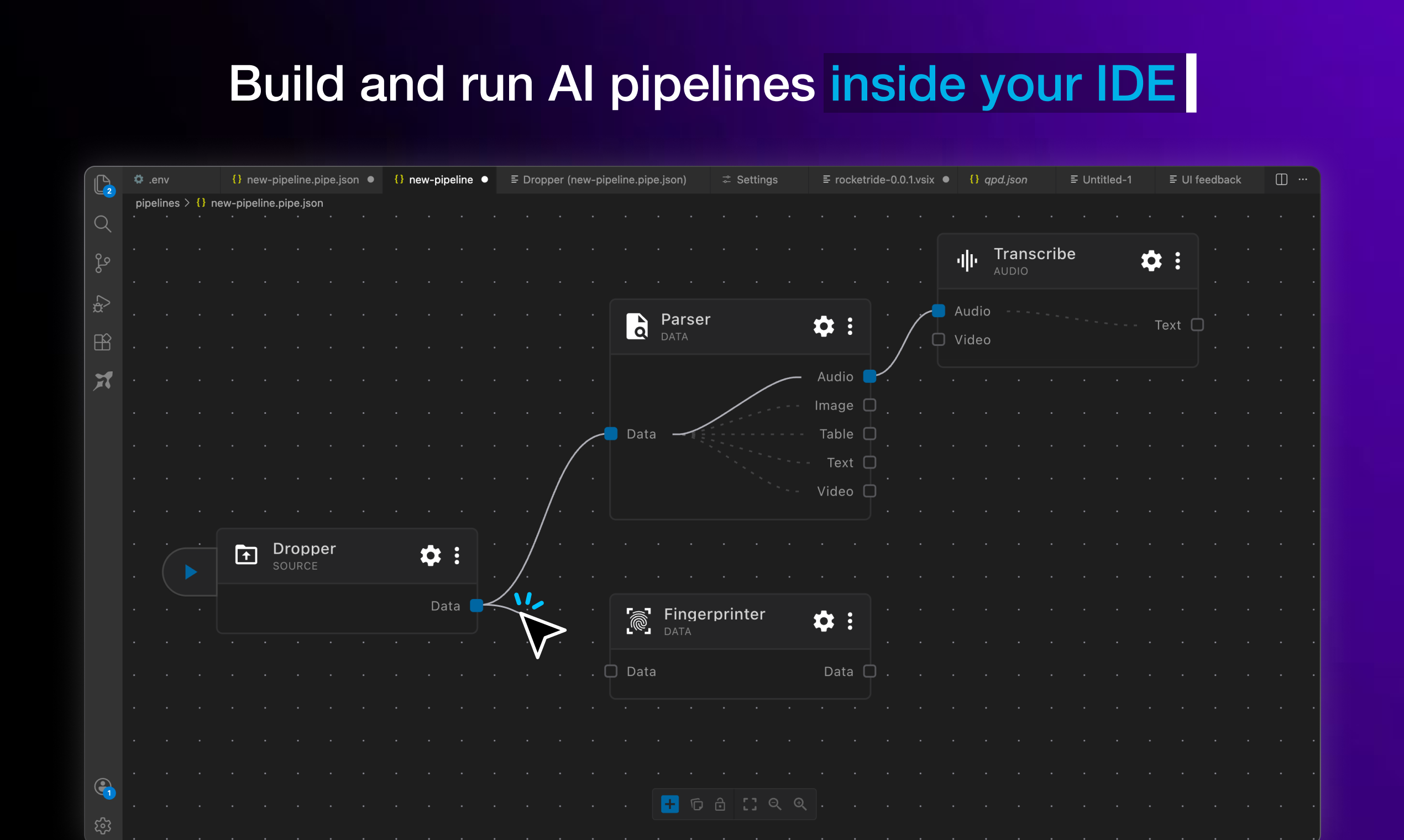
Design, test, and ship complex AI workflows from a visual canvas, right where you write code.
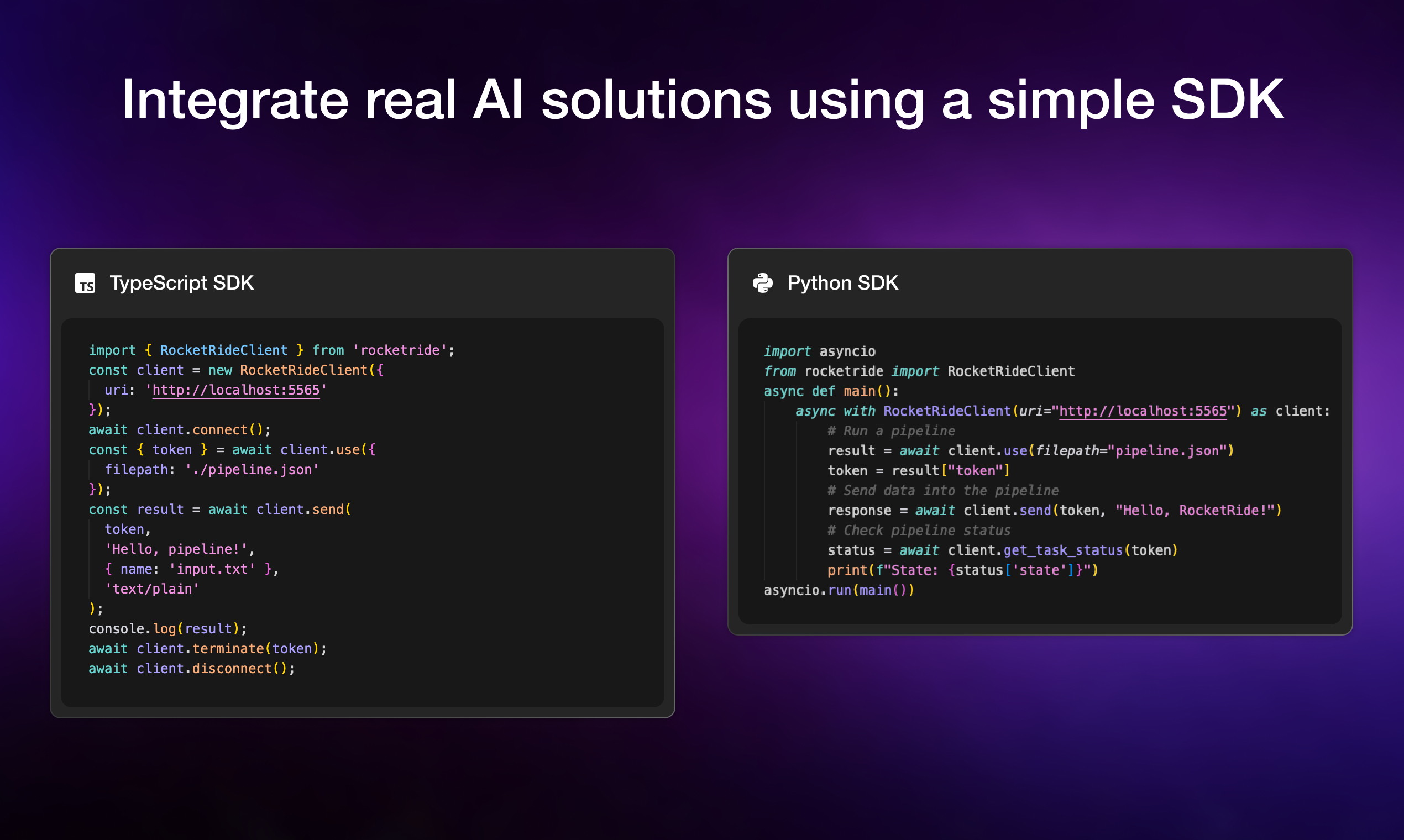
Drop pipelines into any Python or TypeScript app with a few lines of code, no infrastructure glue required.
Features
| Feature | Description |
|---|---|
| Visual Pipeline Builder | Drag, connect, and configure nodes in VS Code — no boilerplate. Real-time observability tracks token usage, LLM calls, latency, and execution. Pipelines are portable JSON — version-controllable, shareable, and runnable anywhere. |
| High-Performance C++ Runtime | Native multithreading purpose-built for the throughput demands of AI and data workloads. No bottlenecks, no compromises for production scale. |
| 85+ Pipeline Nodes | 13 LLM providers, 8 vector databases, OCR, NER, PII anonymization, chunking strategies, embedding models, and more. All nodes are Python-extensible — build and publish your own. |
| Multi-Agent Workflows | Built-in CrewAI and LangChain support. Chain agents, share memory across pipeline runs, and manage multi-step reasoning at scale. |
| Coding Agent Ready | RocketRide auto-detects your coding agent — Claude, Cursor, and more. Build, modify, and deploy pipelines through natural language. |
| TypeScript, Python & MCP SDKs | Integrate pipelines into native apps, expose them as callable tools for AI assistants, or build programmatic workflows into your existing codebase. |
| Zero Dependency Headaches | Python environments, C++ toolchains, Java/Tika, and all node dependencies managed automatically. Clone, build, run — no manual setup. |
| One-Click Deploy | Run on Docker, on-prem, or RocketRide Cloud (coming soon). Production-ready architecture from day one — not retrofitted from a demo. |
Quick Start
Install the extension for your IDE. Search for RocketRide in the extension marketplace:

Click the RocketRide extension in your IDE
Deploy a server - you'll be prompted on how you want to run the server. Choose the option that fits your setup:
- Local (Recommended) - This pulls the server directly into your IDE without any additional setup.
- On-Premises - Run the server on your own hardware for full control and data residency. Pull the image and deploy to Docker or clone this repo and build from source.
Building Your First Pipe
All pipelines are recognized with the
*.pipeformat. Each pipeline and its configuration are JSON objects - but the extension in your IDE will render within our visual builder canvas.All pipelines begin with a source node: webhook, chat, or dropper. For specific usage, examples, and inspiration on how to build pipelines, check out our guides and documentation.
Connect input lanes and output lanes by type to properly wire your pipeline. Some nodes like agents or LLMs can be invoked as tools for use by a parent node as shown below:
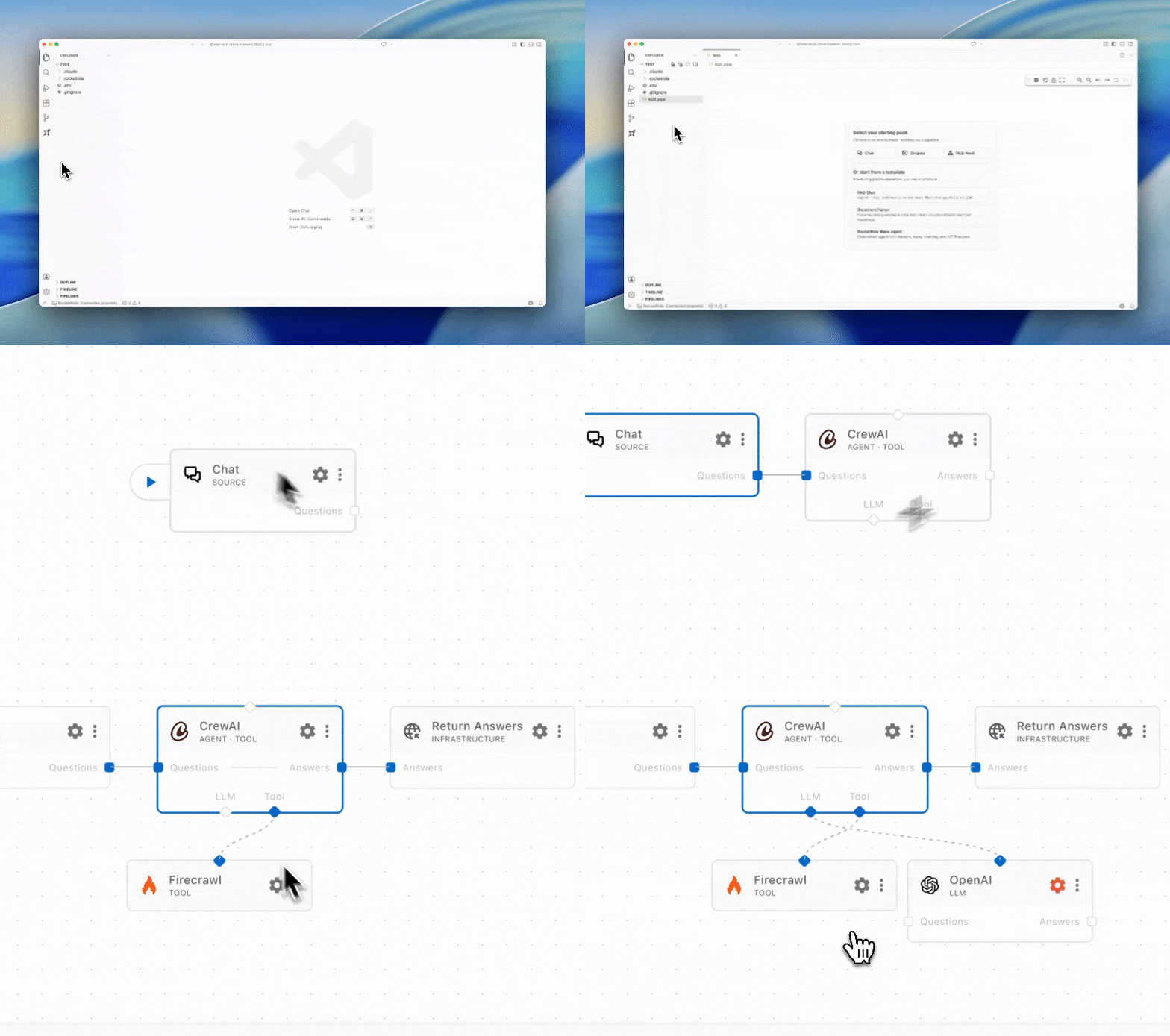
You can run a pipeline from the canvas by pressing the ▶ button on the source node or from the
Connection Managerdirectly.Deploy your pipelines on your own infrastructure.
Docker - Download the RocketRide server image and create a container. Requires Docker to be installed.
docker pull ghcr.io/rocketride-org/rocketride-engine:latest
docker create --name rocketride-engine -p 5565:5565 ghcr.io/rocketride-org/rocketride-engine:latest
Local Deployment - Download your preferred runtime as a standalone process from the Deploy page in the
Connection Manager.
Run your pipelines as standalone processes or integrate them into your existing Python and TypeScript/JS applications utilizing our SDK.
Observability
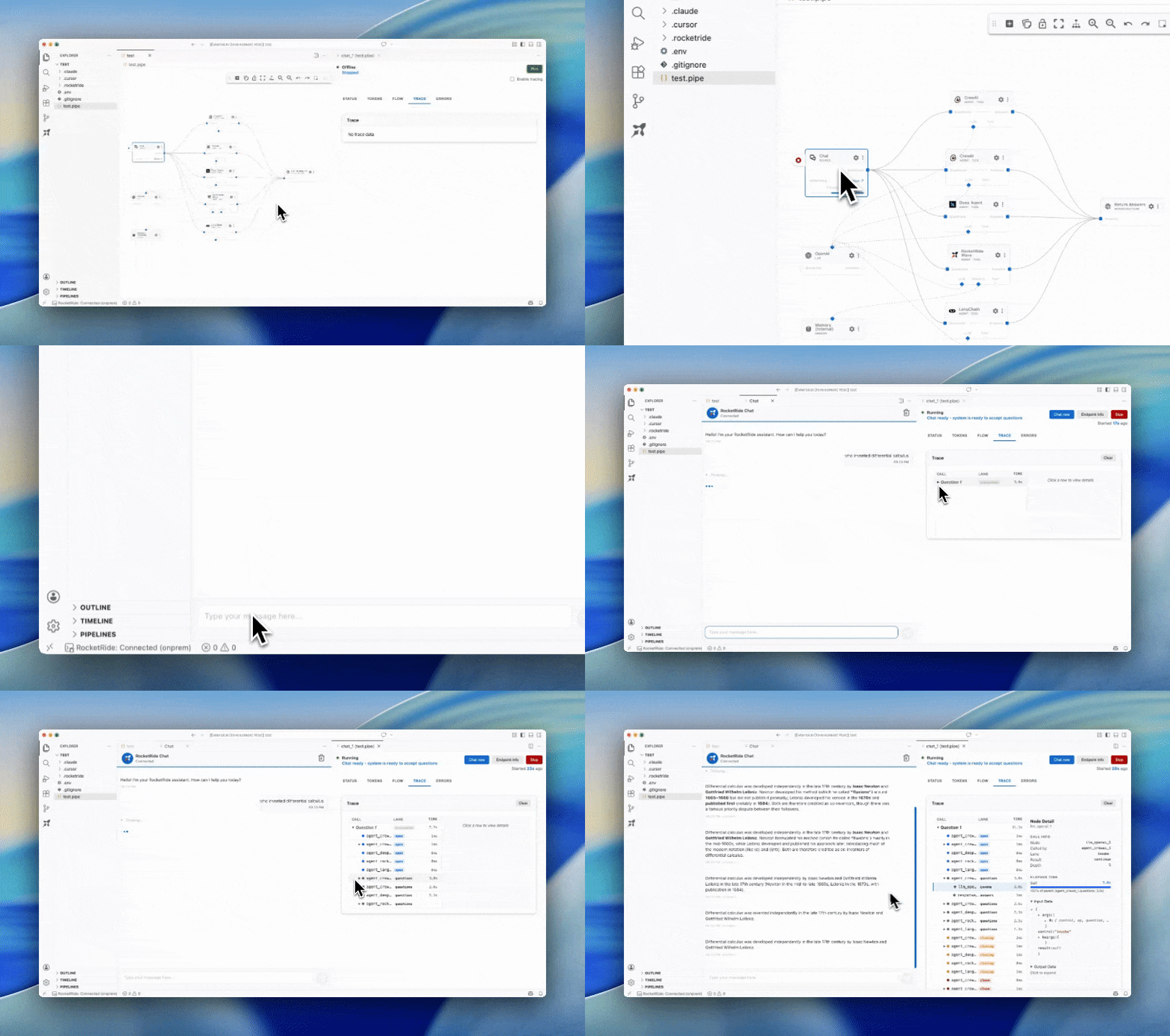
Selecting running pipelines allows for in-depth analytics. Trace call trees, token usage, memory consumption, and more to optimize your pipelines before scaling and deploying. Find the models, agents, and tools best fit for your task.
Contributors
RocketRide is built by a growing community of contributors. Whether you've fixed a bug, added a node, improved docs, or helped someone on Discord, thank you. New contributions are always welcome - check out our contributing guide to get started.
Made with ♥ in SF & EU
Как установить
Выполни в терминале:
claude mcp add rocketride-org-rocketride-server -- npx 
