
Search Docs
БесплатноНе проверенEnables semantic search across multiple AI library documentations to keep coding assistants up-to-date.

Описание
Enables semantic search across multiple AI library documentations to keep coding assistants up-to-date.
README
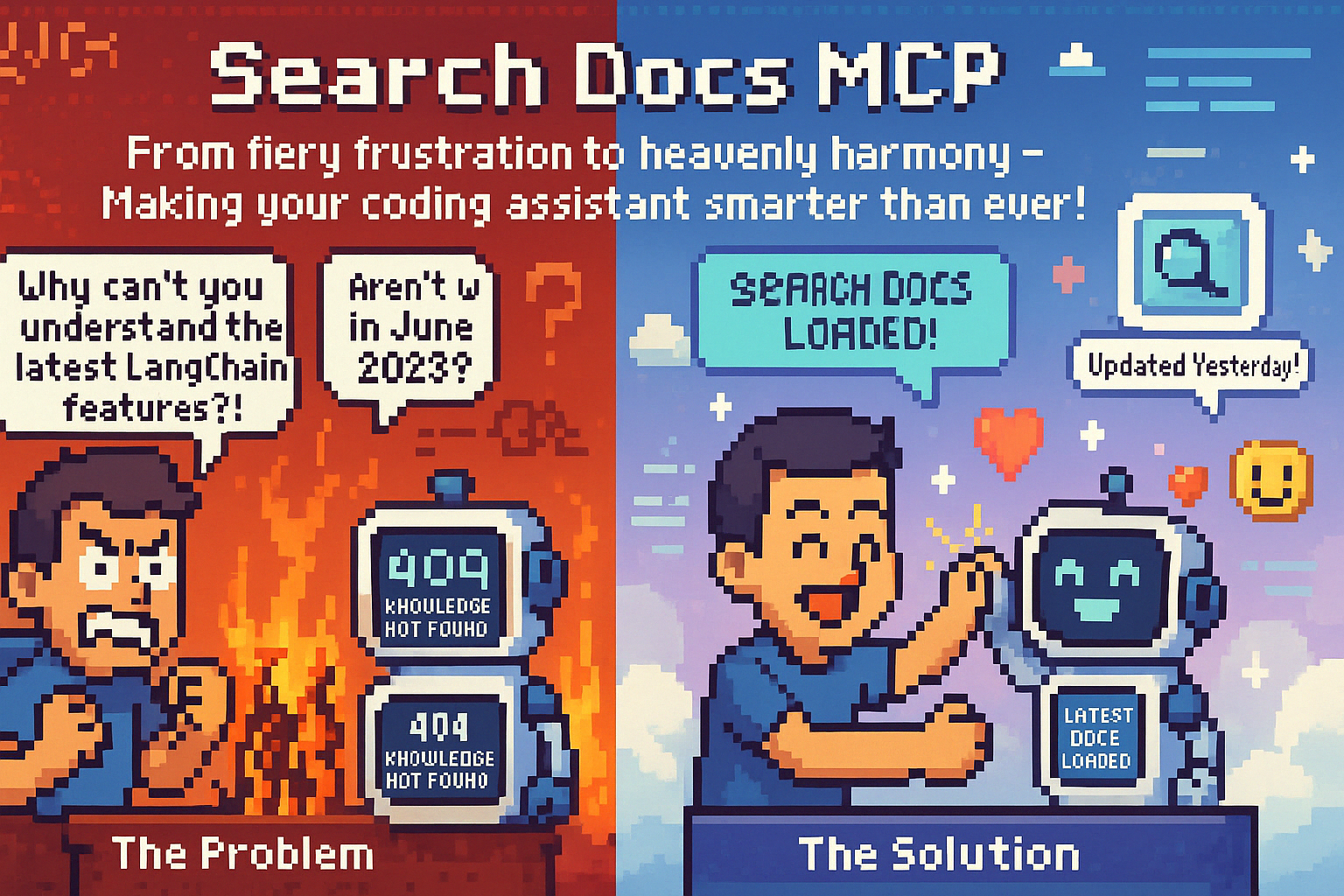
Ever found yourself in a situation where your coding angel (or agent) stares blankly at you when you ask about the latest AI library? 🤔 That's because they're still catching up with the training data from 2023!
This MCP (Model Context Protocol) tool is your secret weapon against outdated knowledge. It enables semantic search across multiple AI library documentations, ensuring your coding companion stays up-to-date with the latest tech. No more "I'm sorry, I don't have information about that" moments!
Simply configure your favorite libraries in the config file, and let your coding angel do the heavy lifting of finding the exact information you need from the official docs. It's like giving your AI assistant a direct line to the source of truth! 🚀
Special thanks to Alejandro AO for his wonderful tutorial on creating MCP servers. This project was inspired by his work and uses his implementation patterns.
Features
- 🔍 Search across multiple AI library documentations:
- LangChain - A framework for developing applications powered by language models
- LangGraph - A library for building complex AI workflows
- CrewAI - A framework for orchestrating role-playing, autonomous AI agents
- LlamaIndex - A data framework for LLM applications
- OpenAI - Official documentation for OpenAI's API and models
- ⚡ Fast and efficient search using Serper API
- 🎯 Accurate results with semantic search capabilities
- 🔄 Real-time documentation fetching
- 🛠️ Easy integration with MCP-based applications
- ⚙️ Easy configuration for adding new documentation sources
Prerequisites
- Python 3.12 or higher
- Serper API key (for web search functionality)
- MCP SDK 1.2.0 or higher
Installation
- Clone the repository:
git clone https://github.com/mostafa-ghaith/search-docs-mcp.git
cd search-docs-mcp
- Create and activate a virtual environment:
python -m venv .venv
source .venv/bin/activate  # On Windows: .venv\Scripts\activate
- Install dependencies:
pip install -e .
- Create a
.envfile in the project root and add your Serper API key:
SERPER_API_KEY=your_api_key_here
Configuration
The tool uses a configuration file (config.py) to manage documentation sources. You can easily add new documentation sources by editing this file:
DOCS_CONFIG = {
    "new_library": {
        "url": "docs.new-library.com",
        "description": "Description of the new library"
    }
}
Usage
As an MCP Server
The tool can be used as part of an MCP-based application. Here's an example of how to use it:
from mcp.server.fastmcp import FastMCP

mcp = FastMCP("docs")

# The tool will be available as part of your MCP application
# You can search documentation like this:
result = await mcp.get_docs(query="Chroma DB", library="langchain")
Connecting to Claude Desktop or Cursor
For Claude Desktop:
- Edit
~/Library/Application Support/Claude/claude_desktop_config.json:
{ "mcpServers": { "search-docs-mcp": { "command": "uv", "args": [ "--directory", "/ABSOLUTE/PATH/TO/YOUR/search-docs-mcp", "run", "main.py" ] } } }- Edit
For Cursor:
- Navigate to Cursor Settings
- Open the MCP tab
- Click on "Add new global MCP server"
- Add the server configuration similar to Claude Desktop
Restart the application to apply changes
API Reference
get_docs(query: str, library: str)
Search documentation for a specific query in a given library.
Parameters:
query(str): The search query (e.g., "Chroma DB")library(str): The library to search in (see config.py for supported libraries)
Returns:
- Text content from the relevant documentation pages
Contributing
Contributions are welcome! Please feel free to submit a Pull Request. When adding new documentation sources, please update the config.py file with the appropriate URL and description.
License
This project is licensed under the MIT License - see the LICENSE file for details.
Acknowledgments
- Alejandro AO for the MCP server tutorial and implementation patterns
- MCP for the framework
- Serper for the search API
- All the documentation providers for their valuable content
Установка Search Docs
У этого сервера нет опубликованного пакета — он собирается из исходников. Открой репозиторий и следуй инструкции в README.
▸ github.com/mostafa-ghaith/search_docs_mcpFAQ
Search Docs MCP бесплатный?
Да, Search Docs MCP бесплатный — установка в пару кликов через Unyly без оплаты.
Нужен ли API-ключ для Search Docs?
Нет, Search Docs работает без API-ключей и переменных окружения.
Search Docs — hosted или self-hosted?
Доступен hosted-вариант: Unyly запускает сервер в облаке, локальная установка не обязательна.
Как установить Search Docs в Claude Desktop, Claude Code или Cursor?
Открой Search Docs на unyly.org, выбери вкладку своего клиента (Claude Desktop, Claude Code, Cursor) и нажми Install — конфиг сгенерируется автоматически, без правки JSON.
Похожие MCP
Notion
Read and write pages in your workspace
 автор: Notion
Linear
Issues, cycles, triage — from Claude
 автор: Linear
Google Drive
Search and read your Drive files
 автор: Google
mindsdb/mindsdb
Connect and unify data across various platforms and databases with [MindsDB as a single MCP server](https://docs.mindsdb.com/mcp/overview).
 автор: mindsdb
Compare Search Docs with
Не уверен что выбрать?
Найди свой стек за 60 секунд
Автор?
Embed-бейдж для README
Похожее
Все в категории productivity