
Server Watch
БесплатноНе проверенA CLI wrapper that monitors and captures output from any running command and exposes it as an MCP server, providing tools to retrieve and search logs.

Описание
A CLI wrapper that monitors and captures output from any running command and exposes it as an MCP server, providing tools to retrieve and search logs.
README
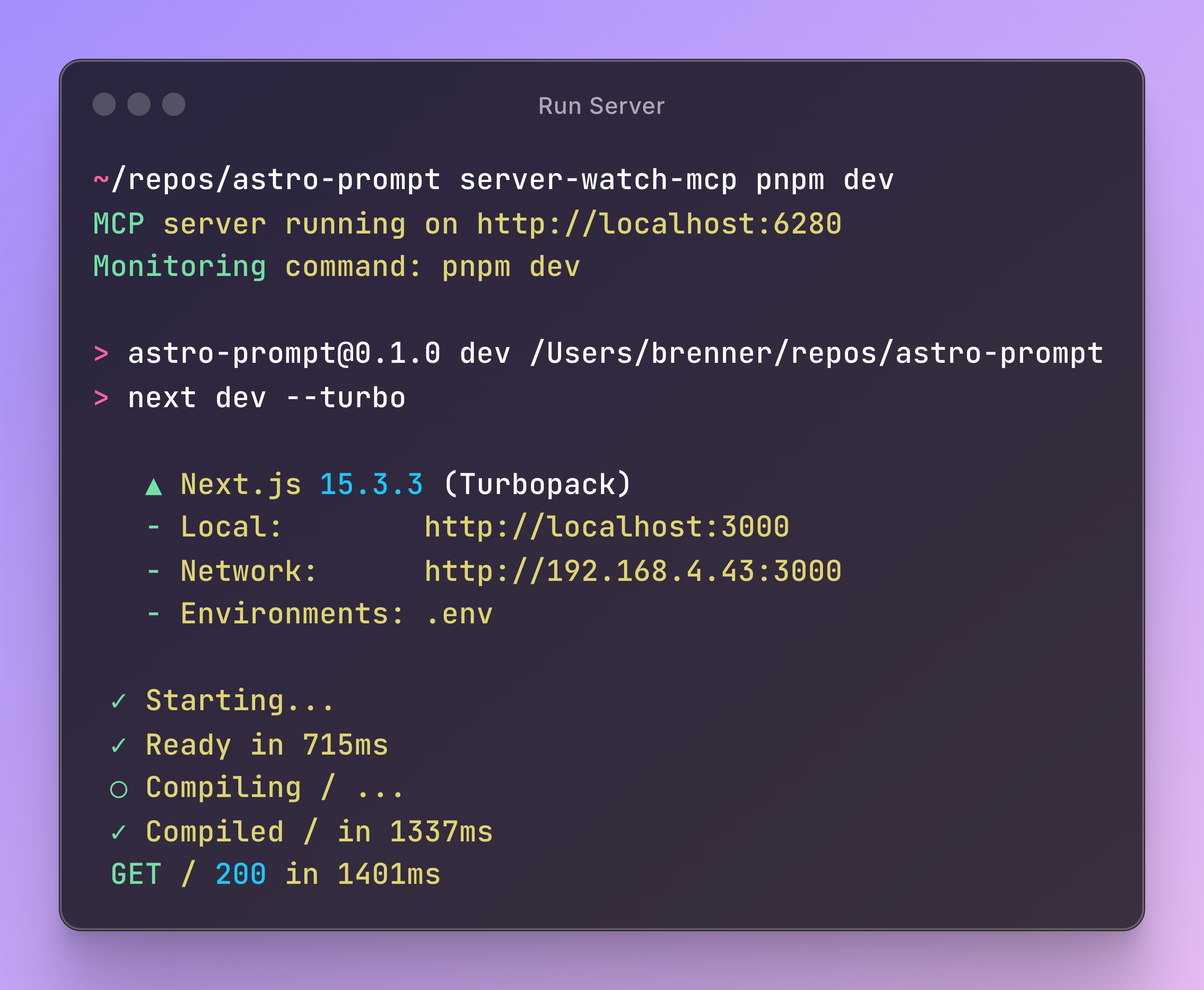
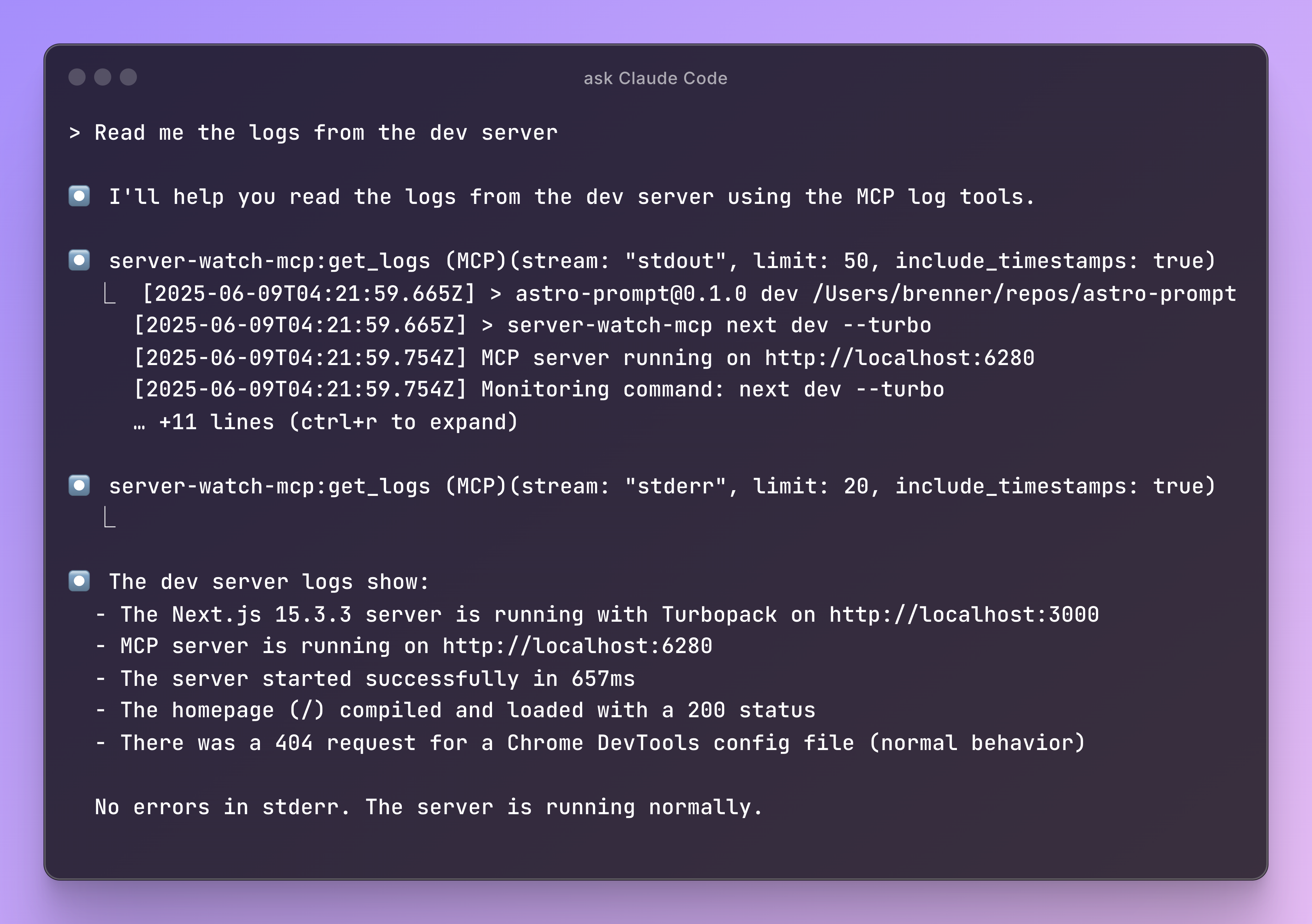
A straight-forward CLI wrapper that monitors and captures output from any running command and exposes it as an MCP server. Perfect for development workflows where you need to access server logs, build output, or any process output.
Features
- HTTP-based MCP server - Run as a standalone service that clients can connect to
- Real-time log capture - Captures stdout and stderr from any command
- Circular buffer storage - Maintains last 5000 log entries in memory
- Two MCP tools:
get_logs- Retrieve recent logs with optional filtering by stream typesearch_logs- Search through logs with case-insensitive substring matching
Installation
npm install -g server-watch-mcp
# or
pnpm add -g server-watch-mcp
# or in your project
pnpm add -D server-watch-mcp
Usage
1. Add the MCP server to Claude Code
claude mcp add -s user -t sse server-watch-mcp http://localhost:6280/sse
Which should configure it like this:
{
  "mcpServers": {
    "server-watch-mcp": {
      "type": "sse", // Even though SSE is deprecated, Claude Code only supports SSE
      "url": "http://localhost:6280/sse"
    }
  }
}
2. Start the MCP server with your command
option 1: wrap the command when calling it
# Monitor a development server
server-watch-mcp npm run dev

# Monitor a build process
server-watch-mcp npm run build:watch

# Monitor any command
server-watch-mcp python app.py
option 2: wrap the command in your package.json (or script file)
// In your package.json
{
  "scripts": {
    "dev": "server-watch-mcp next dev --turbo",
  }
}
The server will:
- Start an HTTP server on port
6280(orSERVER_WATCH_MCP_PORTenvironment variable) - Execute your command as a child process
- Capture all output from the command
- Continue running even if the child process exits
3. Use the tools in Claude
Once connected, you can use these tools:
- Get recent logs: "Show me the last 50 logs from stderr"
- Search logs: "Search for any errors in the logs"
- Monitor output: "What's happening with my dev server?"
Environment Variables
SERVER_WATCH_MCP_PORT - Override the default port (6280)
SERVER_WATCH_MCP_PORT=6281 server-watch-mcp npm run dev
Development
# Install dependencies
pnpm install

# Build
pnpm run build

# Run tests
pnpm test

# Run in development
pnpm run dev
License
ISC
Установка Server Watch
У этого сервера нет опубликованного пакета — он собирается из исходников. Открой репозиторий и следуй инструкции в README.
▸ github.com/BrennerSpear/server-watch-mcpFAQ
Server Watch MCP бесплатный?
Да, Server Watch MCP бесплатный — установка в пару кликов через Unyly без оплаты.
Нужен ли API-ключ для Server Watch?
Нет, Server Watch работает без API-ключей и переменных окружения.
Server Watch — hosted или self-hosted?
Self-hosted: сервер запускается локально на твоей машине командой из раздела установки.
Как установить Server Watch в Claude Desktop, Claude Code или Cursor?
Открой Server Watch на unyly.org, выбери вкладку своего клиента (Claude Desktop, Claude Code, Cursor) и нажми Install — конфиг сгенерируется автоматически, без правки JSON.
Похожие MCP
GitHub
PRs, issues, code search, CI status
 автор: GitHub
Filesystem
Secure file operations with configurable access controls.
Memory
Knowledge graph-based persistent memory system.
Template MCP Server
A CLI tool to create a new Model Context Protocol server project with TypeScript support, dual transport options, and an extensible structure
 автор: mcpdotdirect
Compare Server Watch with
Не уверен что выбрать?
Найди свой стек за 60 секунд
Автор?
Embed-бейдж для README
Похожее
Все в категории development