

Описание
MCP server for Settle Up (Split expenses) API
README
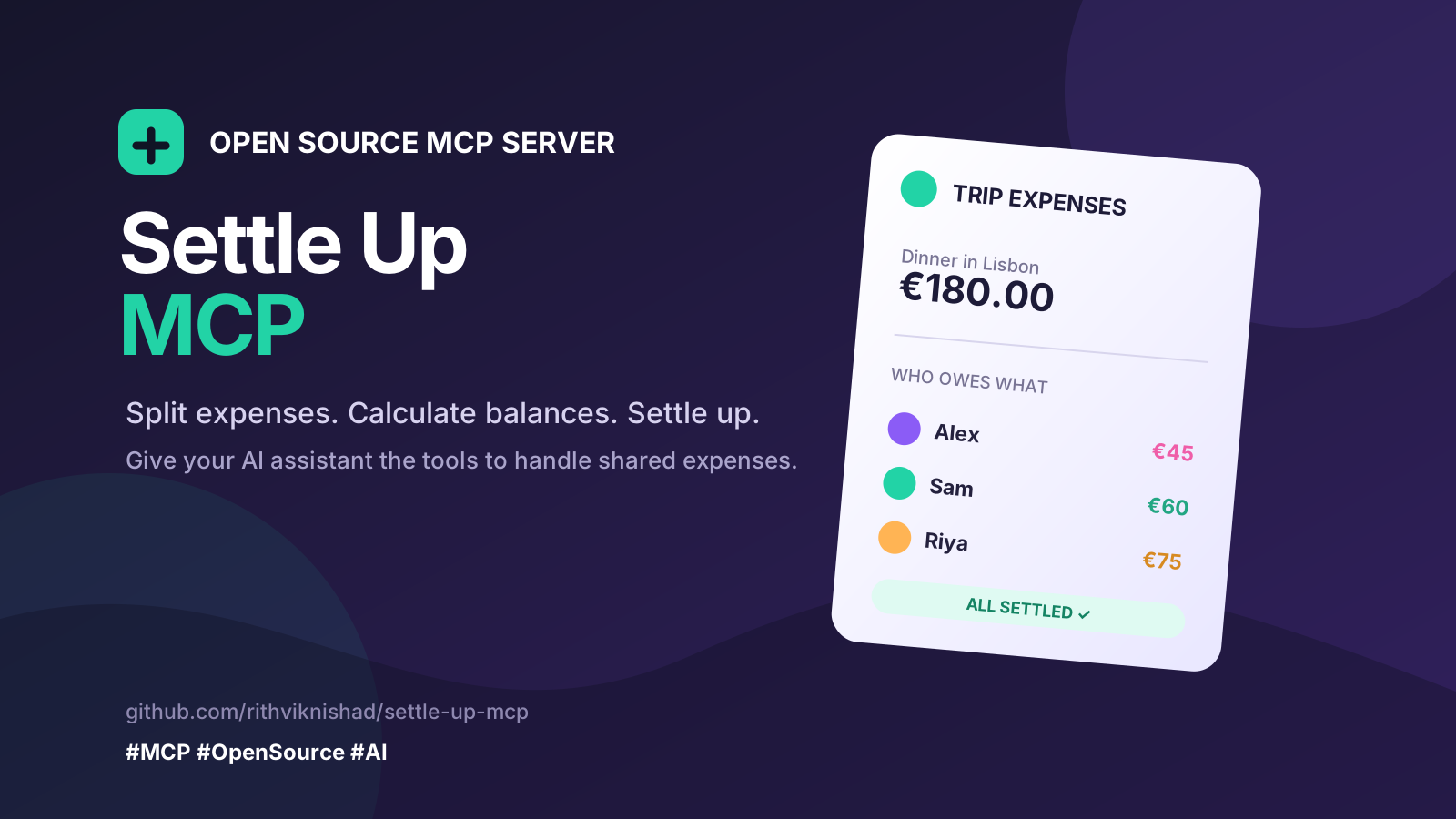
An MCP server for Settle Up. It lets an AI agent read and write your groups, members, expenses, balances, and recurring transactions. The server gives 26 tools.
Tools
Groups
| Tool | Action | Read-only |
|---|---|---|
settleup_list_groups |
Get your groups | Yes |
settleup_get_group |
Get the settings and the counts of 1 group | Yes |
settleup_get_balances |
Get who owes what in a group | Yes |
settleup_create_group |
Create a group and add yourself | No |
settleup_update_group |
Change the name or the settings | No |
settleup_get_invite_link |
Get the link that invites a person | No |
settleup_change_currency |
Change the group currency | No |
settleup_delete_group |
Delete a group. Needs confirm |
No |
Members
| Tool | Action | Read-only |
|---|---|---|
settleup_list_members |
Get the members of a group | Yes |
settleup_add_member |
Add a person to a group | No |
settleup_update_member |
Change a member | No |
settleup_deactivate_member |
Set a member to not active | No |
Transactions
| Tool | Action | Read-only |
|---|---|---|
settleup_list_expenses |
Get the transactions of a group | Yes |
settleup_get_expense |
Get all details of 1 transaction | Yes |
settleup_summarize_spending |
Add the amounts by category, member, or month | Yes |
settleup_add_expense |
Add a new expense | No |
settleup_add_transfer |
Record a payment between 2 members | No |
settleup_update_expense |
Change a transaction | No |
settleup_delete_expense |
Delete a transaction. Needs confirm |
No |
Recurring transactions
| Tool | Action | Read-only |
|---|---|---|
settleup_list_recurring |
Get the transaction templates | Yes |
settleup_add_recurring |
Add a transaction template | No |
settleup_delete_recurring |
Delete a template. Needs confirm |
No |
History and access
| Tool | Action | Read-only |
|---|---|---|
settleup_list_changes |
Get the change log of a group | Yes |
settleup_list_categories |
Get the custom categories | Yes |
settleup_list_permissions |
Get who can access a group | Yes |
settleup_recalculate_debts |
Ask the server to calculate the debts again | No |
Caution: A tool with confirm deletes data. Ask the user first. Then set
confirm to true.
Configuration
Copy .env.example to .env. Then write your values.
| Variable | Purpose |
|---|---|
SETTLEUP_EMAIL |
Your Settle Up email |
SETTLEUP_PASSWORD |
Your Settle Up password |
SETTLEUP_FIREBASE_API_KEY |
The Firebase Web API key |
SETTLEUP_BASE_URL |
The API server. The default is the sandbox |
MCP_AUTH_TOKEN |
The bearer token that each agent must send |
The Settle Up API documentation gives the API key, the server URLs, and the sign-in rules. Develop on the sandbox first.
Caution: If MCP_AUTH_TOKEN is empty, the server accepts each request. Set a
token and put HTTPS in front of the server before you deploy it.
Run it
docker compose up -d
curl http://localhost:8000/health
The MCP endpoint is http://localhost:8000/mcp. It uses the Streamable HTTP
transport.
To use a built image, pull ghcr.io/rithviknishad/settle-up-mcp:latest.
Deploy it
Put the server behind HTTPS. Set MCP_AUTH_TOKEN. Keep the Settle Up
secrets on the server only.
For a Kubernetes example, read Settle Up MCP on systems.nix. It shows a k3s deployment with the secrets, the service, and the ingress.
Connect an agent
{
  "mcpServers": {
    "settleup": {
      "url": "http://localhost:8000/mcp",
      "headers": { "Authorization": "Bearer YOUR_TOKEN" }
    }
  }
}
Develop
This project needs Python 3.13, Pipenv, and direnv.
pipenv install --dev
direnv allow

pipenv run test      # Run the tests.
pipenv run server    # Start the server.
Licence
MIT. See LICENSE.
Установка Settle Up
У этого сервера нет опубликованного пакета — он собирается из исходников. Открой репозиторий и следуй инструкции в README.
▸ github.com/rithviknishad/settle-up-mcpFAQ
Settle Up MCP бесплатный?
Да, Settle Up MCP бесплатный — установка в пару кликов через Unyly без оплаты.
Нужен ли API-ключ для Settle Up?
Нет, Settle Up работает без API-ключей и переменных окружения.
Settle Up — hosted или self-hosted?
Self-hosted: сервер запускается локально на твоей машине командой из раздела установки.
Как установить Settle Up в Claude Desktop, Claude Code или Cursor?
Открой Settle Up на unyly.org, выбери вкладку своего клиента (Claude Desktop, Claude Code, Cursor) и нажми Install — конфиг сгенерируется автоматически, без правки JSON.
Похожие MCP
GitHub
PRs, issues, code search, CI status
 автор: GitHub
Filesystem
Secure file operations with configurable access controls.
Memory
Knowledge graph-based persistent memory system.
Template MCP Server
A CLI tool to create a new Model Context Protocol server project with TypeScript support, dual transport options, and an extensible structure
 автор: mcpdotdirect
Compare Settle Up with
Не уверен что выбрать?
Найди свой стек за 60 секунд
Автор?
Embed-бейдж для README
Похожее
Все в категории development