
Speckit Autopilot
БесплатноНе проверенMCP server that runs the Speckit spec-driven workflow end to end, no interruptions

Описание
MCP server that runs the Speckit spec-driven workflow end to end, no interruptions
README
TypeScript Node.js License Tests
A Model Context Protocol (MCP) server for automating the Speckit workflow with deterministic execution and no interruptions.
Features
- 🚀 Deterministic Execution - Rules enforced in code, not instructions
- ⚡ No Interruptions - Executes without asking questions
- 📊 State Tracking - Resume workflows if interrupted
- 🔄 Full Automation - Specify → Clarify → Plan → Tasks → Implement → Review
- ✅ Type Safe - TypeScript with comprehensive type checking
- 🌍 Cross-Platform - macOS, Windows, Linux
- 🔧 Multi-Tech Stack - Flutter, TypeScript, Python, Go, Rust, Java, and more
Quick Start
# Install
curl -fsSL "https://raw.githubusercontent.com/kenzot25/speckit-autopilot/master/install.sh?$(date +%s)" | sh

# Setup in your project
cd /path/to/your/project
speckit-autopilot setup

# Restart Cursor and use /speckit.autopilot commands!
Installation
Prerequisites
- Node.js 20+
- Git repository with Speckit setup (
.specify/directory)
Quick Install (Recommended)
curl -fsSL "https://raw.githubusercontent.com/kenzot25/speckit-autopilot/master/install.sh?$(date +%s)" | sh
Options:
# Global install
curl -fsSL "..." | sh -s -- --global

# Custom directory
curl -fsSL "..." | sh -s -- --dir ~/my-custom-path

# Skip MCP setup
curl -fsSL "..." | sh -s -- --skip-setup
Manual Installation
git clone <repo>
cd speckit-autopilot
npm install
npm run build
npm install -g .  # Optional: global install
Then in your project:
cd /path/to/your/project
speckit-autopilot setup
Setup
Run setup in each project directory where you want to use Speckit Autopilot:
speckit-autopilot setup              # Full setup (MCP + commands)
speckit-autopilot install-commands   # Commands only
speckit-autopilot verify              # Verify installation
speckit-autopilot help                # Show help
Important: The MCP server runs automatically. Cursor manages it as a subprocess. Just restart Cursor after setup.
How to Use
Using /speckit.autopilot Command
Type the command in Cursor's chat and describe your feature:
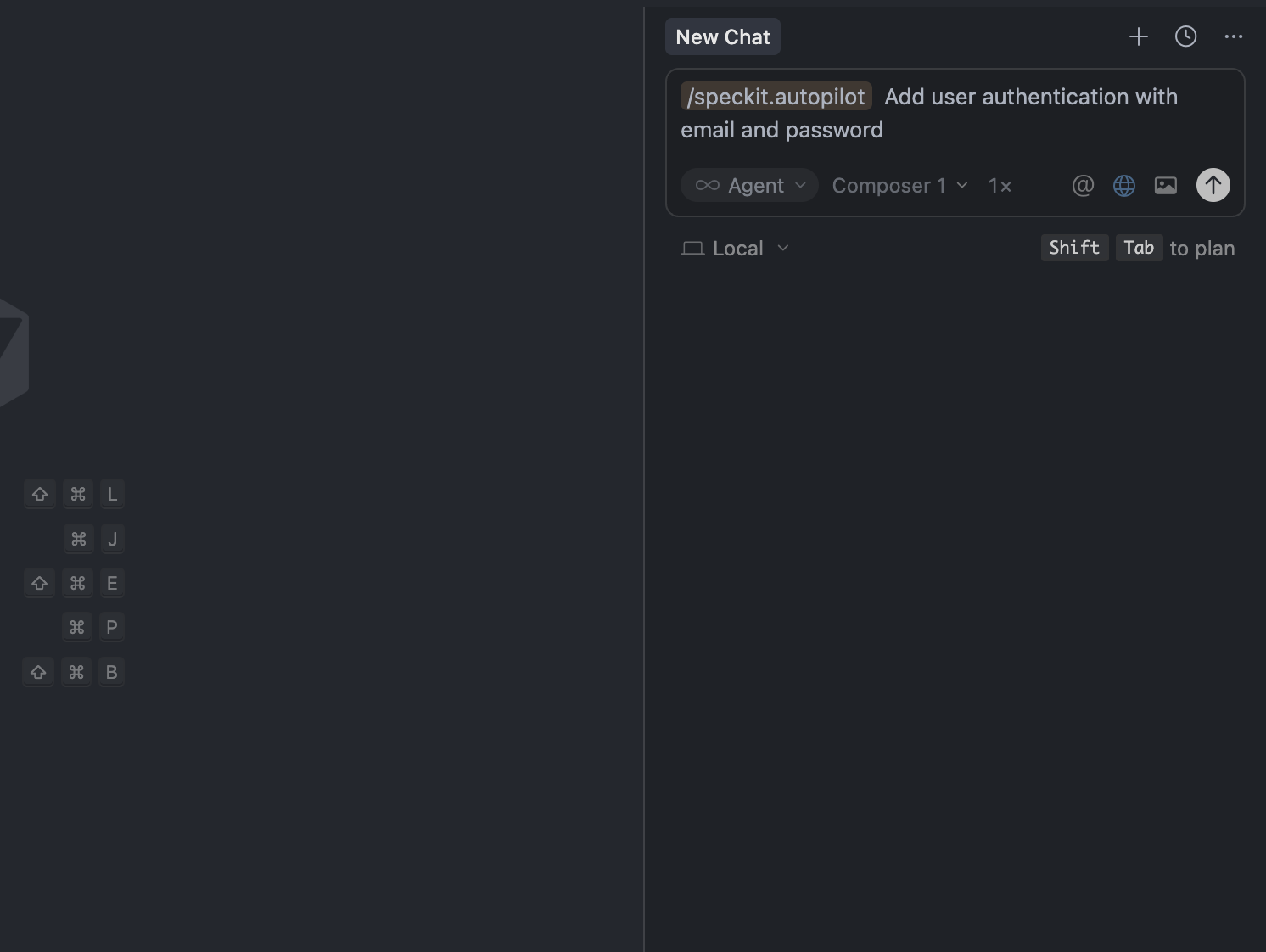
The command automatically runs the complete workflow: specify → clarify → plan → tasks → implement → review.
Using /speckit.review Command
Run code review on your current feature:
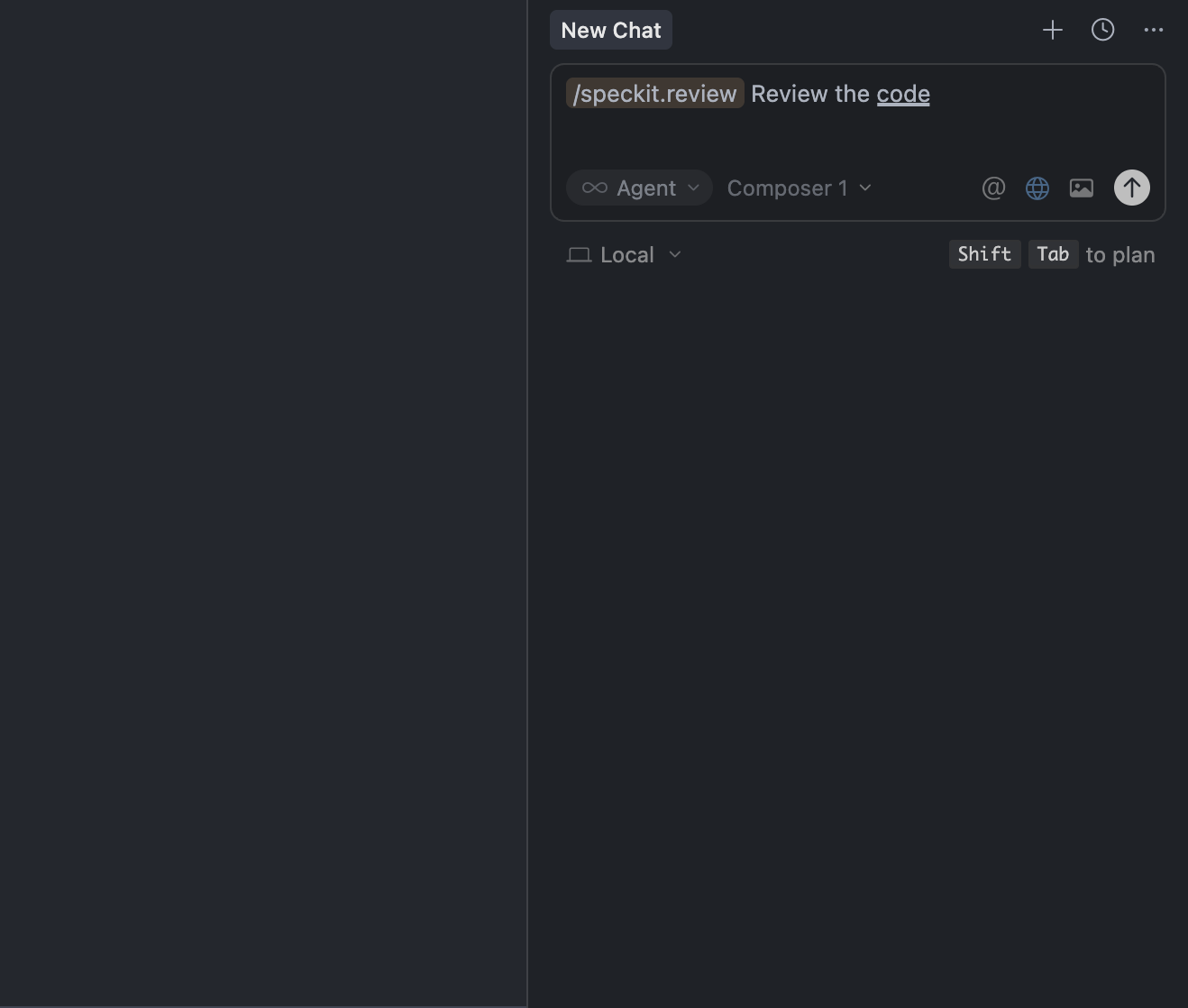
The review tool checks build errors, code quality, and fixes issues automatically.
Workflow Visualization
Workflow Flow:
graph LR
    A[Feature Description] --> B[Specify]
    B --> C[Clarify]
    C --> D[Plan]
    D --> E[Tasks]
    E --> F[Implement]
    F --> G[Review]
    G --> H[Complete]

    style A fill:#e1f5ff
    style H fill:#d4edda
Commands
/speckit.autopilot
Complete workflow automation from feature description to implementation.
/speckit.autopilot Add user authentication with email and password
Runs: specify → clarify → plan → tasks → implement → review (all automatically)
/speckit.review
Comprehensive code review that checks build issues and fixes them iteratively.
/speckit.review
Checks build/compile errors, reviews code quality, and fixes issues automatically.
MCP Tools
speckit_autopilot
Execute complete workflow automatically:
{
  "featureDescription": "Add user authentication",
  "skipClarify": false,
  "skipReview": false
}
Individual Tools
| Tool | Description | Key Parameters |
|---|---|---|
speckit_specify |
Create feature specification | featureDescription |
speckit_clarify |
Generate clarification questions | featureDir, maxQuestions |
speckit_plan |
Create implementation plan | featureDir |
speckit_tasks |
Generate task list | featureDir |
speckit_implement |
Get implementation tasks | featureDir, autoContinue |
speckit_review |
Review code quality | featureDir, maxIterations |
speckit_mark_task_complete |
Mark task complete | featureDir, taskId |
See docs/COMMANDS.md for detailed documentation.
Usage Examples
Full Autopilot Workflow
speckit_autopilot({
  featureDescription: "Add user authentication with email and password",
  skipClarify: false,
  skipReview: false
})
Step-by-Step
const spec = await speckit_specify("Add dark mode toggle");
const questions = await speckit_clarify(spec.featureDir);
const plan = await speckit_plan(spec.featureDir);
const tasks = await speckit_tasks(spec.featureDir);
const implement = await speckit_implement(spec.featureDir);
const review = await speckit_review(spec.featureDir);
Configuration
The CLI automatically configures .cursor/mcp.json:
{
  "mcpServers": {
    "speckit": {
      "command": "node",
      "args": ["/absolute/path/to/speckit-autopilot/dist/index.js"]
    }
  }
}
Use absolute paths, not relative paths.
Multi-Tech Stack Support
Automatically detects and supports:
- Flutter/Dart -
pubspec.yaml→flutter analyze - TypeScript/Node.js -
tsconfig.json→tsc --noEmit - Python -
requirements.txt→mypy - Go -
go.mod→go vet - Rust -
Cargo.toml→cargo clippy - Java -
pom.xmlorbuild.gradle
FAQ
Do I need to run the MCP server manually?
No! Cursor automatically starts and manages the server. After setup, just restart Cursor.
How does it work?
Cursor reads .cursor/mcp.json and starts the server process automatically when you use MCP tools. The server communicates via stdio.
Can I run it standalone?
Yes (node dist/index.js), but it's designed to run as a Cursor subprocess.
Troubleshooting
| Issue | Solution |
|---|---|
| Server not showing up | Check JSON syntax, verify absolute path, restart Cursor |
| Script errors | Check scripts are executable: chmod +x .specify/scripts/bash/*.sh |
| Path issues | All paths normalized to absolute; check error messages |
Contributing
Want to contribute? See docs/CONTRIBUTING.md and docs/DEVELOPMENT.md for guidelines.
Documentation
User Documentation:
- docs/CLI.md - Detailed CLI documentation
- docs/COMMANDS.md - Command reference
- docs/CHANGELOG.md - Version history
For Contributors:
- docs/CONTRIBUTING.md - Contribution guidelines
- docs/DEVELOPMENT.md - Development guide
- docs/TESTING.md - Testing documentation
- docs/ARCHITECTURE.md - Architecture details
- docs/SECURITY.md - Security policy
Related Projects
- Speckit - Specification-driven development framework
- Model Context Protocol - Protocol for LLM tool integration
Support
- Issues: GitHub Issues
- Questions: Open a discussion on GitHub
License
MIT License - see LICENSE file for details.
Made with ❤️ for the Speckit community
Установка Speckit Autopilot
У этого сервера нет опубликованного пакета — он собирается из исходников. Открой репозиторий и следуй инструкции в README.
▸ github.com/kenzot25/speckit-autopilotFAQ
Speckit Autopilot MCP бесплатный?
Да, Speckit Autopilot MCP бесплатный — установка в пару кликов через Unyly без оплаты.
Нужен ли API-ключ для Speckit Autopilot?
Нет, Speckit Autopilot работает без API-ключей и переменных окружения.
Speckit Autopilot — hosted или self-hosted?
Self-hosted: сервер запускается локально на твоей машине командой из раздела установки.
Как установить Speckit Autopilot в Claude Desktop, Claude Code или Cursor?
Открой Speckit Autopilot на unyly.org, выбери вкладку своего клиента (Claude Desktop, Claude Code, Cursor) и нажми Install — конфиг сгенерируется автоматически, без правки JSON.
Похожие MCP
Fetch
Web content fetching and conversion for efficient LLM usage.
Roblox Studio
Enables AI coding tools to control Roblox Studio for workspace exploration, instance manipulation, and script management. It provides tools for playtesting, sce
 автор: paralov
Opencode Omniroute Plugin
OpenCode plugin for the OmniRoute AI Gateway. Drives dynamic model discovery, /connect auth flow, and multi-instance OmniRoute providers via the official @openc
 автор: GitHub Actions
AWS KB Retrieval
Retrieval from AWS Knowledge Base using Bedrock Agent Runtime.
 автор: modelcontextprotocol
Spring AI MCP Server
Provides auto-configuration for setting up an MCP server in Spring Boot applications.
llm-analysis-assistant
A very streamlined mcp client that supports calling and monitoring stdio/sse/streamableHttp, and can also view request responses through the /logs page. It also
 автор: xuzexin-hz
MCP-Agent
A simple, composable framework to build agents using Model Context Protocol by [LastMile AI](https://www.lastmileai.dev)
 автор: lastmile-ai
Spring AI MCP Client
Provides auto-configuration for MCP client functionality in Spring Boot applications.
mcp.natoma.ai
A Hosted MCP Platform to discover, install, manage and deploy MCP servers by [Natoma Labs](https://www.natoma.ai)
MCPHub
Website to list high quality MCP servers and reviews by real users. Also provide online chatbot for popular LLM models with MCP server support.
Compare Speckit Autopilot with
Не уверен что выбрать?
Найди свой стек за 60 секунд
Автор?
Embed-бейдж для README
Похожее
Все в категории ai