
Turret
БесплатноНе проверенThis project is an MCP (Model Context Protocol) server that controls a turret using serial communication.

Описание
This project is an MCP (Model Context Protocol) server that controls a turret using serial communication.
README
Description
This project is an MCP (Model Context Protocol) server that controls a turret using serial communication. It exposes tools to:
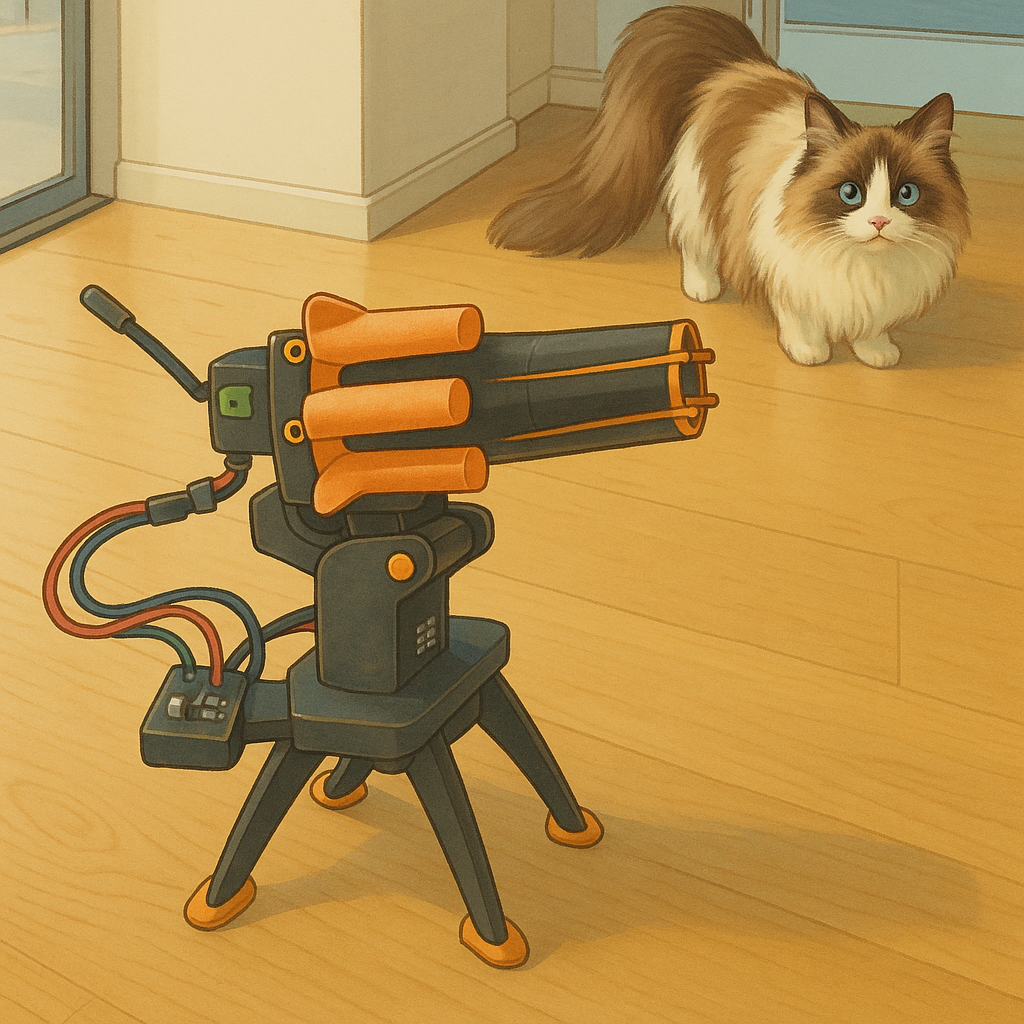
- Fire the turret
- Set the turret's position (pan and tilt)
- Get the current number of bullets
Usage
This server exposes tools that can be accessed via an MCP client.
Tools
- fire: Fires the turret.
- set_turret_position: Sets the turret's position. Requires
xandycoordinates (0-180). - get_bullets: Gets the current number of bullets.
- echo: Repeat what you say.
Installation
- Make sure you have Rust installed. If not, install it from https://www.rust-lang.org/.
- Clone the repository.
- Navigate to the project directory.
- Run
cargo build -rto build the project. - MCP Agent Plugin node require settings.json like this to command or URL to connect MCP servers
{
  "mcpServers": {
    "turret-mcp-server": {
      "command": "/path/to/turret_mcp_server/target/release/turret_mcp_server",
      "alwaysAllow": [
        "set_turret_position",
        "get_bullets",
        "fire"
      ]
    }
  }
}
- Connect the turret to USB
How to use
In chat context you can simple write:
turn the turret left, then right and shoot
Serial Port Configuration
The server uses the /dev/ttyUSB0 serial port by default. You may need to modify the turret_mcp_server.rs file to use the correct serial port for your system.
Dependencies
The project uses the following dependencies:
anyhowrmcpserialportserde_jsontracing_subscriber
These dependencies are managed by Cargo, the Rust package manager.
Docker
You can also build and run this project using Docker.
Building the Docker Image
To build the Docker image, run the following command in the project directory:
docker build -t turret-mcp-server .
Running the Docker Container
To run the Docker container, you need to pass the serial port device from the host to the container. You can do this using the --device flag.
docker run -it -p 8080:8080 --device=/dev/ttyUSB0 turret-mcp-server
The SSE MCP configuration (settings.json) for Docker looks like this:
{
  "mcpServers": {
    "turret-mcp-server": {
      "url": "http://127.0.0.1:8080/sse"
    }
  }
}
Note: Make sure to replace /dev/ttyUSB0 with the correct serial port for your system.
Установка Turret
У этого сервера нет опубликованного пакета — он собирается из исходников. Открой репозиторий и следуй инструкции в README.
▸ github.com/gofmanaa/turret_mcp_serverFAQ
Turret MCP бесплатный?
Да, Turret MCP бесплатный — установка в пару кликов через Unyly без оплаты.
Нужен ли API-ключ для Turret?
Нет, Turret работает без API-ключей и переменных окружения.
Turret — hosted или self-hosted?
Self-hosted: сервер запускается локально на твоей машине командой из раздела установки.
Как установить Turret в Claude Desktop, Claude Code или Cursor?
Открой Turret на unyly.org, выбери вкладку своего клиента (Claude Desktop, Claude Code, Cursor) и нажми Install — конфиг сгенерируется автоматически, без правки JSON.
Похожие MCP
GitHub
PRs, issues, code search, CI status
 автор: GitHub
Filesystem
Secure file operations with configurable access controls.
Memory
Knowledge graph-based persistent memory system.
Template MCP Server
A CLI tool to create a new Model Context Protocol server project with TypeScript support, dual transport options, and an extensible structure
 автор: mcpdotdirect
Compare Turret with
Не уверен что выбрать?
Найди свой стек за 60 секунд
Автор?
Embed-бейдж для README
Похожее
Все в категории development