
Tutor LMS
БесплатноНе проверенWordPress plugin integrating Tutor LMS with Claude AI via MCP for course management, lesson control, quizzes, and student enrollments with 30+ tools.

Описание
WordPress plugin integrating Tutor LMS with Claude AI via MCP for course management, lesson control, quizzes, and student enrollments with 30+ tools.
README
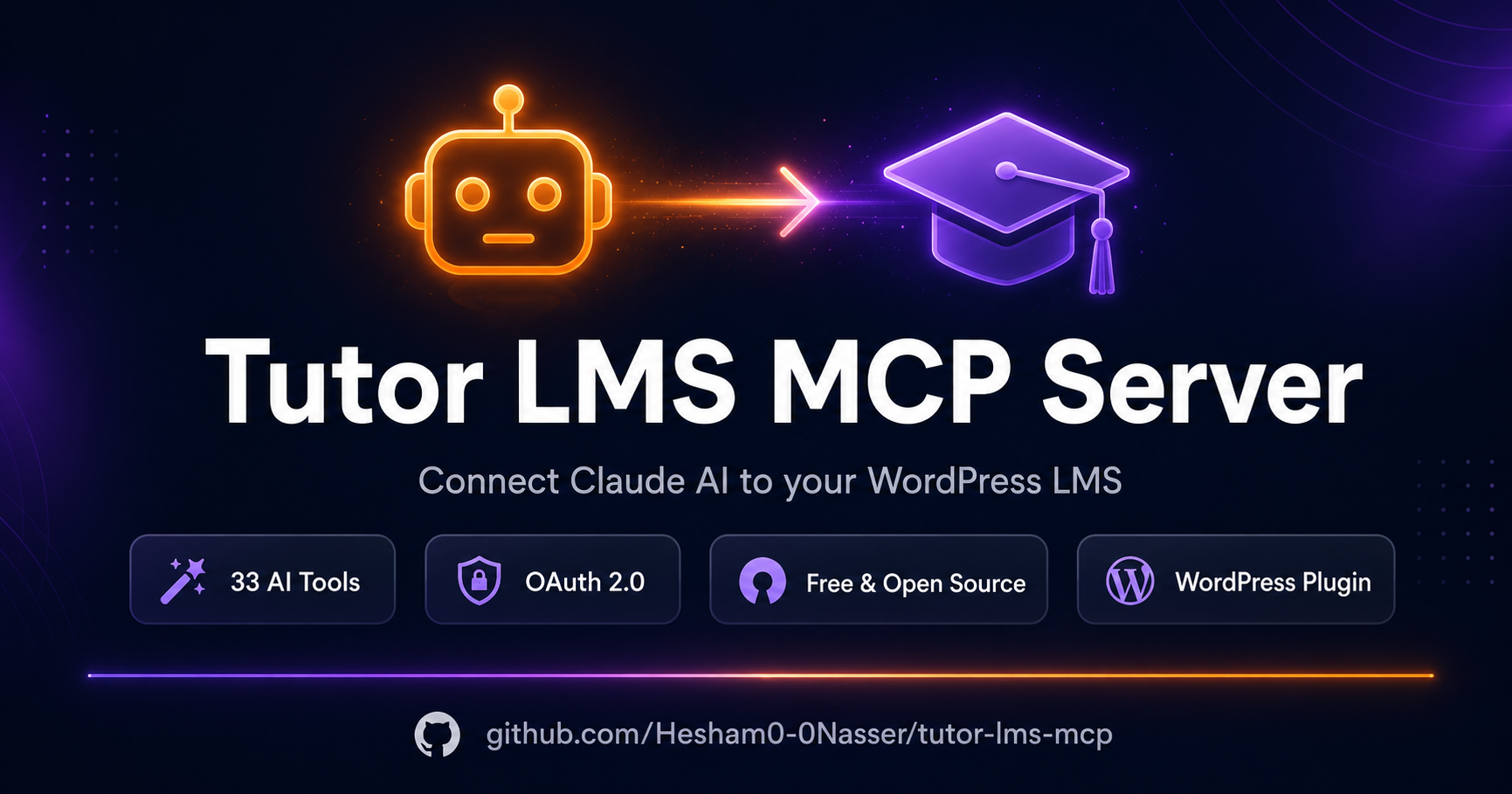
A WordPress plugin that turns your Tutor LMS site into a live MCP server, letting Claude AI manage your courses, lessons, quizzes, enrollments, and more.
Installation
- Download
tutor-lms-mcp-fixed.zip - Go to WordPress Admin → Plugins → Add New → Upload Plugin
- Upload the zip and click Install Now → Activate
- Go to Tutor MCP in the WordPress admin menu
Requirements
- WordPress 6.0+
- PHP 8.0+
- Tutor LMS
- Tutor LMS Pro REST API key with Read/Write permissions
MCP Endpoint
The endpoint uses the ?rest_route= format (required for LiteSpeed/Hostinger hosting):
https://yoursite.com/?rest_route=/tutor-mcp/v1/mcp
Paste this URL into Claude.ai → Settings → Integrations → Add connector.
Authentication
This plugin uses OAuth 2.0 with PKCE — Claude.ai handles the full login flow automatically:
- Go to Tutor MCP in the WordPress admin menu
- Follow Step 1 — click Open Tutor LMS → REST API to generate an API key:
- Click Add Key
- Set permissions to ALL
- Click Generate API Key
- Copy the Consumer Key and Consumer Secret
- Follow Step 2 — paste the Consumer Key and Consumer Secret into the settings and click Save Keys
- Follow Step 3 — paste the endpoint URL into Claude.ai → Settings → Integrations → Add connector
- Claude.ai will show a login popup — log in with your WordPress admin credentials and click Authorize
- Claude.ai shows Connected — you're ready to use all tools
No manual token or header configuration is needed. Claude.ai manages authentication automatically.
Tools
| Tool | Description |
|---|---|
| tutor_list_courses | List all courses |
| tutor_get_course | Get course details |
| tutor_create_course | Create a new course |
| tutor_update_course | Update a course |
| tutor_delete_course | Delete/trash a course |
| tutor_get_topics | Get topics for a course |
| tutor_create_topic | Create a topic/section |
| tutor_update_topic | Update a topic |
| tutor_delete_topic | Delete a topic |
| tutor_get_lesson | Get lesson details + video URL |
| tutor_create_lesson | Create a lesson (with YouTube video) |
| tutor_update_lesson | Update a lesson |
| tutor_delete_lesson | Delete a lesson |
| tutor_get_quiz | Get quiz with all questions |
| tutor_create_quiz | Create a quiz |
| tutor_add_quiz_question | Add a question to a quiz |
| tutor_delete_quiz | Delete a quiz |
| tutor_create_assignment | Create an assignment |
| tutor_get_assignment | Get assignment details |
| tutor_delete_assignment | Delete an assignment |
| tutor_list_enrollments | List enrollments |
| tutor_enroll_student | Manually enroll a student |
| tutor_update_enrollment | Update enrollment status |
| tutor_list_qna | List Q&A questions |
| tutor_answer_qna | Answer a student question |
| tutor_list_reviews | List reviews |
| tutor_delete_review | Delete a review |
| tutor_list_announcements | List announcements |
| tutor_create_announcement | Post an announcement |
| tutor_delete_announcement | Delete an announcement |
| tutor_list_students | List students |
| tutor_get_student_profile | Get student profile + stats |
| tutor_get_course_content | Full curriculum tree |
Example Claude Prompts
- "List all published courses"
- "Create a course called 'Python Basics' as a draft"
- "Add a section called 'Variables' to course 42"
- "Create a lesson with a YouTube video: https://youtube.com/..."
- "Enroll student ID 7 in course ID 42"
- "Show all Q&A questions that haven't been answered"
- "Post an announcement to course 5: Live class tomorrow at 6pm"
- "Show the full curriculum of course 10"
- "Get the YouTube video link from lesson 1504"
Author
Hesham Nasser
Установка Tutor LMS
У этого сервера нет опубликованного пакета — он собирается из исходников. Открой репозиторий и следуй инструкции в README.
▸ github.com/hesham0-0nasser/tutor-lms-mcpFAQ
Tutor LMS MCP бесплатный?
Да, Tutor LMS MCP бесплатный — установка в пару кликов через Unyly без оплаты.
Нужен ли API-ключ для Tutor LMS?
Нет, Tutor LMS работает без API-ключей и переменных окружения.
Tutor LMS — hosted или self-hosted?
Self-hosted: сервер запускается локально на твоей машине командой из раздела установки.
Как установить Tutor LMS в Claude Desktop, Claude Code или Cursor?
Открой Tutor LMS на unyly.org, выбери вкладку своего клиента (Claude Desktop, Claude Code, Cursor) и нажми Install — конфиг сгенерируется автоматически, без правки JSON.
Похожие MCP
Fetch
Web content fetching and conversion for efficient LLM usage.
AWS KB Retrieval
Retrieval from AWS Knowledge Base using Bedrock Agent Runtime.
 автор: modelcontextprotocol
Spring AI MCP Server
Provides auto-configuration for setting up an MCP server in Spring Boot applications.
llm-analysis-assistant
A very streamlined mcp client that supports calling and monitoring stdio/sse/streamableHttp, and can also view request responses through the /logs page. It also
 автор: xuzexin-hz
Compare Tutor LMS with
Не уверен что выбрать?
Найди свой стек за 60 секунд
Автор?
Embed-бейдж для README
Похожее
Все в категории ai