
VidMCP
БесплатноНе проверенMCP server for video editing with text-prompt subject segmentation and compositing effects behind subjects. Enables agent-driven video creation and education an

Описание
MCP server for video editing with text-prompt subject segmentation and compositing effects behind subjects. Enables agent-driven video creation and education animations.
README
VidMCP
Agents don’t describe video. They cut it.


MCP server for agent video editing — mattes · behind-the-subject VFX · audio polish · captions · export
Built by Dhiraj Lochib · vidmcp.com · uv tool install vidmcp
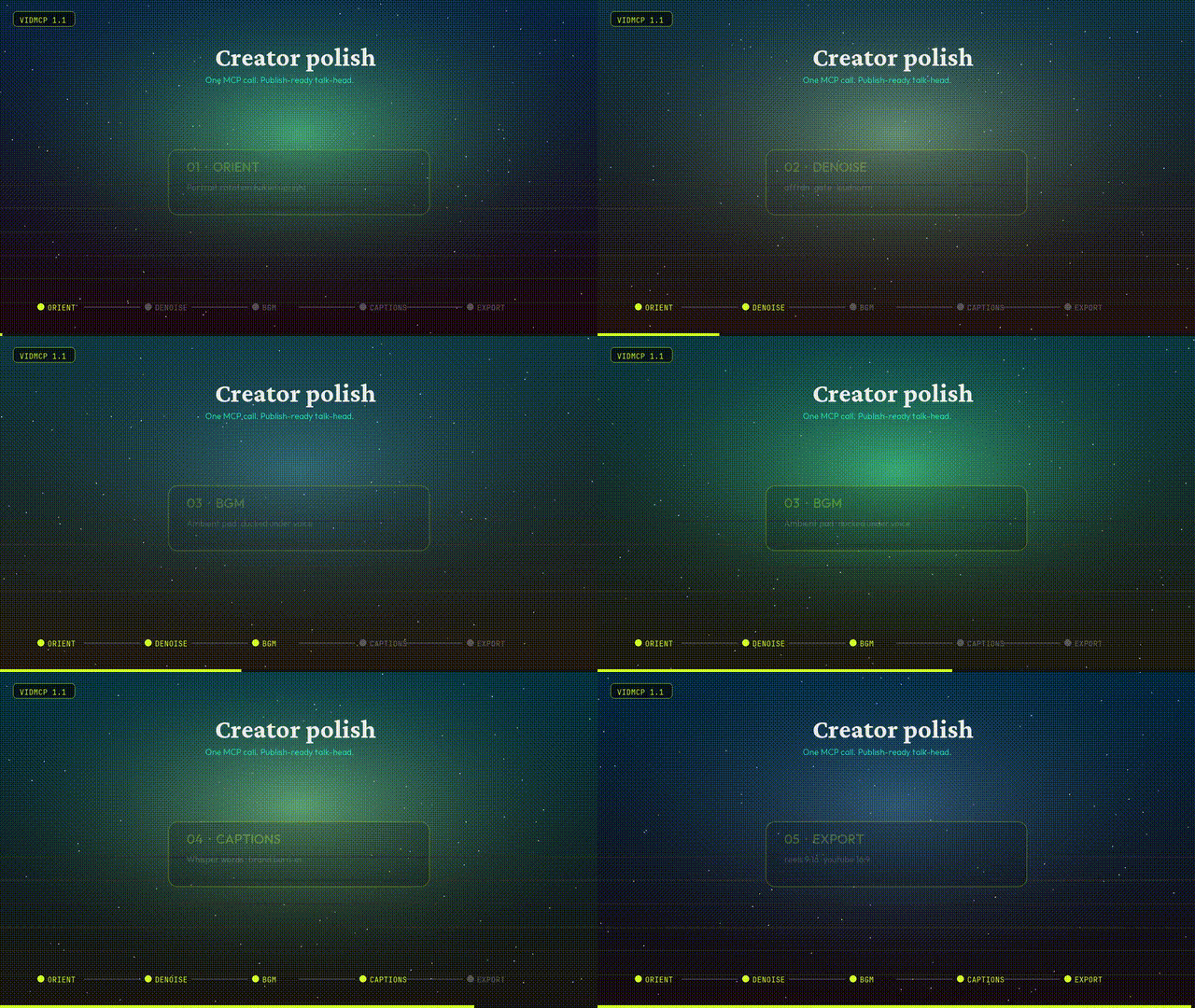
Creator polish pipeline
One call for a publish-ready talk-head:
orient → denoise → BGM → captions → optional BG replace → export preset
| Tool | What it does |
|---|---|
run_talking_head_polish |
Full recipe in one shot |
process_audio |
Denoise · gate · EQ · loudnorm |
mix_bgm |
Ambient pad under voice (ducking) |
transcribe_and_caption |
Whisper words + brand burn-in |
replace_background |
Matte + space / blur / solid plate |
smart_cut_hesitations |
Dead air & filler removal |
export_render |
youtube_16x9 · reels_9x16 · square_1x1 |
import_video |
Bakes portrait rotation upright by default |
from vidmcp.tools.creator import run_talking_head_polish

print(run_talking_head_polish(
    "talk.mov",
    preset="reels_9x16",
    bg_mode="space",   # none | space | blur | solid
    strength=0.75,
    bgm_volume=0.35,
))
MCP agents can also call apply_recipe(..., recipe_name="talking_head_polish") or free-text run_intent(...).
Agent context (tool packs + compact results)
Agents drown when MCP hosts load ~90 tool schemas and fat JSON. VidMCP defaults to a small surface:
| Setting | Default | Purpose |
|---|---|---|
VIDMCP_TOOL_PACK |
talking_head |
Expose only the tools for that product path |
VIDMCP_COMPACT |
1 |
Drop heavy keys / truncate long payloads |
VIDMCP_MAX_RESULT_CHARS |
4000 |
Hard cap on serialized tool results |
Packs: talking_head · education · vfx · admin · all
run_intent("polish talk head for reels, space bg, cut fillers", video_path="talk.mov")
project_brief(project_id)          # prefer over full get_project
list_tool_packs() / set_tool_pack("vfx")
get_project(id, detail=true)       # full manifest only when needed
Recipes: talking_head_polish · talking_head_reels · talking_head_space · talking_head_tight · talking_head_infographics.
For full surface (debug): VIDMCP_TOOL_PACK=all.
Gallery
1.1 Creator polish — orient · denoise · BGM · captions · export
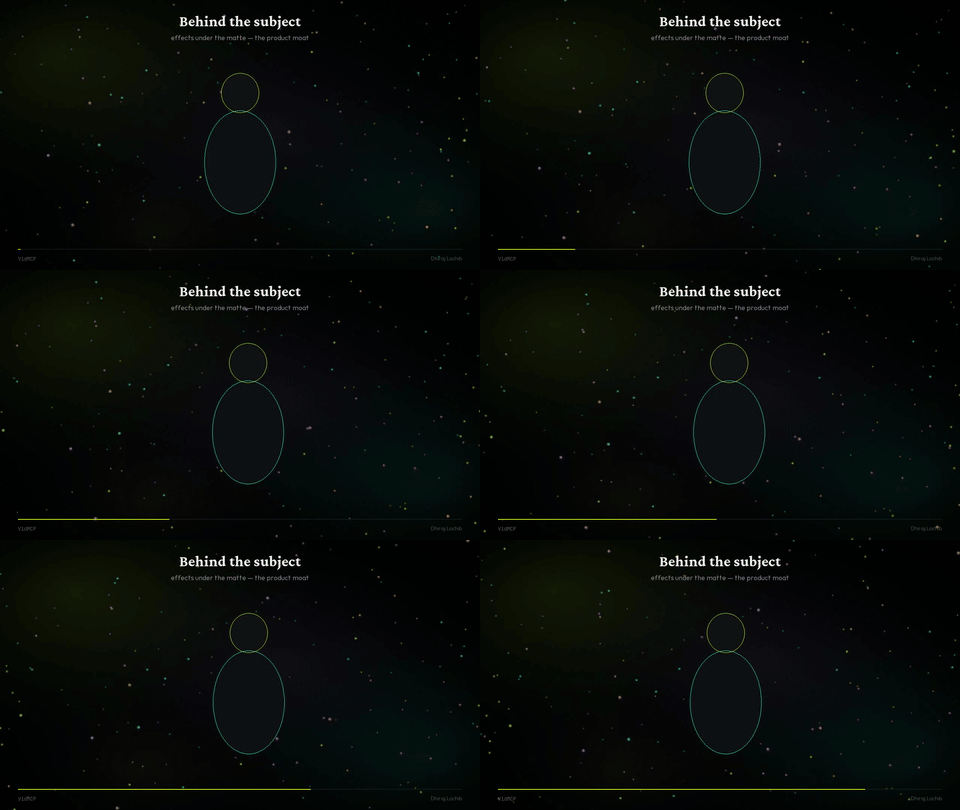 Behind the subject |
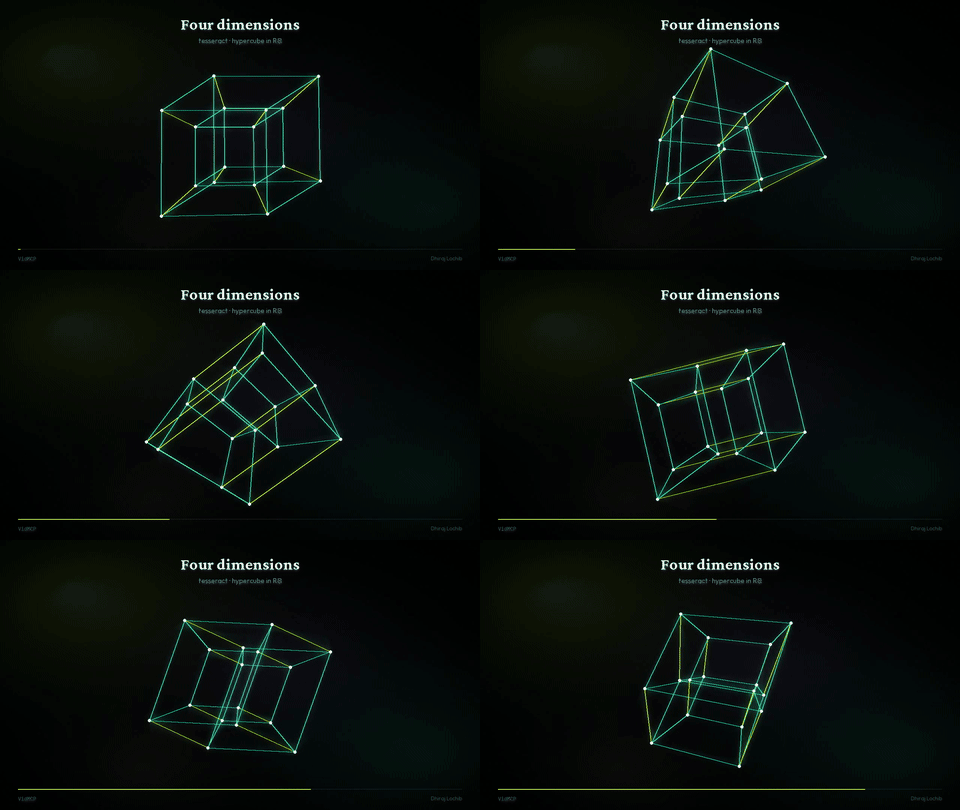 Tesseract · 4D trails |
 Flow field |
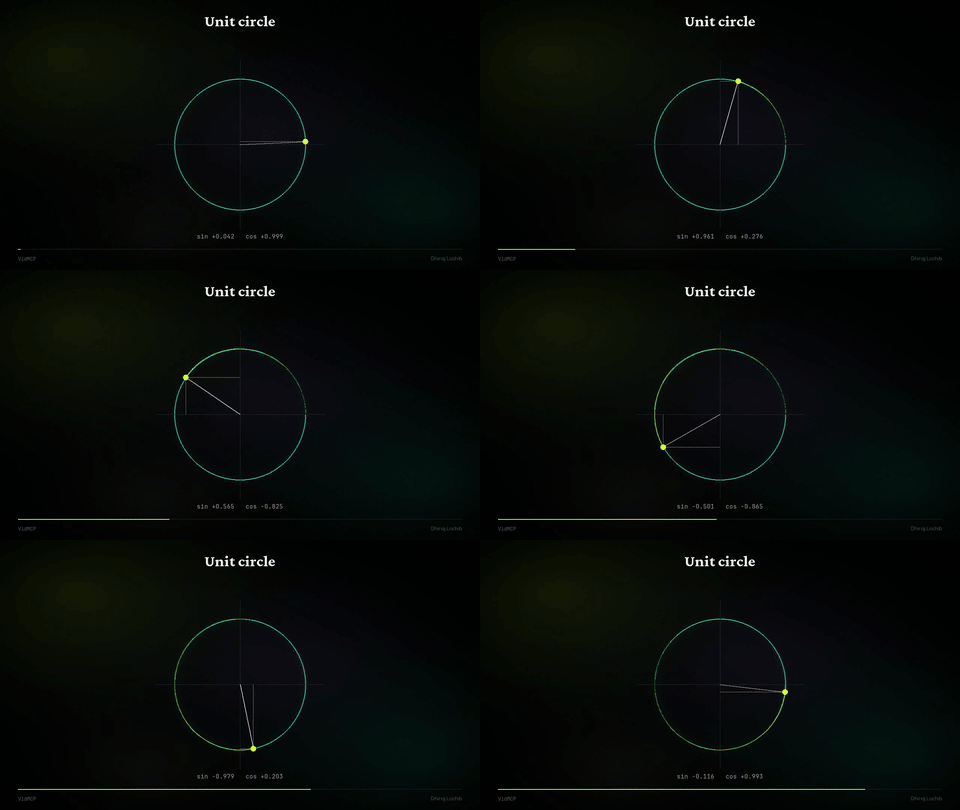 Unit circle |
| Sample | GIF | MP4 |
|---|---|---|
| Creator polish | gif | mp4 |
| Flow field | gif | mp4 |
| Tesseract | gif | mp4 |
| Behind the subject | gif | mp4 |
| Kinetic | gif | mp4 |
| Unit circle | gif | mp4 |
| Pipeline | gif | mp4 |
Install
Needs: Python 3.11+, ffmpeg, uv recommended
uv tool install vidmcp
vidmcp --doctor

# or
pip install 'vidmcp[creator]'   # + faster-whisper + mediapipe
MCP (Grok / Claude / Cursor)
# Grok
grok mcp add vidmcp \
  -e VIDMCP_SAM_BACKEND=mock \
  -e VIDMCP_WORKSPACE_ROOT=$HOME/vidmcp-workspaces \
  -e VIDMCP_TOOL_PACK=talking_head \
  -e VIDMCP_COMPACT=1 \
  -- uvx vidmcp
{
  "mcpServers": {
    "vidmcp": {
      "command": "uvx",
      "args": ["vidmcp"],
      "env": {
        "VIDMCP_SAM_BACKEND": "mock",
        "VIDMCP_WORKSPACE_ROOT": "/path/to/workspaces",
        "VIDMCP_TOOL_PACK": "talking_head",
        "VIDMCP_COMPACT": "1"
      }
    }
  }
}
Optional real matte on Apple Silicon:
pip install 'vidmcp[mlx]'
export VIDMCP_SAM_BACKEND=mlx
export VIDMCP_MLX_MODEL_ID=mlx-community/sam3.1-bf16
Core product
| Segment | Text-prompt subject matte (SAM / MLX / MediaPipe / mock) |
| Compose | Effects behind the subject |
| Audio | Denoise, enhance, BGM duck, loudnorm |
| Captions | Whisper timeline + brand burn-in |
| Educate | Math plates + speech-locked scenes |
| Export | 16:9 · 9:16 · 1:1 without stretch |
create_project → import_video (orient)
  → process_audio → mix_bgm
  → segment_subject | replace_background
  → transcribe_and_caption → export_render
Prefer high-level paths: run_talking_head_polish · apply_recipe · run_quality_gated_pipeline.
Project layout
src/vidmcp/     MCP server, creator tools, perception, effects
demos/samples/  GIFs · MP4s for README & site
site/           vidmcp.com (static Hostinger)
configs/        Claude / Cursor snippets
Author
Dhiraj Lochib — Full-Stack, Blockchain, AI
dhirajlochib.com · GitHub · LinkedIn · [email protected]
License
Установка VidMCP
У этого сервера нет опубликованного пакета — он собирается из исходников. Открой репозиторий и следуй инструкции в README.
▸ github.com/dhirajlochib/VidMcpFAQ
VidMCP MCP бесплатный?
Да, VidMCP MCP бесплатный — установка в пару кликов через Unyly без оплаты.
Нужен ли API-ключ для VidMCP?
Нет, VidMCP работает без API-ключей и переменных окружения.
VidMCP — hosted или self-hosted?
Self-hosted: сервер запускается локально на твоей машине командой из раздела установки.
Как установить VidMCP в Claude Desktop, Claude Code или Cursor?
Открой VidMCP на unyly.org, выбери вкладку своего клиента (Claude Desktop, Claude Code, Cursor) и нажми Install — конфиг сгенерируется автоматически, без правки JSON.
Похожие MCP
Omni Video
An MCP server that transforms LLM-enabled IDEs into professional video editors by pre-processing footage into text proxies, generating motion graphics via HTML/
 автор: buildwithtaza
ARA
Generate images, video and audio from any AI agent — one connector.
 автор: ARA
YouTube
Transcripts, channel stats, search
 автор: YouTube
EverArt
AI image generation using various models.
 автор: modelcontextprotocol
Compare VidMCP with
Не уверен что выбрать?
Найди свой стек за 60 секунд
Автор?
Embed-бейдж для README
Похожее
Все в категории media