
Adapter Copilot
БесплатноПоддерживаетсяkata adapter for GitHub Copilot CLI (.github/copilot-instructions.md, .mcp.json, .github/agents, .github/skills)

Описание
kata adapter for GitHub Copilot CLI (.github/copilot-instructions.md, .mcp.json, .github/agents, .github/skills)
README
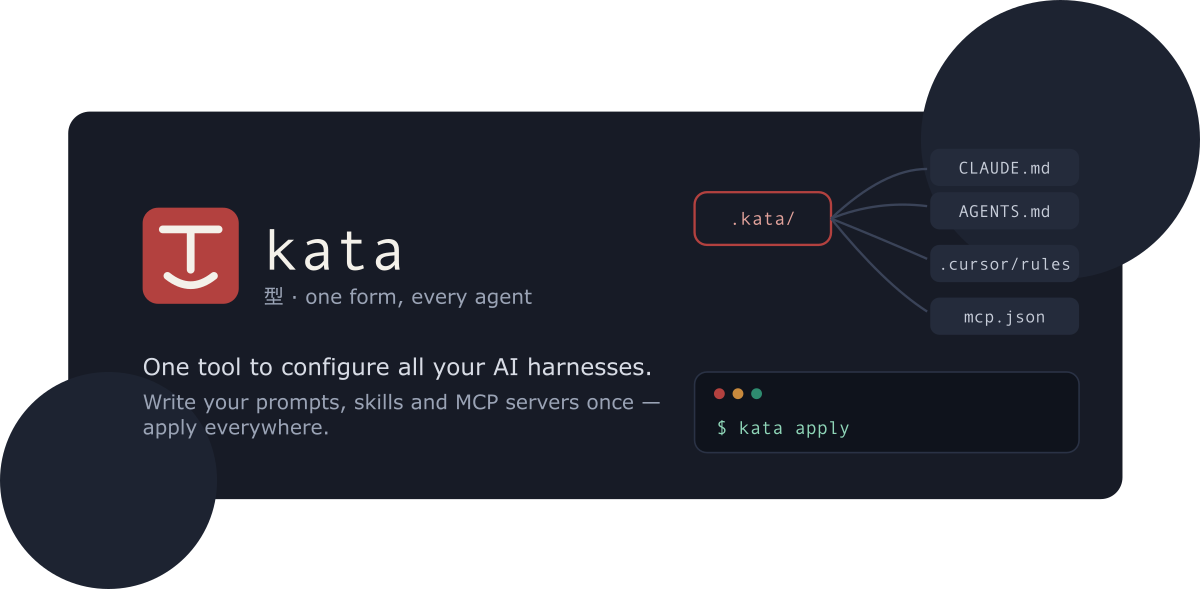
kata
One tool to configure all your AI harnesses / agents. Define it once, perform it everywhere!
kata - English /ˈkɑːtə/, Japanese 型 [ka̠ta̠] - a mold, model, or pattern: a standardized template that produces the same form every time.
Every AI coding tool wants its own config: CLAUDE.md, AGENTS.md,
.cursor/rules, .mcp.json, .codex/config.toml, and more. Keeping them in
sync by hand is tedious and error-prone.
kata lets you write instructions, MCP servers, prompts, skills, and
subagents once in a .kata/ directory, then compiles them into each tool's
native format - like Babel or Terraform, but for agent configs.
- Guide - what kata is and how to get started
- Kata format - everything
.kata/supports - CLI reference - every command and flag
- ROADMAP.md - planned work
How it works
kata initscaffolds.kata/and detects which tools are installed.- You describe your customization once, in
.kata/. kata planshows exactly which native files would be created or updated, with diffs.kata applywrites them.
Output is deterministic and idempotent: the same .kata/ always produces
byte-identical native files, so a second plan reports no changes and git
diffs stay clean. Content you hand-edit outside the <!-- kata:begin/end -->
managed regions is never touched, and JSON configs are merged rather than
overwritten.
Quick start
Install the CLI (requires Node ≥ 24):
npm install -g @katahq/cli
Or run it without installing: npx @katahq/cli <command>.
Then, in a project you want to configure:
kata init                       # scaffold .kata/, detect installed tools
$EDITOR .kata/instructions/base.md
kata plan                       # preview native files, with diffs
kata apply                      # write them
Or configure every project at once via the user-level ~/.kata/:
kata init --global
$EDITOR ~/.kata/instructions/base.md
kata apply --global             # emits ~/.claude/CLAUDE.md, ~/.codex/config.toml, ...
Commands
| Command | What it does |
|---|---|
kata init |
Scaffold .kata/ and detect installed tools |
kata add mcp|instruction|prompt|agent|skill |
Add an artifact to .kata/ |
kata plan |
Dry run: show native files to create/update, with diffs |
kata apply |
Write native config for every enabled target |
kata status |
Detect drift; exits non-zero when out of sync (CI gate) |
kata import |
Ingest existing native configs into .kata/ |
kata install |
Install a shared config package (git URL or npm:<pkg>) |
kata watch |
Re-apply whenever .kata/ changes |
kata doctor |
Check env vars, MCP commands, capability warnings |
kata targets list|enable|disable |
Manage which targets are enabled |
Every command except import also accepts -g, --global to operate on the
user-level ~/.kata/. Secrets are referenced as ${env:VAR} in .kata/ and
rendered to each tool's native expansion syntax - never inlined into a
committed file.
Targets
Adapters for Claude Code, Codex CLI, GitHub Copilot CLI, Cursor, Gemini CLI,
OpenCode, and VS Code. Each declares its capabilities and reports lossy
mappings in plan/apply output rather than dropping them silently. See the
adapter reference for the full
capability matrix. Community adapters can ship as kata-adapter-* npm packages.
Repository layout
packages/core- kata schema (zod), project loader, planner/applier, adapter interface, managed-region + JSON-merge write strategies.packages/cli- thekatacommand-line tool (built on oclif).packages/adapters/*- one adapter per target tool.packages/docs- VitePress documentation site.
Development
npm run build        # build all workspaces
npm run typecheck
npm run lint
npm test             # vitest
npm run docs:build   # build the docs site
Requires Node ≥ 24 (pinned in .node-version); uses npm workspaces.
License
MIT © Tiago Santos
Установить Adapter Copilot в Claude Desktop, Claude Code, Cursor
unyly install adapter-copilotСтавит в Claude Desktop, Claude Code, Cursor и VS Code — сам разбирается с npx, uvx и сборкой из исходников.
Впервые? Поставь CLI: curl -fsSL https://unyly.org/install | sh
Или настроить вручную
Выполни в терминале:
claude mcp add adapter-copilot -- npx -y @katahq/adapter-copilotПошаговые гайды: как установить Adapter Copilot
FAQ
Adapter Copilot MCP бесплатный?
Да, Adapter Copilot MCP бесплатный — установка в пару кликов через Unyly без оплаты.
Нужен ли API-ключ для Adapter Copilot?
Нет, Adapter Copilot работает без API-ключей и переменных окружения.
Adapter Copilot — hosted или self-hosted?
Self-hosted: сервер запускается локально на твоей машине командой из раздела установки.
Как установить Adapter Copilot в Claude Desktop, Claude Code или Cursor?
Открой Adapter Copilot на unyly.org, выбери вкладку своего клиента (Claude Desktop, Claude Code, Cursor) и нажми Install — конфиг сгенерируется автоматически, без правки JSON.
Изменения
Версии и запрашиваемые доступы со временем.
- Новая версия опубликована
- Новая версия опубликована
- Новая версия опубликована
- Новая версия опубликована
- Новая версия опубликована
- Новая версия опубликована
- Новая версия опубликована
- Новая версия опубликована
Похожие MCP
GitHub
PRs, issues, code search, CI status
 автор: GitHub
Filesystem
Secure file operations with configurable access controls.
Memory
Knowledge graph-based persistent memory system.

Unyly Deploy
Deploy sites and MCP servers to Unyly straight from your AI agent
 автор: Unyly
Amap Maps Mcp Server
MCP server for using the AMap Maps API
 автор: duxiaohui
PayMCP
Lightweight payments layer for MCP servers: turn tools into paid endpoints with a two-line decorator. [PyPI](https://pypi.org/project/paymcp/) · [npm](https://w
 автор: blustAI
Server For Power BI
Enables exploring Microsoft Fabric / Power BI workspaces and semantic models, and executing ad-hoc DAX queries.
 автор: Mitsubishi-Fuso
Gpt Image 2 Mcp
RunAPI GPT Image 2 MCP server for image generation: create tasks, poll results, and check pricing across 1 model from Claude Code, Codex, Cursor, and VS Code.
 автор: runapi-ai
Template MCP Server
A CLI tool to create a new Model Context Protocol server project with TypeScript support, dual transport options, and an extensible structure
 автор: mcpdotdirect
Supabase
Database, auth and storage
 автор: Supabase
Compare Adapter Copilot with
Не уверен что выбрать?
Найди свой стек за 60 секунд
Автор?
Embed-бейдж для README
Похожее
Все в категории development