
Agent Intel
FreeNot checkedAn OpenAI-powered developer intelligence MCP server that scans GitHub repositories, extracts and clusters agent engineering patterns, analyzes local codebases,

About
An OpenAI-powered developer intelligence MCP server that scans GitHub repositories, extracts and clusters agent engineering patterns, analyzes local codebases, and proposes safe AGENTS.md improvements.
README
agent-intel-mcp is an OpenAI-powered developer intelligence MCP server. It scans high-signal GitHub repositories, extracts reusable agent-engineering patterns, clusters them, compares them against a local codebase, and proposes safe AGENTS.md improvements.
This version moves beyond a thin MVP:
- Deep local codebase scanning with conventions and gap detection
- OpenAI
Responses APIfor suggestion synthesis - OpenAI embeddings for pattern clustering with heuristic fallback
- MCP stdio server with tools, resources, and prompts
- GitHub repository scanning with relevance scoring
AGENTS.mdpatch preview generation- SQLite-backed local memory for scans, clusters, suggestions, and dashboard history
- CI, release, and deploy scaffolding for portfolio-ready delivery
What This Project Proves
- OpenAI integration beyond chat wrappers
- MCP server design for agent clients
- GitHub mining and local repo analysis in one workflow
- safe patch generation instead of blind repository mutation
- TypeScript developer tooling with tests, CI, and release scaffolding
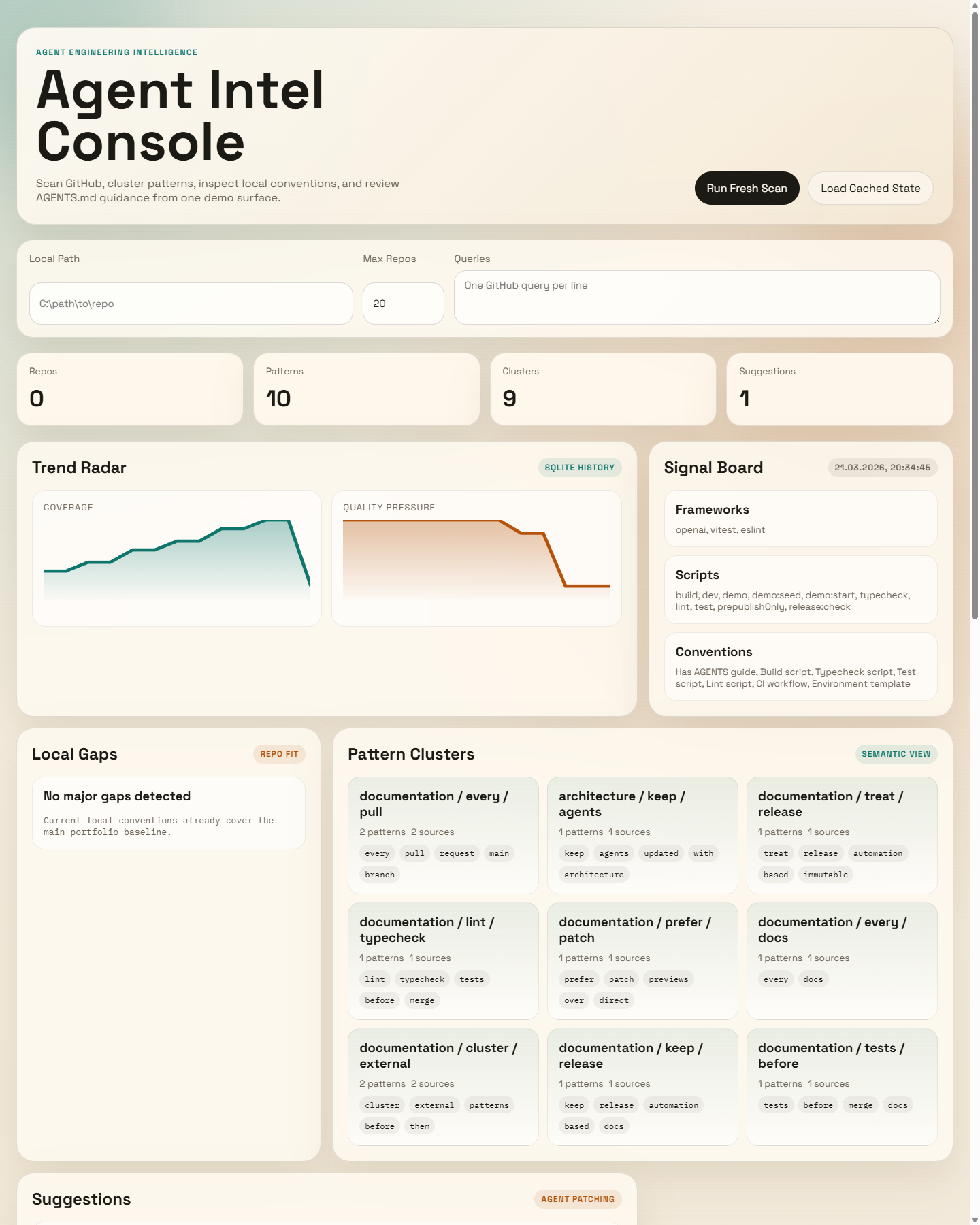
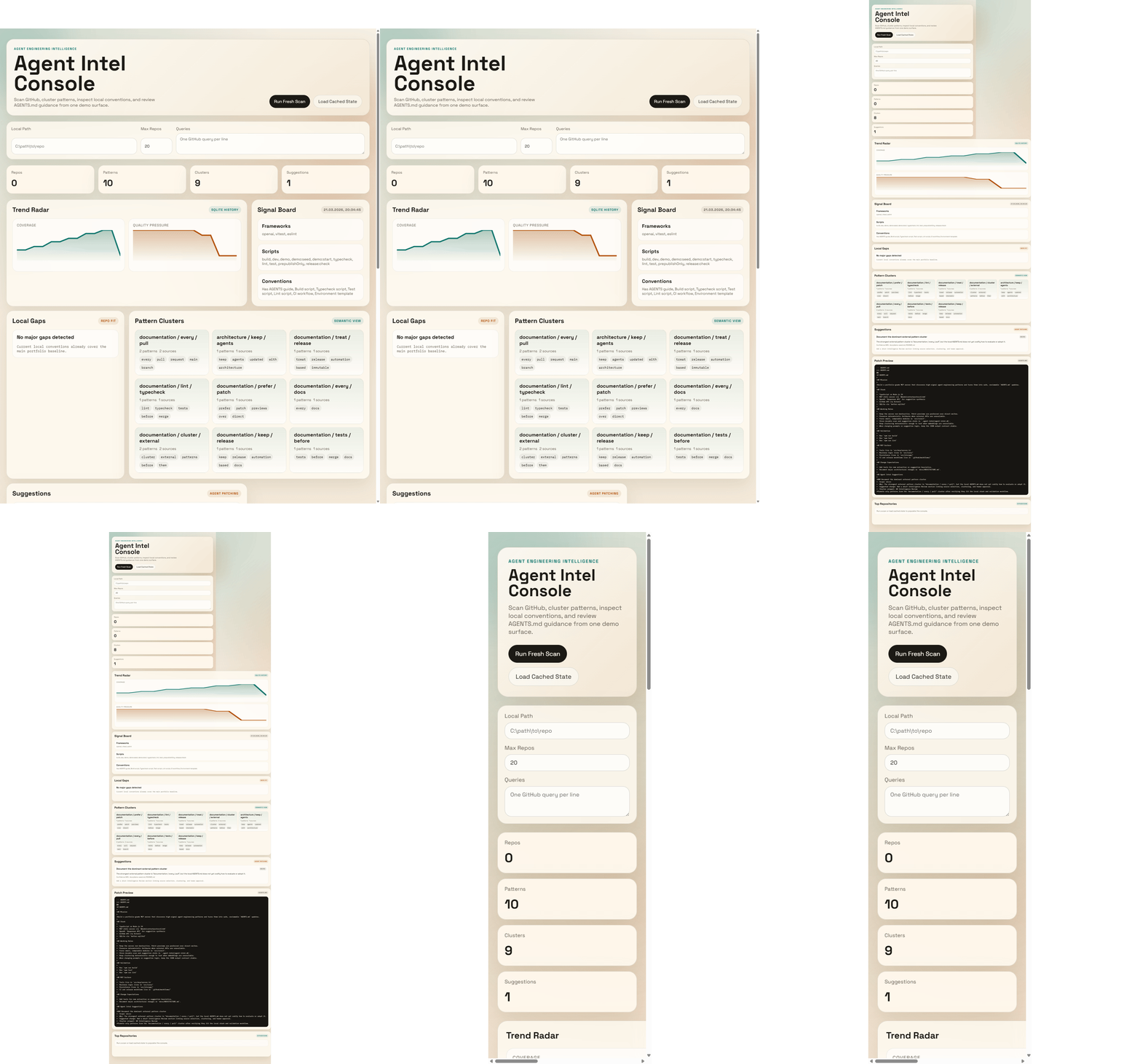
Demo Preview
Architecture
+---------------------------------------------------------------+
| agent-intel-mcp                                               |
|                                                               |
|  MCP Server (stdio)                                           |
|  |- Tools: scan, extract, cluster, analyze, suggest, patch    |
|  |- Resources: scans, patterns, clusters, local profile, patch|
|  `- Prompts: summary, AGENTS rewrite                          |
|                                                               |
|  Core Engine                                                  |
|  |- GithubScanner          -> Octokit search + README fetch   |
|  |- PatternExtractor       -> heuristic pattern mining        |
|  |- PatternClusterer       -> embeddings / cosine clustering  |
|  |- LocalRepoProfiler      -> codebase conventions + gaps     |
|  |- OpenAiSuggestionEngine -> Responses API / heuristic mode  |
|  |- PatchBuilder           -> non-destructive AGENTS diff     |
|  `- SqliteStore            -> scans, patterns, clusters       |
+---------------------------------------------------------------+
More detail: docs/ARCHITECTURE.md Case study: docs/CASE_STUDY.md
Tools
scan_github_reposextract_patternscluster_patternsanalyze_local_repogenerate_suggestionsgenerate_agents_patch
Quick Start
npm install
cp .env.example .env
npm run build
npm test
npm run demo:seed
npm run demo
Open http://localhost:4321.
Run With .env
Create a local .env in the project root:
OPENAI_API_KEY=sk-...
GITHUB_TOKEN=ghp_...
LOCAL_REPO_PATH=C:\Users\syfsy\projekty\agent-intel-mcp
Then run:
npm install
npm run build
npm run demo
Use .env when you want real OpenAI-backed suggestions or a different local repository target.
Run Demo Against Another Repo
PowerShell example:
$env:LOCAL_REPO_PATH="C:\Users\syfsy\projekty\some-other-repo"
npm run demo
Or put that path into .env:
LOCAL_REPO_PATH=C:\Users\syfsy\projekty\some-other-repo
What changes in this mode:
- local stack analysis points at the other repo
- detected gaps and conventions come from the other repo
- generated
AGENTS.mdpatch is tailored to the other repo
Connect As An MCP Server
Build first:
npm install
npm run build
Then add it to your MCP client config:
{
  "mcpServers": {
    "agent-intel": {
      "command": "node",
      "args": ["C:/Users/syfsy/projekty/agent-intel-mcp/dist/index.js"],
      "env": {
        "OPENAI_API_KEY": "sk-...",
        "GITHUB_TOKEN": "ghp_...",
        "LOCAL_REPO_PATH": "C:/Users/syfsy/projekty/agent-intel-mcp"
      }
    }
  }
}
After restart, the MCP client will see these tools:
scan_github_reposextract_patternscluster_patternsanalyze_local_repogenerate_suggestionsgenerate_agents_patch
Environment
| Variable | Default | Description |
|---|---|---|
OPENAI_API_KEY |
unset | Enables model-backed suggestions and embeddings |
OPENAI_MODEL |
gpt-5-mini |
OpenAI model used for suggestion generation |
OPENAI_EMBEDDING_MODEL |
text-embedding-3-small |
Model used for pattern clustering |
GITHUB_TOKEN |
unset | Raises GitHub API limits and private-org access |
CLUSTER_SIMILARITY_THRESHOLD |
0.82 |
Cosine threshold for embedding-based clusters |
LOCAL_REPO_PATH |
process.cwd() |
Repository profiled for AGENTS.md suggestions |
AGENT_INTEL_DATA_DIR |
.agent-intel |
SQLite and cached outputs |
Demo UX
- Local dashboard served from
http://localhost:4321 - Real pipeline trigger: fresh scan, clustering, local gap analysis, patch preview, and history charts
- Seeded portfolio state via
npm run demo:seed - Safe patch preview keeps suggested
AGENTS.mdchanges reviewable before any adoption - Frontend files: public/index.html, public/styles.css, public/app.js
Release Readiness
- CI: ci.yml
- Tagged release publishing: release.yml
- Package validation:
npm run release:check
Deploy Preview
The repo ships with Docker and Render scaffolding:
Recommended path:
- Push the repo to GitHub.
- Create a Render web service from the repo.
- Add
OPENAI_API_KEYandGITHUB_TOKENif you want live model-backed scans. - Use
/healthzas the health check. - Deploy and open the generated public URL as the portfolio preview.
Why OpenAI Here
This implementation uses the OpenAI Responses API for suggestion synthesis and the embeddings API for semantic clustering. Current official docs also describe tool-driven workflows and remote MCP support: Using tools and Developer quickstart.
Install Agent Intel in Claude Desktop, Claude Code & Cursor
unyly install agent-intel-mcpInstalls into Claude Desktop, Claude Code, Cursor & VS Code — handles npx, uvx and build-from-source repos for you.
First time? Get the CLI: curl -fsSL https://unyly.org/install | sh
Or configure manually
Run in your terminal:
claude mcp add agent-intel-mcp -- npx -y github:danieloza/agent-intel-mcpFAQ
Is Agent Intel MCP free?
Yes, Agent Intel MCP is free — one-click install via Unyly at no cost.
Does Agent Intel need an API key?
No, Agent Intel runs without API keys or environment variables.
Is Agent Intel hosted or self-hosted?
Self-hosted: the server runs locally on your machine via the install command above.
How do I install Agent Intel in Claude Desktop, Claude Code or Cursor?
Open Agent Intel on unyly.org, pick your client tab (Claude Desktop, Claude Code, Cursor) and press Install — the config is generated automatically, no JSON editing.
Related MCPs
GitHub
PRs, issues, code search, CI status
 by GitHub
Filesystem
Secure file operations with configurable access controls.
Memory
Knowledge graph-based persistent memory system.
Template MCP Server
A CLI tool to create a new Model Context Protocol server project with TypeScript support, dual transport options, and an extensible structure
 by mcpdotdirect
Compare Agent Intel with
Not sure what to pick?
Find your stack in 60 seconds
Author?
Embed badge for your README
Browse similar
All development MCPs