
Flowcastle
FreeNot checkedBuild, edit, and deploy Telegram bots on FlowCastle's hosted visual flow platform: 16 tools to read workspace context, learn the flow format, validate and apply

About
Build, edit, and deploy Telegram bots on FlowCastle's hosted visual flow platform: 16 tools to read workspace context, learn the flow format, validate and apply flow edits, and manage broadcasts. Ships with 23 ready-to-use bot templates and runs as a stdio bridge (mcp-remote) to the hosted Streamable HTTP endpoint.
README
Ready-to-use Telegram bot templates and an MCP server — build, edit, and deploy Telegram bots from Claude Code, Codex, Cursor, or any MCP-capable AI agent. No SDK boilerplate: describe the bot, and your agent assembles the flow.
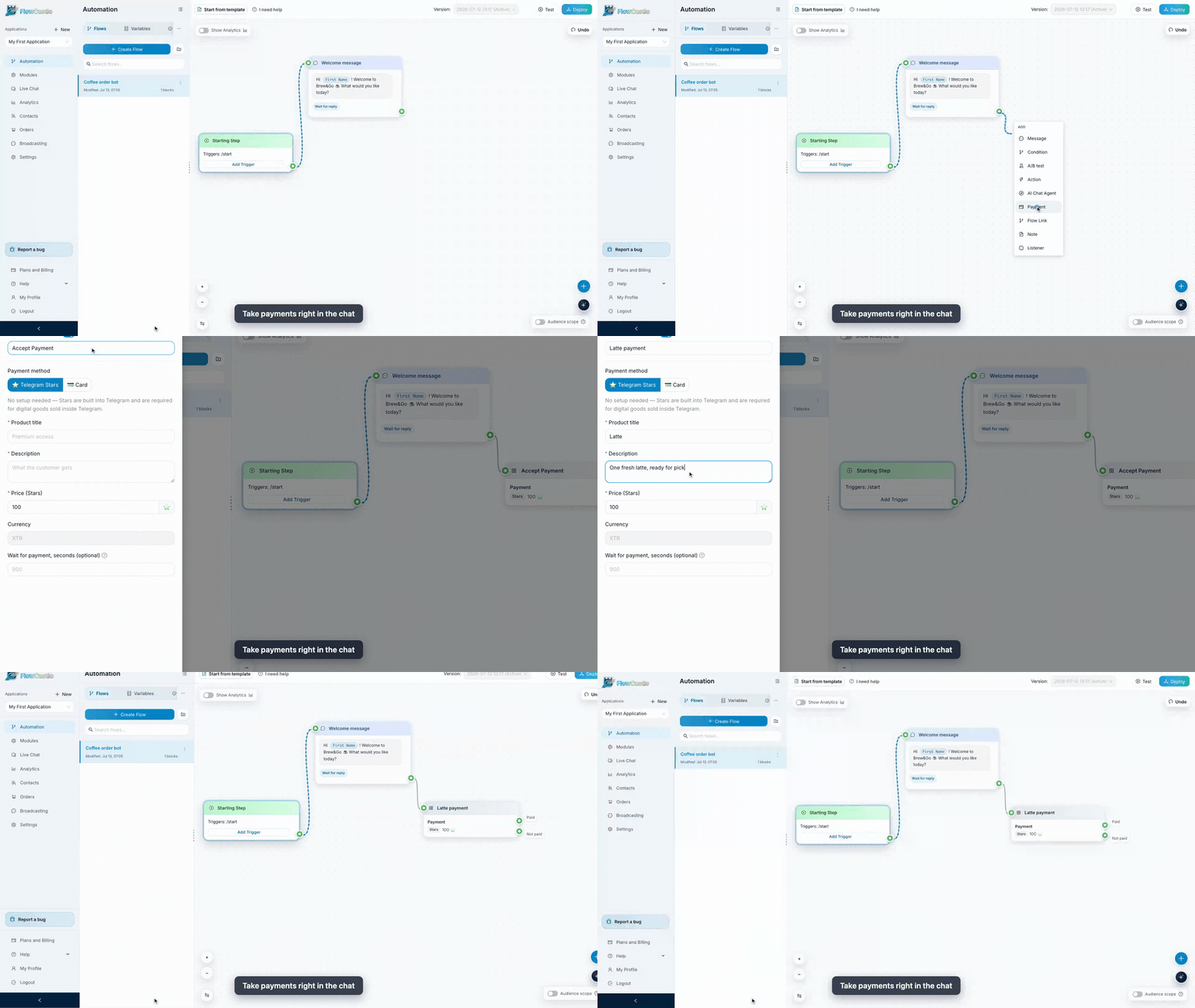
FlowCastle is a visual workflow builder for Telegram bots and web chat: flows, triggers, conditions, AI steps, payments (Stripe / YooKassa / Telegram Stars), broadcasts, drip sequences, and integrations (Gmail, Google Sheets, Notion, OpenAI, …) — with a REST API and an MCP server, so bot development works straight from your AI coding agent. Every block an agent creates through MCP is the same block you can drag, wire, and edit visually.
This repo is for developers. It contains:
| Path | What it is |
|---|---|
| templates/ | 23 production bot templates as JSON — the same source that powers the template gallery and the MCP get_flow_example tool |
| mcp/ | MCP server reference: endpoint, auth, all 16 tools, and a snapshot of the flow-action schema used by apply_actions |
Build a bot from your AI agent (MCP)
FlowCastle exposes an MCP server over Streamable HTTP:
POST https://api.flowcastle.ai/api/mcp
Authorization: Bearer <your-application-api-key>   # starts with app_
Get a key: sign up → create an application → API page → MCP tab.
Claude Code
export FLOWCASTLE_MCP_TOKEN='<your-application-api-key>'

claude mcp add --transport http flowcastle https://api.flowcastle.ai/api/mcp \
  --header "Authorization: Bearer $FLOWCASTLE_MCP_TOKEN"
Codex
codex mcp add flowcastle \
  --url https://api.flowcastle.ai/api/mcp \
  --bearer-token-env-var FLOWCASTLE_MCP_TOKEN
Cursor / any MCP client (JSON config)
{
  "mcpServers": {
    "flowcastle": {
      "type": "http",
      "url": "https://api.flowcastle.ai/api/mcp",
      "headers": {
        "Authorization": "Bearer <your-application-api-key>"
      }
    }
  }
}
Then just ask your agent things like:
"Look at my FlowCastle workspace and add a lead-qualification flow: greet on /start, ask three button questions, save answers to contact variables, and notify me."
The agent reads your workspace with get_workspace_summary / get_flow_context, drafts a batch of flow-builder actions, checks it with validate_actions, and applies it with apply_actions. See mcp/README.md for the full tool reference.
Templates
Each JSON file in templates/ is a complete bot: metadata (title, summary, use-cases, suggested variables, required modules) plus a schemaExample.actions array — an ordered batch of create_flow / create_block / create_link / create_variable operations in the exact format apply_actions accepts.
Three ways to use them:
- One-click install from the gallery: flowcastle.ai/templates
- Via MCP — ask your agent to
search_flow_examples/get_flow_exampleand apply one (optionally customized) to your workspace - As reference — study how real flows wire triggers, conditions, wait-for-reply steps, payments, and AI blocks
Full index and format description: templates/README.md.
REST Public API
Application-scoped REST API for contacts, contact variables, goal events, flow sends, and broadcasts:
- Base URL:
https://api.flowcastle.ai/api/public/v1 - Interactive docs (Swagger): https://api.flowcastle.ai/api/public/docs
- OpenAPI spec: https://api.flowcastle.ai/api/public/openapi.json
Auth uses the same app_… application key (Authorization: Bearer or X-API-Key).
Guides
Step-by-step builds on the FlowCastle blog:
- Build a Lead Bot in Telegram in 10 Minutes
- Build an AI Support Bot for Telegram
- I Replaced My Morning Apps With One Telegram Bot
Links
- Product: https://flowcastle.ai
- Dashboard: https://dashboard.flowcastle.ai
- Template gallery: https://flowcastle.ai/templates
- API docs: https://api.flowcastle.ai/api/public/docs
Contributing
Found a bug in a template, or built a flow worth sharing? Open an issue or PR — templates are plain JSON, and validate_actions (via MCP) will tell you if a batch is well-formed.
License
The contents of this repository are licensed under the MIT License.
Installing Flowcastle
This server has no published package — it is built from source. Open the repository and follow its README.
▸ github.com/FlowCastle/telegram-bot-templatesFAQ
Is Flowcastle MCP free?
Yes, Flowcastle MCP is free — one-click install via Unyly at no cost.
Does Flowcastle need an API key?
No, Flowcastle runs without API keys or environment variables.
Is Flowcastle hosted or self-hosted?
A hosted option is available: Unyly runs the server in the cloud, no local setup required.
How do I install Flowcastle in Claude Desktop, Claude Code or Cursor?
Open Flowcastle on unyly.org, pick your client tab (Claude Desktop, Claude Code, Cursor) and press Install — the config is generated automatically, no JSON editing.
Related MCPs
Gmail
Read, send and search emails from Claude
 by Google
Slack
Send, search and summarize Slack messages
 by Slack
Runbear
No-code MCP client for team chat platforms, such as Slack, Microsoft Teams, and Discord.
Discord Server
A community discord server dedicated to MCP by [Frank Fiegel](https://github.com/punkpeye)
Klavis AI
Open Source MCP Infra. Hosted MCP servers and MCP clients on Slack and Discord.
Work90210/APIFold
Turn any REST API into a hosted MCP server, with ready-made public servers for GitHub, Stripe, Slack, OpenAI, Notion and more.
 by Work90210
arikusi/deepseek-mcp-server
DeepSeek AI chat and reasoning with multi-turn sessions, function calling, thinking mode and cost tracking.
 by arikusi
hashgraph-online/hashnet-mcp-js
Discover, register and chat with AI agents on the Hashgraph network via the Registry Broker.
 by hashgraph-online
profullstack/mcp-server
Developer utilities: SEO optimization, document conversion, domain lookup, email validation, QR codes, weather data, social media posting and security scanning.
 by profullstack
WayStation-ai/mcp
Connect MCP hosts to apps such as Notion, Slack, Monday and Airtable.
 by waystation-ai
Compare Flowcastle with
Not sure what to pick?
Find your stack in 60 seconds
Author?
Embed badge for your README
Browse similar
All communication MCPs