
Gimmick Vision
FreeNot checkedBridges Claude Code to local OpenAI-compatible vision models for image analysis and OCR.

About
Bridges Claude Code to local OpenAI-compatible vision models for image analysis and OCR.
README
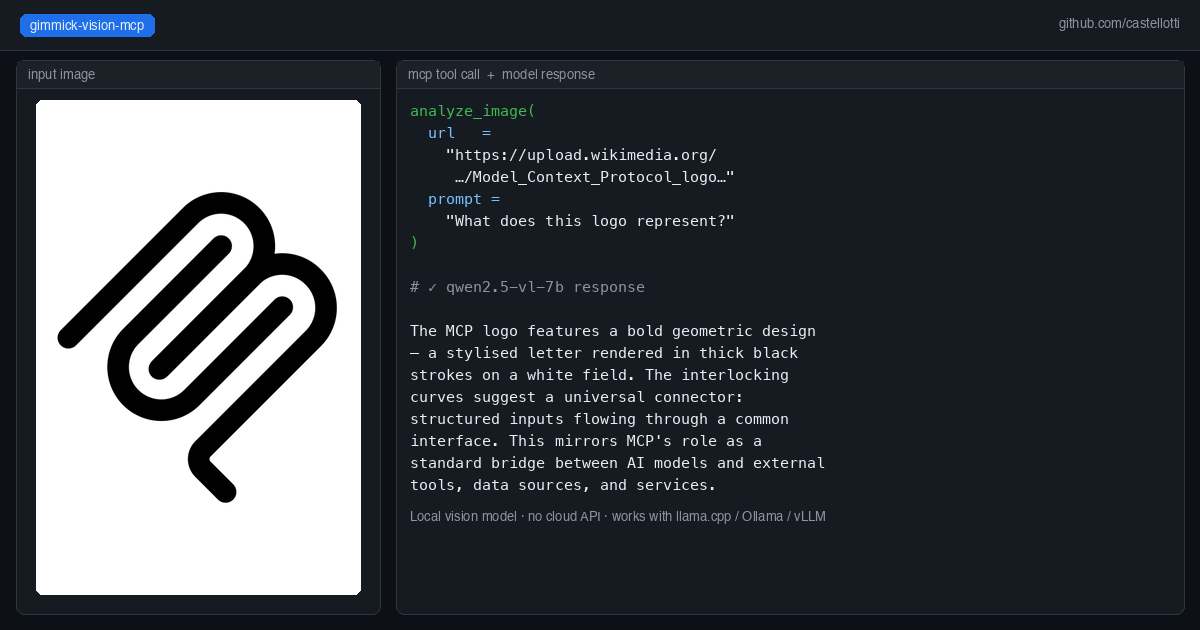
An MCP server that bridges Claude Code and other agents to any local OpenAI-compatible vision model.
Pass an image URL and a prompt — gimmick-vision forwards the request to your local vision server and returns the text response. Works with any model served via an OpenAI-compatible API (llama.cpp, Ollama, vLLM, etc.).
Why this exists
Claude Code (especially when running against a local LLM like Qwen3-Coder-Next) has no built-in vision capability. gimmick-vision adds three image analysis tools to the MCP toolset, routing vision requests to a separate local model — for example Qwen2.5-VL-7B — without any cloud API calls.
Tools provided
| Tool | Description |
|---|---|
analyze_image |
Analyze a single image from a URL. Returns a description or answer to the prompt. |
compare_images |
Send up to 8 images for combined analysis or comparison. |
read_image_text |
OCR-focused extraction of all visible text from an image. |
Quick start with Docker
docker run --rm -i \
  -e VISION_API_BASE=http://host.docker.internal:8081/v1 \
  -e VISION_MODEL=qwen2.5-vl-7b \
  ghcr.io/castellotti/gimmick-vision-mcp:latest
Add to your .mcp.json:
{
  "mcpServers": {
    "gimmick-vision": {
      "command": "docker",
      "args": [
        "run", "--rm", "-i",
        "-e", "VISION_API_BASE=http://host.docker.internal:8081/v1",
        "-e", "VISION_MODEL=qwen2.5-vl-7b",
        "ghcr.io/castellotti/gimmick-vision-mcp:latest"
      ]
    }
  }
}
Docker image
The image is published to the GitHub Container Registry on every push to main and on version tags:
docker pull ghcr.io/castellotti/gimmick-vision-mcp:latest
Building from source
git clone https://github.com/castellotti/gimmick-vision-mcp
cd gimmick-vision-mcp
docker build -t ghcr.io/castellotti/gimmick-vision-mcp:latest .
Building locally
npm install
npm run build
node build/index.js
Environment variables
| Variable | Default | Description |
|---|---|---|
VISION_API_BASE |
http://host.docker.internal:8081/v1 |
Base URL of the vision API server |
VISION_MODEL |
qwen2.5-vl-7b |
Model alias sent in API requests |
VISION_TIMEOUT |
60000 |
Request timeout in milliseconds |
GIMMICK_PANEL_URL |
http://host.docker.internal:6081/api/vision |
Optional: push results to a gimmick-search control panel for live preview |
Running a local vision server
Any OpenAI-compatible server that accepts image_url in chat completions works. Example with llama.cpp:
llama-server \
  -m Qwen2.5-VL-7B-Instruct-Q4_K_M.gguf \
  --mmproj mmproj-Qwen2.5-VL-7B-Instruct-Q8_0.gguf \
  --port 8081 \
  --host 0.0.0.0 \
  -ngl 999
On macOS/Metal, full GPU offload (-ngl 999) works well. On CUDA machines where the primary LLM already fills VRAM, run the vision model on CPU (-ngl 0).
Integration with gimmick-search
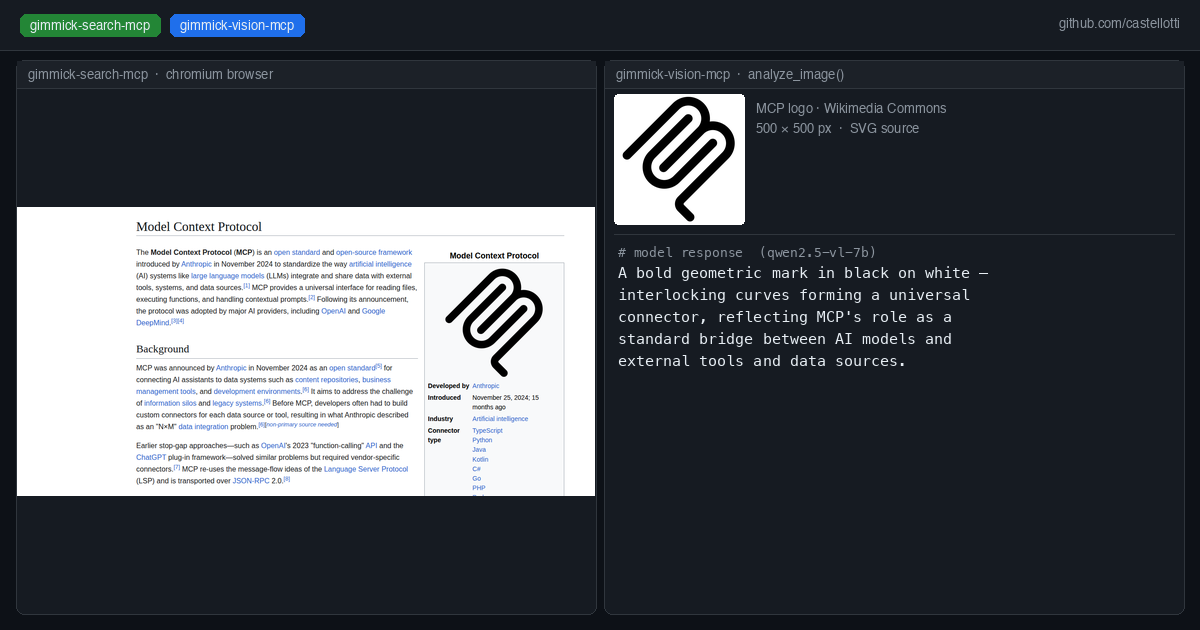
If you use gimmick-search-mcp, gimmick-vision can push analysis results to its control panel sidebar. Set GIMMICK_PANEL_URL (the default points to the gimmick-search control panel on port 6081). Failures are silently ignored so the tool works standalone.
License
MIT
Installing Gimmick Vision
This server has no published package — it is built from source. Open the repository and follow its README.
▸ github.com/castellotti/gimmick-vision-mcpFAQ
Is Gimmick Vision MCP free?
Yes, Gimmick Vision MCP is free — one-click install via Unyly at no cost.
Does Gimmick Vision need an API key?
No, Gimmick Vision runs without API keys or environment variables.
Is Gimmick Vision hosted or self-hosted?
Self-hosted: the server runs locally on your machine via the install command above.
How do I install Gimmick Vision in Claude Desktop, Claude Code or Cursor?
Open Gimmick Vision on unyly.org, pick your client tab (Claude Desktop, Claude Code, Cursor) and press Install — the config is generated automatically, no JSON editing.
Related MCPs
GitHub
PRs, issues, code search, CI status
 by GitHub
Filesystem
Secure file operations with configurable access controls.
Memory
Knowledge graph-based persistent memory system.
Template MCP Server
A CLI tool to create a new Model Context Protocol server project with TypeScript support, dual transport options, and an extensible structure
 by mcpdotdirect
Compare Gimmick Vision with
Not sure what to pick?
Find your stack in 60 seconds
Author?
Embed badge for your README
Browse similar
All development MCPs