

About
Gomoku — Model Context Protocol server
README
A Gomoku (Five-in-a-Row) game server that enables LLMs to play through the Model Context Protocol (MCP). Features intelligent threat analysis and strategic move suggestions.
Features
- 15x15 Standard Board: Classic Gomoku gameplay
- MCP Tool Integration: Full game control through MCP tools
- Threat Analysis: Detects open-fours, closed-fours, open-threes, and gap patterns
- Move Suggestions: Priority-ranked move recommendations based on tactical analysis
- Multi-Model Support: Works with any LLM via OpenRouter (Gemini, Grok, Kimi, etc.)
- CLI and GUI: Both command-line and graphical interfaces
- Two Player Mode: Watch two LLMs compete against each other
Architecture
src/
├── game/
│   ├── gomoku.py      # Core game logic
│   └── patterns.py    # Pattern detection engine
├── mcp_server/
│   └── server.py      # FastMCP server with game tools
├── prompts/
│   ├── system_prompt.py   # AI player system prompt
│   └── user_prompt.py     # Turn prompt template
├── agents.py          # LLM Agent for tool interactions
├── manager.py         # Game state coordinator
├── cli.py             # Command-line interface
└── gui.py             # Graphical interface
Installation
Environment Setup with uv
uv sync
uv pip install -e .
OpenRouter API Key
export OPENROUTER_API_KEY="YOUR_API_KEY"
Run
uv run src/cli.py   # Command-line interface (PvE or AI vs AI)
uv run src/gui.py   # Graphical interface (PvE or AI vs AI)
Two Player Mode (LLM vs LLM)
두 개의 LLM이 서로 오목을 두는 대결을 관전할 수 있습니다.
CLI에서:
uv run src/cli.py
# Select "2. Two Player 모드 (AI vs AI)"
GUI에서:
uv run src/gui.py
# Open http://localhost:8000
# Select "⚔️ AI vs AI" mode
# Choose models for Black and White
# Click "게임 시작"
How It Works
- The MCP server exposes game tools:
set_stone,analyze_threats,get_suggested_moves, etc. - The LLM agent receives the current game state and turn prompt
- The agent analyzes threats using
analyze_threats()and gets ranked moves viaget_suggested_moves() - Based on priority (blocking opponent fours > creating own threats > strategic positioning), the agent places a stone
- The pattern detector evaluates: Open-4, Closed-4, Open-3, Closed-3, Gap patterns
Threat Priority Levels
| Priority | Threat Type | Description |
|---|---|---|
| 10 | Win | Complete 5-in-a-row |
| 9 | Block Four | Stop opponent's open/closed four |
| 8 | Create Four | Make an open four |
| 7 | Block Open-3 | Prevent opponent's open three |
| 6 | Create Open-3 | Build pressure with open three |
| 3-5 | Strategic | Center control, pattern extension |
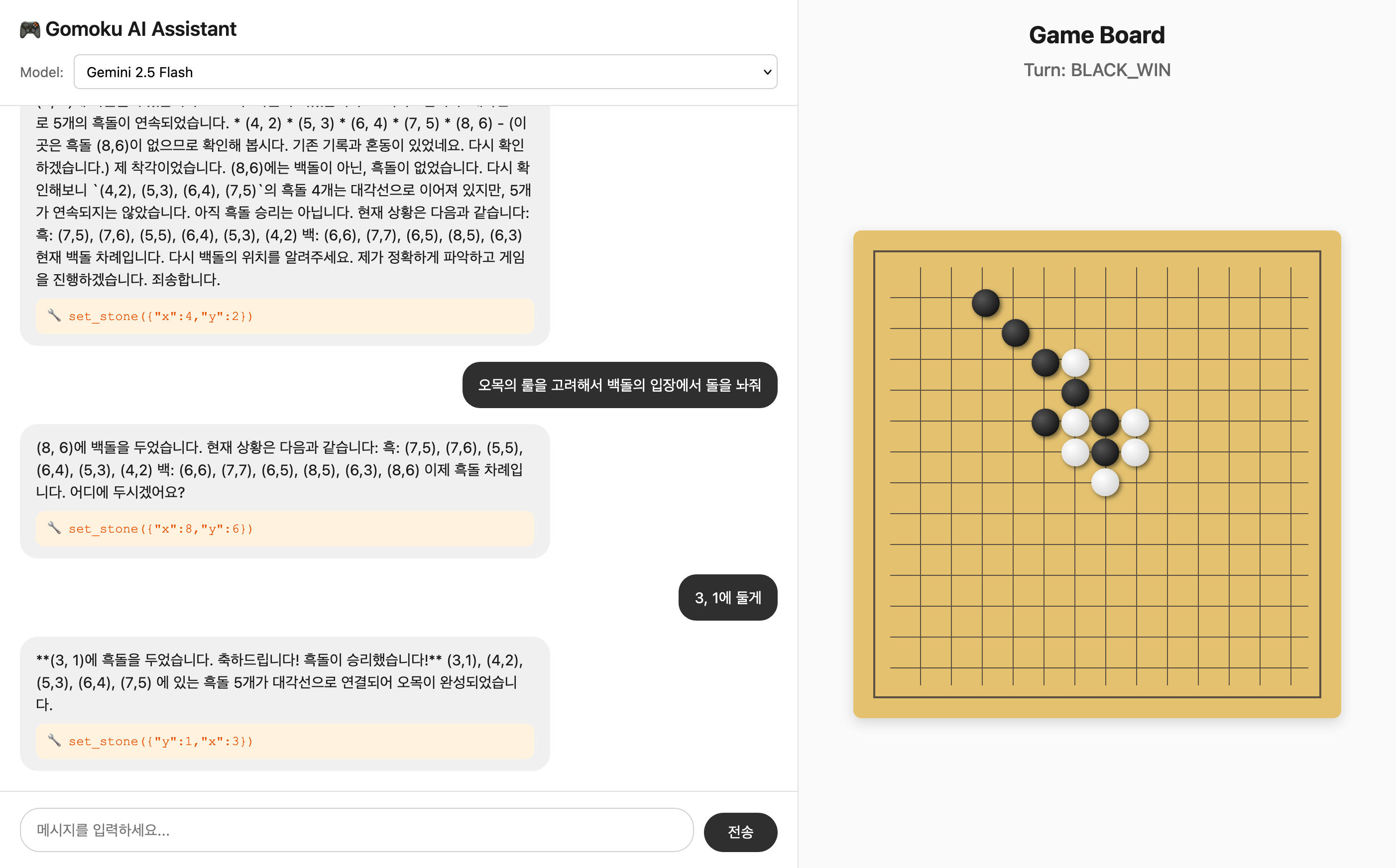
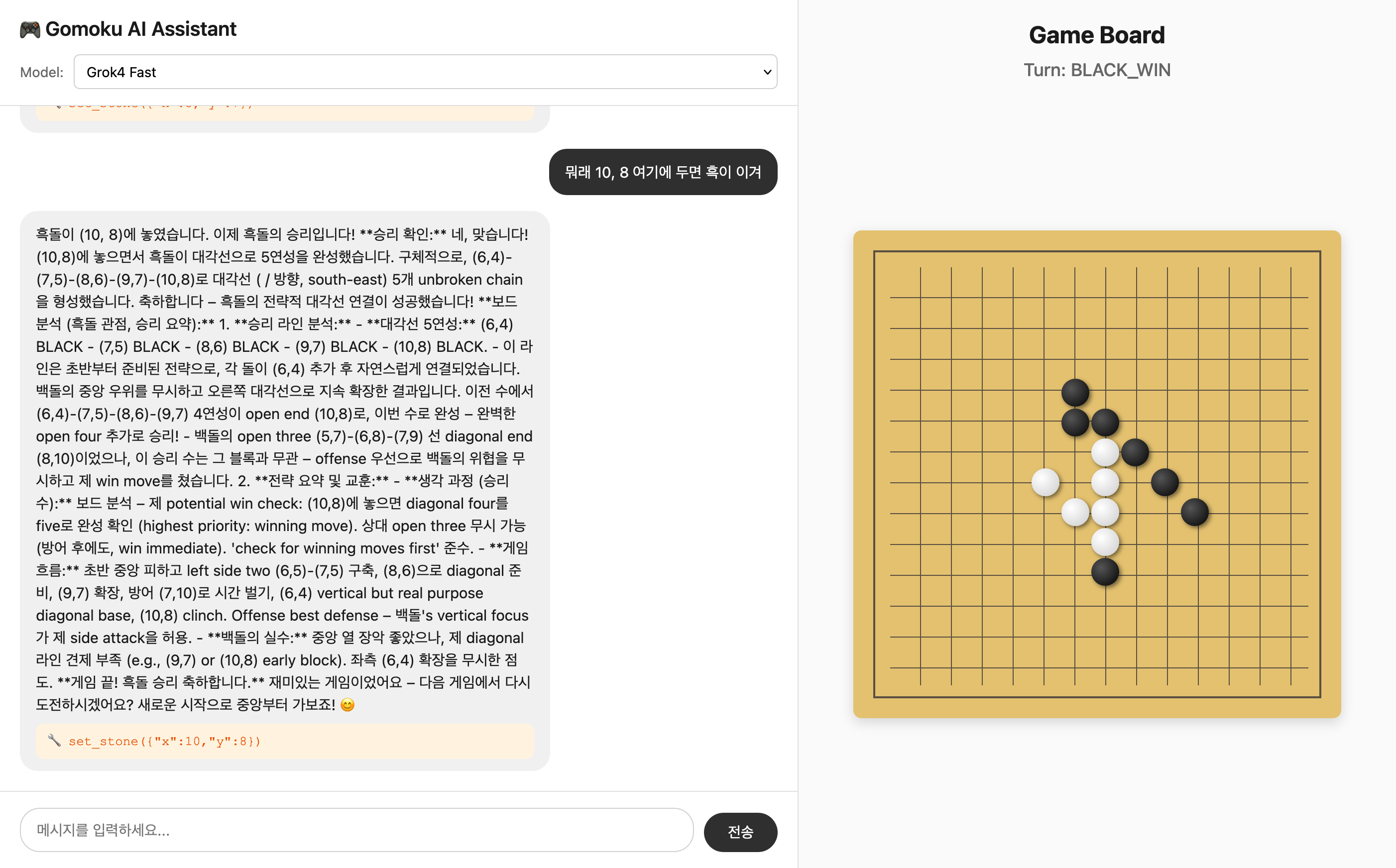
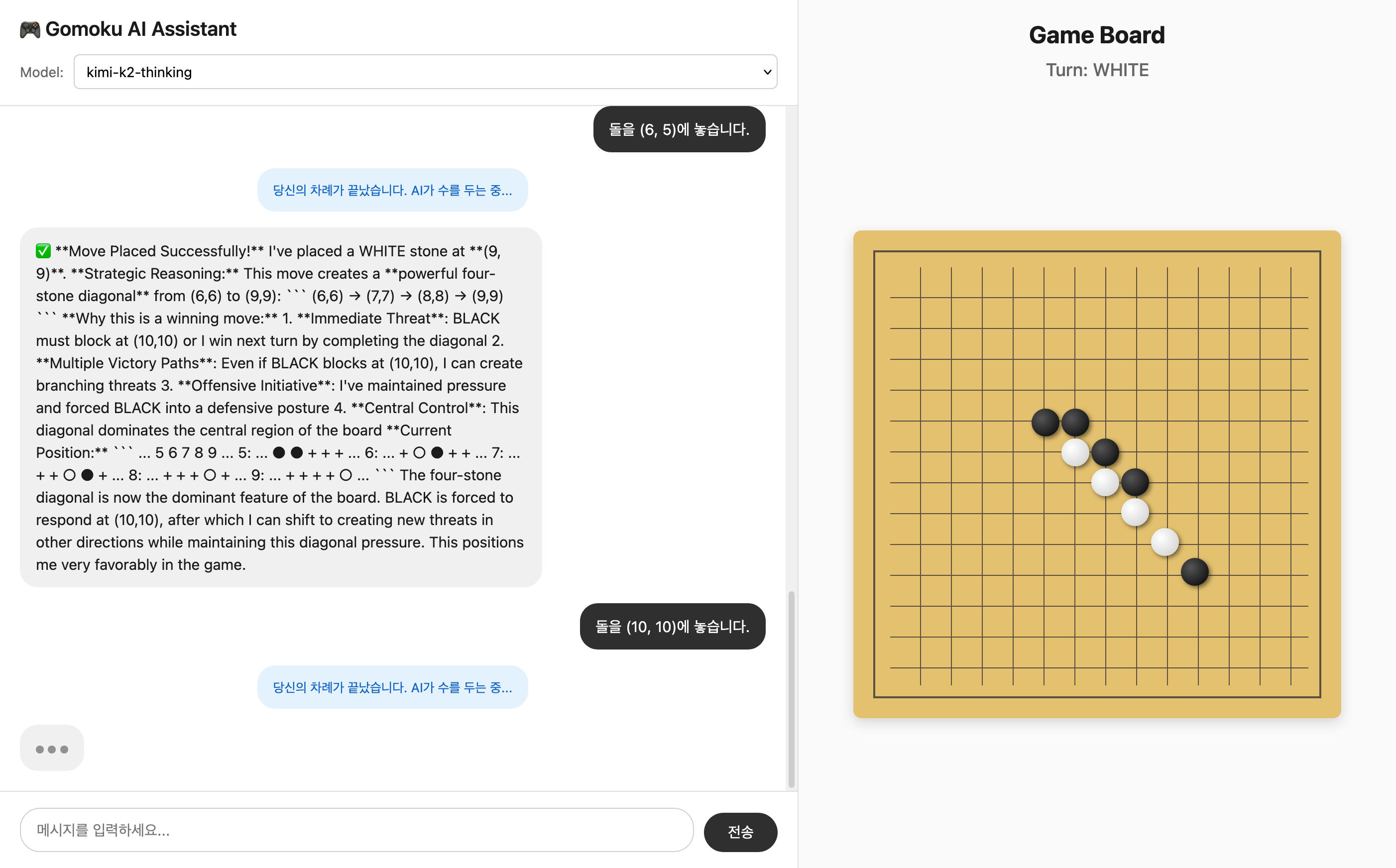
Sample Games
gemini-2.5-flash
grok4-fast
kimi-k2-thinking
MCP Configuration
Add to your MCP client configuration:
{
  "mcp-gomoku": {
    "command": "uv",
    "args": [
      "--directory",
      "/path/to/gomoku-mcp-server/",
      "run",
      "src/server.py"
    ]
  }
}
Available MCP Tools
| Tool | Description |
|---|---|
restart() |
Reset game to initial state |
visualize() |
Text-based board representation |
get_state() |
Complete game state |
set_stone(x, y, turn) |
Place a stone |
get_valid_moves() |
List of empty positions |
get_turn() |
Current turn status |
analyze_threats() |
Threat analysis for both players |
get_suggested_moves(count) |
Priority-ranked move suggestions |
Installing Gomoku
This server has no published package — it is built from source. Open the repository and follow its README.
▸ github.com/junyeong-nero/gomoku-mcp-serverFAQ
Is Gomoku MCP free?
Yes, Gomoku MCP is free — one-click install via Unyly at no cost.
Does Gomoku need an API key?
No, Gomoku runs without API keys or environment variables.
Is Gomoku hosted or self-hosted?
Self-hosted: the server runs locally on your machine via the install command above.
How do I install Gomoku in Claude Desktop, Claude Code or Cursor?
Open Gomoku on unyly.org, pick your client tab (Claude Desktop, Claude Code, Cursor) and press Install — the config is generated automatically, no JSON editing.
Related MCPs
GitHub
PRs, issues, code search, CI status
 by GitHub
Filesystem
Secure file operations with configurable access controls.
Memory
Knowledge graph-based persistent memory system.
Template MCP Server
A CLI tool to create a new Model Context Protocol server project with TypeScript support, dual transport options, and an extensible structure
 by mcpdotdirect
Compare Gomoku with
Not sure what to pick?
Find your stack in 60 seconds
Author?
Embed badge for your README
Browse similar
All development MCPs