
Locket Server
FreeNot checkedEnables interaction with a read-later and link sharing social feed app, allowing users to manage links, bookmarks, and share through web, API, and MCP.

About
Enables interaction with a read-later and link sharing social feed app, allowing users to manage links, bookmarks, and share through web, API, and MCP.
README
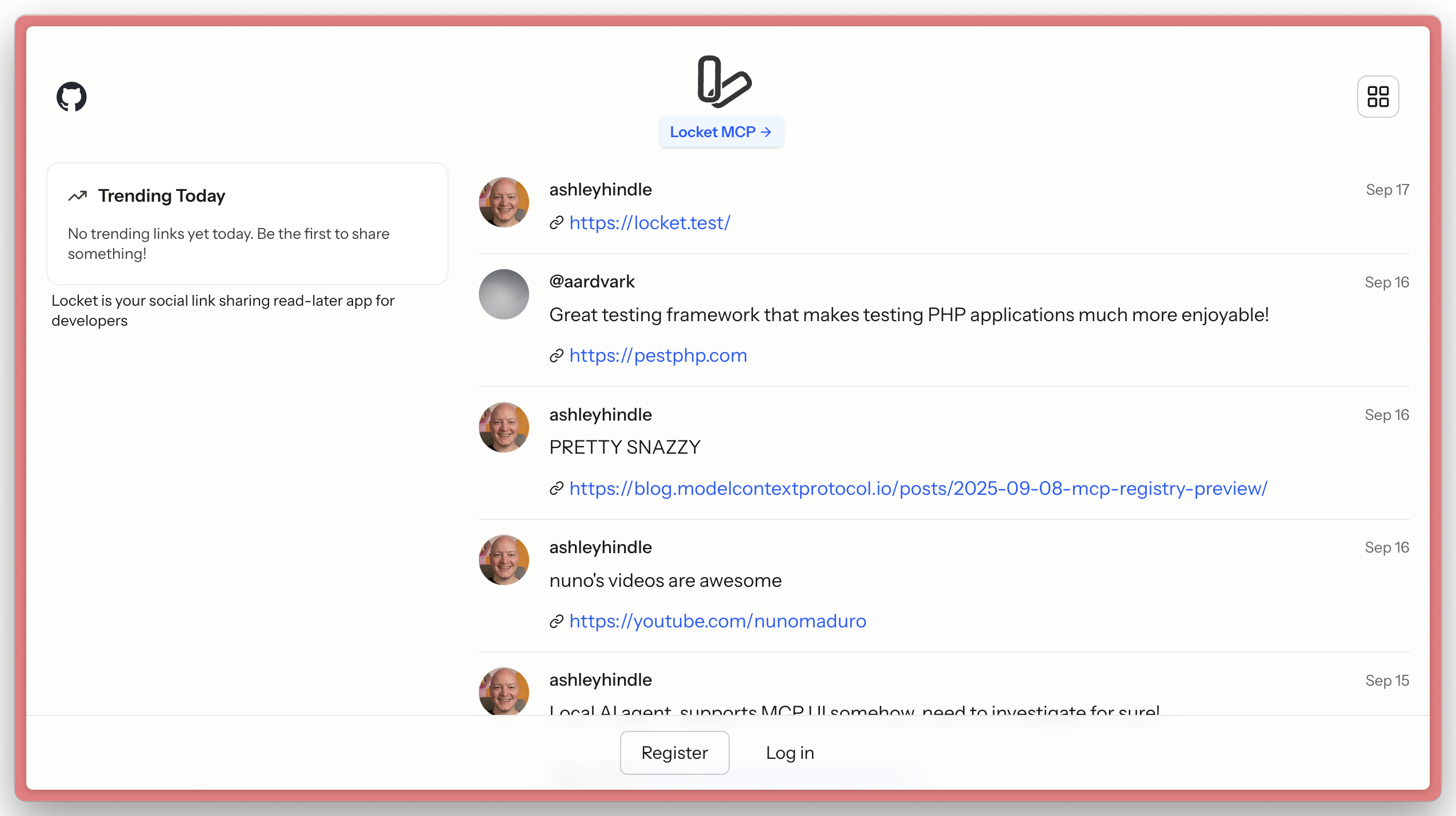
Locket is a demo application to show Laravel MCP capabilities.
It combines a read-later app with a link sharing social feed.
Locket allows users to share interesting links, manage their 'to read' list of links, and bookmark links shared by others. Locket allows users to do this through the web, API, and MCP.
Important Files
To learn the most from Locket and Laravel MCP, take a look at these directories & files:
routes/ai.phpapp/Mcp/Servers/Locket.phpapp/Mcp/Tools/app/Mcp/Actions/routes/api.php
API
Locket provides a REST API for programmatic access. See the API Documentation for detailed endpoint information and usage examples.
Getting an API Token
- Log in to your Locket account
- Go to Settings → Profile (
/settings/profile) - Create a new personal access token in the API Tokens section
- Use the token in the
Authorization: Bearer YOUR_TOKENheader for API requests
Auth
This app uses Laravel Passport for both MCP OAuth authentication and API token authentication.
Users can manage their API tokens in the user profile settings area (/settings/profile).
MCP
Locket comes with an MCP server located at http://locket.test/mcp, with tools, a resource, and a prompt.
Setup
composer install
cp .env.example .env
php artisan passport:keys

npm install
npm run build
HTTP Notes
Many AI agents use Node which comes with its own certificate store, meaning they'll fail to connect to an MCP server on https://. We recommend leaving Locket on http:// locally for testing with AI agents, and using https:// on production.
Installing Locket Server
This server has no published package — it is built from source. Open the repository and follow its README.
▸ github.com/laravel/locketFAQ
Is Locket Server MCP free?
Yes, Locket Server MCP is free — one-click install via Unyly at no cost.
Does Locket Server need an API key?
No, Locket Server runs without API keys or environment variables.
Is Locket Server hosted or self-hosted?
A hosted option is available: Unyly runs the server in the cloud, no local setup required.
How do I install Locket Server in Claude Desktop, Claude Code or Cursor?
Open Locket Server on unyly.org, pick your client tab (Claude Desktop, Claude Code, Cursor) and press Install — the config is generated automatically, no JSON editing.
Related MCPs
GitHub
PRs, issues, code search, CI status
 by GitHub
Filesystem
Secure file operations with configurable access controls.
Memory
Knowledge graph-based persistent memory system.
Template MCP Server
A CLI tool to create a new Model Context Protocol server project with TypeScript support, dual transport options, and an extensible structure
 by mcpdotdirect
Compare Locket Server with
Not sure what to pick?
Find your stack in 60 seconds
Author?
Embed badge for your README
Browse similar
All development MCPs