
Apps
FreeNot checkedEnables interacting with YouTube Data API v3 through MCP tools (get-video, get-channel, get-latest-video) and bundled UI apps for video and channel profiles.

About
Enables interacting with YouTube Data API v3 through MCP tools (get-video, get-channel, get-latest-video) and bundled UI apps for video and channel profiles.
README
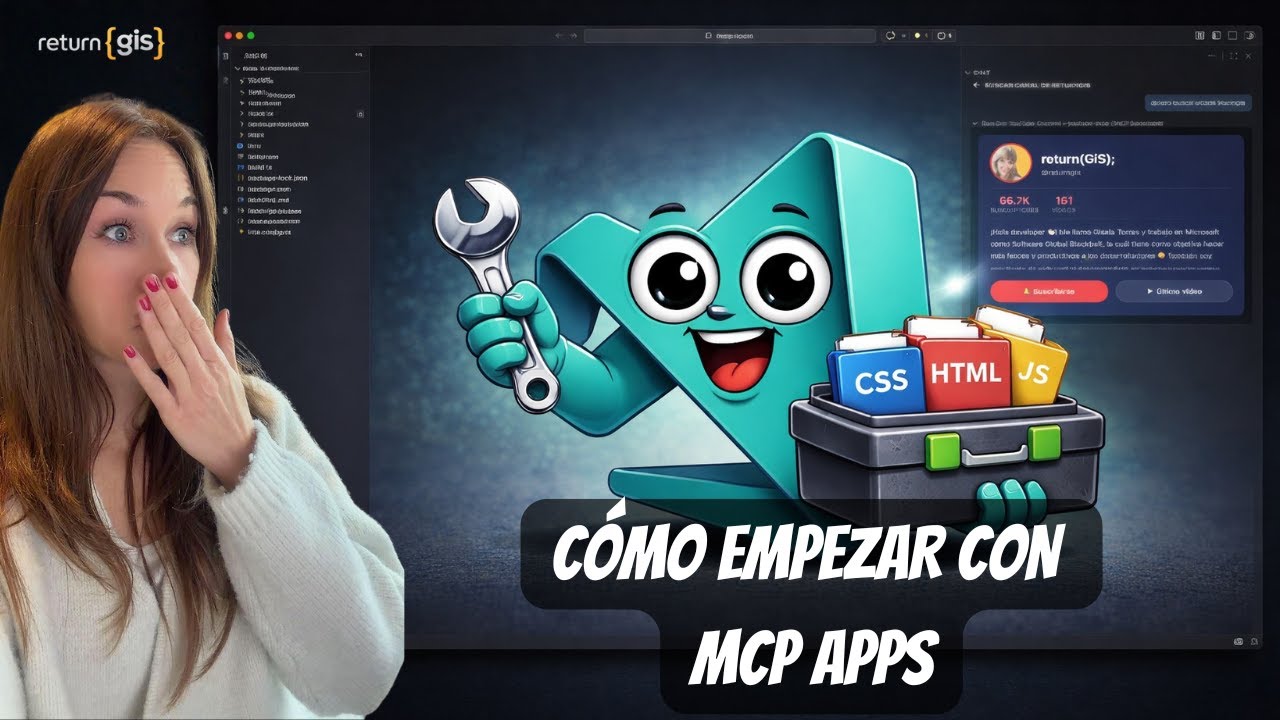
Hey developer 👋🏻! This repo implements an MCP server with YouTube tools (get-video, get-channel, get-latest-video) and two MCP Apps (video-render, channel-profile) bundled with Vite into a single HTML file to display them in VS Code Insiders. Learn how to build, serve and consume MCP Apps ❤️
🚀 Features
- get-video: Searches for a video on YouTube by query and returns title, description and thumbnail (base64) with
video-renderUI - get-channel: Gets channel info (stats, base64 thumbnail) and displays it with
channel-profileUI - get-latest-video: Returns the latest video from a channel (used in
channel-profile) - UI Apps:
video-render: Renders a video card with linkschannel-profile: Renders channel profile and shows the latest video
📋 Requirements
- Node.js 18+
- npm or yarn
- YouTube Data API v3 key (
YOUTUBE_API_KEY)
🛠️ Installation
# Clone the repository
git clone https://github.com/0GiS0/mcp-apps.git
cd mcp-apps

# Install dependencies
npm install

# Configure environment
cp .env-sample .env
# Edit .env and set your YOUTUBE_API_KEY
🏗️ Project Structure
src/
├── server.ts              # MCP Server with Express and YouTube tools
├── services/
│   └── youtube.ts         # YouTube Data API integration logic
└── apps/
    ├── channel-profile/   # Channel profile UI
    │   ├── index.html
    │   ├── app.ts
    │   └── styles.css
    └── video-render/      # Video renderer UI
        ├── index.html
        ├── app.ts
        └── styles.css
🔧 Usage
Build the apps
npm run build
Start the MCP server
npm run serve
The server will start at http://localhost:3001/mcp
Configure in VS Code
Add the following configuration to your .vscode/mcp.json file:
{
  "servers": {
    "my-mcp-server": {
      "url": "http://localhost:3001/mcp"
    }
  }
}
📦 Main Dependencies
@modelcontextprotocol/sdk- Model Context Protocol SDK@modelcontextprotocol/ext-apps- Extension for creating MCP Appsexpress- HTTP Servercors- CORS Middleware (runtime)vite+vite-plugin-singlefile- App bundling
🌐 Follow Me on Social Media
If you liked this project and want to see more content like this, don't forget to subscribe to my YouTube channel and follow me on social media:
Installing Apps
This server has no published package — it is built from source. Open the repository and follow its README.
▸ github.com/0GiS0/mcp-appsFAQ
Is Apps MCP free?
Yes, Apps MCP is free — one-click install via Unyly at no cost.
Does Apps need an API key?
No, Apps runs without API keys or environment variables.
Is Apps hosted or self-hosted?
A hosted option is available: Unyly runs the server in the cloud, no local setup required.
How do I install Apps in Claude Desktop, Claude Code or Cursor?
Open Apps on unyly.org, pick your client tab (Claude Desktop, Claude Code, Cursor) and press Install — the config is generated automatically, no JSON editing.
Related MCPs
LibreOffice Tools
Enables AI agents to read, write, and edit Office documents via LibreOffice with token-efficient design. Supports multiple formats including DOCX, XLSX, PPTX, a
 by passerbyflutter
dannote/figma-use
Full Figma control: create shapes, text, components, set styles, auto-layout, variables, export. 80+ tools.
 by dannote
Logo.dev
Search and retrieve company logos by brand or domain. Customize size, format, and theme to match your design needs. Accelerate design, prototyping, and content
 by NOVA-3951
PIX4Dmatic
Enables GUI automation for controlling PIX4Dmatic on Windows through MCP. Supports launching, focusing, capturing screenshots, sending hotkeys, clicking UI elem
 by jangjo123
Compare Apps with
Not sure what to pick?
Find your stack in 60 seconds
Author?
Embed badge for your README
Browse similar
All design MCPs