
Codemagic
БесплатноНе проверенThis MCP server enables users to manage Codemagic CI/CD builds directly from Claude Code, including listing apps, triggering builds, checking status, and cancel

Описание
This MCP server enables users to manage Codemagic CI/CD builds directly from Claude Code, including listing apps, triggering builds, checking status, and canceling builds.
README
License: MIT CI Python 3.10+ Code style: Ruff MCP Built by MusicTech Lab
An MCP server for Codemagic CI/CD. Trigger and inspect mobile/Flutter builds straight from Claude Code (or any MCP client) using the Codemagic REST API.
Built and maintained by MusicTech Lab.
Features
| Tool | Description |
|---|---|
codemagic_list_apps |
List all applications and their workflow ids |
codemagic_get_app |
Get one application's repo, branches, and workflows |
codemagic_start_build |
Trigger a build for an app/workflow on a branch or tag |
codemagic_get_build |
Get the status and details of a build |
codemagic_list_builds |
List builds, filterable by app/workflow/branch/status |
codemagic_cancel_build |
Cancel a running or queued build |
Requirements
- Python 3.10+
- Poetry
- A Codemagic API token
Setup
git clone https://github.com/musictechlab/mcp-codemagic.git
cd mcp-codemagic
poetry install
cp .env.example .env   # then fill in CODEMAGIC_API_KEY
Getting your API token
In Codemagic, go to User settings → Integrations → Codemagic API (or Team settings → Integrations for team accounts) and copy the token. Put it in .env:
CODEMAGIC_API_KEY=your-codemagic-api-token
Running
poetry run python -m mcp_codemagic
# or, via the installed console script:
poetry run mcp-codemagic
Connecting to Claude Code
Add the server with the CLI:
claude mcp add codemagic -- poetry --directory /absolute/path/to/mcp-codemagic run python -m mcp_codemagic
Or add it manually to your MCP config:
{
  "mcpServers": {
    "codemagic": {
      "command": "poetry",
      "args": ["--directory", "/absolute/path/to/mcp-codemagic", "run", "python", "-m", "mcp_codemagic"],
      "env": { "CODEMAGIC_API_KEY": "your-codemagic-api-token" }
    }
  }
}
Example prompts
- "List my Codemagic apps and their workflows."
- "Start the
ios-releaseworkflow for app<app-id>onmain." - "What's the status of build
<build-id>?" - "Show the last builds for app
<app-id>that are still building." - "Cancel build
<build-id>."
Examples
List apps
"List my Codemagic apps and their workflows."
Calls codemagic_list_apps and returns each application with its id and workflow ids:
{
  "applications": [
    {
      "_id": "6a28af80c12e620808693f7b",
      "appName": "vimoswim-coach",
      "repository": { "htmlUrl": "https://github.com/vimoswim/vimoswim-coach" },
      "workflowIds": ["6a28af80c12e620808693f7a"]
    }
  ]
}
Trigger a build
"Start workflow
6a28af80c12e620808693f7afor app6a28af80c12e620808693f7bonmain."
Calls codemagic_start_build and returns the new build id:
{ "buildId": "6a28f92cf7acee31a7394057" }
Check build status
"What's the status of build
6a28f92cf7acee31a7394057?"
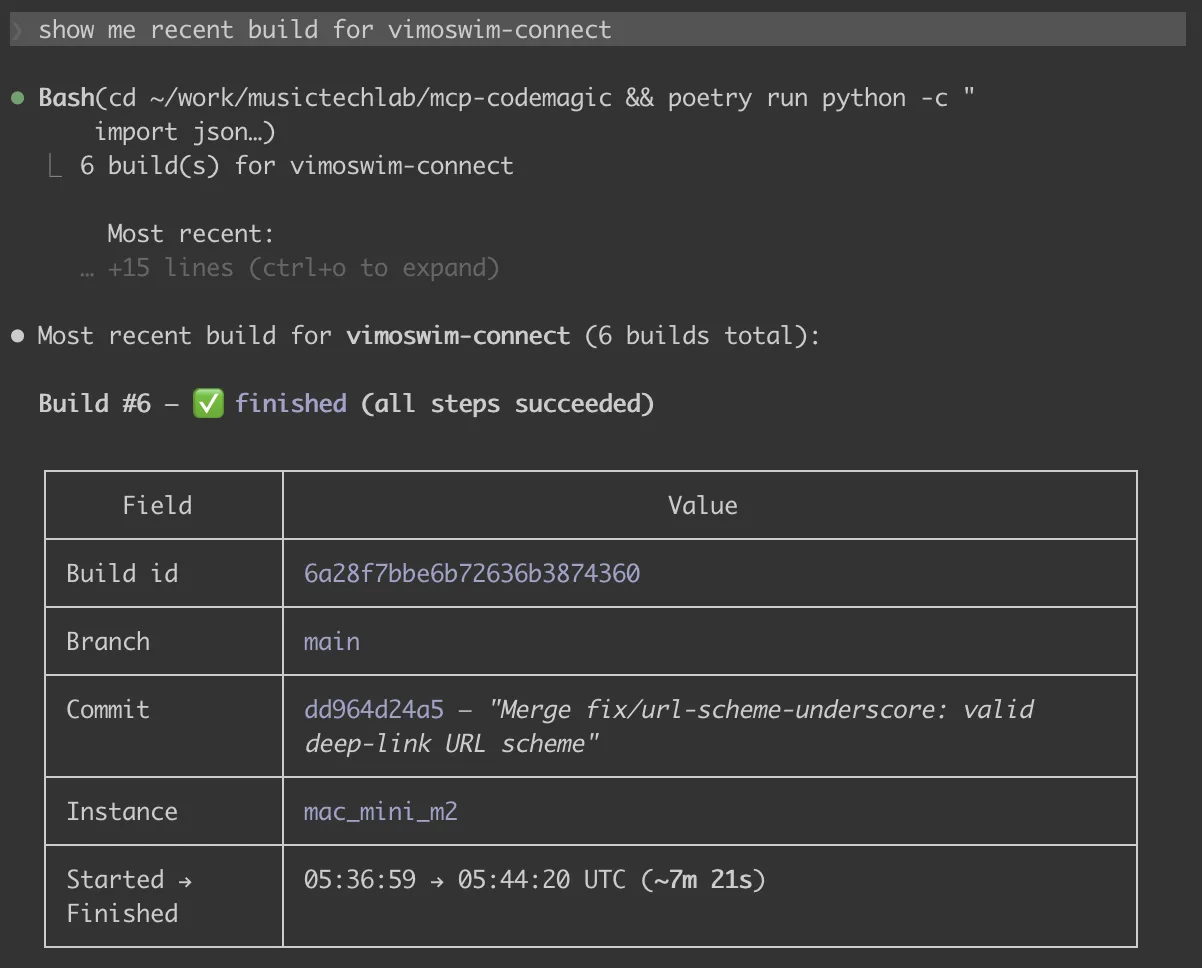
Calls codemagic_get_build. The status field moves through queued → building → finishing → publishing → finished:
{
  "build": {
    "_id": "6a28f92cf7acee31a7394057",
    "status": "queued",
    "branch": "main",
    "workflowId": "6a28af80c12e620808693f7a",
    "instanceType": "mac_mini_m2"
  }
}
Errors come back as JSON (never raised), so the agent can read them:
{ "error": "Codemagic API 404 for GET /builds/missing", "status": 404, "body": { "message": "Build not found" } }
Configuration
| Variable | Required | Default | Description |
|---|---|---|---|
CODEMAGIC_API_KEY |
yes | — | Codemagic API token (x-auth-token) |
CODEMAGIC_BASE_URL |
no | https://api.codemagic.io |
Override the API base URL |
Development
poetry install
poetry run ruff check .
poetry run ruff format --check .
poetry run pytest
Contributing
See CONTRIBUTING.md.
Security
To report a vulnerability, see SECURITY.md.
License
MIT — see LICENSE.
Website | LinkedIn | Let's talk
Crafted by musictechlab.io
Установка Codemagic
У этого сервера нет опубликованного пакета — он собирается из исходников. Открой репозиторий и следуй инструкции в README.
▸ github.com/musictechlab/mcp-codemagicFAQ
Codemagic MCP бесплатный?
Да, Codemagic MCP бесплатный — установка в пару кликов через Unyly без оплаты.
Нужен ли API-ключ для Codemagic?
Нет, Codemagic работает без API-ключей и переменных окружения.
Codemagic — hosted или self-hosted?
Доступен hosted-вариант: Unyly запускает сервер в облаке, локальная установка не обязательна.
Как установить Codemagic в Claude Desktop, Claude Code или Cursor?
Открой Codemagic на unyly.org, выбери вкладку своего клиента (Claude Desktop, Claude Code, Cursor) и нажми Install — конфиг сгенерируется автоматически, без правки JSON.
Похожие MCP
GitHub
PRs, issues, code search, CI status
 автор: GitHub
Filesystem
Secure file operations with configurable access controls.
Memory
Knowledge graph-based persistent memory system.

Unyly Deploy
Deploy sites and MCP servers to Unyly straight from your AI agent
 автор: Unyly
Amap Maps Mcp Server
MCP server for using the AMap Maps API
 автор: duxiaohui
PayMCP
Lightweight payments layer for MCP servers: turn tools into paid endpoints with a two-line decorator. [PyPI](https://pypi.org/project/paymcp/) · [npm](https://w
 автор: blustAI
Server For Power BI
Enables exploring Microsoft Fabric / Power BI workspaces and semantic models, and executing ad-hoc DAX queries.
 автор: Mitsubishi-Fuso
Gpt Image 2 Mcp
RunAPI GPT Image 2 MCP server for image generation: create tasks, poll results, and check pricing across 1 model from Claude Code, Codex, Cursor, and VS Code.
 автор: runapi-ai
Template MCP Server
A CLI tool to create a new Model Context Protocol server project with TypeScript support, dual transport options, and an extensible structure
 автор: mcpdotdirect
Supabase
Database, auth and storage
 автор: Supabase
Compare Codemagic with
Не уверен что выбрать?
Найди свой стек за 60 секунд
Автор?
Embed-бейдж для README
Похожее
Все в категории development