

About
Memgraph — Model Context Protocol server
README
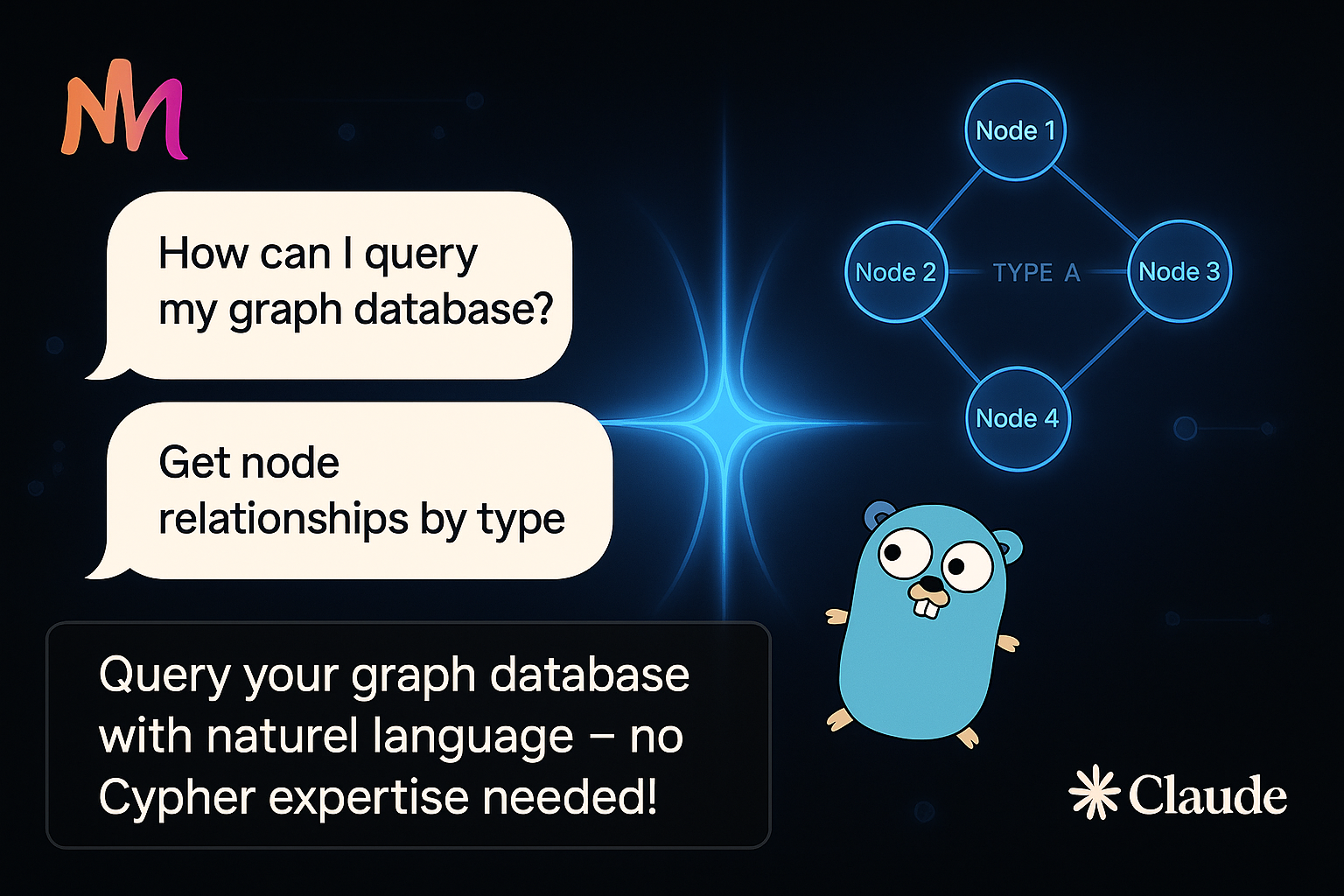
A Model Control Protocol (MCP) server for Memgraph databases that allows Claude to interact with your Memgraph graph databases.
Using with Claude Code
The easiest way to use this server with Claude Code:
# Generate MCP config and add it to Claude
JSON=$(memgraph-mcp-server --json --connection-uri 'bolt://localhost:7687') \
&& claude mcp add-json "$JSON"
Installation
Using Homebrew
# Add the tap
brew tap mgorunuch/memgraph-mcp-server https://github.com/mgorunuch/memgraph-mcp-server

# Install the server
brew install mgorunuch/memgraph-mcp-server/memgraph-mcp-server
Using Go
# Clone the repository
git clone https://github.com/mgorunuch/memgraph-mcp-server.git

# Build the server
cd memgraph-mcp-server
go build
Setup
There are two ways to use this server:
1. Running Directly
- Set your Memgraph connection parameters as environment variables (optional):
export MEMGRAPH_URI="bolt://localhost:7687"
export MEMGRAPH_USER="username"
export MEMGRAPH_PASSWORD="password"
If not provided, defaults to bolt://localhost:7687 with no authentication.
- Launch the server:
memgraph-mcp-server
- Use with Claude by setting up the MCP connection to this server.
2. Using with Claude's MCP Configuration
- Generate the MCP configuration JSON:
memgraph-mcp-server --json --connection-uri "bolt://localhost:7687" --username "username" --password "password"
This will output a JSON configuration you can use with Claude's MCP tools.
Example output:
{"type":"stdio","command":"/path/to/memgraph-mcp-server","args":["--connection-uri","bolt://localhost:7687","--username","username","--password","password"],"env":{}}
- Copy this JSON output and use it to configure the MCP connection in Claude.
Command Line Options
--version: Displays version information--json: Outputs MCP configuration JSON for use with Claude--connection-uri: Memgraph connection URI (e.g., bolt://localhost:7687)--username: Memgraph username--password: Memgraph password
Security
For safety, potentially destructive queries (DELETE, REMOVE, DROP, CREATE, MERGE, SET) are blocked by default.
To execute these queries, you must explicitly set unsafe: true when using the run_query tool.
Available Tools
run_query
Executes a Cypher query against Memgraph.
Parameters:
query(required): The Cypher query to executeunsafe(optional): Set to true to allow potentially unsafe queries
Example:
run_query(query="MATCH (n) RETURN n LIMIT 10")
get_schema
Retrieves schema information from the Memgraph database.
Example:
get_schema()
Requirements
- Go 1.21 or higher
- Memgraph database (compatible with Bolt protocol)
Installing Memgraph
This server has no published package — it is built from source. Open the repository and follow its README.
▸ github.com/mgorunuch/memgraph-mcp-serverFAQ
Is Memgraph MCP free?
Yes, Memgraph MCP is free — one-click install via Unyly at no cost.
Does Memgraph need an API key?
No, Memgraph runs without API keys or environment variables.
Is Memgraph hosted or self-hosted?
Self-hosted: the server runs locally on your machine via the install command above.
How do I install Memgraph in Claude Desktop, Claude Code or Cursor?
Open Memgraph on unyly.org, pick your client tab (Claude Desktop, Claude Code, Cursor) and press Install — the config is generated automatically, no JSON editing.
Related MCPs
GitHub
PRs, issues, code search, CI status
 by GitHub
Filesystem
Secure file operations with configurable access controls.
Memory
Knowledge graph-based persistent memory system.
Template MCP Server
A CLI tool to create a new Model Context Protocol server project with TypeScript support, dual transport options, and an extensible structure
 by mcpdotdirect
Compare Memgraph with
Not sure what to pick?
Find your stack in 60 seconds
Author?
Embed badge for your README
Browse similar
All development MCPs