
Orchard
FreeNot checkedMCP server for Apple Calendar, Mail, Reminders, and Files on macOS using native frameworks.

About
MCP server for Apple Calendar, Mail, Reminders, and Files on macOS using native frameworks.
README
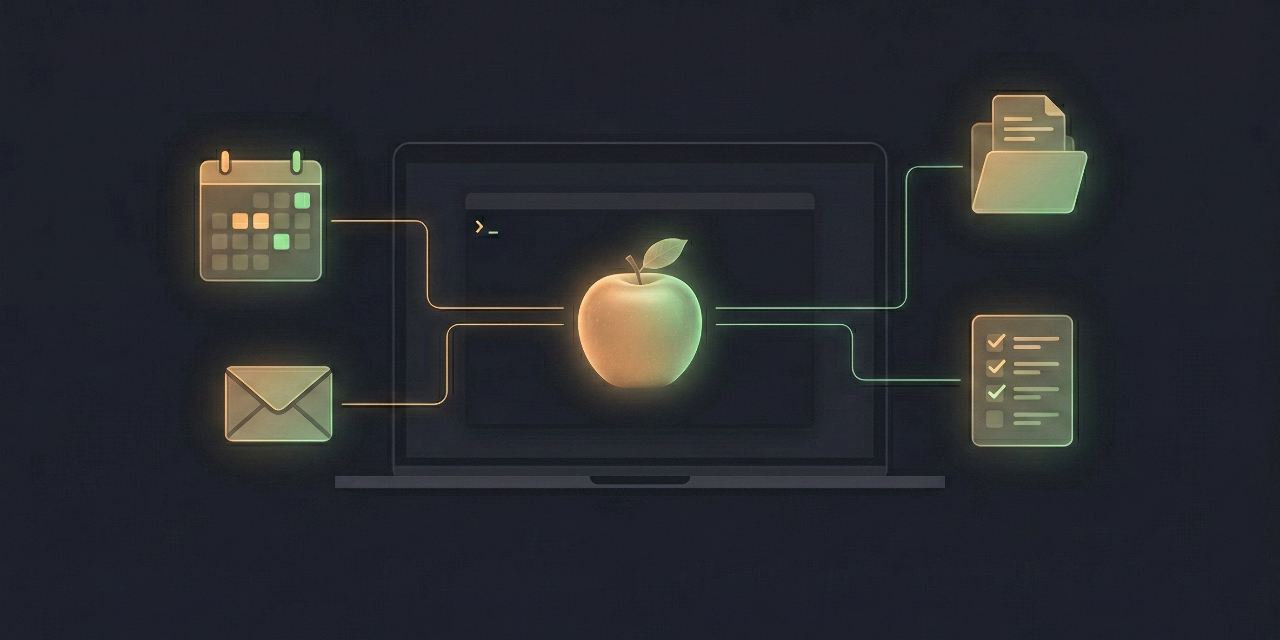
MCP server for local macOS apps and files using native frameworks.
Gives any MCP-compatible client (Warp, Claude Desktop, Claude Code, Cursor) structured access to Apple Calendar, Mail, Reminders, Notes, Contacts, Files, Numbers, Pages, and Keynote. There are no cloud dependencies and no OAuth setup: data comes from the local macOS stores and apps already configured on your machine.
How it works
orchard-mcp reads from local macOS data stores and apps:
- EventKit for Calendar and Reminders
- Contacts.framework for Contacts
- FileManager, Spotlight, PDFKit, and Vision for files and text extraction
- AppleScript/JXA for Mail, Notes, Numbers, Pages, and Keynote
The OS handles account authentication through System Settings > Internet Accounts. orchard-mcp itself never communicates with any remote service and requires no OAuth client IDs, redirect URIs, or token management.
Privacy note: orchard-mcp itself sends no data anywhere. However, the MCP client that invokes tools receives the returned data (calendar events, emails, reminders, files, notes, contacts, and documents) as part of the conversation context. Be mindful of what you ask the client to access.
App Safety
orchard-mcp refuses broad requests rather than making host apps unresponsive. Mail.app, Notes, Numbers, Pages, and Keynote calls are serialized through app-specific safety lanes with timeout, queue, and output-size budgets. Expensive scopes are rejected before AppleScript/JXA starts.
Examples:
mail_save_attachmentrequiresaccountandmailboxfrom a recent Mail result.- Notes body/all search is refused; use title search, then
notes_read_note. numbers_readandnumbers_get_formulasrequire a cell range.- PNG/JPEG Keynote export requires a single slide index.
- Calendar list/search ranges are capped at 31 days.
See docs/app-safety-audit.md for the current audit and guardrails.
The only permissions needed are macOS TCC grants (for example, "Allow access to Calendars"), triggered automatically on first use or during setup.
Status
Current release: 65 tools across Calendar, Mail, Reminders, Files, System, Numbers, Pages, Keynote, Notes, and Contacts. See CHANGELOG.md for release history.
Requirements
- macOS 14+ (Sonoma or later)
- Node.js 22+
Install
npm install -g @l22-io/orchard-mcp
orchard-mcp setup
If Xcode Command Line Tools are installed (xcode-select --install), postinstall builds
apple-bridge from source - the strongest install-time guarantee. Otherwise the package
falls back to the shipped prebuilt universal binary (arm64 + x86_64) and verifies its
SHA-256 against the manifest published inside the tarball.
The setup wizard verifies prerequisites, triggers macOS permission prompts, and generates MCP client configuration.
From Source
See CONTRIBUTING.md for building from source.
MCP Client Configuration
Warp
Add as an MCP server in Warp settings with:
{"command": "npx", "args": ["@l22-io/orchard-mcp"]}
Claude Desktop
Edit ~/Library/Application Support/Claude/claude_desktop_config.json:
{
  "mcpServers": {
    "orchard": {
      "command": "npx",
      "args": ["@l22-io/orchard-mcp"]
    }
  }
}
Claude Code
claude mcp add --scope user orchard -- npx @l22-io/orchard-mcp
Cursor
Add to your MCP settings:
{"command": "npx", "args": ["@l22-io/orchard-mcp"]}
Available Tools
Tool names use underscores for Claude Desktop Chat compatibility.
Calendar
calendar_list_calendars- List all calendars with account, type, colorcalendar_list_events- Events in a date range (recurring events expanded)calendar_today- Today's events across all calendarscalendar_search- Search events by title, notes, or location
mail_list_accounts- List mail accounts with a bounded mailbox-name sample; usemail_unread_summaryfor unread countsmail_unread_summary- Unread count per account with recent message headersmail_search- Search messages by subject, sender, body, or all fields with paginationmail_read_message- Get message content by ID with configurable body truncation; pass account/mailbox locators when availablemail_flagged- List flagged messages across all accounts with paginationmail_create_draft- Create a draft email in Mail.app for reviewmail_save_attachment- Save an email attachment to disk by message ID, index, account, and mailbox
Reminders
reminders_list_lists- List all reminder lists with account, color, item countreminders_list_reminders- Reminders from a list with filtersreminders_today- Incomplete reminders due today plus overdue remindersreminders_create_list- Create a new reminder listreminders_create_reminder- Create a reminder with optional due date, priority, notesreminders_complete_reminder- Mark a reminder as completedreminders_delete_reminder- Delete a reminderreminders_delete_list- Delete a reminder list
Files
files_list- List directory contents with metadatafiles_info- Get detailed file metadata including Spotlight attributesfiles_search- Search files using macOS Spotlightfiles_read- Read or extract text from plain text, PDF, images,.docx,.rtf,.pagesfiles_move- Move or rename files and folders, including batch operationsfiles_copy- Copy a file or folderfiles_create_folder- Create a new directoryfiles_trash- Move a file or folder to Trash
System
system_doctor- Check permissions and list accessible accounts/apps
Numbers
numbers_search- Find Numbers spreadsheets with Spotlightnumbers_read- Read table data from a spreadsheet within a required cell rangenumbers_write- Write table data to a spreadsheetnumbers_create- Create a new spreadsheetnumbers_list_sheets- List sheets and tablesnumbers_add_sheet- Add a sheetnumbers_remove_sheet- Remove a sheetnumbers_get_formulas- Read formulas within a required cell rangenumbers_export- Export as CSV, PDF, or XLSXnumbers_info- Inspect spreadsheet metadata
Pages
pages_search- Find Pages documents with Spotlightpages_read- Read document textpages_write- Replace document textpages_create- Create a new documentpages_find_replace- Find and replace textpages_insert_table- Insert table datapages_list_sections- List document sectionspages_export- Export as PDF, DOCX, TXT, or EPUBpages_info- Inspect document metadata
Keynote
keynote_search- Find Keynote decks with Spotlightkeynote_read- Read slide contentkeynote_create- Create a new deckkeynote_add_slide- Add a slidekeynote_edit_slide- Edit slide title, body, or noteskeynote_remove_slide- Remove a slidekeynote_reorder_slides- Move slideskeynote_list_slides- List slideskeynote_list_themes- List available themeskeynote_export- Export as PDF, PPTX, PNG, or JPEG; PNG/JPEG requires a slide indexkeynote_info- Inspect deck metadata
Notes
notes_list_folders- List Notes foldersnotes_list_notes- List notes with optional folder filteringnotes_search- Search notes by title; body/all search is refused for app safetynotes_read_note- Read a note by ID
Contacts
contacts_list_groups- List contact groupscontacts_search- Search contactscontacts_read_contact- Read full contact details by ID
Architecture
Two-layer design:
- TypeScript MCP server (
src/) - handles MCP protocol over stdio, Zod schemas, and tool routing - Swift CLI (
swift/) - native binary (apple-bridge) using macOS frameworks and app automation
The TypeScript layer spawns the Swift binary with child_process.spawn and parses JSON
responses. All subcommands return a {"status": "ok"|"error", "data": ..., "error": ...}
envelope.
apple-bridge normally runs from swift/.build/AppleBridge.app so macOS TCC grants are
attached to the app bundle. Direct binary execution is still available through
APPLE_BRIDGE_BIN for trusted custom installations.
Swift CLI Subcommands
apple-bridge calendars
apple-bridge events
apple-bridge search
apple-bridge mail-accounts
apple-bridge mail-unread
apple-bridge mail-search
apple-bridge mail-message
apple-bridge mail-flagged
apple-bridge mail-create-draft
apple-bridge mail-save-attachment
apple-bridge reminder-lists
apple-bridge reminders
apple-bridge reminders-today
apple-bridge reminder-create-list
apple-bridge reminder-create
apple-bridge reminder-complete
apple-bridge reminder-delete
apple-bridge reminder-delete-list
apple-bridge file-list
apple-bridge file-info
apple-bridge file-search
apple-bridge file-read
apple-bridge file-move
apple-bridge file-copy
apple-bridge file-create-folder
apple-bridge file-trash
apple-bridge doctor
apple-bridge numbers-search
apple-bridge numbers-read
apple-bridge numbers-write
apple-bridge numbers-create
apple-bridge numbers-list-sheets
apple-bridge numbers-add-sheet
apple-bridge numbers-remove-sheet
apple-bridge numbers-get-formulas
apple-bridge numbers-export
apple-bridge numbers-info
apple-bridge pages-search
apple-bridge pages-read
apple-bridge pages-write
apple-bridge pages-create
apple-bridge pages-find-replace
apple-bridge pages-insert-table
apple-bridge pages-list-sections
apple-bridge pages-export
apple-bridge pages-info
apple-bridge keynote-search
apple-bridge keynote-read
apple-bridge keynote-create
apple-bridge keynote-add-slide
apple-bridge keynote-edit-slide
apple-bridge keynote-remove-slide
apple-bridge keynote-reorder-slides
apple-bridge keynote-list-slides
apple-bridge keynote-list-themes
apple-bridge keynote-export
apple-bridge keynote-info
apple-bridge notes-folders
apple-bridge notes-list
apple-bridge notes-search
apple-bridge notes-read
apple-bridge contacts-groups
apple-bridge contacts-search
apple-bridge contacts-read
Environment Variables
APPLE_BRIDGE_BIN- Override path to the Swift binaryAPPLE_BRIDGE_APP- Override path to the AppleBridge.appbundle
License
MIT
Install Orchard in Claude Desktop, Claude Code & Cursor
unyly install orchard-mcpInstalls into Claude Desktop, Claude Code, Cursor & VS Code — handles npx, uvx and build-from-source repos for you.
First time? Get the CLI: curl -fsSL https://unyly.org/install | sh
Or configure manually
Run in your terminal:
claude mcp add orchard-mcp -- npx -y @l22-io/orchard-mcpFAQ
Is Orchard MCP free?
Yes, Orchard MCP is free — one-click install via Unyly at no cost.
Does Orchard need an API key?
No, Orchard runs without API keys or environment variables.
Is Orchard hosted or self-hosted?
Self-hosted: the server runs locally on your machine via the install command above.
How do I install Orchard in Claude Desktop, Claude Code or Cursor?
Open Orchard on unyly.org, pick your client tab (Claude Desktop, Claude Code, Cursor) and press Install — the config is generated automatically, no JSON editing.
Related MCPs
Gmail
Read, send and search emails from Claude
 by Google
Slack
Send, search and summarize Slack messages
 by Slack
Runbear
No-code MCP client for team chat platforms, such as Slack, Microsoft Teams, and Discord.
Discord Server
A community discord server dedicated to MCP by [Frank Fiegel](https://github.com/punkpeye)
Compare Orchard with
Not sure what to pick?
Find your stack in 60 seconds
Author?
Embed badge for your README
Browse similar
All communication MCPs