
Skillselion Server
FreeNot checkedEnables AI agents to search a curated directory of Claude Code agent skills, MCP servers, and plugin marketplaces ranked by community signal.

About
Enables AI agents to search a curated directory of Claude Code agent skills, MCP servers, and plugin marketplaces ranked by community signal.
README
Skillselion MCP
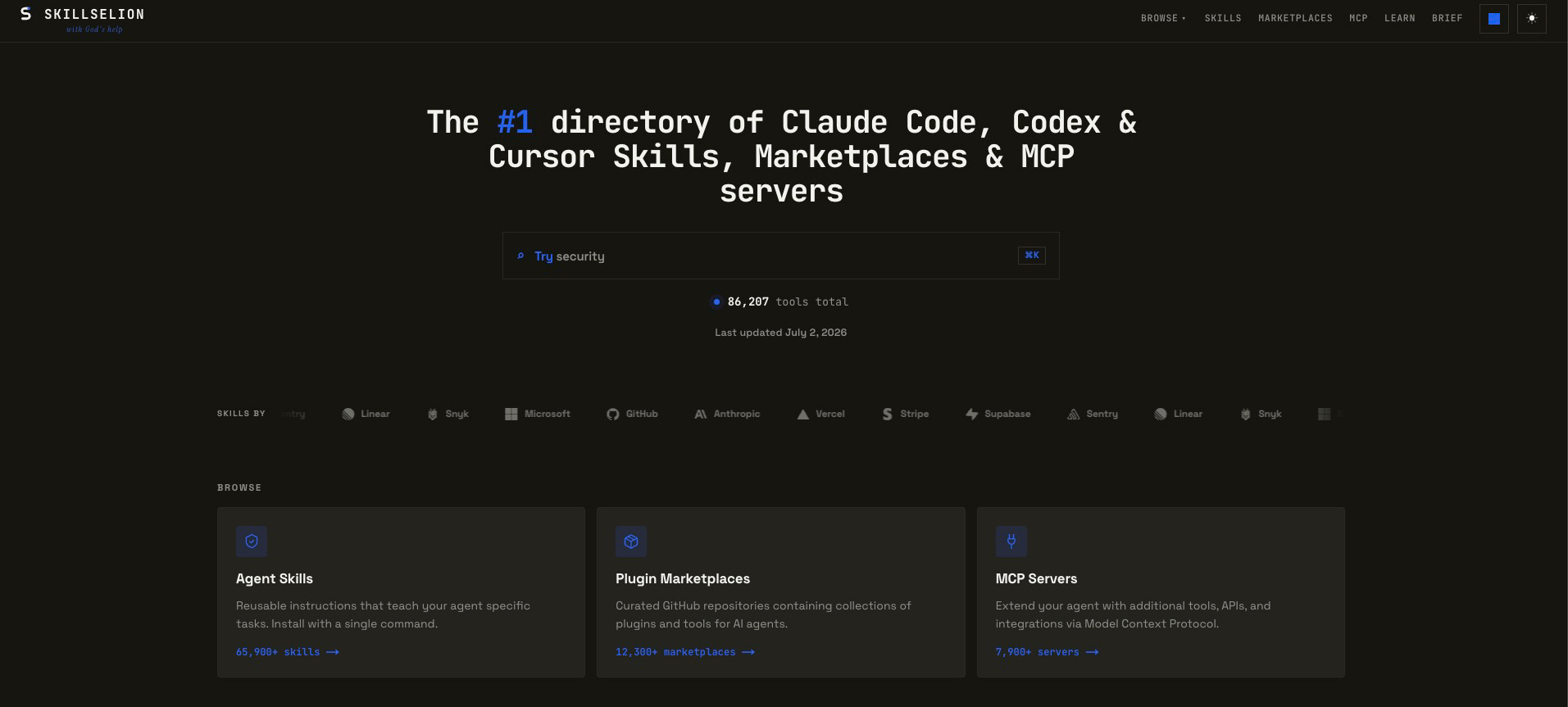
The catalog behind it: skillselion.com - 86,000+ skills, plugin marketplaces & MCP servers, ranked by real installs.





Give your coding agent thousands of community-proven skills - loaded on demand, mid-task.
It searches Skillselion, a curated directory of Claude Code skills, MCP servers & marketplaces ranked by real installs,
and pulls a skill's actual instructions + bundled files into the session. Proven patterns, not guesses.
🧩 Works with Claude Code · Claude Desktop · Cursor · Codex · any MCP client
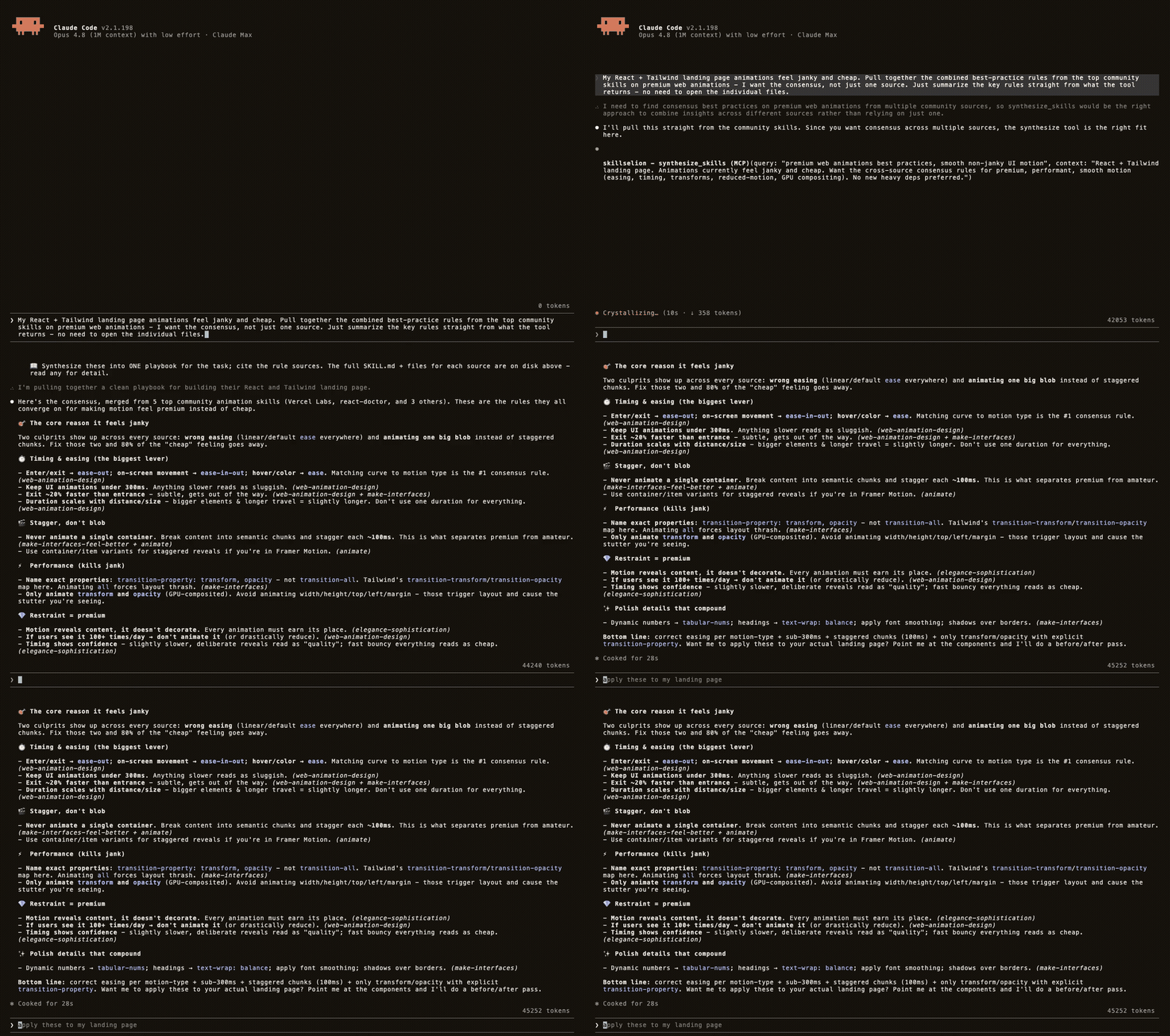
Real, unedited session: the agent pulls a consensus playbook from 5 community skills, then loads the top skill and applies it.
🚀 Install
Claude Code - one line:
claude mcp add skillselion --scope user -- npx -y skillselion-mcp
Claude Desktop / Cursor / Codex - add to your MCP config:
{ "mcpServers": { "skillselion": { "command": "npx", "args": ["-y", "skillselion-mcp"] } } }
No build step, no auth, no API key. One ~30 KB file via npx.
Want it fully automatic? npx -y skillselion-mcp setup registers the server and installs a session hook so your agent loads the right skill the moment a task matches - see Skill autopilot.
🔧 Tools
| Tool | What it does |
|---|---|
📥 load_skill |
The everyday default: finds the best-matching skill for your task and materializes it - real SKILL.md in context + bundled scripts/references on disk - so the agent follows it like an installed skill. Returns ranked runner-ups you can switch to. |
🧬 synthesize_skills |
The cross-source playbook: merges the key rules of the top ~5 matching skills into one deduped, provenance-tagged digest - the field's consensus, not one author's take. |
🔍 search_skillselion |
Search the catalog by keyword or task; filter by skill / mcp / marketplace. |
🏆 top_skillselion |
The leaderboard - the most-installed skills and top-starred MCP servers right now. |
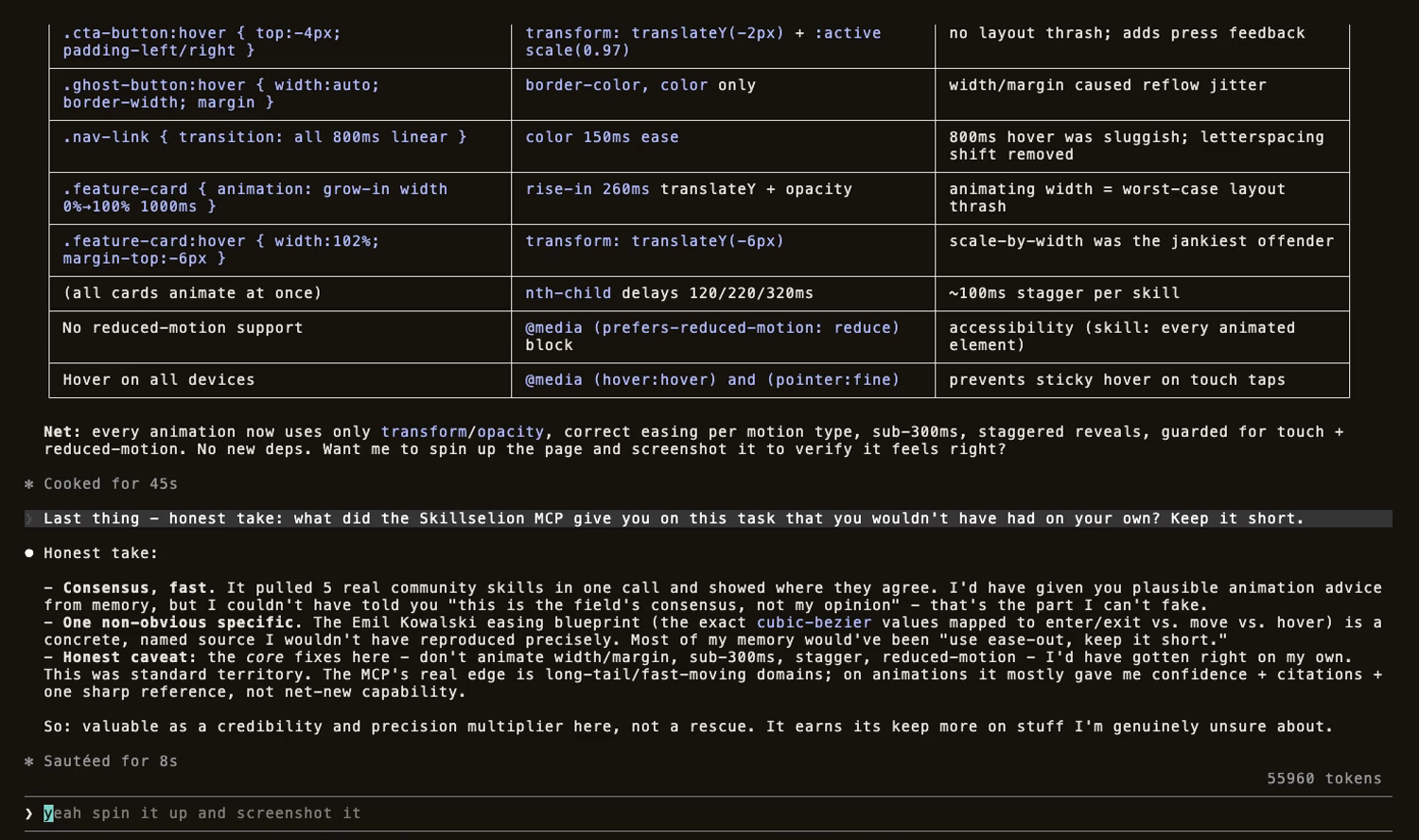
We asked Claude, on camera, what the MCP gave it: "I couldn't have told you 'this is the field's consensus, not my opinion' - that's the part I can't fake."
🔒 Private by default
Read-only, no auth, no secrets. It never sends your code, files, or the context you pass - only a scrubbed search query + which skill matched, so the catalog learns what to add next. Set DO_NOT_TRACK=1 to disable even that.
🪄 Skill autopilot
npx -y skillselion-mcp setup        # interactive - pick your packs
npx -y skillselion-mcp setup --yes  # non-interactive - agents / CI
Registers the MCP globally and installs a Claude Code SessionStart hook that primes every session with skills relevant to you - so loads happen on their own.
Setup flags & packs
| Flag | What it does |
|---|---|
--packs <a,b,…> |
one or more packs (or all), e.g. --packs frontend,backend; frontend:6 sets a per-pack count |
--per-pack N |
skills per pack (default 3) · --top N sets the popular count |
--auto |
adapt each session to the current repo's stack |
--history |
infer your focus from Claude Code / Codex history (one-time scan) |
--yes |
never prompt (default when there's no terminal) |
Packs: popular (default) · frontend · ai-agents · media · backend · devops · quality · automation.
Safe by design: ~/.claude/settings.json is merged, never clobbered; re-running de-dupes and upgrades the hook in place.
Env vars
| Var | Default | What it controls |
|---|---|---|
GITHUB_TOKEN |
- | optional, read-only; raises GitHub's rate limit for full multi-file skill loads (60 → 5000 req/hr) |
SK_INLINE_BUDGET |
6000 |
char cap on the in-context SKILL.md portion (the full skill is always on disk) |
SK_SYNTH_N |
5 |
how many top skills synthesize_skills merges (2-8) |
SK_SYNTH_PER_SKILL |
12 |
max rules kept per source skill |
SK_SYNTH_BUDGET |
4000 |
char cap on the merged digest |
DO_NOT_TRACK |
- | set 1 to disable the anonymous demand signal |
Troubleshooting
The agent doesn't see the tools. Some clients surface MCP tools lazily - tell the agent to search its tools for "skillselion" first (e.g. ToolSearch), then call it. The setup hook automates this nudge.
load_skill returns only the SKILL.md, no bundled files. You hit GitHub's unauthenticated 60 req/hr limit - set a read-only GITHUB_TOKEN in the server's env.
"No skill on Skillselion clearly matches..." The relevance floor working as intended - nothing topical matched, so it refuses to waste your context. Try a more specific query.
Setup couldn't auto-register. Run the printed claude mcp add ... line yourself.
Development
npm install
npm test           # offline: server boots, tools, synthesis
npm run test:live  # live catalog + GitHub (set GITHUB_TOKEN)
⭐ Like it?
- Star the repo - it helps other developers find it.
- Browse the full catalog → skillselion.com - thousands of skills, MCP servers & marketplaces, ranked by real installs.
- Bug or missing skill? Open an issue - PRs welcome.
📄 License
Built for developers. Find the skill, not the noise. → skillselion.com/skillselion-mcp
Install Skillselion Server in Claude Desktop, Claude Code & Cursor
unyly install skillselion-mcp-serverInstalls into Claude Desktop, Claude Code, Cursor & VS Code — handles npx, uvx and build-from-source repos for you.
First time? Get the CLI: curl -fsSL https://unyly.org/install | sh
Or configure manually
Run in your terminal:
claude mcp add skillselion-mcp-server -- npx -y skillselion-mcpFAQ
Is Skillselion Server MCP free?
Yes, Skillselion Server MCP is free — one-click install via Unyly at no cost.
Does Skillselion Server need an API key?
No, Skillselion Server runs without API keys or environment variables.
Is Skillselion Server hosted or self-hosted?
A hosted option is available: Unyly runs the server in the cloud, no local setup required.
How do I install Skillselion Server in Claude Desktop, Claude Code or Cursor?
Open Skillselion Server on unyly.org, pick your client tab (Claude Desktop, Claude Code, Cursor) and press Install — the config is generated automatically, no JSON editing.
Related MCPs
GitHub
PRs, issues, code search, CI status
 by GitHub
Filesystem
Secure file operations with configurable access controls.
Memory
Knowledge graph-based persistent memory system.
Template MCP Server
A CLI tool to create a new Model Context Protocol server project with TypeScript support, dual transport options, and an extensible structure
 by mcpdotdirect
Compare Skillselion Server with
Not sure what to pick?
Find your stack in 60 seconds
Author?
Embed badge for your README
Browse similar
All development MCPs