
Subnet Calculator Server
FreeNot checkedEnables subnet calculations from CIDR notation, providing network address, broadcast address, netmask, wildcard mask, usable host range, and number of usable ho

About
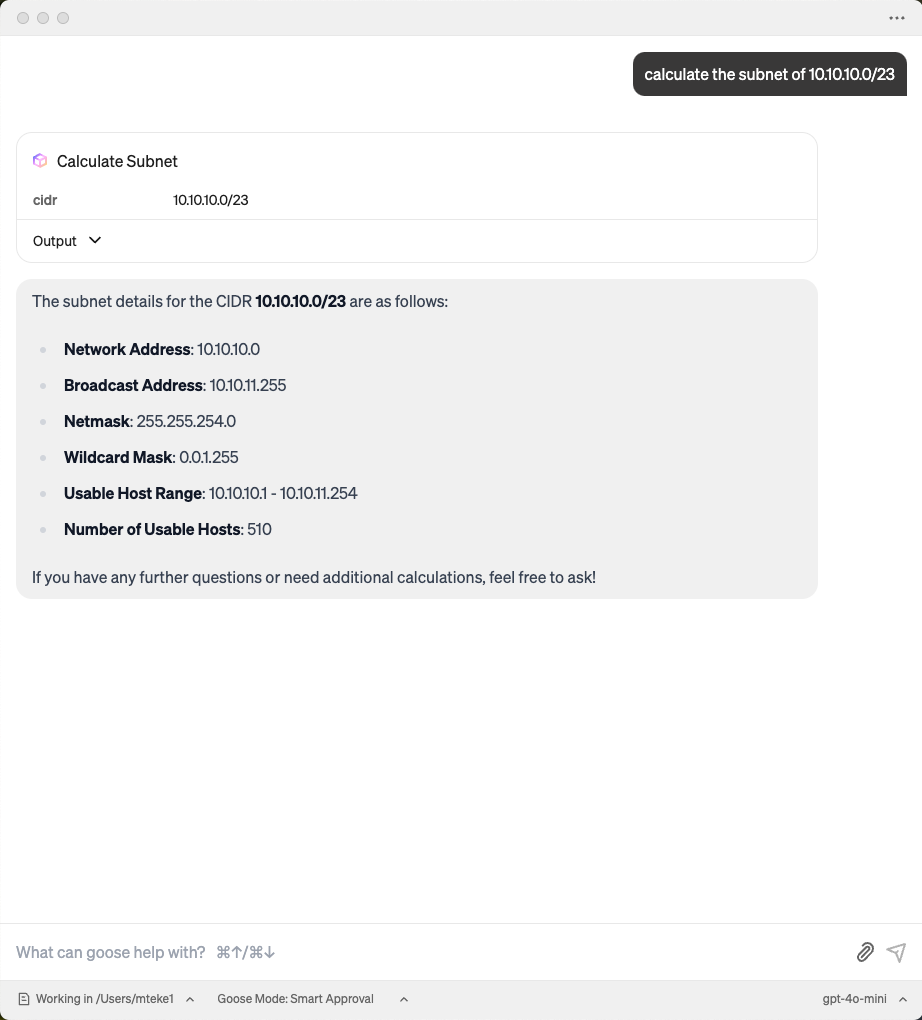
Enables subnet calculations from CIDR notation, providing network address, broadcast address, netmask, wildcard mask, usable host range, and number of usable hosts.
README
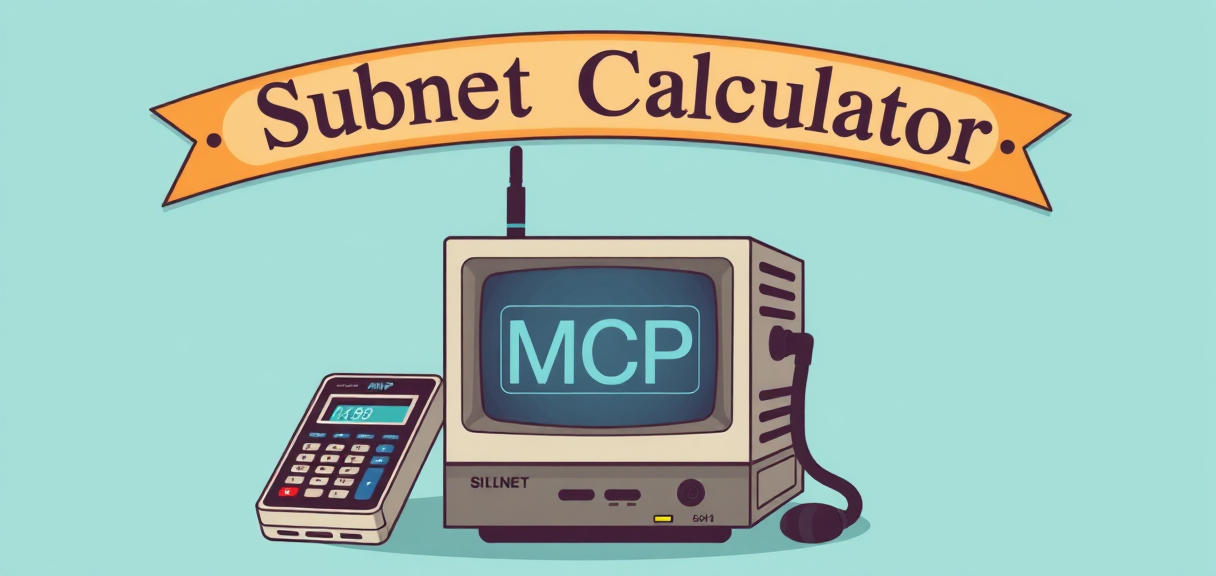 This project provides a simple MCP (Model Context Protocol) server for calculating subnet details based on a given CIDR (Classless Inter-Domain Routing) notation. It uses the FastMCP library to expose the subnet calculation functionality as a tool.
Features
- Calculate subnet details for a given CIDR.
- Provides:
- Network address
- Broadcast address
- Netmask
- Wildcard mask
- Usable host range
- Number of usable hosts
- Runs as an MCP server with SSE (Server-Sent Events) transport.
Requirements
- Python 3.7+
- fastmcp library
Installation
- Clone the repository or copy the script.
- Install the required dependencies:
pip install fastmcp mcp[cli]
Usage
THis MCP runs with SSE transport mode.
Run the MCP server:
python main.py
How to add this Server to your MCP Client
Goose MCP Client
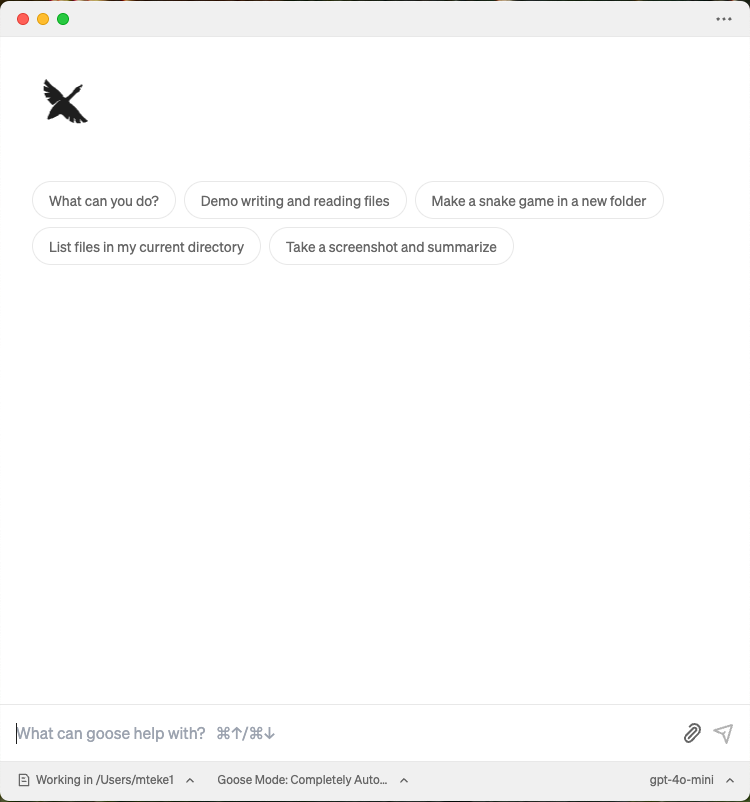
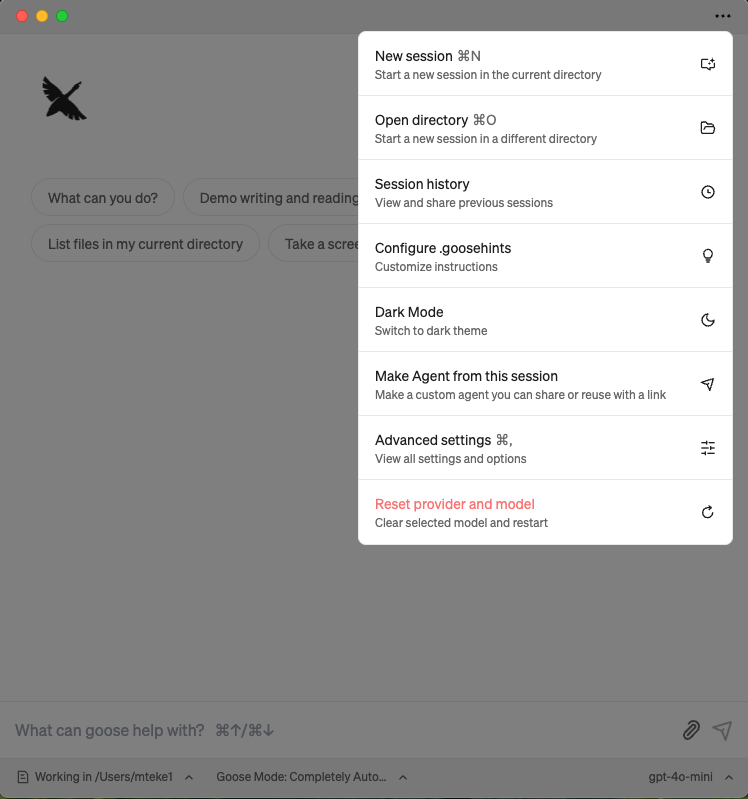
- Click Menu ("..." icon) and select Advanced settings:
- Go extentions section
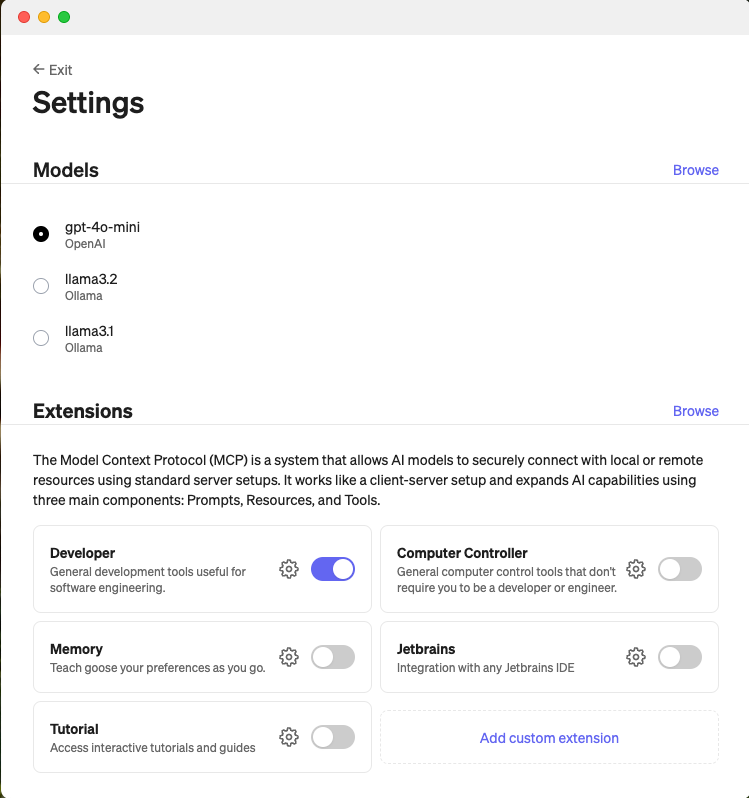
- Select "Add custom extentions"
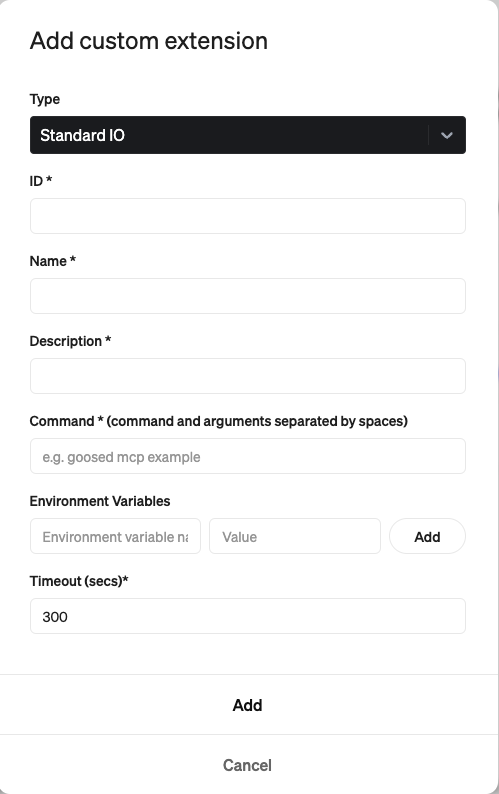
- Select Server-Sent Events as Type
- Select a random ID
- Select Name for the MCP Server
- Sleect Description
- Enter URI : https://mcp-subnet-calculator.mteke.com/sse
- Click Add button
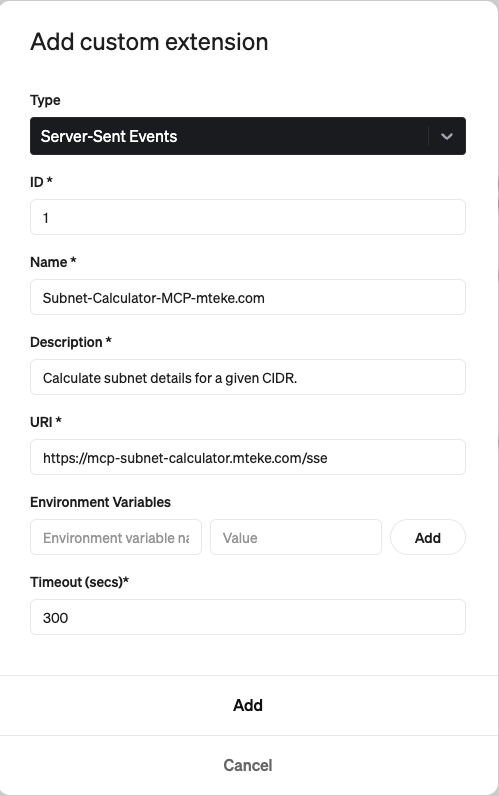
Now the MCP Server(extention is added and enabled)
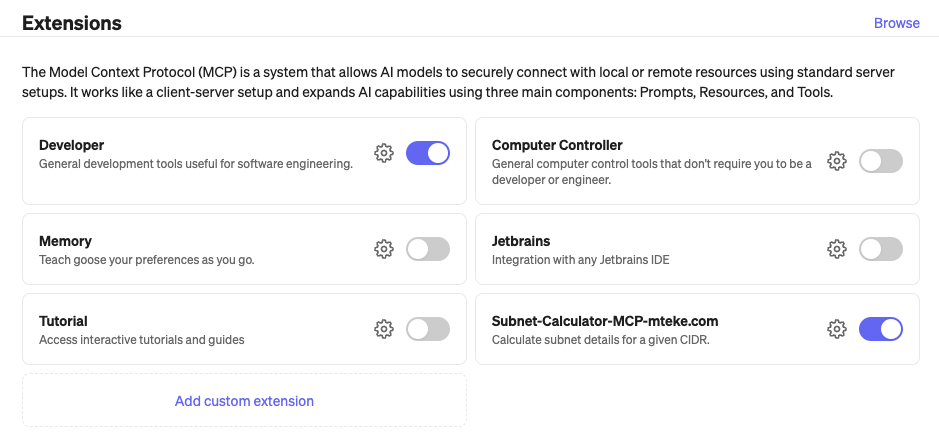
Now the MCP server is activated:
You can watch the video to demonstrate how to enable mcp server on Goose Client App: Watch the demo
Claude Desktop MCP Client
- Select Claude Desktop Settings
- Select Developer and Edit config
- Change claude_desktop_config.json content to below
{
  "mcpServers": {
    "mcp-subnet-calculator-sse": {
      "command": "npx",
      "args": [
        "-y",
        "supergateway",
        "--sse",
        "https://mcp-subnet-calculator.mteke.com/sse"
      ]
    }
  }
}
- Close Claude Desktop App completely and restart it
You can watch the video to demonstrate how to enable mcp server on Claude Desktop Client App:
How to add Subnet Calculator MCP Server to your Goose Client
How to add Subnet Calculator MCP Server to N8N Instance
Installing Subnet Calculator Server
This server has no published package — it is built from source. Open the repository and follow its README.
▸ github.com/melihteke/Subnet-Calculator-MCP-ServerFAQ
Is Subnet Calculator Server MCP free?
Yes, Subnet Calculator Server MCP is free — one-click install via Unyly at no cost.
Does Subnet Calculator Server need an API key?
No, Subnet Calculator Server runs without API keys or environment variables.
Is Subnet Calculator Server hosted or self-hosted?
A hosted option is available: Unyly runs the server in the cloud, no local setup required.
How do I install Subnet Calculator Server in Claude Desktop, Claude Code or Cursor?
Open Subnet Calculator Server on unyly.org, pick your client tab (Claude Desktop, Claude Code, Cursor) and press Install — the config is generated automatically, no JSON editing.
Related MCPs
GitHub
PRs, issues, code search, CI status
 by GitHub
Filesystem
Secure file operations with configurable access controls.
Memory
Knowledge graph-based persistent memory system.
Template MCP Server
A CLI tool to create a new Model Context Protocol server project with TypeScript support, dual transport options, and an extensible structure
 by mcpdotdirect
Compare Subnet Calculator Server with
Not sure what to pick?
Find your stack in 60 seconds
Author?
Embed badge for your README
Browse similar
All development MCPs