
Swagger2mcp
FreeNot checked🚀 Instantly transform any OpenAPI/Swagger schema into a production-ready Model Context Protocol (MCP) server! 🤖✨ Bridge your APIs with LLMs securely and effor

About
🚀 Instantly transform any OpenAPI/Swagger schema into a production-ready Model Context Protocol (MCP) server! 🤖✨ Bridge your APIs with LLMs securely and effortlessly.
README
CI Pipeline License: MIT TypeScript Docker React PRs Welcome
Transform OpenAPI/Swagger specifications into Model Context Protocol (MCP) servers instantly.
🚀 Swagger2MCP is a powerful tool ensuring LLMs can securely and accurately interact with your APIs. Upload a schema or crawl a documentation site, and get a fully functional, type-safe MCP server.
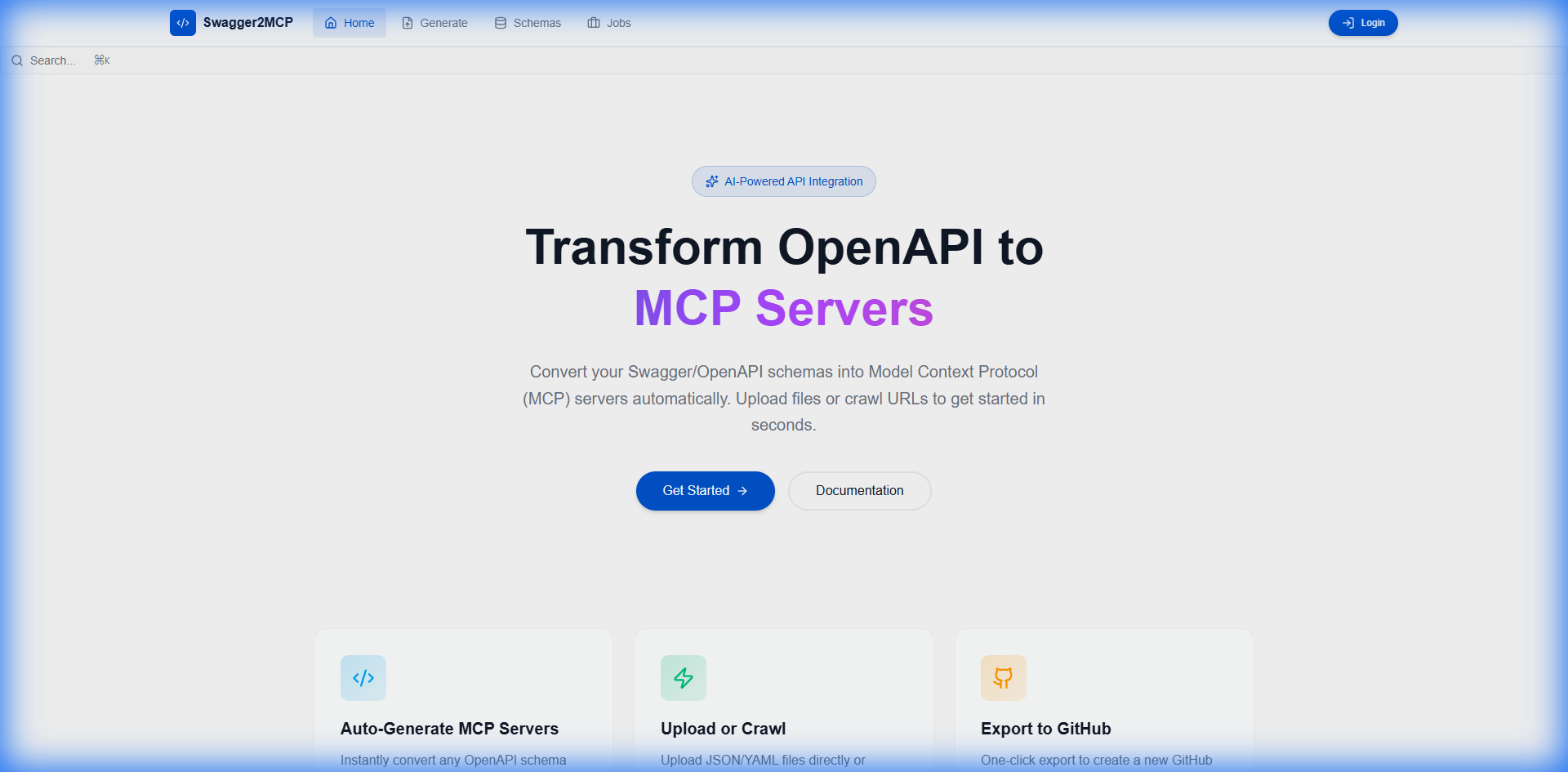
✨ Features
- 📤 Drag & Drop Upload: Support for OpenAPI v2/v3 JSON/YAML files.
- 🌐 Intelligent Web Crawling: Point to any documentation URL and let our crawler discover schemas.
- 🔧 Automatic Code Generation: Production-ready TypeScript MCP servers.
- 📦 One-Click Export: Push directly to GitHub / GitLab or download as ZIP.
- 🔐 Secure Management: Store API tokens and configurations securely with audit logging.
- 🐳 Dockerized: Deploy anywhere with a single
docker-compose up. - 📊 Job Tracking: Real-time progress monitoring for long-running crawling jobs.
🚀 Quick Start
Prerequisites
- Docker & Docker Compose installed.
- Node.js 18+ (only if running locally without Docker).
Running with Docker (Recommended)
# Clone the repository
git clone https://github.com/tomer1983/swagger2mcp.git
cd swagger2mcp

# Start the application
docker-compose up
Visit the application at http://localhost:5173.
🔒 Production Deployment Checklist
Before deploying to production, ensure you complete the following critical security steps:
- ✅ Change JWT_SECRET - Generate a strong, unique secret key for JWT token signing
- ✅ Set strong passwords - Use complex passwords for all database and service accounts
- ✅ Configure CORS - Restrict CORS to only trusted domains in production
- ✅ Enable HTTPS - Always use SSL/TLS certificates for encrypted communication
- ✅ Review environment variables - Ensure all
.envvalues are production-ready - ✅ Update default credentials - Change all default usernames and passwords
- ✅ Enable security headers - Configure appropriate HTTP security headers
- ✅ Set up monitoring - Implement logging and monitoring solutions
See docs/PRODUCTION_DEPLOYMENT_CHECKLIST.md for detailed deployment instructions.
📸 Screenshots
| Dashboard | Settings & configuration |
|---|---|
|
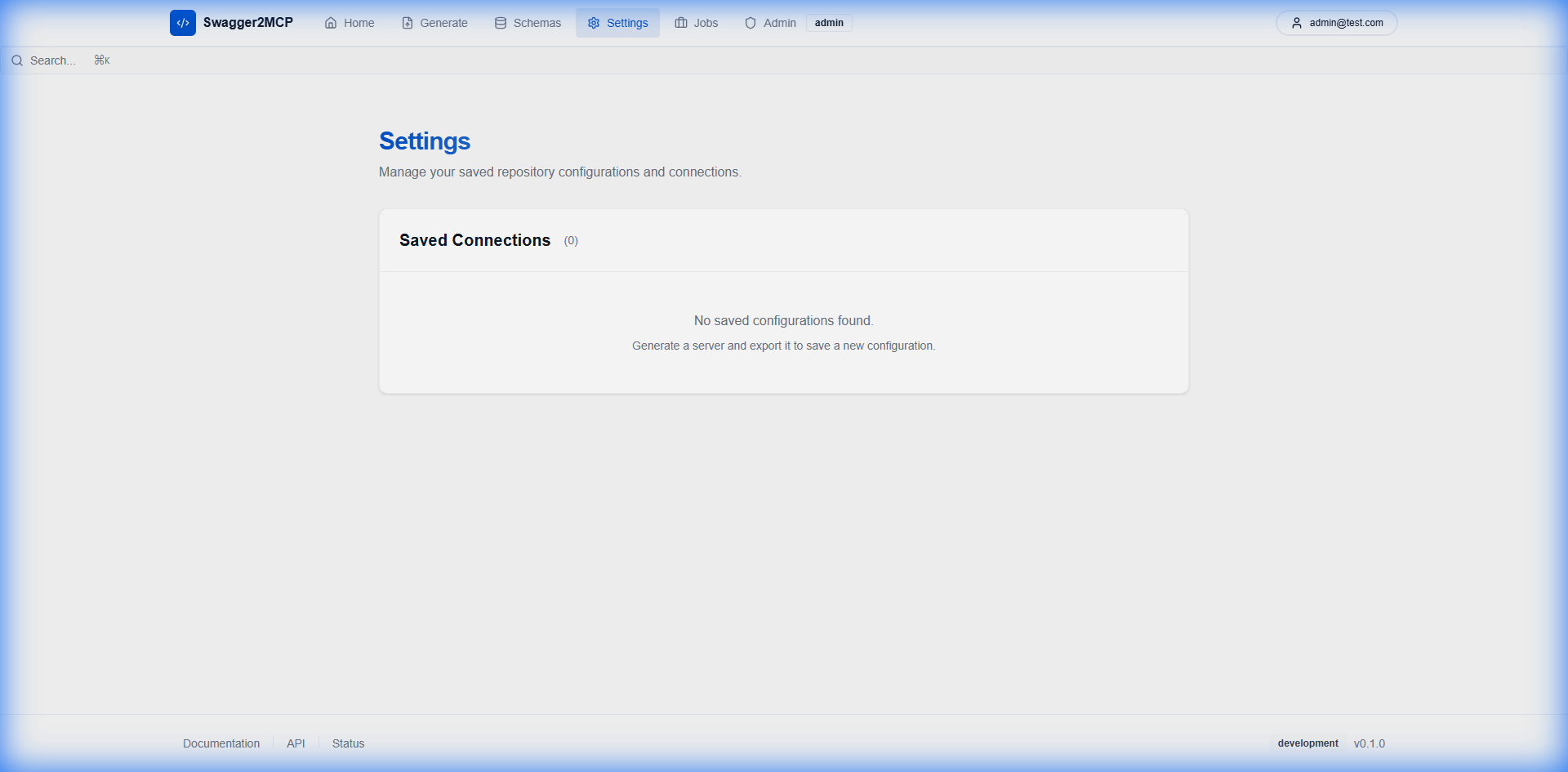 |
📚 Documentation
- Development Guide - Setup for contributors.
- API Documentation - REST API reference.
- Kubernetes Deployment - Deploy to Kubernetes or use Helm charts.
- Authentication - Security details.
- Testing Guide - QA procedures.
☸️ Kubernetes Deployment
Deploy swagger2mcp to any Kubernetes cluster:
Using Manifests
kubectl apply -f k8s/namespace.yaml
kubectl apply -f k8s/
Using Helm
helm install swagger2mcp ./charts/swagger2mcp --namespace swagger2mcp --create-namespace
See the full Kubernetes guide for detailed instructions.
🏗️ Architecture
Swagger2MCP is built with a modern tech stack designed for reliability and scalability:
graph LR
    A[Frontend React] -->|REST API| B[Backend Express]
    B -->|Jobs| C[Redis Queue]
    C -->|Process| D[Worker Service]
    B -->|Data| E[PostgreSQL]
    D -->|Updates| E
- Frontend: React, Vite, TailwindCSS, Shadcn UI
- Backend: Node.js, Express, Prisma ORM
- Infrastructure: Docker, Nginx (optional), BullMQ (Redis)
🤝 Contributing
We welcome contributions! Please see our Contributing Guidelines for details.
- Fork the Project
- Create your Feature Branch (
git checkout -b feature/AmazingFeature) - Commit your Changes (
git commit -m 'Add some AmazingFeature') - Push to the Branch (
git push origin feature/AmazingFeature) - Open a Pull Request
🔒 Security
For security concerns, please refer to our Security Policy.
📜 License
Distributed under the MIT License. See LICENSE for more information.
💬 Community
Built with ❤️ by the Swagger2MCP Team
Installing Swagger2mcp
This server has no published package — it is built from source. Open the repository and follow its README.
▸ github.com/tomer1983/swagger2mcpFAQ
Is Swagger2mcp MCP free?
Yes, Swagger2mcp MCP is free — one-click install via Unyly at no cost.
Does Swagger2mcp need an API key?
No, Swagger2mcp runs without API keys or environment variables.
Is Swagger2mcp hosted or self-hosted?
Self-hosted: the server runs locally on your machine via the install command above.
How do I install Swagger2mcp in Claude Desktop, Claude Code or Cursor?
Open Swagger2mcp on unyly.org, pick your client tab (Claude Desktop, Claude Code, Cursor) and press Install — the config is generated automatically, no JSON editing.
Related MCPs
GitHub
PRs, issues, code search, CI status
 by GitHub
Filesystem
Secure file operations with configurable access controls.
Memory
Knowledge graph-based persistent memory system.
Template MCP Server
A CLI tool to create a new Model Context Protocol server project with TypeScript support, dual transport options, and an extensible structure
 by mcpdotdirect
Compare Swagger2mcp with
Not sure what to pick?
Find your stack in 60 seconds
Author?
Embed badge for your README
Browse similar
All development MCPs