
Video Probe
FreeNot checkedInspect local video and audio files with ffprobe, returning structured metadata such as format, duration, bitrate, and stream info.

About
Inspect local video and audio files with ffprobe, returning structured metadata such as format, duration, bitrate, and stream info.
README
Let any MCP client inspect local video and audio files with
ffprobebefore it ships them.
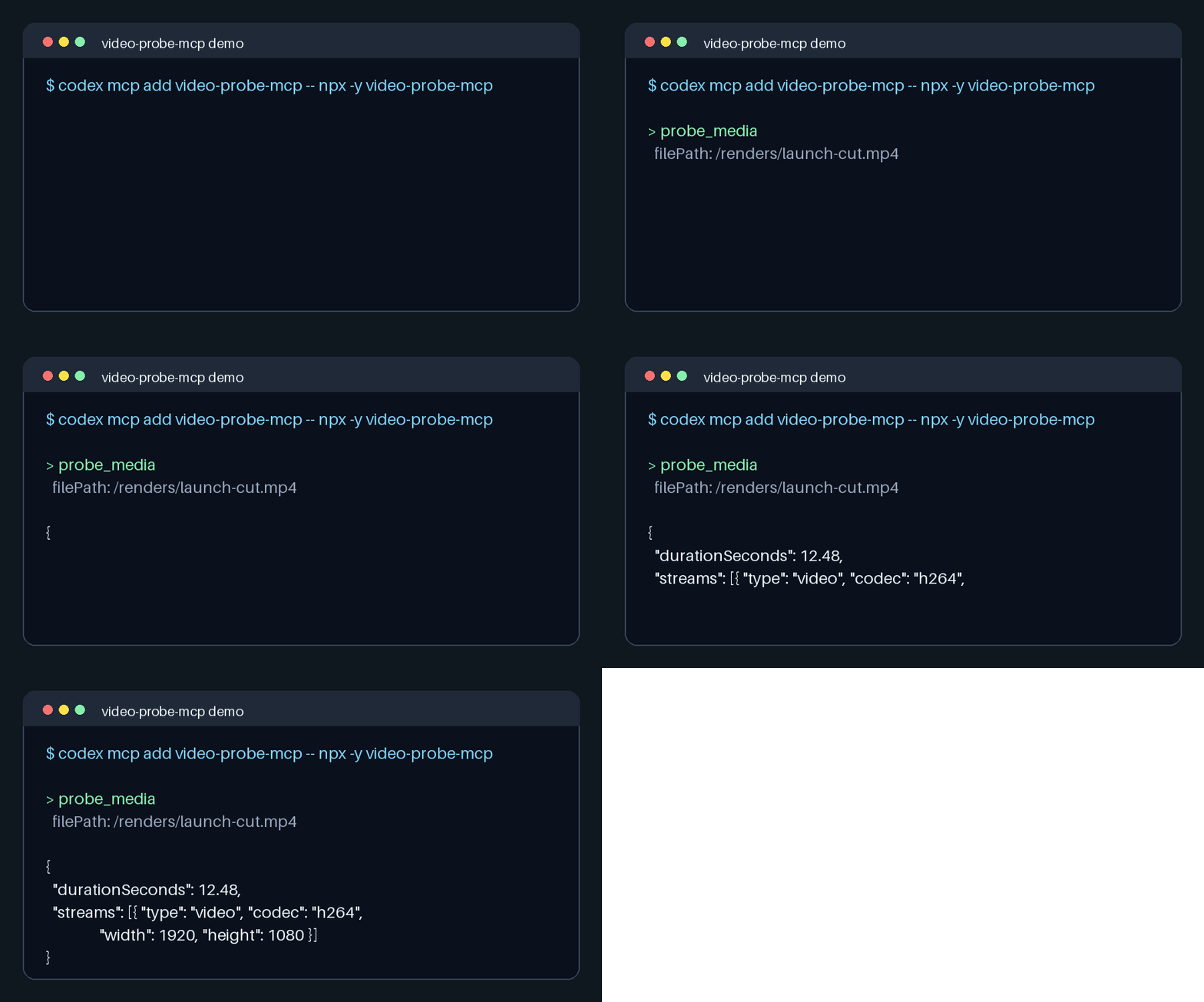

A narrow Model Context Protocol server. It wraps one system, ffprobe, and does one job: return structured media metadata from a local file.
codex mcp add video-probe-mcp -- npx -y github:omidsaffari/video-probe-mcp
What it does
- Exposes one tool,
probe_media, backed byffprobe. - Reads a local media file and returns JSON with format, duration, bitrate, file size, and stream metadata.
- Uses the bundled
ffprobe-staticbinary by default, orFFPROBE_PATHwhen you want to point at a system install.
It does not transcode, edit, upload, call a model, or reach a remote API.
Install
Codex
codex mcp add video-probe-mcp -- npx -y github:omidsaffari/video-probe-mcp
Claude Code and other MCP clients
Add to your MCP config (.mcp.json or the client's mcpServers block):
{
  "mcpServers": {
    "video-probe-mcp": {
      "command": "npx",
      "args": ["-y", "github:omidsaffari/video-probe-mcp"]
    }
  }
}
From source
git clone https://github.com/omidsaffari/video-probe-mcp
cd video-probe-mcp
npm install
npm run build
Then point your MCP client's command at:
node /absolute/path/to/video-probe-mcp/dist/index.js
Configuration
No API key is needed. By default the server uses the bundled ffprobe-static binary. To use a specific local binary, set FFPROBE_PATH:
{
  "mcpServers": {
    "video-probe-mcp": {
      "command": "npx",
      "args": ["-y", "github:omidsaffari/video-probe-mcp"],
      "env": {
        "FFPROBE_PATH": "/opt/homebrew/bin/ffprobe"
      }
    }
  }
}
See .env.example for local development.
Tool
probe_media
Input:
{
  "filePath": "/absolute/path/to/video.mp4",
  "includeRawJson": false,
  "timeoutMs": 15000
}
Output is JSON text:
{
  "format": {
    "name": "mov,mp4,m4a,3gp,3g2,mj2",
    "durationSeconds": 12.48,
    "bitRate": 3091210,
    "streamCount": 2
  },
  "streams": [
    {
      "type": "video",
      "codec": "h264",
      "width": 1920,
      "height": 1080,
      "frameRate": "30/1"
    }
  ]
}
Use absolute paths when possible. Relative paths resolve from the MCP server process cwd, which may differ by client.
Why this exists
Agentic video workflows are growing fast, but agents still need a small deterministic check before they publish a render: "what file did I actually make?" Broad media servers mix generation, editing, conversion, and provider APIs. This server is just the inspect step.
License
MIT - see LICENSE. Built by Omid Saffari.
Installing Video Probe
This server has no published package — it is built from source. Open the repository and follow its README.
▸ github.com/dvnc-labs/video-probe-mcpFAQ
Is Video Probe MCP free?
Yes, Video Probe MCP is free — one-click install via Unyly at no cost.
Does Video Probe need an API key?
No, Video Probe runs without API keys or environment variables.
Is Video Probe hosted or self-hosted?
Self-hosted: the server runs locally on your machine via the install command above.
How do I install Video Probe in Claude Desktop, Claude Code or Cursor?
Open Video Probe on unyly.org, pick your client tab (Claude Desktop, Claude Code, Cursor) and press Install — the config is generated automatically, no JSON editing.
Related MCPs
Omni Video
An MCP server that transforms LLM-enabled IDEs into professional video editors by pre-processing footage into text proxies, generating motion graphics via HTML/
 by buildwithtaza
ARA
Generate images, video and audio from any AI agent — one connector.
 by ARA
YouTube
Transcripts, channel stats, search
 by YouTube
EverArt
AI image generation using various models.
 by modelcontextprotocol
Compare Video Probe with
Not sure what to pick?
Find your stack in 60 seconds
Author?
Embed badge for your README
Browse similar
All media MCPs