
VidMCP
FreeNot checkedMCP server for video editing with text-prompt subject segmentation and compositing effects behind subjects. Enables agent-driven video creation and education an

About
MCP server for video editing with text-prompt subject segmentation and compositing effects behind subjects. Enables agent-driven video creation and education animations.
README
VidMCP
Agents don’t describe video. They cut it.


MCP server for agent video editing — mattes · behind-the-subject VFX · audio polish · captions · export
Built by Dhiraj Lochib · vidmcp.com · uv tool install vidmcp
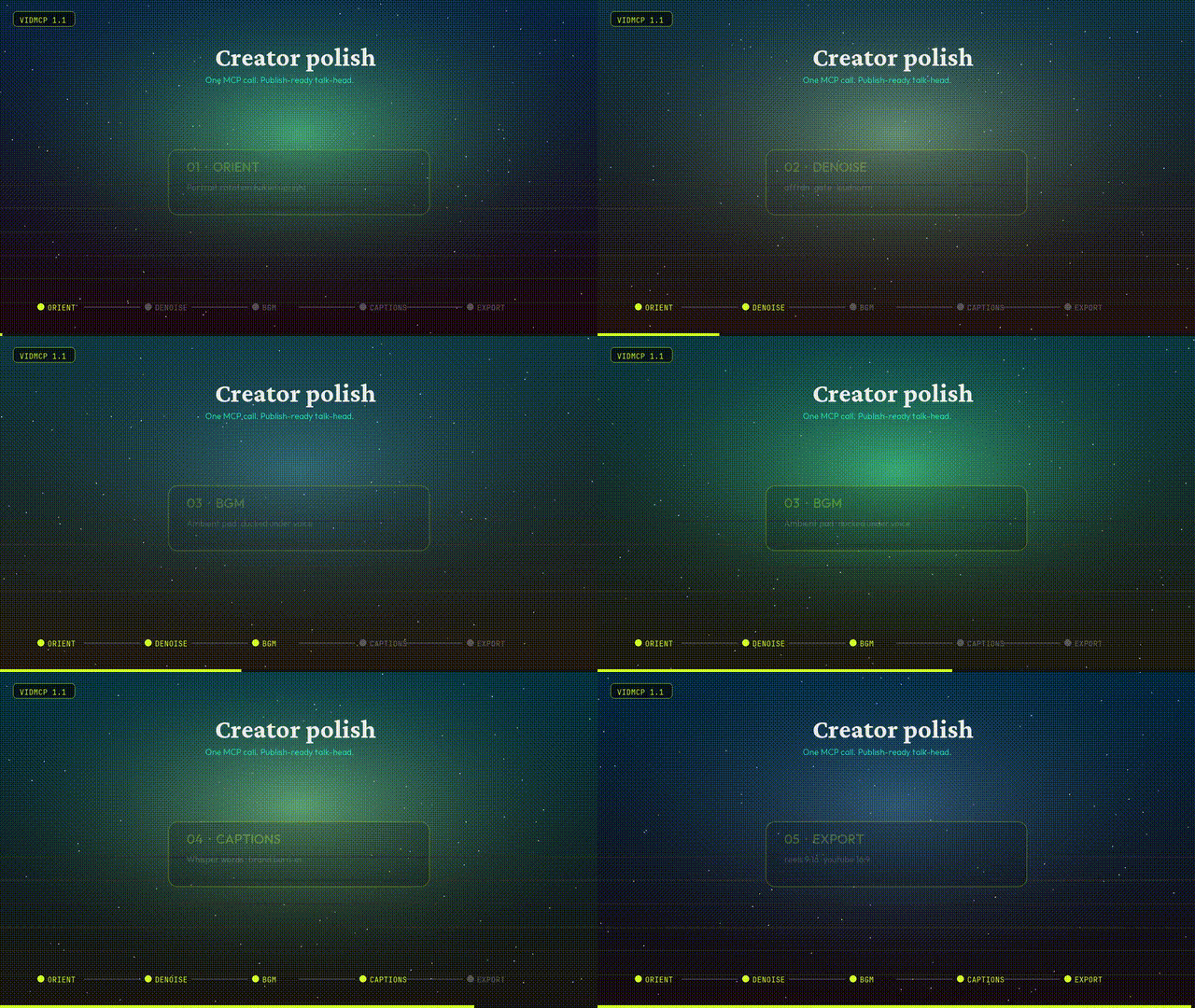
Creator polish pipeline
One call for a publish-ready talk-head:
orient → denoise → BGM → captions → optional BG replace → export preset
| Tool | What it does |
|---|---|
run_talking_head_polish |
Full recipe in one shot |
process_audio |
Denoise · gate · EQ · loudnorm |
mix_bgm |
Ambient pad under voice (ducking) |
transcribe_and_caption |
Whisper words + brand burn-in |
replace_background |
Matte + space / blur / solid plate |
smart_cut_hesitations |
Dead air & filler removal |
export_render |
youtube_16x9 · reels_9x16 · square_1x1 |
import_video |
Bakes portrait rotation upright by default |
from vidmcp.tools.creator import run_talking_head_polish

print(run_talking_head_polish(
    "talk.mov",
    preset="reels_9x16",
    bg_mode="space",   # none | space | blur | solid
    strength=0.75,
    bgm_volume=0.35,
))
MCP agents can also call apply_recipe(..., recipe_name="talking_head_polish") or free-text run_intent(...).
Agent context (tool packs + compact results)
Agents drown when MCP hosts load ~90 tool schemas and fat JSON. VidMCP defaults to a small surface:
| Setting | Default | Purpose |
|---|---|---|
VIDMCP_TOOL_PACK |
talking_head |
Expose only the tools for that product path |
VIDMCP_COMPACT |
1 |
Drop heavy keys / truncate long payloads |
VIDMCP_MAX_RESULT_CHARS |
4000 |
Hard cap on serialized tool results |
Packs: talking_head · education · vfx · admin · all
run_intent("polish talk head for reels, space bg, cut fillers", video_path="talk.mov")
project_brief(project_id)          # prefer over full get_project
list_tool_packs() / set_tool_pack("vfx")
get_project(id, detail=true)       # full manifest only when needed
Recipes: talking_head_polish · talking_head_reels · talking_head_space · talking_head_tight · talking_head_infographics.
For full surface (debug): VIDMCP_TOOL_PACK=all.
Gallery
1.1 Creator polish — orient · denoise · BGM · captions · export
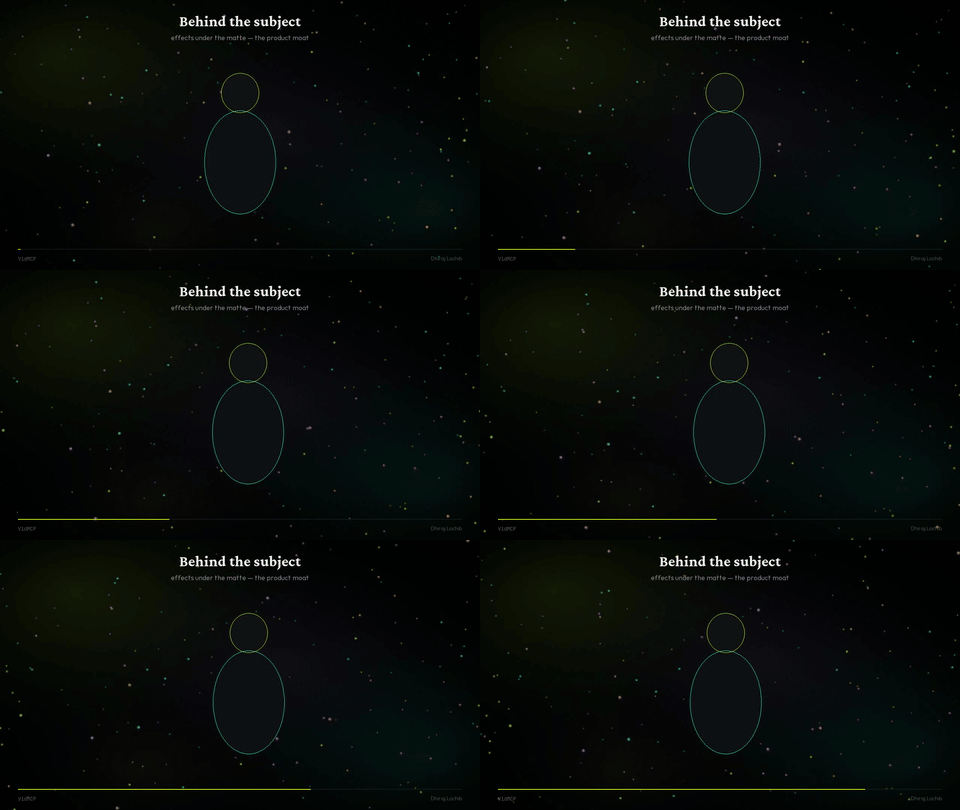 Behind the subject |
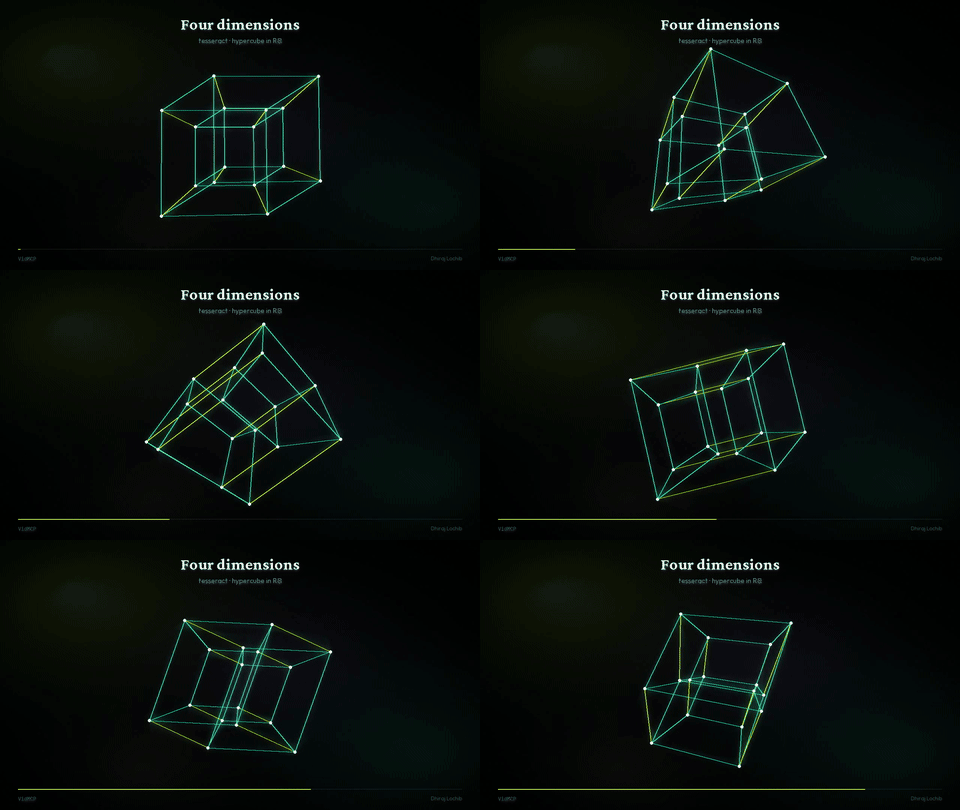 Tesseract · 4D trails |
 Flow field |
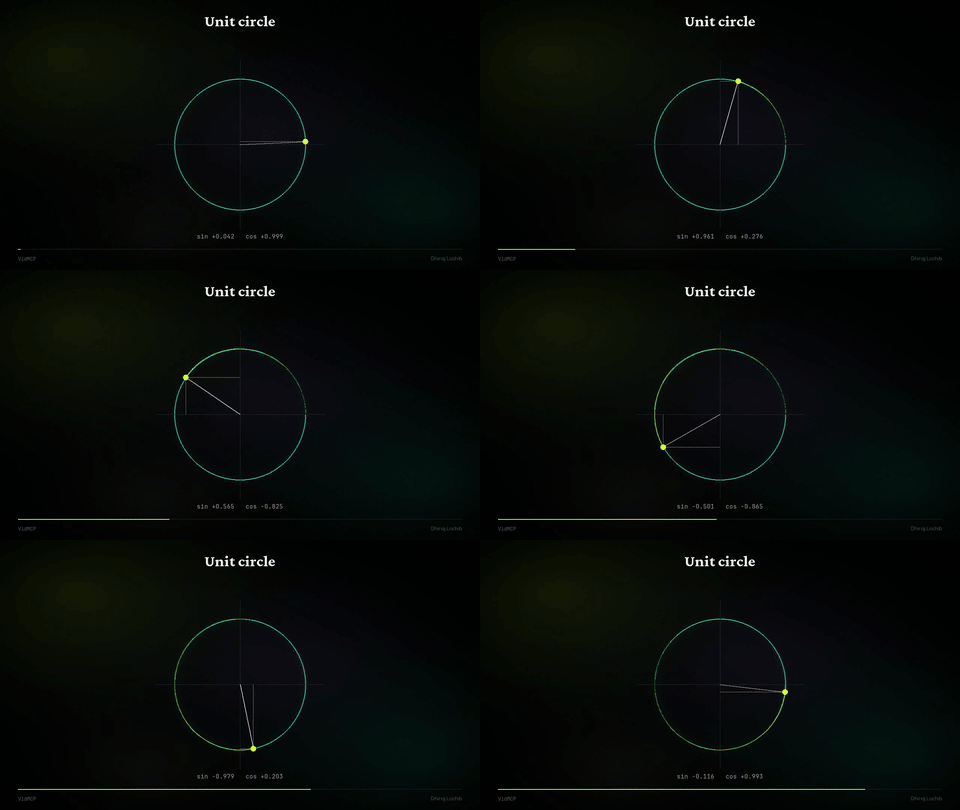 Unit circle |
| Sample | GIF | MP4 |
|---|---|---|
| Creator polish | gif | mp4 |
| Flow field | gif | mp4 |
| Tesseract | gif | mp4 |
| Behind the subject | gif | mp4 |
| Kinetic | gif | mp4 |
| Unit circle | gif | mp4 |
| Pipeline | gif | mp4 |
Install
Needs: Python 3.11+, ffmpeg, uv recommended
uv tool install vidmcp
vidmcp --doctor

# or
pip install 'vidmcp[creator]'   # + faster-whisper + mediapipe
MCP (Grok / Claude / Cursor)
# Grok
grok mcp add vidmcp \
  -e VIDMCP_SAM_BACKEND=mock \
  -e VIDMCP_WORKSPACE_ROOT=$HOME/vidmcp-workspaces \
  -e VIDMCP_TOOL_PACK=talking_head \
  -e VIDMCP_COMPACT=1 \
  -- uvx vidmcp
{
  "mcpServers": {
    "vidmcp": {
      "command": "uvx",
      "args": ["vidmcp"],
      "env": {
        "VIDMCP_SAM_BACKEND": "mock",
        "VIDMCP_WORKSPACE_ROOT": "/path/to/workspaces",
        "VIDMCP_TOOL_PACK": "talking_head",
        "VIDMCP_COMPACT": "1"
      }
    }
  }
}
Optional real matte on Apple Silicon:
pip install 'vidmcp[mlx]'
export VIDMCP_SAM_BACKEND=mlx
export VIDMCP_MLX_MODEL_ID=mlx-community/sam3.1-bf16
Core product
| Segment | Text-prompt subject matte (SAM / MLX / MediaPipe / mock) |
| Compose | Effects behind the subject |
| Audio | Denoise, enhance, BGM duck, loudnorm |
| Captions | Whisper timeline + brand burn-in |
| Educate | Math plates + speech-locked scenes |
| Export | 16:9 · 9:16 · 1:1 without stretch |
create_project → import_video (orient)
  → process_audio → mix_bgm
  → segment_subject | replace_background
  → transcribe_and_caption → export_render
Prefer high-level paths: run_talking_head_polish · apply_recipe · run_quality_gated_pipeline.
Project layout
src/vidmcp/     MCP server, creator tools, perception, effects
demos/samples/  GIFs · MP4s for README & site
site/           vidmcp.com (static Hostinger)
configs/        Claude / Cursor snippets
Author
Dhiraj Lochib — Full-Stack, Blockchain, AI
dhirajlochib.com · GitHub · LinkedIn · [email protected]
License
Install VidMCP in Claude Desktop, Claude Code & Cursor
unyly install vidmcpInstalls into Claude Desktop, Claude Code, Cursor & VS Code — handles npx, uvx and build-from-source repos for you.
First time? Get the CLI: curl -fsSL https://unyly.org/install | sh
Or configure manually
Run in your terminal:
claude mcp add vidmcp -- uvx vidmcpFAQ
Is VidMCP MCP free?
Yes, VidMCP MCP is free — one-click install via Unyly at no cost.
Does VidMCP need an API key?
No, VidMCP runs without API keys or environment variables.
Is VidMCP hosted or self-hosted?
Self-hosted: the server runs locally on your machine via the install command above.
How do I install VidMCP in Claude Desktop, Claude Code or Cursor?
Open VidMCP on unyly.org, pick your client tab (Claude Desktop, Claude Code, Cursor) and press Install — the config is generated automatically, no JSON editing.
Related MCPs
Omni Video
An MCP server that transforms LLM-enabled IDEs into professional video editors by pre-processing footage into text proxies, generating motion graphics via HTML/
 by buildwithtaza
ARA
Generate images, video and audio from any AI agent — one connector.
 by ARA
YouTube
Transcripts, channel stats, search
 by YouTube
EverArt
AI image generation using various models.
 by modelcontextprotocol
Compare VidMCP with
Not sure what to pick?
Find your stack in 60 seconds
Author?
Embed badge for your README
Browse similar
All media MCPs