
Notifications
БесплатноНе проверенEnables MCP agents to send desktop notifications for completed tasks, failures, and important updates, providing visible and reliable feedback.

Описание
Enables MCP agents to send desktop notifications for completed tasks, failures, and important updates, providing visible and reliable feedback.
README
🚀 Ship faster. Miss nothing.
mcp-notifications lets your MCP agent send desktop notifications for completed tasks, failures, and important updates.
This is especially useful for console AI agents, because they usually have no built-in notifications by default.
No more checking chats every minute.
No more silent agent responses.
Just visible, reliable feedback on your desktop. 🔔
Common problem this solves
You give tasks to several AI agents, then wait and keep checking who already replied.
With mcp-notifications, this gets simpler: the agent can notify you on desktop when it needs your input or when work
is done.
Why teams install this
- ⚡ Immediate feedback from your MCP workflows.
- 🧠 Better focus: let the agent work while you stay on your main task.
- 🖥️ Native OS notifications via
node-notifier. - 🧵 Non-blocking behavior: notification sending is queued in background.
Install globally
Requirements:
- Node.js
>=20 - npm
>=10
npm i -g @topvisor/mcp-notifications
Executable name (use this in MCP config):
mcp-notifications
mcp-notifications is an MCP server entrypoint (stdio), not a one-shot notification command.
Setup: Codex
Add this to ~/.codex/config.toml:
[mcp_servers.notifications]
enabled = true
command = "mcp-notifications"
args = []
Restart Codex after config update.
Setup: Claude Agent
Add MCP server config to your Claude client config file:
{
  "mcpServers": {
    "notifications": {
      "command": "mcp-notifications",
      "args": []
    }
  }
}
Then restart Claude client.
AI Agent Notification Instructions
There are two approaches to notifications: manual and automatic.
Choose the one that works better for your workflow.
Manual
In a task where you want to be notified, explicitly ask the agent. Example:
Count files in the project; after the task is fully complete, notify me with sound.
You can also define sound, topic, and frequency rules inside a specific chat. Example:
Notify me about your replies without sound, include the reply text, and use title: "Large Refactoring"
Automatic
Automatic notifications can be configured globally or per project.
Example instruction to enable automatic notifications for agent replies:
Send `send_notification` after your replies (actual task time >5 seconds or many steps); `play_sound: false`; `app_id: '{put your chat name here}'`
Time is a rough threshold and depends on model behavior, so adjust this instruction to your own preferences.
In Skills
You can also enable notifications in specific skills. Example for a Review skill:
After the review, run `send_notification` with a short summary; `play_sound: true`; `app_id: 'Reviewer {put task id here}'`
Tool
send_notification
Input:
titlestring(required)messagestring(required)play_soundboolean(optional, default:false)iconstring(optional, absolute or relative path to image file)app_idstring(optional, Windows App User Model ID for toast source)
Example:
{
  "title": "Codex",
  "message": "Deployment completed successfully",
  "play_sound": true,
  "icon": "/opt/mcp-notifications/icons/custom.png",
  "app_id": "Topvisor.Codex"
}
app_id (Windows)
app_idcontrols the source shown in Windows toast notifications.- If
app_idis not set, Windows may showSnoreToastas the source. - You can pass
app_idin each tool call, or setMCP_NOTIFICATIONS_APP_IDas an environment variable for the server.
Backend selection
You can select notification transport via env MCP_NOTIFICATIONS_BACKEND:
auto(default): usespowershellin WSL if available, otherwisenode-notifierpowershell: forcepowershell.exeWindows toast transport (recommended for WSL)node-notifier: forcenode-notifierpackage
Chat Prompts To Test In Codex
Use these messages directly in chat:
Check send_notification
Send a notification without sound: title "Test", message "Check"
Send a notification with sound: title "Test", message "Check"
Send a notification with app_id "Topvisor.Codex": title "Test", message "Check"
Send 3 test notifications in a row without sound
Expected tool result in logs/response:
Notification queued
Behavior
- ✅ Uses standard system notification channels.
- 🔊 Uses the standard system notification sound when
play_sound: true. - 🤖 Uses bundled Topvisor robot image as default notification icon.
- 🧰 Returns quickly while notifications are delivered in background queue.
Example
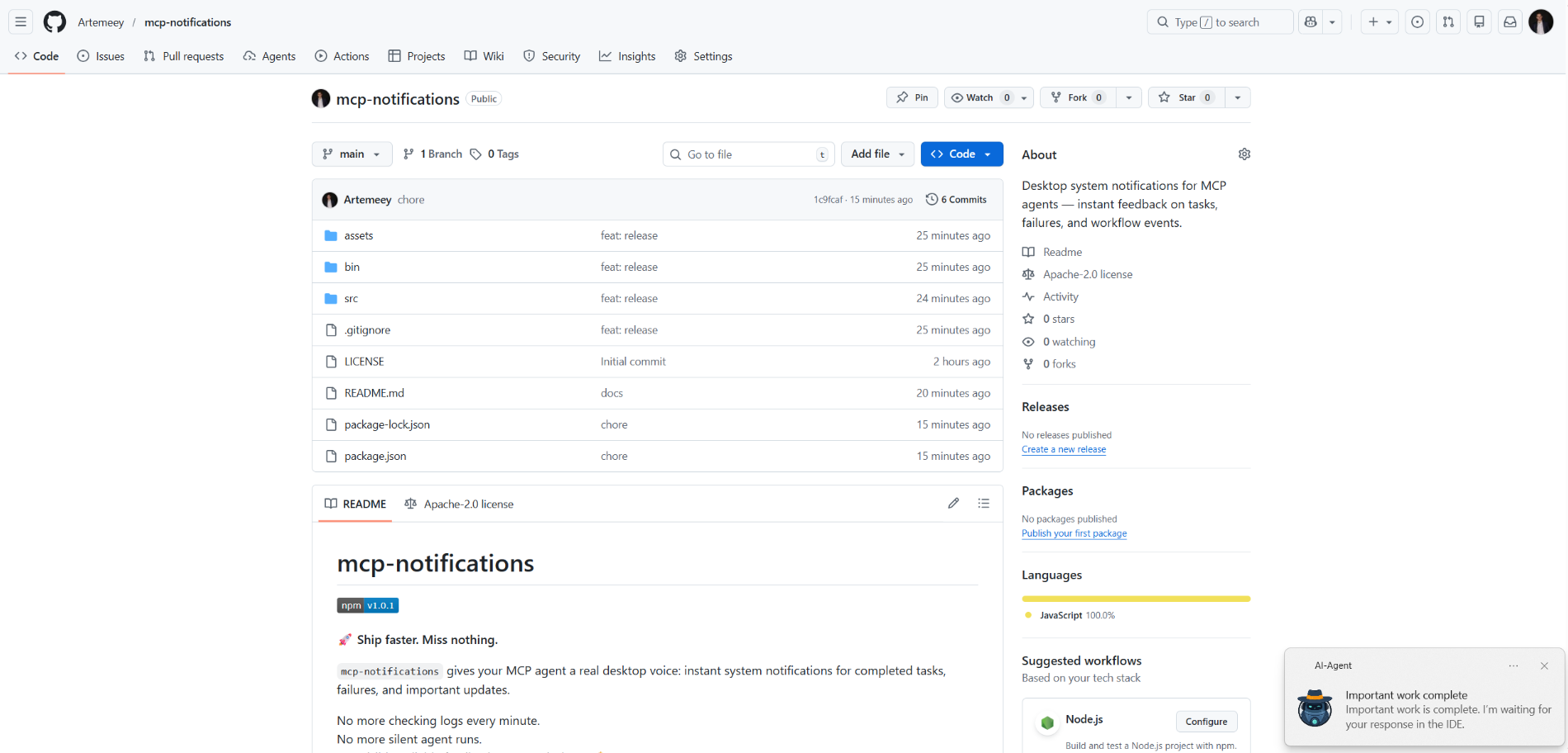
The AI agent is waiting for you:
Установка Notifications
У этого сервера нет опубликованного пакета — он собирается из исходников. Открой репозиторий и следуй инструкции в README.
▸ github.com/Artemeey/mcp-notificationsFAQ
Notifications MCP бесплатный?
Да, Notifications MCP бесплатный — установка в пару кликов через Unyly без оплаты.
Нужен ли API-ключ для Notifications?
Нет, Notifications работает без API-ключей и переменных окружения.
Notifications — hosted или self-hosted?
Self-hosted: сервер запускается локально на твоей машине командой из раздела установки.
Как установить Notifications в Claude Desktop, Claude Code или Cursor?
Открой Notifications на unyly.org, выбери вкладку своего клиента (Claude Desktop, Claude Code, Cursor) и нажми Install — конфиг сгенерируется автоматически, без правки JSON.
Похожие MCP
GitHub
PRs, issues, code search, CI status
 автор: GitHub
Filesystem
Secure file operations with configurable access controls.
Memory
Knowledge graph-based persistent memory system.

Unyly Deploy
Deploy sites and MCP servers to Unyly straight from your AI agent
 автор: Unyly
Amap Maps Mcp Server
MCP server for using the AMap Maps API
 автор: duxiaohui
PayMCP
Lightweight payments layer for MCP servers: turn tools into paid endpoints with a two-line decorator. [PyPI](https://pypi.org/project/paymcp/) · [npm](https://w
 автор: blustAI
Server For Power BI
Enables exploring Microsoft Fabric / Power BI workspaces and semantic models, and executing ad-hoc DAX queries.
 автор: Mitsubishi-Fuso
Template MCP Server
A CLI tool to create a new Model Context Protocol server project with TypeScript support, dual transport options, and an extensible structure
 автор: mcpdotdirect
Supabase
Database, auth and storage
 автор: Supabase
Everything
Reference / test server with prompts, resources, and tools.
Compare Notifications with
Не уверен что выбрать?
Найди свой стек за 60 секунд
Автор?
Embed-бейдж для README
Похожее
Все в категории development